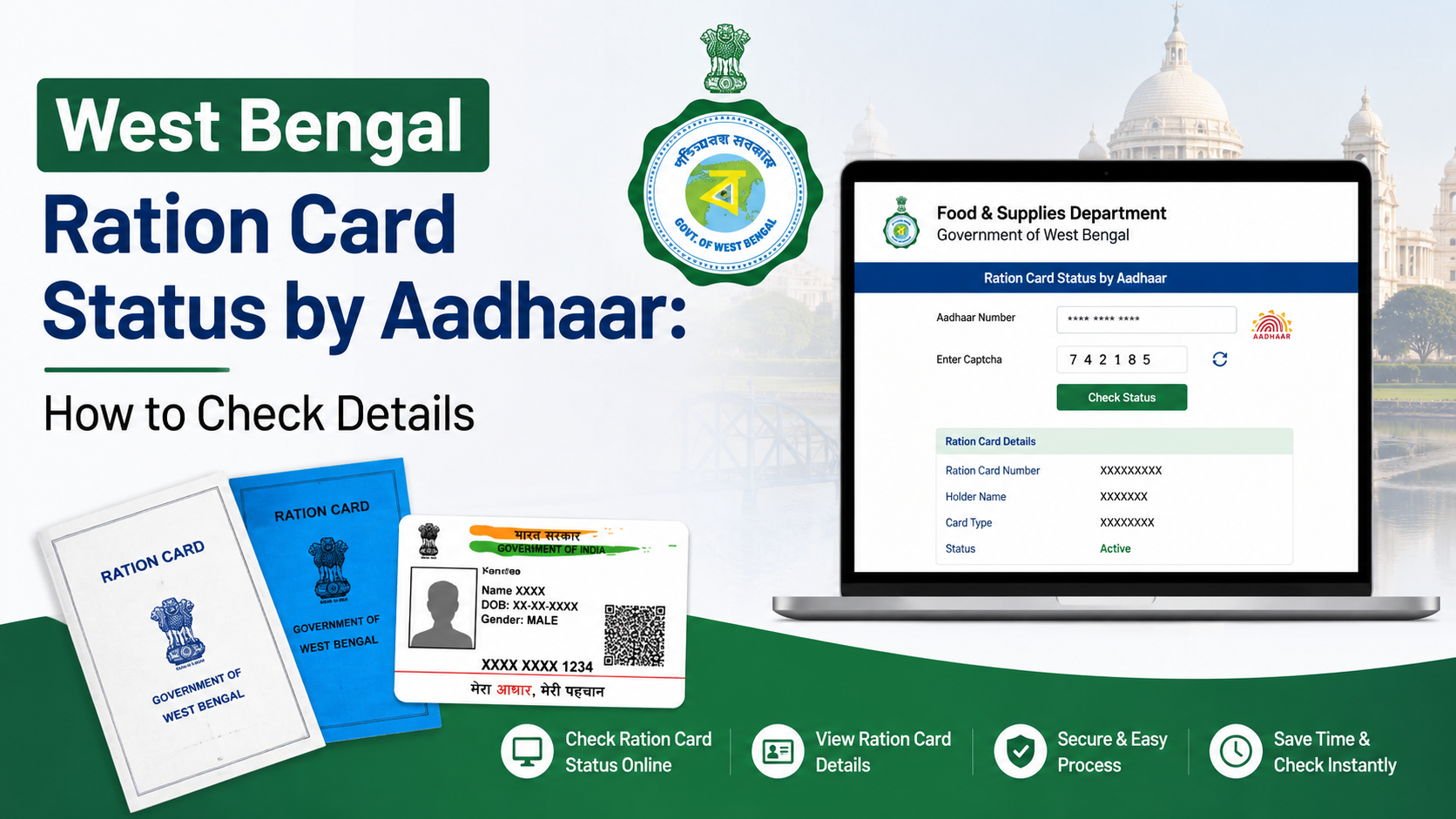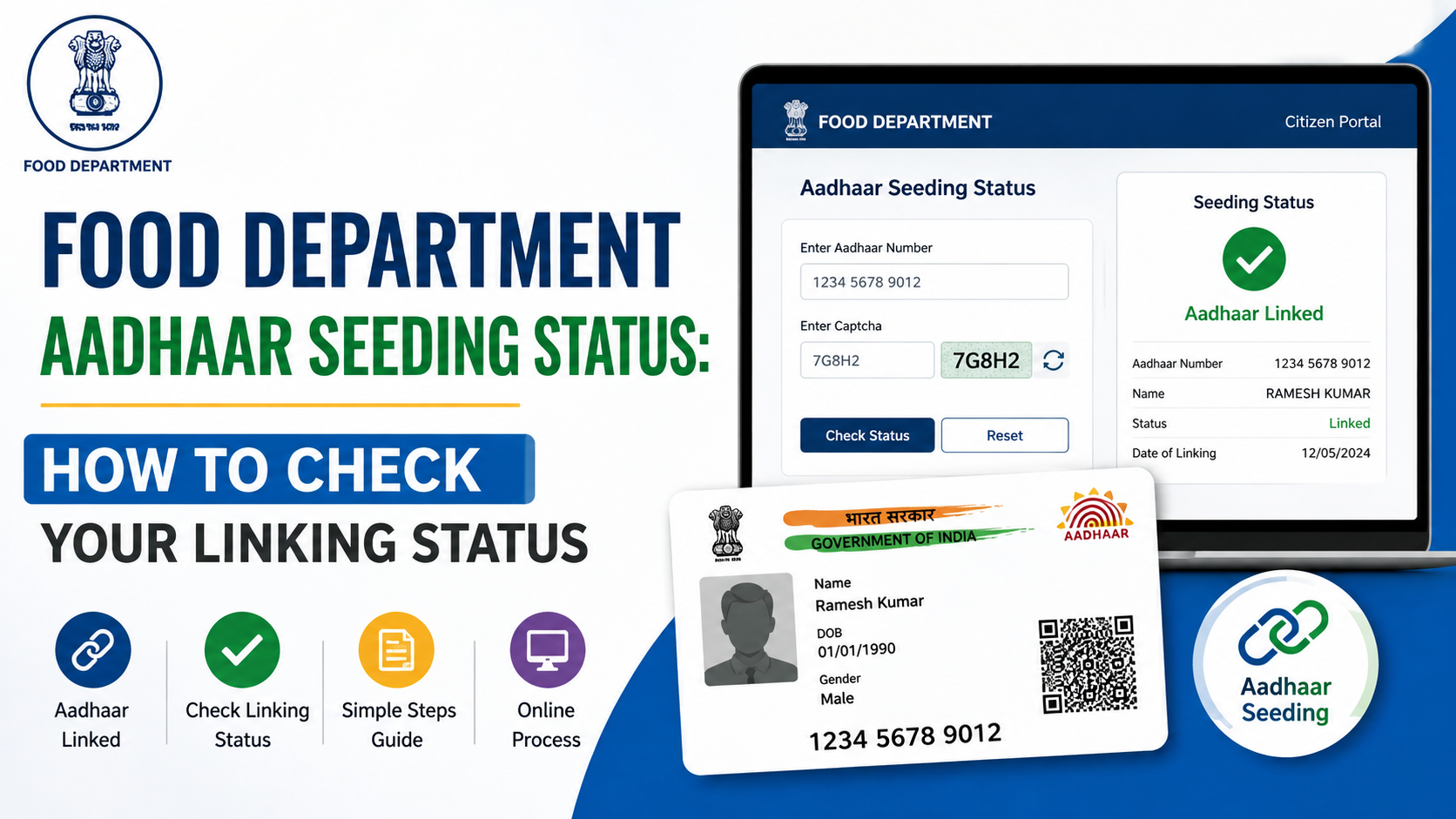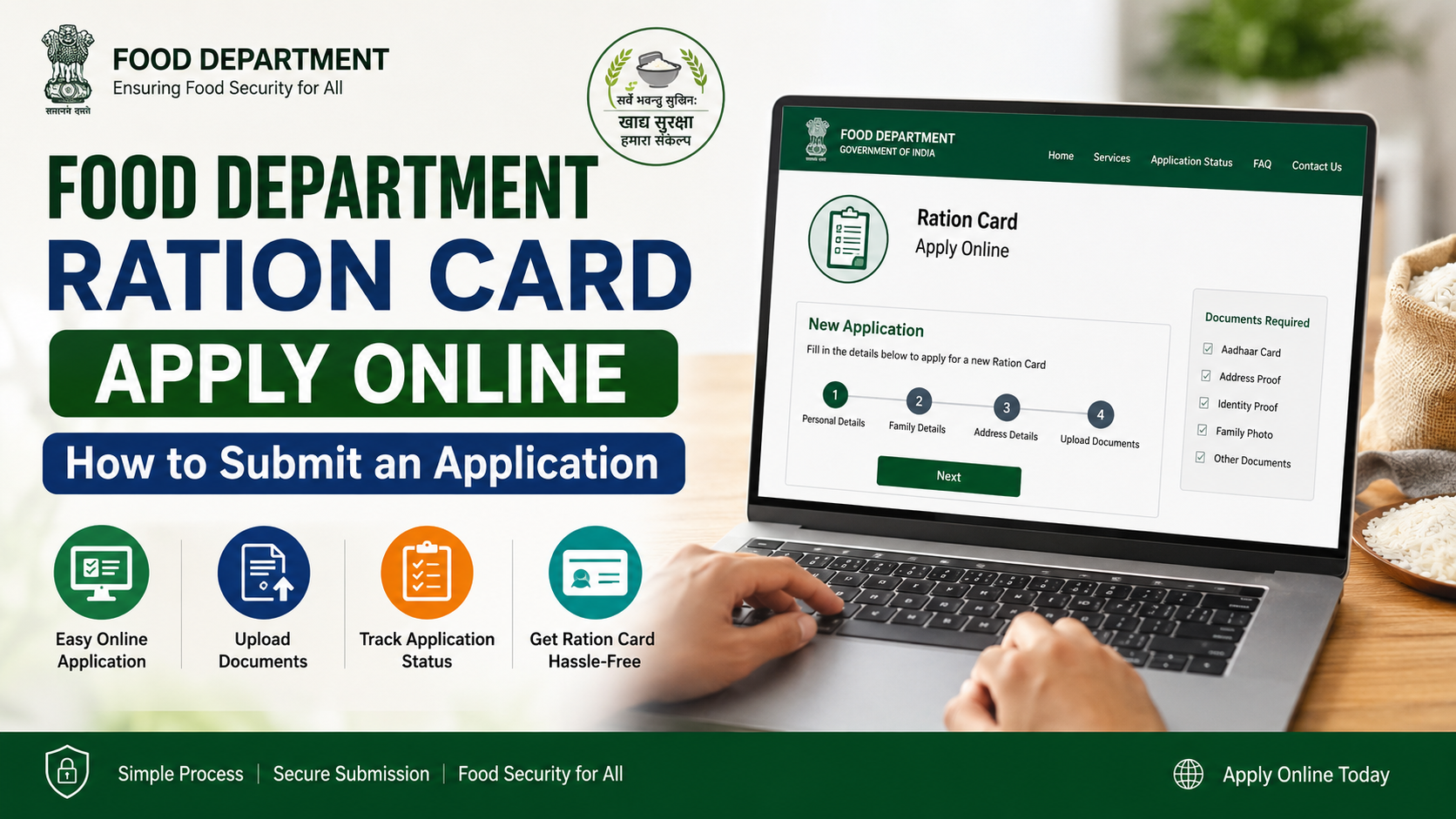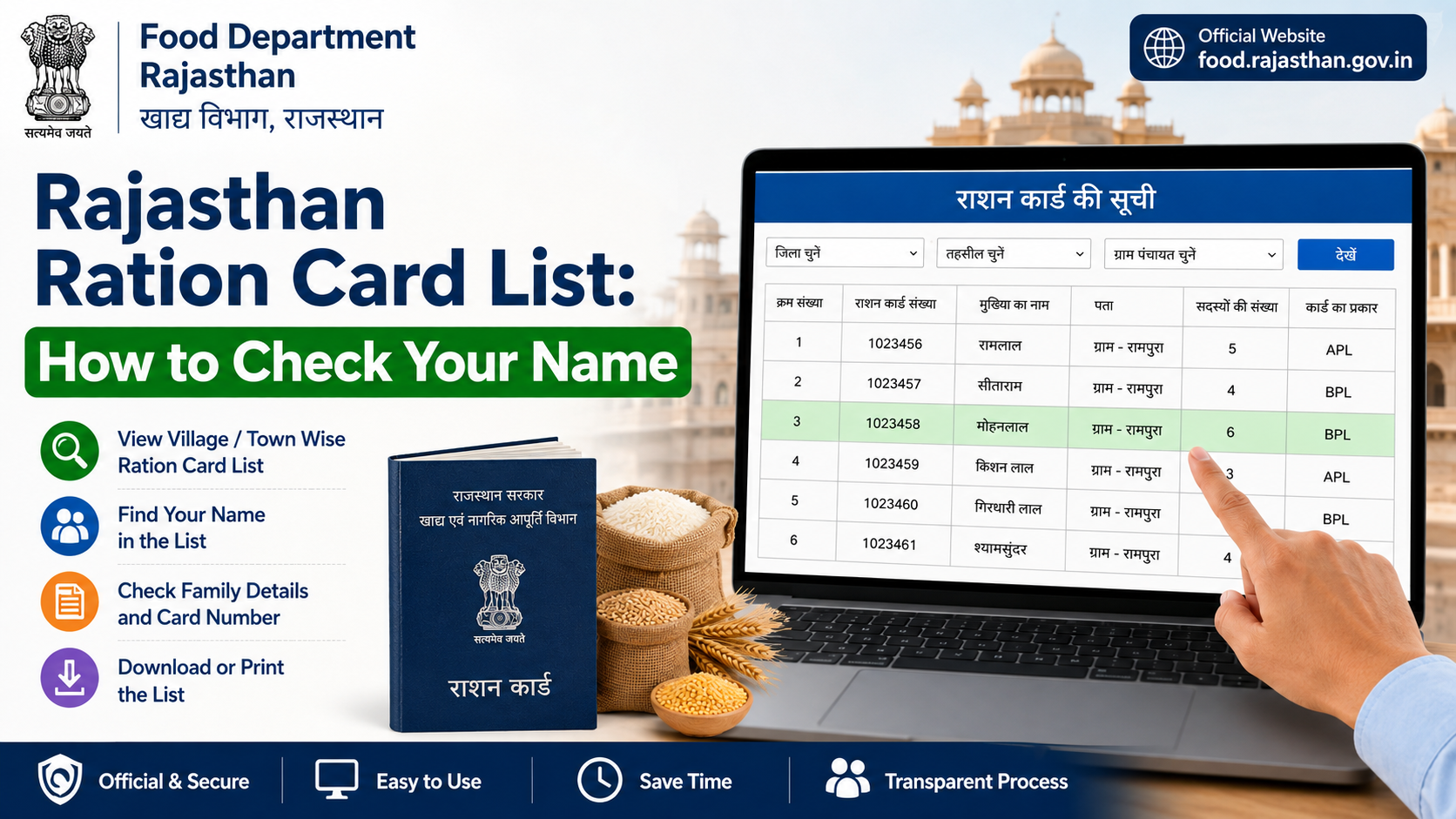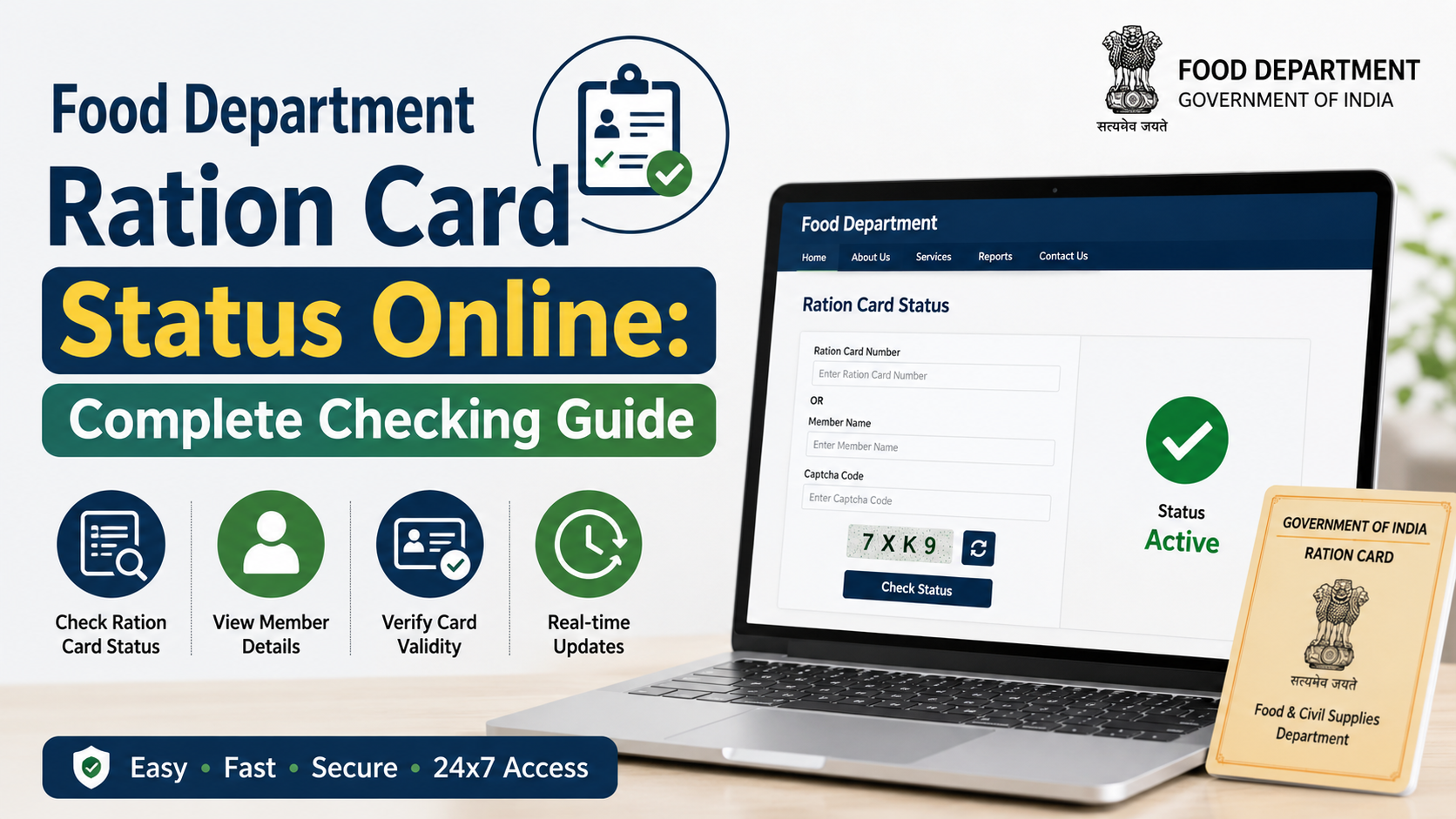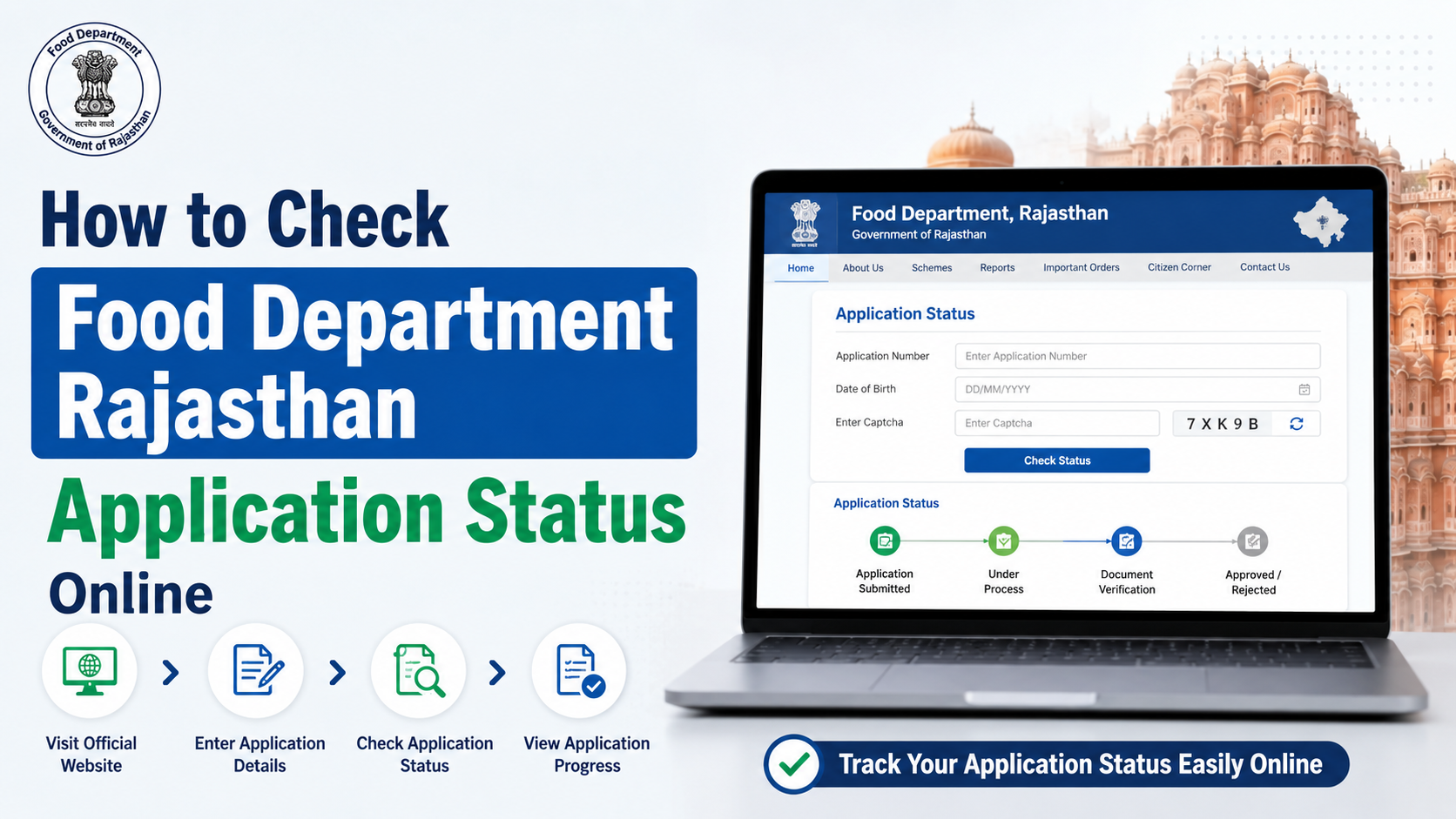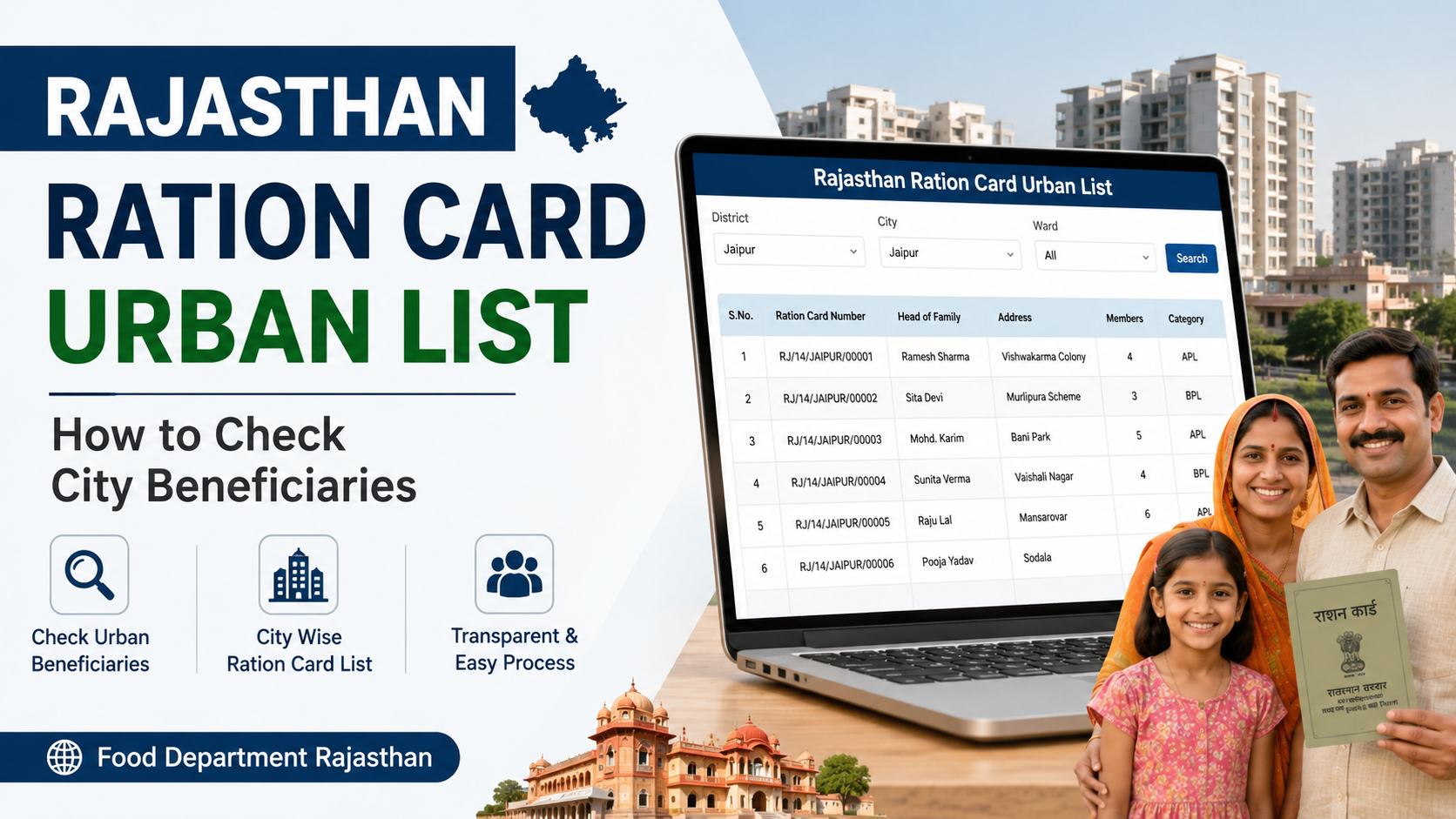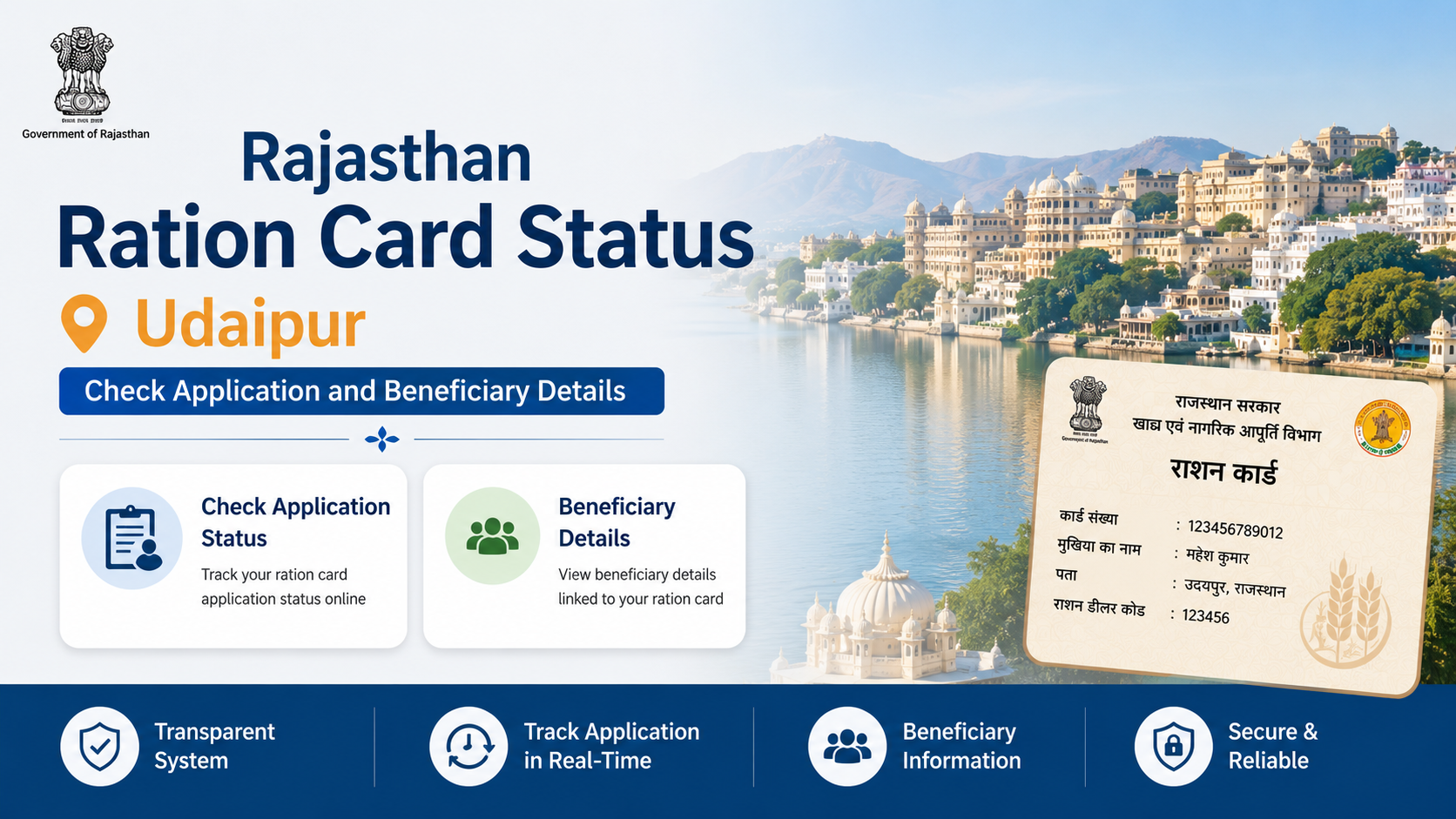
In India, ration-card and food-security applications are administered mainly by the relevant State or Union Territory Food and Civil Supplies Department. Therefore, there is no single national page that displays every application. The National Food Security Act (NFSA) portal directs applicants to their State/UT food portal for applying and checking status. NFSA State/UT portal directory
This guide explains how to check your food department application status online, what information you need, how to interpret common status messages and what to do if your request is delayed or rejected.
Key Takeaways
- Use the NFSA State/UT directory to reach the official food portal for your place of application.
- Keep your application or acknowledgement number, registered mobile number and submission date available.
- The menu may be called “Application Status”, “Track Application”, “Ration Card Status” or “RCMS Status”.
- A status such as “Pending for verification” does not mean approval; field verification may still be required.
- Never share Aadhaar OTPs, bank details or portal passwords with agents or callers.
- For unresolved PDS issues, use the official grievance facility or call the national food helpline at 1967; state-specific numbers may also apply. DFPD contact information
What does “food department application status” mean?
The phrase usually refers to the progress of a request submitted to a Food, Civil Supplies and Consumer Affairs Department. Common requests include:
- New ration-card issuance
- Addition or deletion of a family member
- Address or household-head modification
- Ration-card transfer between locations
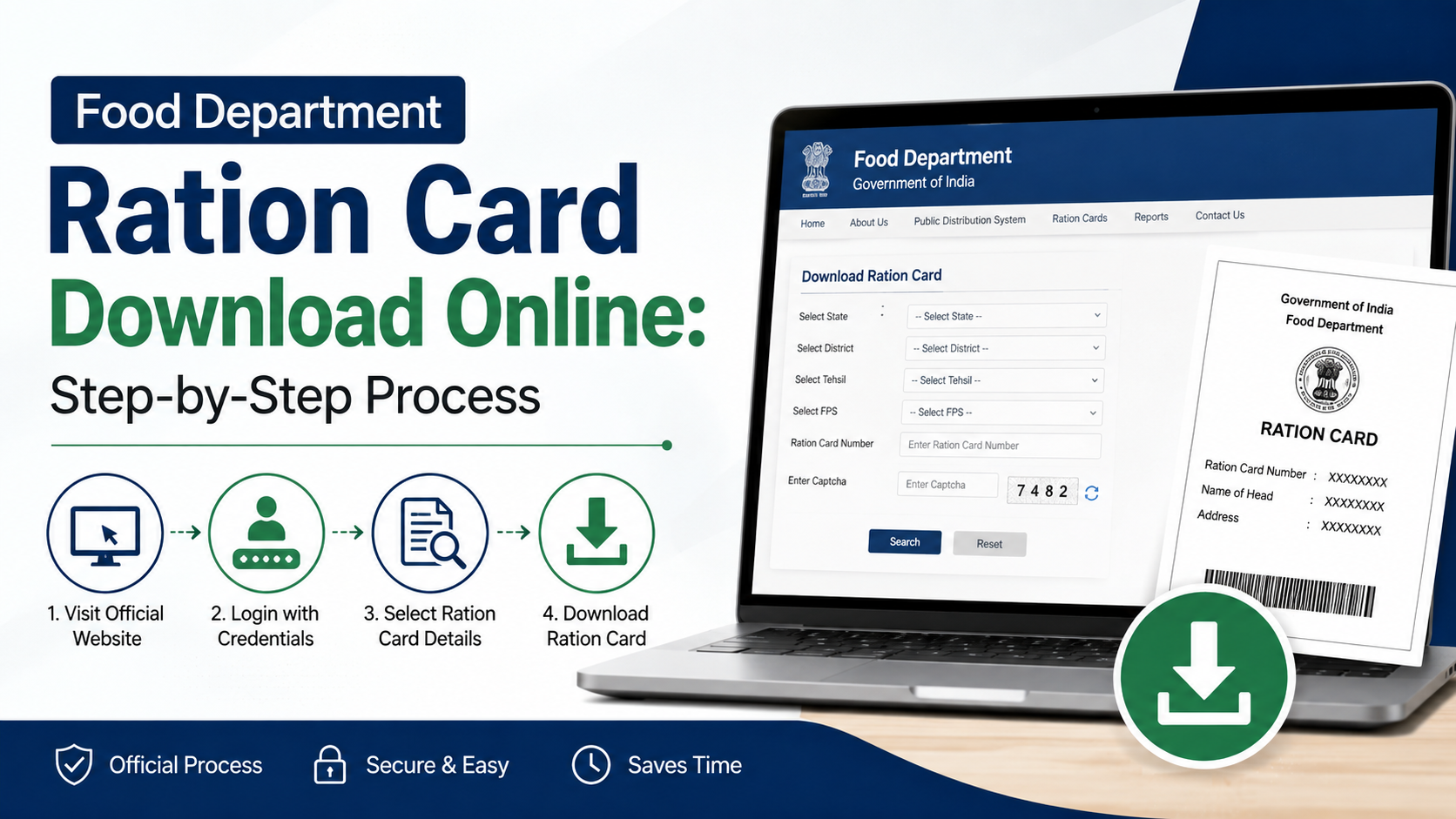
- Duplicate or replacement card
- Surrender or cancellation
- NFSA, Antyodaya Anna Yojana (AAY) or Priority Household (PHH) applications
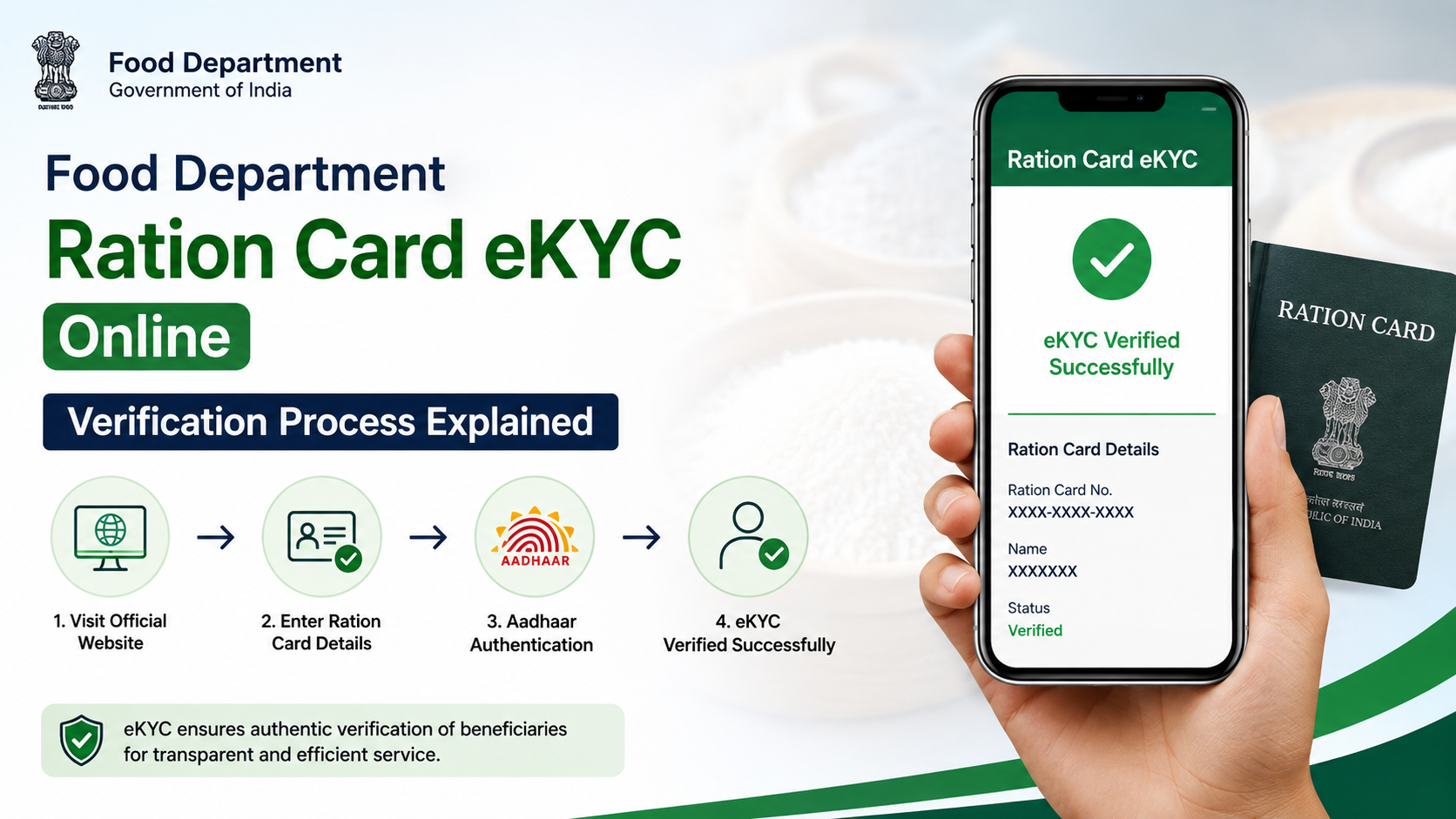
- Aadhaar seeding, e-KYC or beneficiary-detail corrections
- Food-subsidy or PDS-related grievances
The exact workflow differs by State/UT. Under NFSA, identification of eligible households and issuance of AAY and PHH cards are handled by State Governments and UT Administrations, not by a single central issuing office. NFSA application guidance
Where to check your application status online
1. Start with the NFSA State/UT directory
Open the official NFSA State/UT portal list and select the state or Union Territory where you submitted the request. The directory links to state ration-card reports and, where available, the relevant application or management system.
Check that:
- The domain is a government website, generally ending in
.gov.inor.nic.in. - The page identifies the Food, Civil Supplies or PDS authority.
- The site uses HTTPS before you enter personal information.
- The service relates to your state and type of request.
2. Use your State/UT food portal
On the state website, look for labels such as:
- Ration Card Application Status
- Track Application
- Know Your Application Status
- RCMS (Ration Card Management System)
- Citizen Services
- NFSA Application Status
- Grievance Status
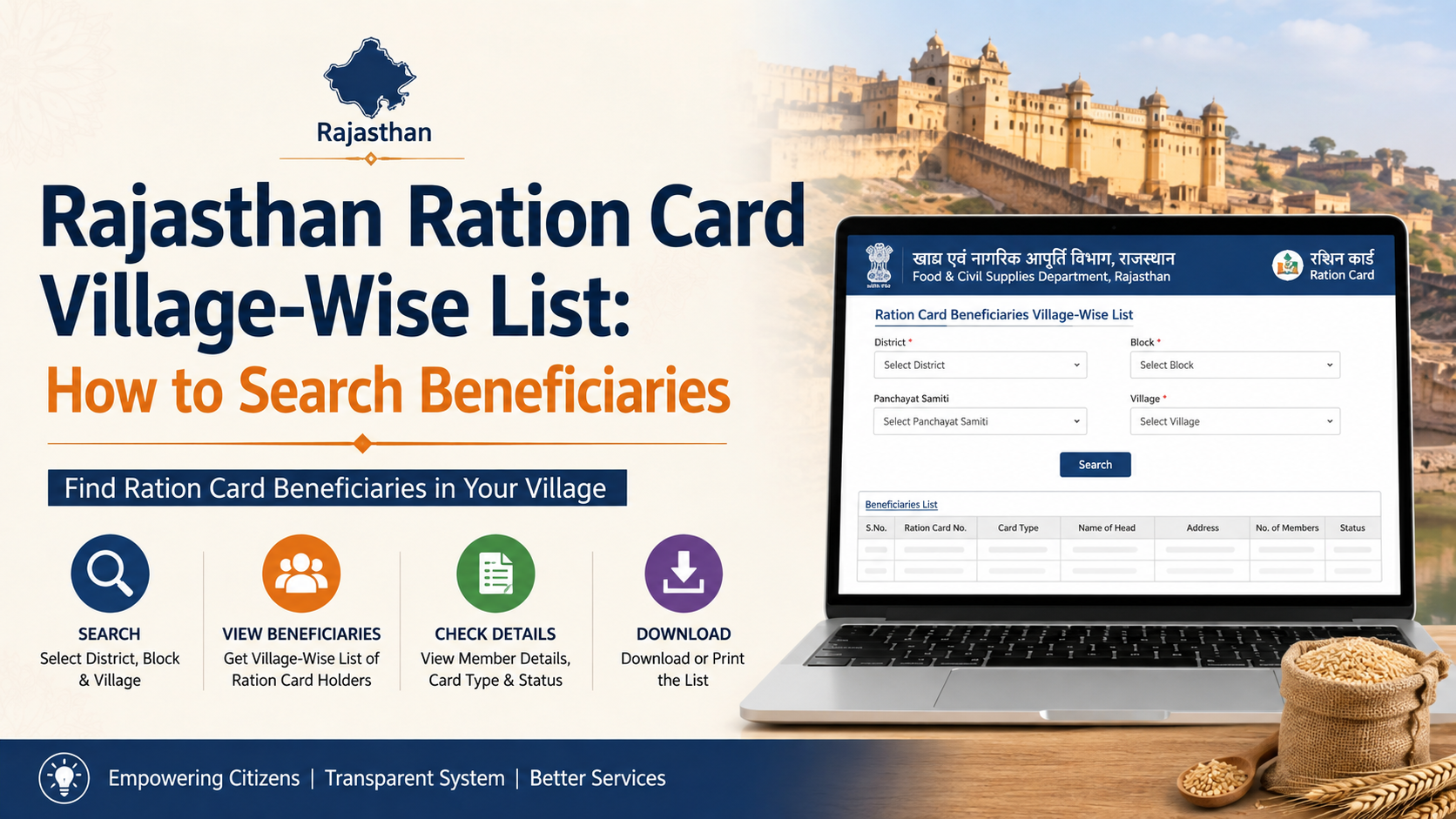
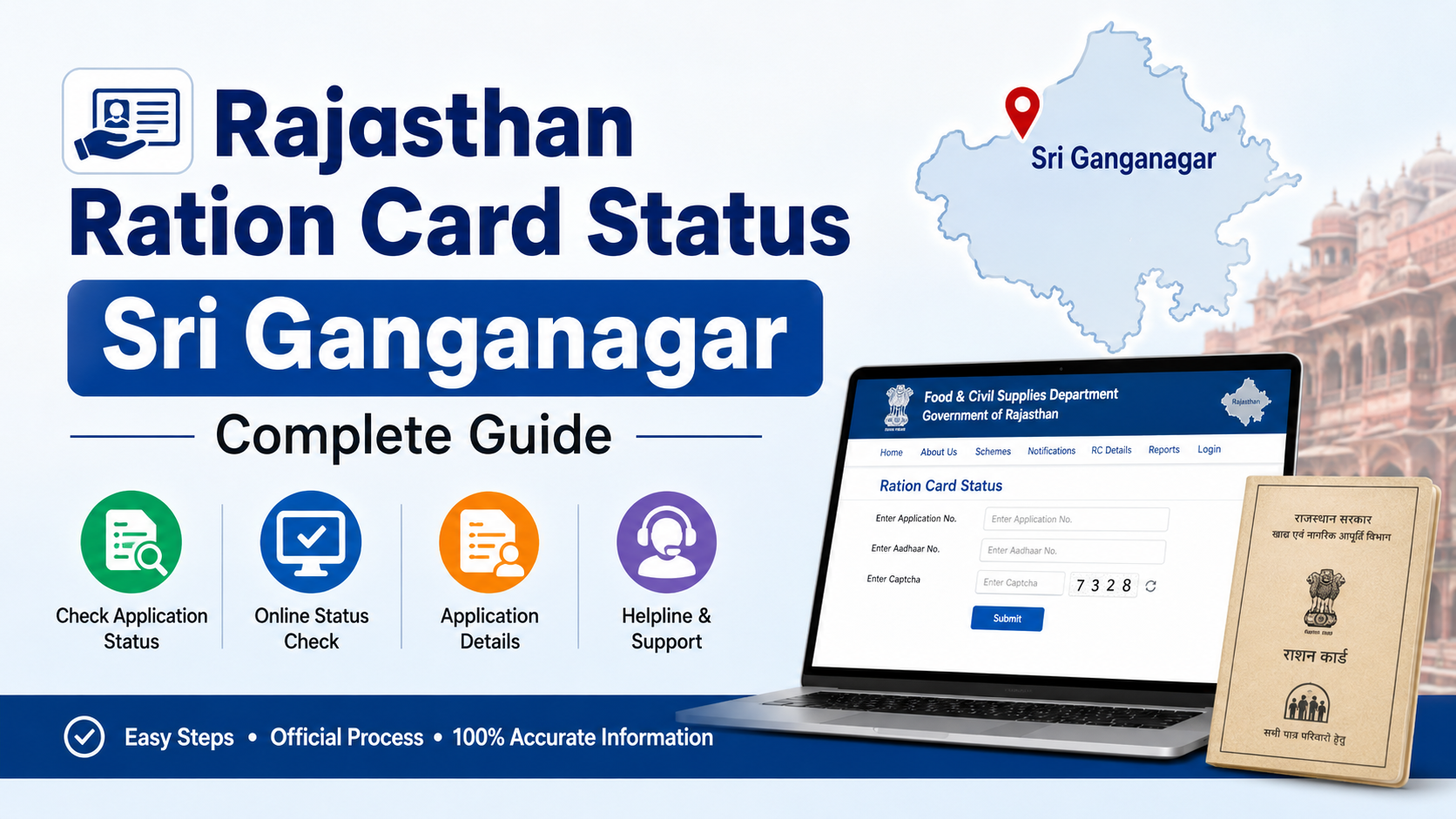
For example, Rajasthan’s Food Department website lists a dedicated “Ration Card Application Status” service, and the Government Services Portal describes it as an online facility for checking the current status of a ration-card application. Rajasthan Food Department · National Government Services Portal—Rajasthan
Information required to track a request
Most portals ask for one or more of the following:
| Information | Where to find it |
|---|---|
| Application or acknowledgement number | Receipt, submission confirmation or SMS |
| Ration-card number | Existing card or digital card |
| Registered mobile number | Mobile used during registration |
| Applicant or head-of-household name | Submitted application |
| District, block, ward or taluk | Application address |
| Submission date | Receipt or portal account |
| Captcha or OTP | Displayed on the tracking page |
The application number is usually the fastest search option. Do not confuse it with an Aadhaar number, family ID or ration-card number unless the portal specifically requests that field.
If you applied through a Common Service Centre (CSC), e-Mitra, state service centre or local office, ask for a printed acknowledgement. It should show the reference number and receiving authority.
Step-by-step process to check food department application status online
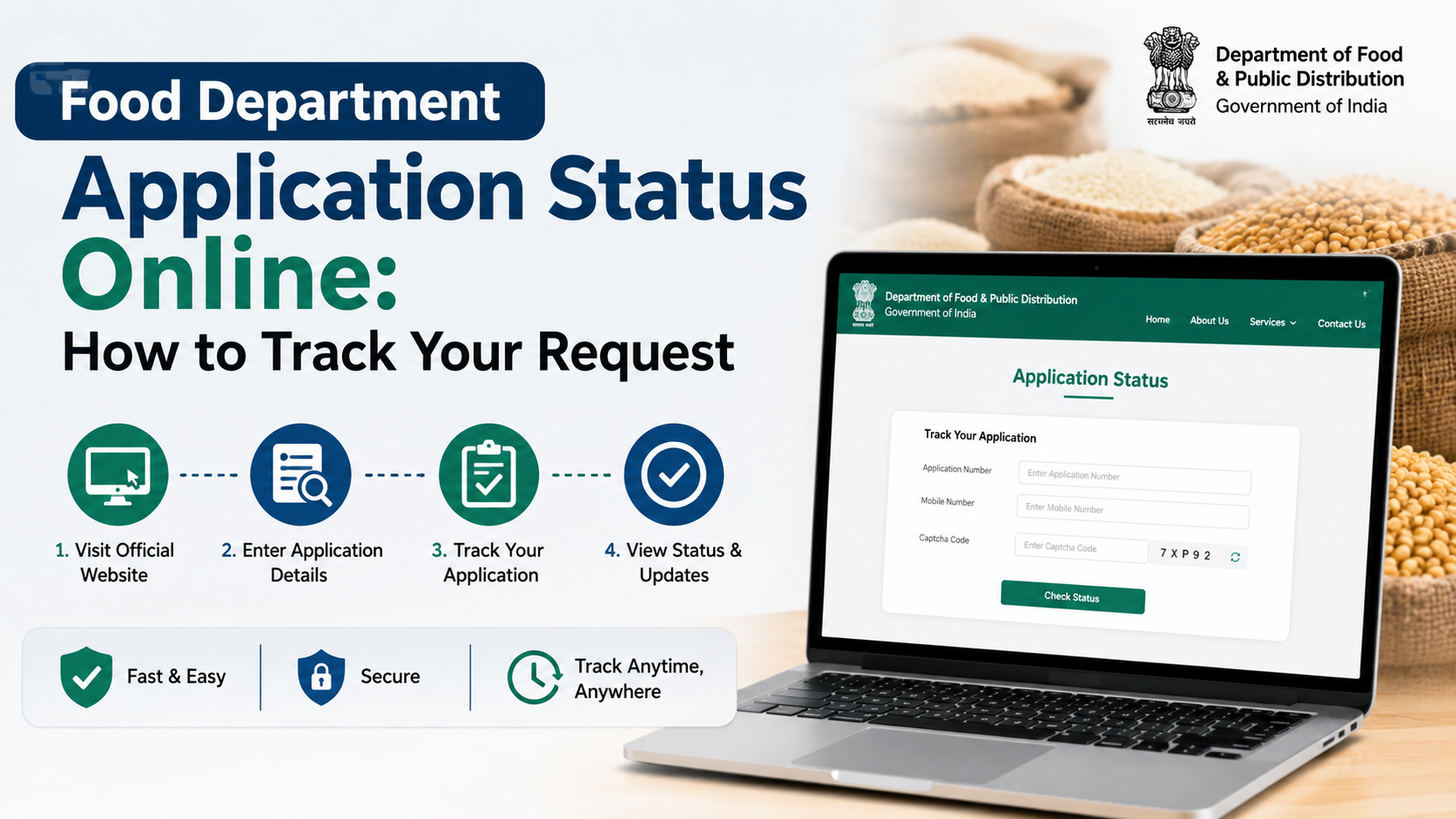
Step 1: Open the official tracking page
Navigate from your state’s Food Department homepage or the NFSA directory. Avoid links received through unsolicited WhatsApp messages, social-media advertisements or unofficial “status check” websites.
Step 2: Select the correct service
Choose the request type that matches your application. A new-card request may be listed separately from modification, transfer, surrender or grievance applications.
Step 3: Enter the reference details
Type the application number exactly as printed. Some systems require district or year selection. Enter the registered mobile number if requested.
Step 4: Complete verification
Enter the captcha or request an OTP. Use only the mobile number registered with the application. If an OTP does not arrive, wait briefly, check network coverage and use the portal’s resend option rather than repeatedly submitting the form.
Step 5: Review and save the result
A tracking page may display:
- Application ID
- Applicant or household-head name
- Request type
- Submission date
- Current status
- Pending office or officer
- Remarks or deficiency
- Approval or rejection date
- Download or print option
Save a PDF or screenshot showing the date and reference number. This record is useful when contacting the department.
The national ePDS/RCMS documentation describes status searches using an application reference number and shows fields such as application status, “pending with” and “pending since”. RCMS user documentation
How to interpret common application-status messages
Terminology varies between portals, but the practical meaning is usually similar.
| Status message | What it generally means | What you should do |
|---|---|---|
| Submitted/Received | The portal has recorded your request | Keep the acknowledgement and monitor updates |
| Payment or fee pending | A required payment has not been completed | Pay only through the official portal, if applicable |
| Under scrutiny | Officials are checking documents and data | Check for remarks or requests for clarification |
| Pending for field verification | Local staff must verify residence or household details | Keep originals available and respond to official contact |
| Deficiency/ objection | Information or documents need correction | Follow the stated deadline and upload or submit the requested material |
| Approved/Sanctioned | The competent authority has accepted the request | Follow instructions to download or collect the card |
| Rejected | The request was refused | Read the reason and use the correction or appeal route if available |
| Dispatched/Printed | The card or document is being produced or delivered | Check delivery or collection details |
| Closed/Disposed | The request or grievance has been completed | Download the decision or closure note |
“Pending” is not an approval. A request can remain pending because of document checks, duplicate records, address verification, Aadhaar validation or workload at the local office.
What to do when the status is delayed
First, check whether the portal shows a specific “pending with” office or deficiency. Correcting a missing document is normally faster than filing a new application.
If there is no update:
- Confirm that the reference number and state are correct.
- Check SMS messages, email and portal notifications.
- Contact the Food Inspector, Block Supply Officer, Taluk Supply Officer or District Supply Office shown on the state website.
- Visit the office or service centre with your acknowledgement, identity document and copies of submitted papers.
- Ask for a written receipt when submitting additional documents.
- File an online grievance if the published service process does not resolve the delay.
Do not submit duplicate applications merely because the status page has not changed. Duplicate records can create verification issues. If the application was filed through an intermediary, insist on the official receipt and confirm that the request actually reached the department.
Checking status through mobile apps and other channels
The Department of Food and Public Distribution promotes the Mera Ration app under the One Nation One Ration Card (ONORC) reforms. The department says the app can show entitlement and transaction information, Aadhaar-seeding status, portability eligibility and nearby Fair Price Shops; it is available through official app links and supports multiple Indian languages. DFPD ONORC and Mera Ration information
However, Mera Ration is primarily an entitlement and portability tool. Your state’s own RCMS or Food Department portal may still be the correct place to track a newly submitted ration-card application.
The NFSA website also provides state pages containing links to state portals, grievance systems and helpdesks. For instance, state pages list the national number 1967 alongside state-specific contact numbers. NFSA State information pages
Important security and accuracy precautions
- Use only official government domains linked from NFSA or India.gov.in.
- Never pay an agent who promises guaranteed approval.
- Do not share Aadhaar OTPs, UPI PINs, passwords or full identity documents over phone or chat.
- Check that the name, address and family members shown in the result are correct.
- A portal report may be generated from data entered by field officials; Rajasthan’s Food Department, for example, notes that report accuracy depends on source records and should be correlated with official documents. Rajasthan Food Department notice
- Portal downtime, captcha errors and delayed SMS updates can occur. Try again later and retain evidence of your submission.
Frequently Asked Questions
Is there one national website for food department application status online?
No. NFSA provides a directory of State/UT portals, while the state or UT authority processes ration-card and beneficiary applications. Use the NFSA State/UT directory to find the correct portal.
Can I check status without an application number?
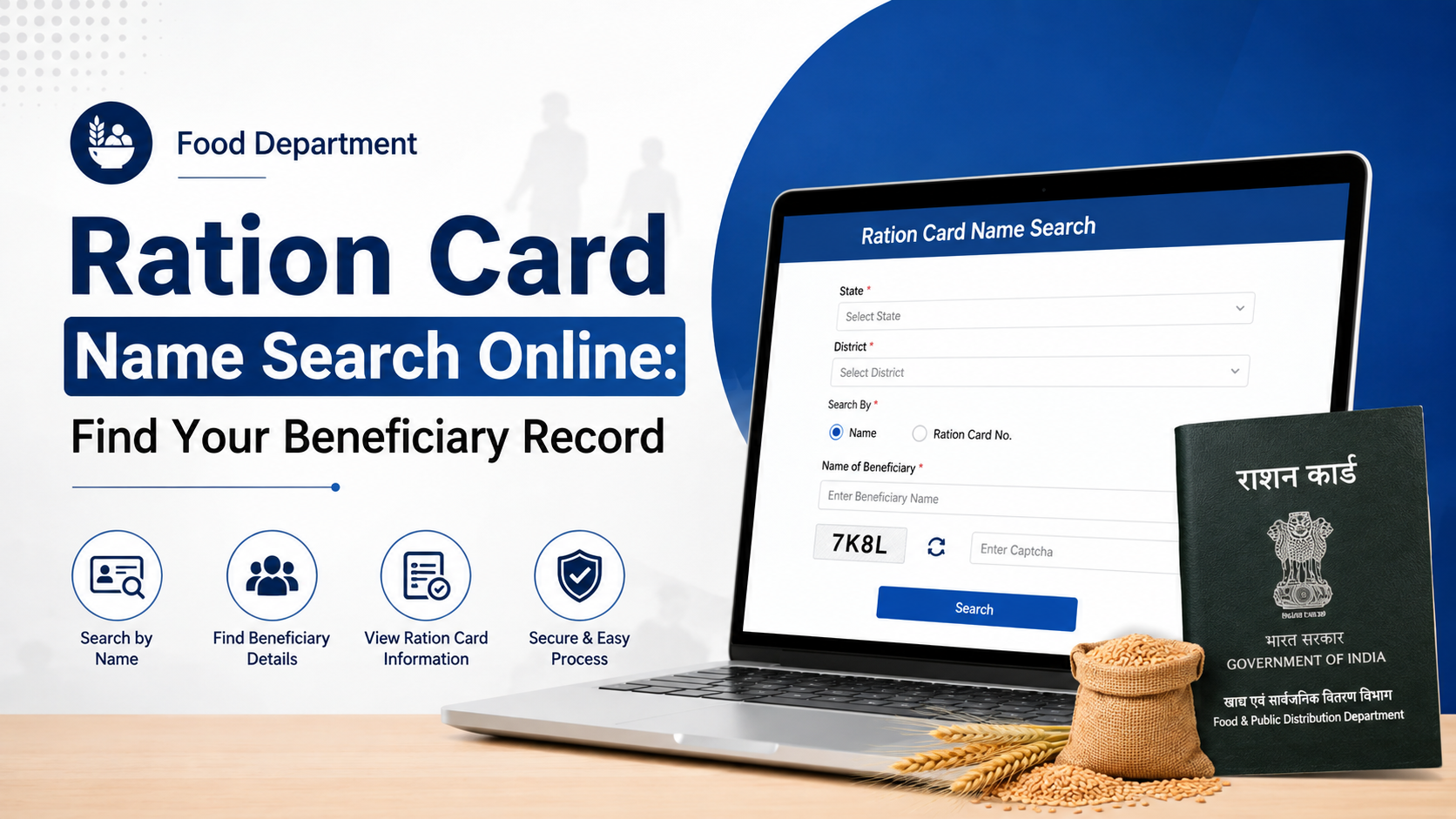
Sometimes. Certain portals allow searches using a ration-card number, registered mobile number, applicant name or location. The available fields differ by state, so the acknowledgement number remains the most reliable option.
What should I do if I lost my acknowledgement number?
Search your SMS, email, downloaded receipt or service-centre printout. You can also contact the submitting office with your name, address, mobile number and approximate submission date. Do not file a second application until the department confirms that the first record cannot be found.
Does “approved” mean I can immediately collect ration?
Not necessarily. Approval of an application and activation of benefits can be separate steps. Wait for the card number, beneficiary-list update or activation message shown by your state portal, and confirm details with the Fair Price Shop or supply office.
How can I complain about an unresolved application?
Use the grievance link on your State/UT Food Department or NFSA state page. You can also call the Department of Food and Public Distribution’s national food helpline at 1967; keep your application reference and previous complaint number ready. DFPD official contact page
Conclusion
To check your food department application status online, begin with the official NFSA State/UT directory and continue to your state’s Food or RCMS portal. Enter the acknowledgement number, read any deficiency or verification remarks carefully and save the displayed result. If the request remains unresolved, contact the responsible local office and use the official grievance channel or 1967 helpline. Tracking through verified government websites protects your personal information and helps ensure that corrections reach the office handling your application.