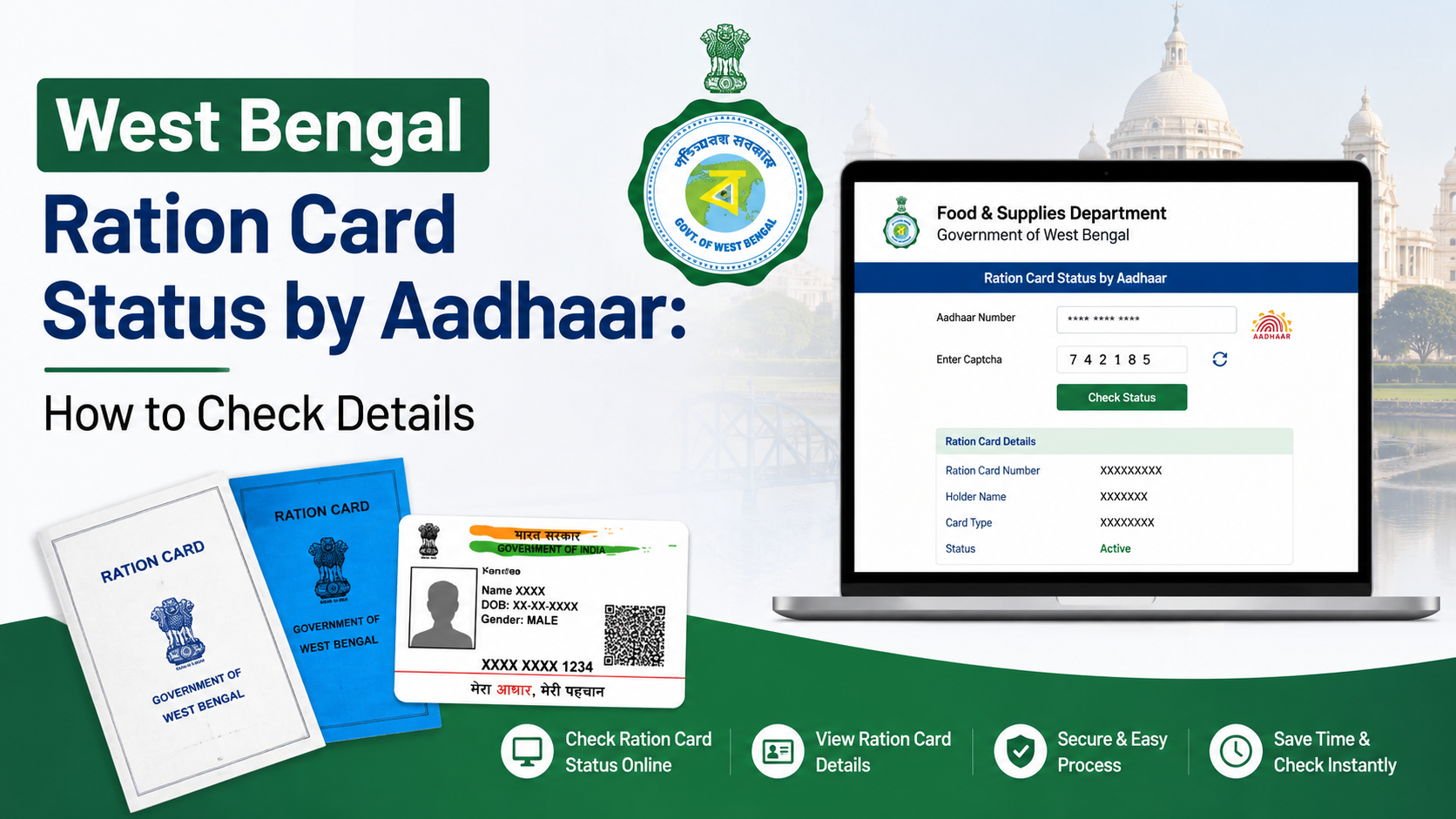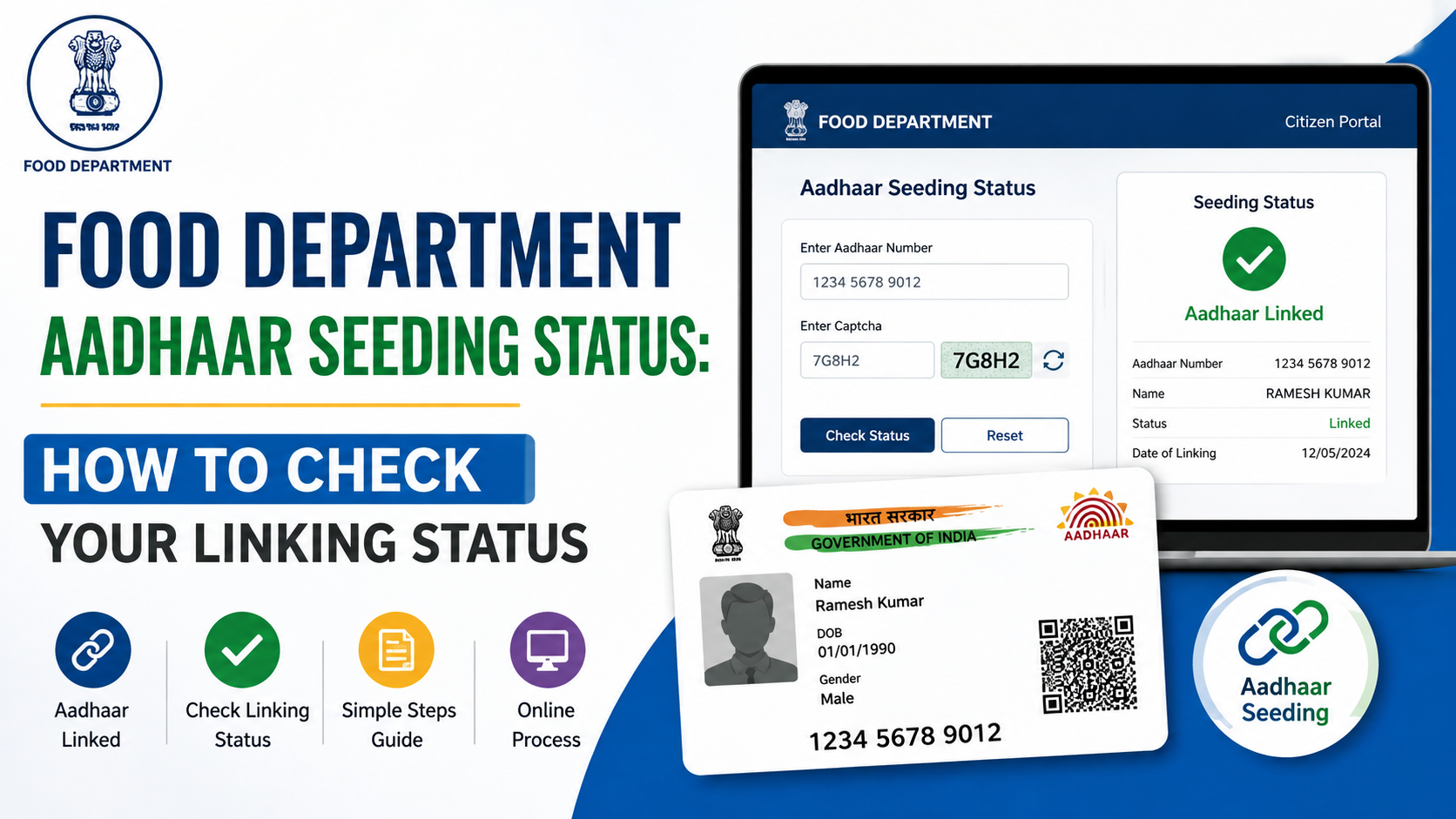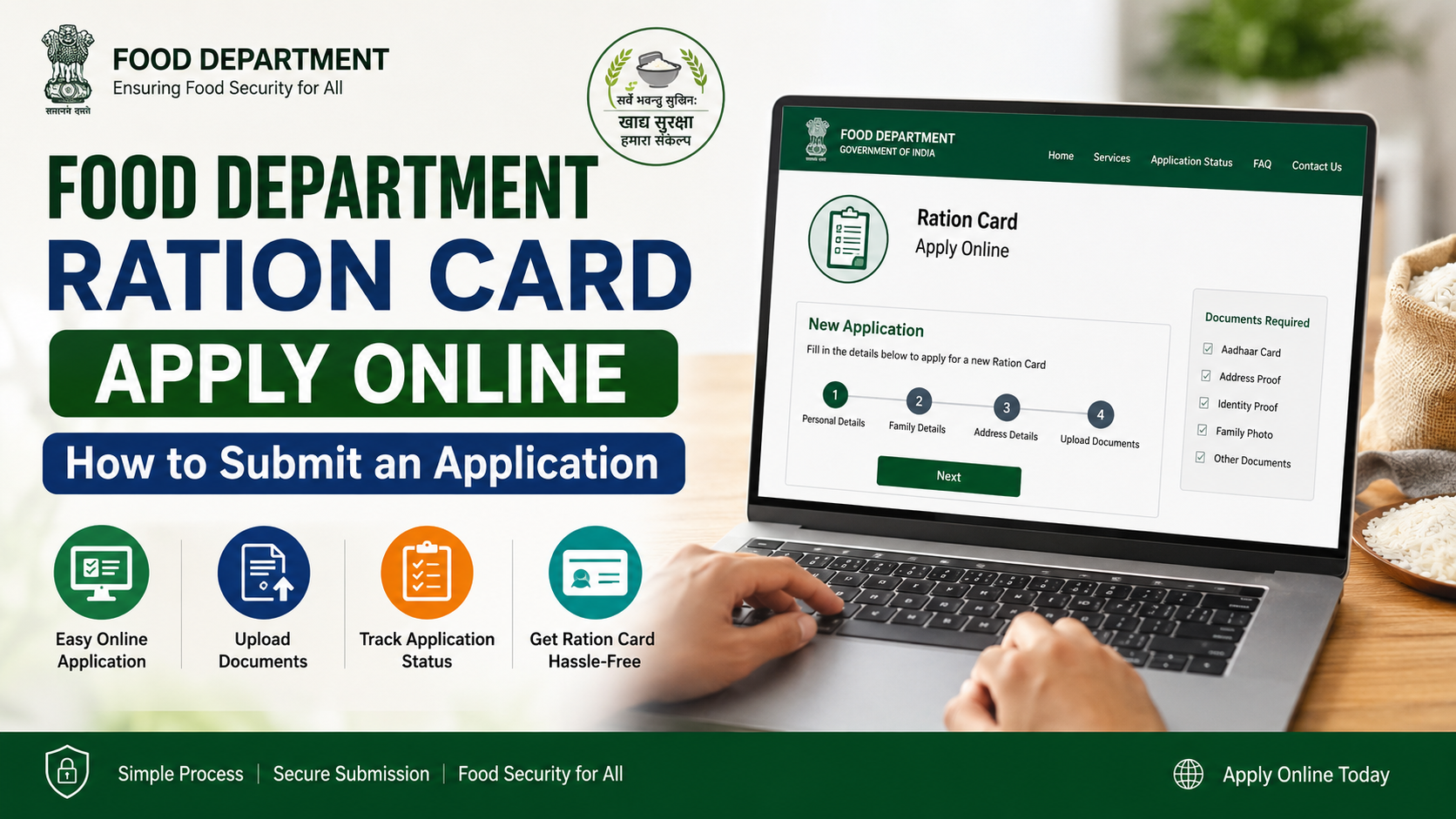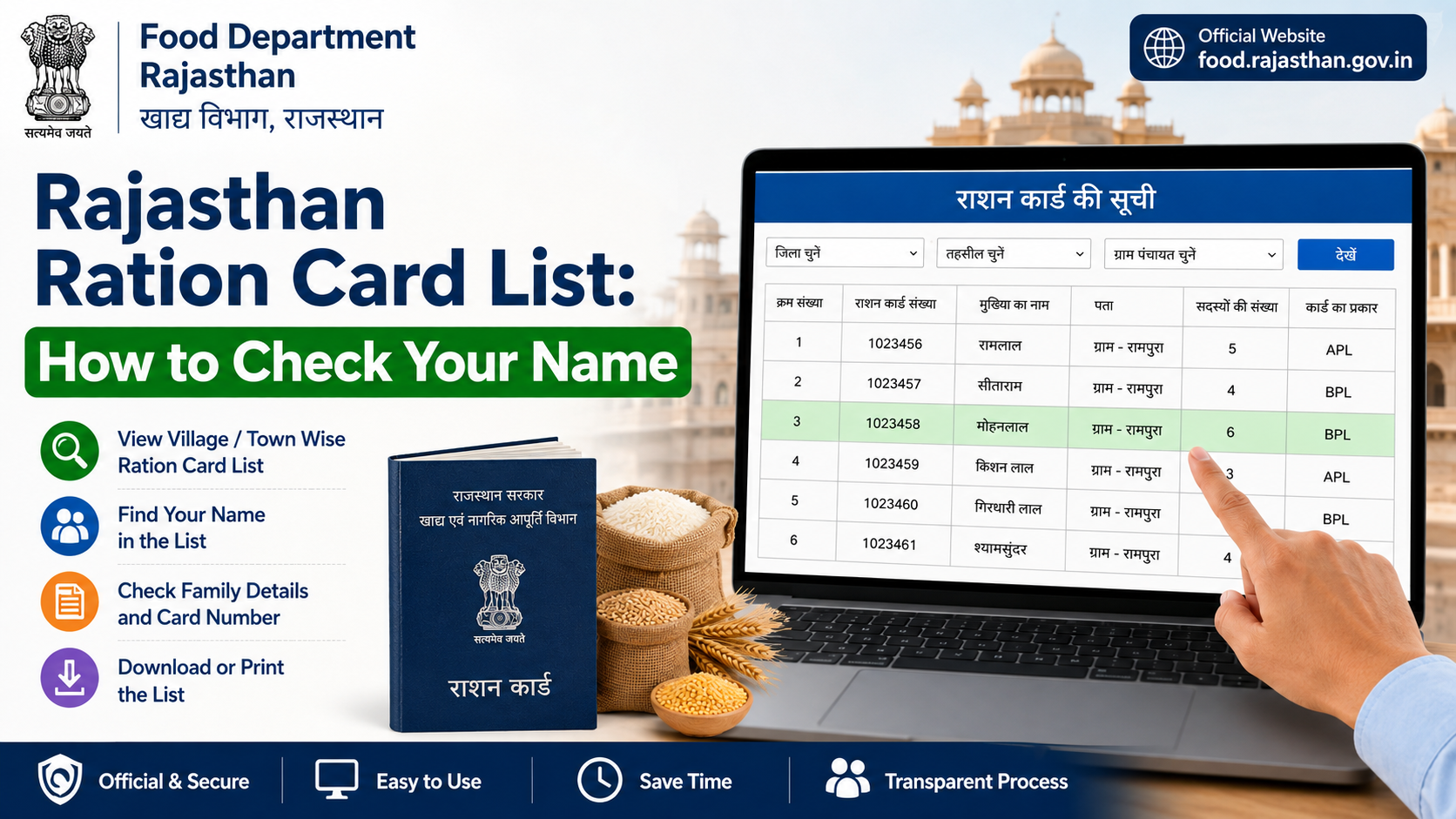
If you need a digital copy of your ration card, the correct route is the Food, Civil Supplies, or Public Distribution System (PDS) portal for your own State or Union Territory. There is no single nationwide website that issues downloadable ration cards for every household. State governments and UT administrations manage beneficiary identification, ration-card issuance, corrections, and related online services under the National Food Security Act (NFSA).
This guide explains the food department ration card download online process, how to identify the official portal, what to do when a PDF download is unavailable, and how to avoid fraudulent websites.
Key Takeaways
- Use the official NFSA State/UT portal directory to reach your state’s authorised Food Department or ration-card system.
- A ration-card download option may be labelled “Print Ration Card,” “Ration Card Details,” “e-Ration Card,” or a similar state-specific term.
- Keep your ration card number, registered mobile number, and household details ready before starting.
- Some official portals display card details but do not generate a downloadable PDF; use the portal’s print option where available.
- Downloading a card does not update incorrect details or reactivate a cancelled/inactive record.
- Avoid paid agents and unofficial apps that request OTPs, Aadhaar details, or payment for a basic card-viewing service.
Understand How Online Ration Card Services Work
Ration-card administration is decentralised. The Department of Food and Public Distribution states that identification of eligible households and the issue of Antyodaya Anna Yojana (AAY) and Priority Household (PHH) ration cards are handled by the respective State Government or UT Administration. This is why the website, login method, search fields, and download format can differ from one state to another.
The Government of India’s NFSA State/UT portal directory is the safest starting point. It links users to state-specific ration-card reports and systems rather than asking them to rely on a search-engine result.
What You May Be Able to Access
Depending on the state portal, you may find one or more of these services:
| Service | What it usually provides |
|---|---|
| Ration card details | Household head, members, category, FPS details, and card status |
| e-ration card or print ration card | A printable card page or downloadable document |
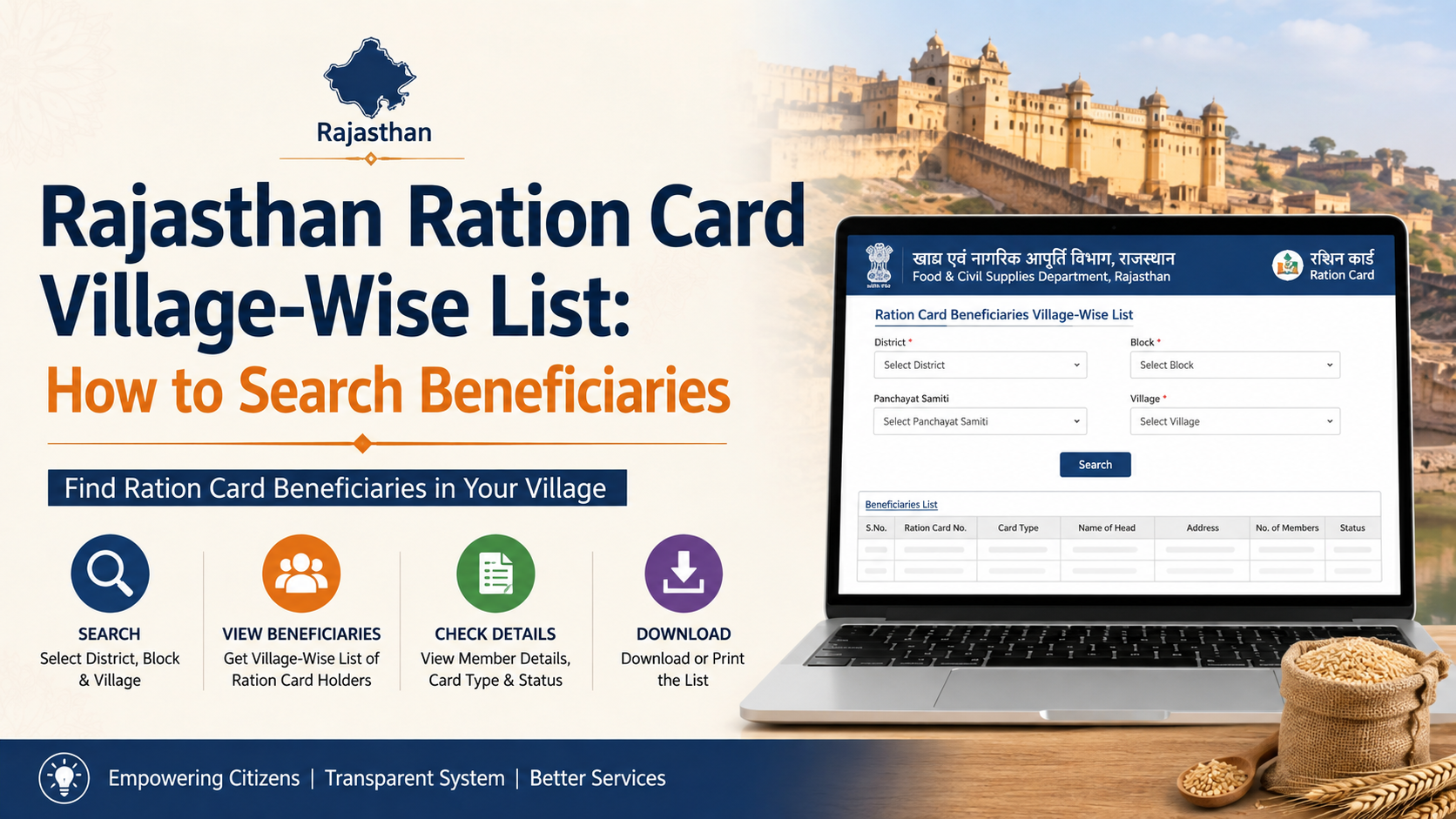
| Beneficiary/search report | A record search using card number, name, district, village, or FPS |
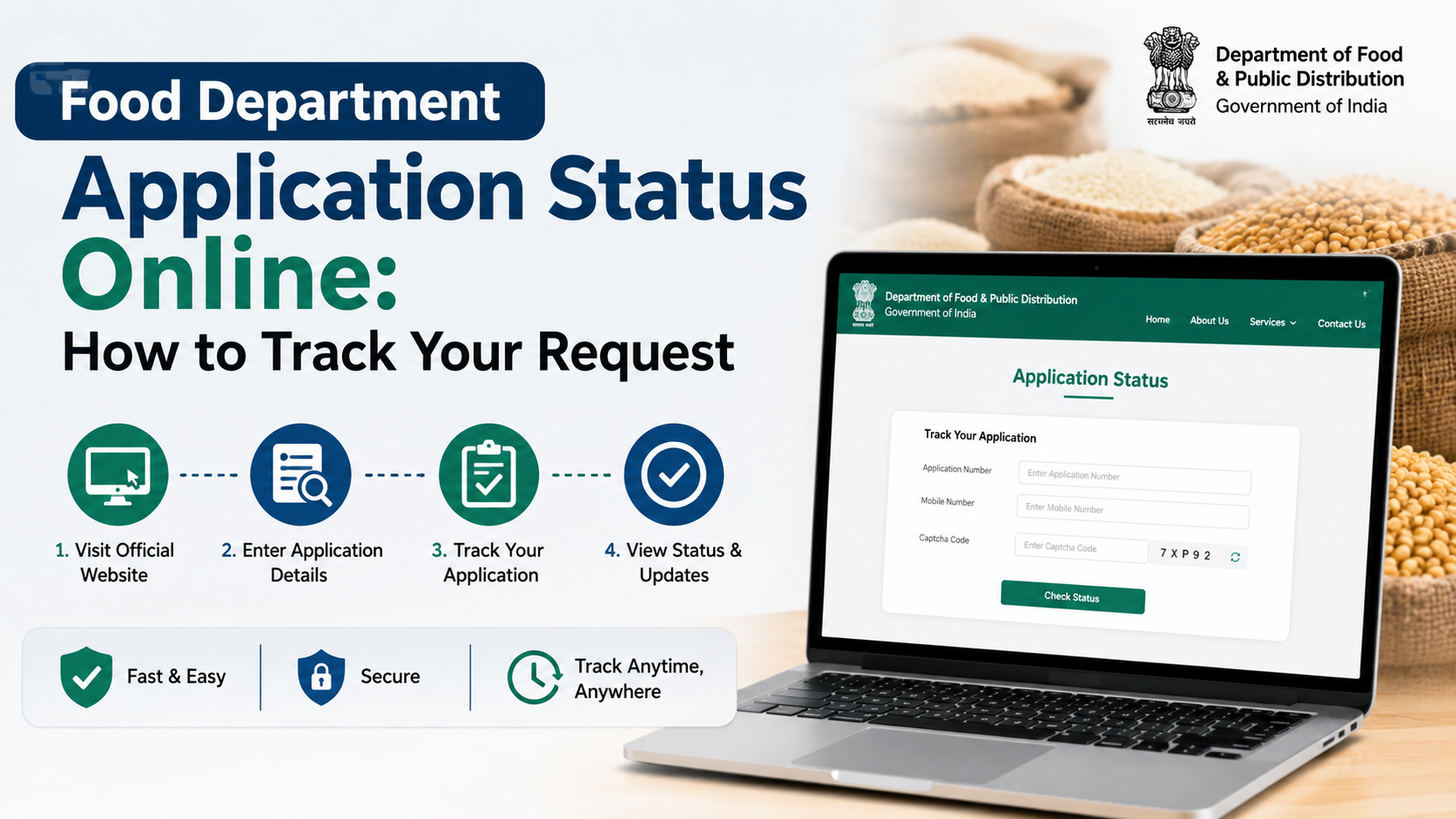
| Application status | The progress of a new card, correction, transfer, or duplicate-card request |
| Correction or update request | A state-specific workflow for adding, removing, or correcting household details |
Do not assume every portal will provide all these options. A state may publish a record online but require a separate process for a duplicate or replacement card.
Before You Start the Download Process
A smooth search depends on entering details exactly as recorded in the state database. Gather the information you have rather than guessing.
Keep These Details Ready
- Ration card number, if available
- Name of the household head as recorded on the card
- District, block, tehsil, ward, village, or fair price shop details, if the portal asks for them
- Registered mobile number, if the service uses OTP verification
- A phone or computer with a browser that can open PDFs or print webpages
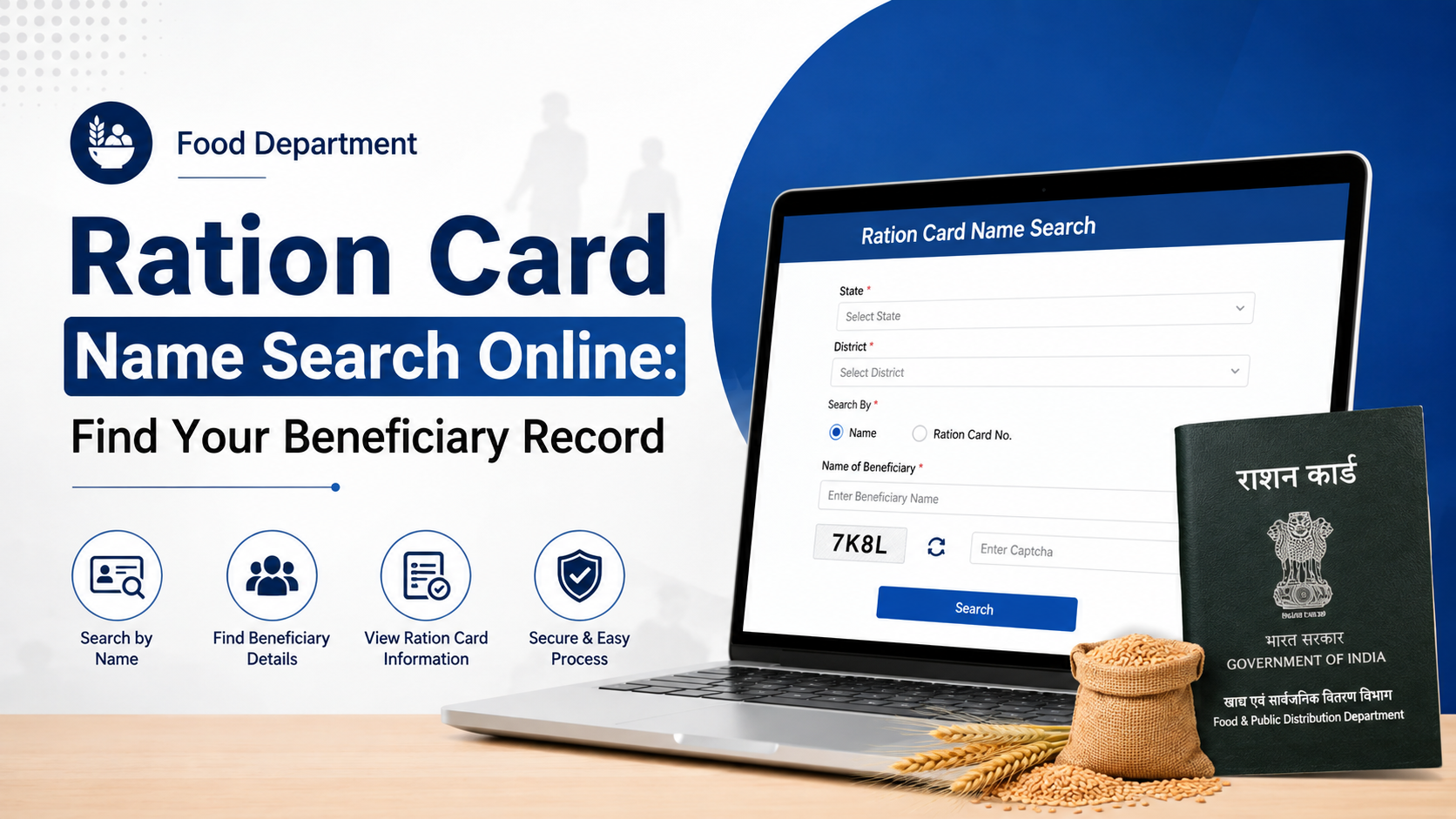
If your card number is unavailable, look first for a public “Search Ration Card” or “Beneficiary Search” feature. Search fields vary by state; common alternatives include the household head’s name, district, village, FPS, or family identifier.
Know the Difference Between Downloading and Applying
Food department ration card download online services are for an existing record. They do not create a new ration card.
For a new card, official guidance directs applicants to their respective State/UT Food Portal because the application procedure is state-administered. Use the NFSA application guidance page to reach the relevant state process. Eligibility, documents, verification, and delivery timelines are determined by the concerned state or UT.
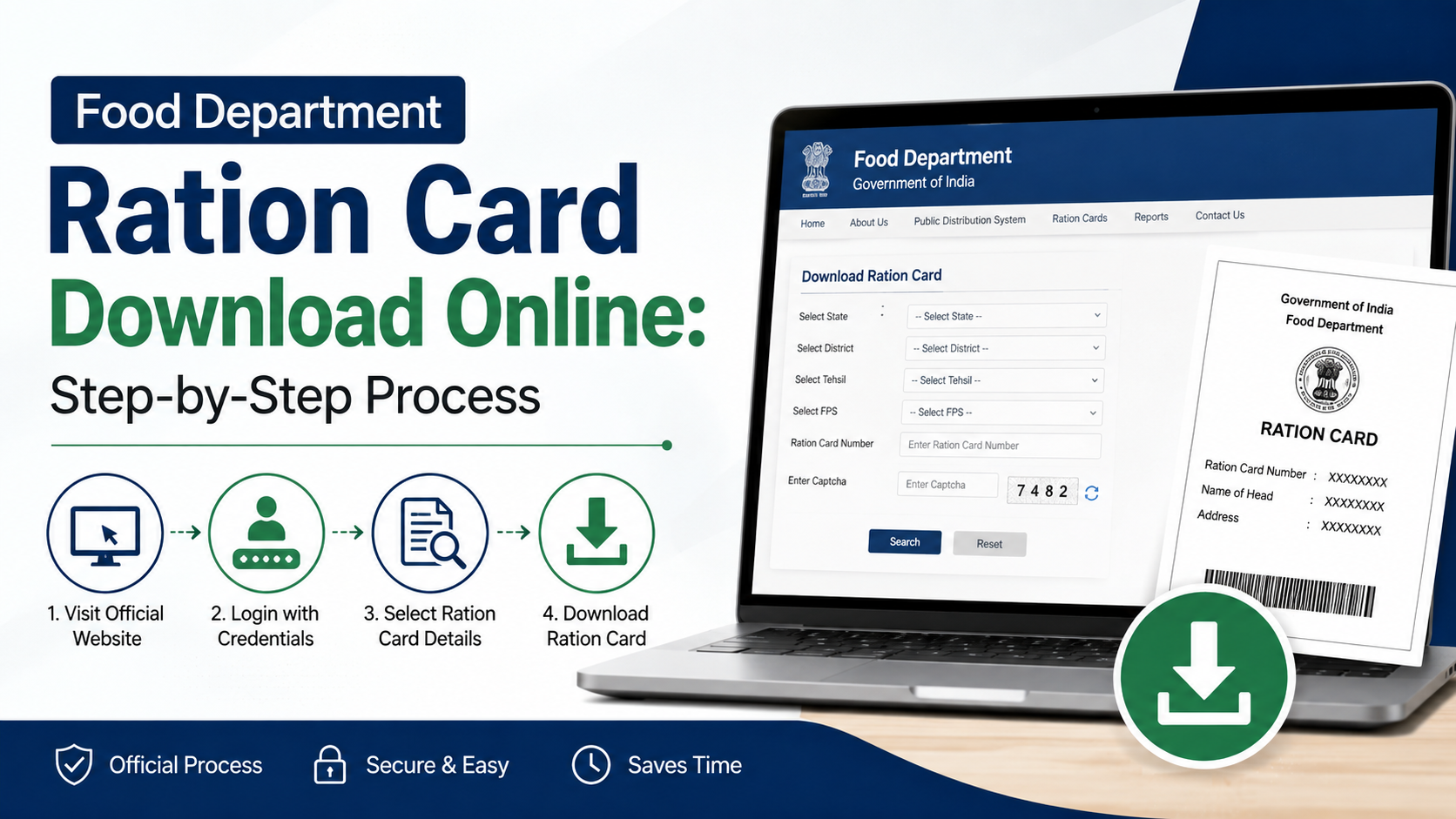
Step-by-Step: Food Department Ration Card Download Online
Follow this general method. The wording of menus will differ, but the sequence is applicable across most official PDS systems.
1. Open the Official NFSA State/UT Directory
Go to the NFSA ration-card State/UT portal list.
Select your State or Union Territory. This helps you avoid copycat websites using terms such as “ration card download,” “PDS card,” or “food card” in their domain names.
2. Choose the Correct Official Service Link
On the relevant NFSA state page, look for links such as:
- State Food Department Website
- Ration Card Management System
- ePDS
- PDS Transparency Portal
- Citizen Services
For example, NFSA’s state pages list official systems such as Andhra Pradesh’s Civil Supplies Department and ration-card management system, and Assam’s RCMS portal. The actual navigation and services differ by state, so follow the link listed for your location rather than a generic tutorial.
3. Find the Ration Card Search or Citizen Service Menu
Once on the state portal, look for a menu item with wording similar to:
- Ration Card Details
- Search Ration Card
- Know Your Ration Card
- Beneficiary Details
- e-Ration Card
- Print Ration Card
- Citizen Services
Do not enter personal information on a page that lacks clear government ownership or redirects unexpectedly.
4. Search Using the Available Identifier
Enter the requested information carefully. If the portal accepts a ration card number, that is usually the most direct option. If it offers a name-based search, select the district and local area accurately before entering the name.
If the result does not appear:
- Check spelling, including initials and local-language spellings.
- Try the household head’s recorded name rather than another family member’s name.
- Confirm that you selected the correct district, village, ward, or FPS.
- Use the card number if you can obtain it from an earlier ration slip, SMS, or physical card.
5. Review the Record Before Saving It
Verify that the record belongs to your household. Check the following details:
- Ration card number
- Name of household head
- Names and number of family members
- Card category, where displayed
- Assigned fair price shop
- Status shown by the portal
If the record shows an error, do not use the download function as a workaround. Use the state’s correction service or contact the designated food-supply office.
6. Download or Print the Official Card Page
If the portal provides Download, PDF, e-Ration Card, or Print Ration Card, select that option.
Where the portal only displays a card-details page, use the browser’s print command and choose Save as PDF if your device offers it. Keep the resulting file unchanged so the visible ration-card number and details remain readable.
A saved page is useful for personal reference, but acceptance of a printout for a particular service depends on the authority requesting it. If a physical or formally authenticated replacement is needed, follow the state’s duplicate-card or replacement procedure.
7. Store the File Safely
Save the document with a simple name, such as Ration-Card-[last-four-digits].pdf. Do not share the file publicly or upload it to unknown sites. A ration-card record can contain household and beneficiary information.
If the Portal Does Not Show a Download Button
Not every state provides a standard PDF e-ration card. In some systems, the online service is limited to viewing or printing beneficiary details. That does not necessarily mean your ration card is invalid.
Try these options in order:
- Look for a separate Print, Citizen Services, or Reports menu.
- Search by ration-card number instead of name.
- Check whether pop-ups are blocked; some older government portals open the printable version in a new window.
- Try a current browser on a desktop or mobile device.
- Visit the Food Department’s official contact or grievance page linked from the state portal.
- Contact your local fair price shop or designated Food and Civil Supplies office if online access remains unavailable.
The Department of Food and Public Distribution lists the national public-distribution helpline 1967 on its official website. For a state-specific matter, the state portal’s own helpdesk is generally the better first contact because it can access local records and procedures.
Important Checks Before Using a Downloaded Ration Card
A download confirms only what is visible in the database at that time. It does not automatically resolve data mismatches.
Check Household Details
Review names, ages, relationship details, and the number of beneficiaries. If a birth, death, marriage, migration, or spelling correction has not been recorded, apply through the designated state process rather than editing a downloaded file.
Check the Card’s Status
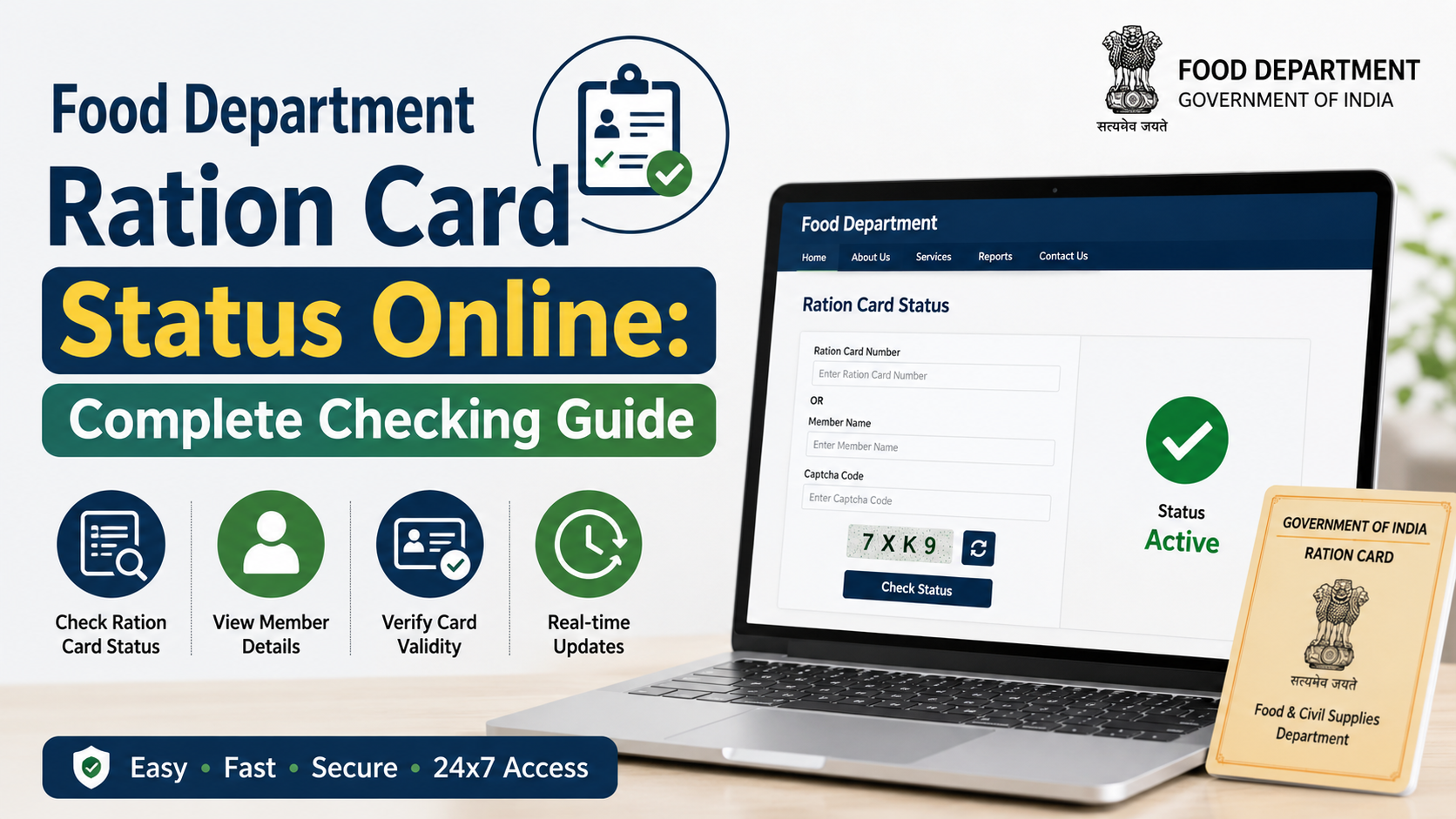
A record may be active, pending, modified, suspended, or otherwise marked according to the state system. If the page shows a status you do not understand, preserve a screenshot or printout and seek clarification through the official portal or local department.
The Targeted Public Distribution System (Control) Order framework requires states to maintain digitised ration-card data and make household lists available in the public domain through state portals. It also provides for state-level procedures for new cards and modifications. This explains why online records are useful but state processes remain central to corrections and eligibility decisions.
Do Not Treat a Download as a New Entitlement
A downloaded ration card is not proof that a household has newly qualified for subsidised foodgrains. Entitlements and beneficiary categories are determined under applicable central and state rules. If you have applied recently, use the official application-status tool instead of relying on a search result or an unofficial message.
Avoid Fraud and Protect Your Information
Ration-card searches are a common target for misleading websites and social-media links. Use a cautious approach.
- Start from the NFSA directory or a clearly identified state government website.
- Check that the domain belongs to a government department, NIC-hosted service, or state portal linked from NFSA.
- Never disclose an OTP to a caller, agent, or messaging account claiming it is needed to “activate” a card.
- Do not pay an unofficial website merely to view or download an existing ration-card record.
- Do not modify a PDF or card screenshot; altered documents can create problems during verification.
- Use only the state portal’s published process for corrections, duplicate cards, additions, deletions, or transfers.
The official Department of Food and Public Distribution public-distribution page also provides access to the Mera Ration app link. Treat it as an official information and service-access channel, but do not assume it replaces every state’s ration-card download or correction portal.
Frequently Asked Questions
Can I download my ration card using only my name?
Possibly. Some state portals provide a name-based beneficiary search, often combined with district, village, ward, or FPS filters. Others require a ration-card number or a state-specific family identifier. Use only the search fields available on your official state portal.
Is there one central website to download every Indian ration card?
No. The NFSA website provides a central directory of State/UT portals, but ration-card issuance and services are handled by the respective State Government or UT Administration. Start with the official NFSA State/UT directory.
What should I do if my ration card details are wrong online?
Use the correction or modification process published by your state’s Food and Civil Supplies Department. If an online correction service is unavailable, contact the local designated office or fair price shop for the approved procedure. Do not alter a downloaded document yourself.
Can I apply for a new ration card and download it immediately?
No. A new application requires the state’s prescribed process, checks, and verification. After approval and issuance, your card may become searchable or downloadable if your state portal provides that feature.
Why is my ration card not found on the portal?
Common reasons include entering the wrong district or spelling, using a family member’s name instead of the recorded household head, an outdated card number, migration-related changes, or a portal data issue. Check the record through the official state system and contact its helpdesk if the problem continues.
Conclusion
The safest food department ration card download online method is to begin with the official NFSA State/UT portal directory, select your state’s Food Department or ration-card management system, search the existing record, and use its download or print option. Because states manage the service independently, menus and document formats vary.
Before relying on a saved copy, confirm that the household details and card status are correct. For missing records, changes, duplicate cards, or application issues, use the official state portal or the local Food and Civil Supplies authority rather than an unofficial website or paid intermediary.