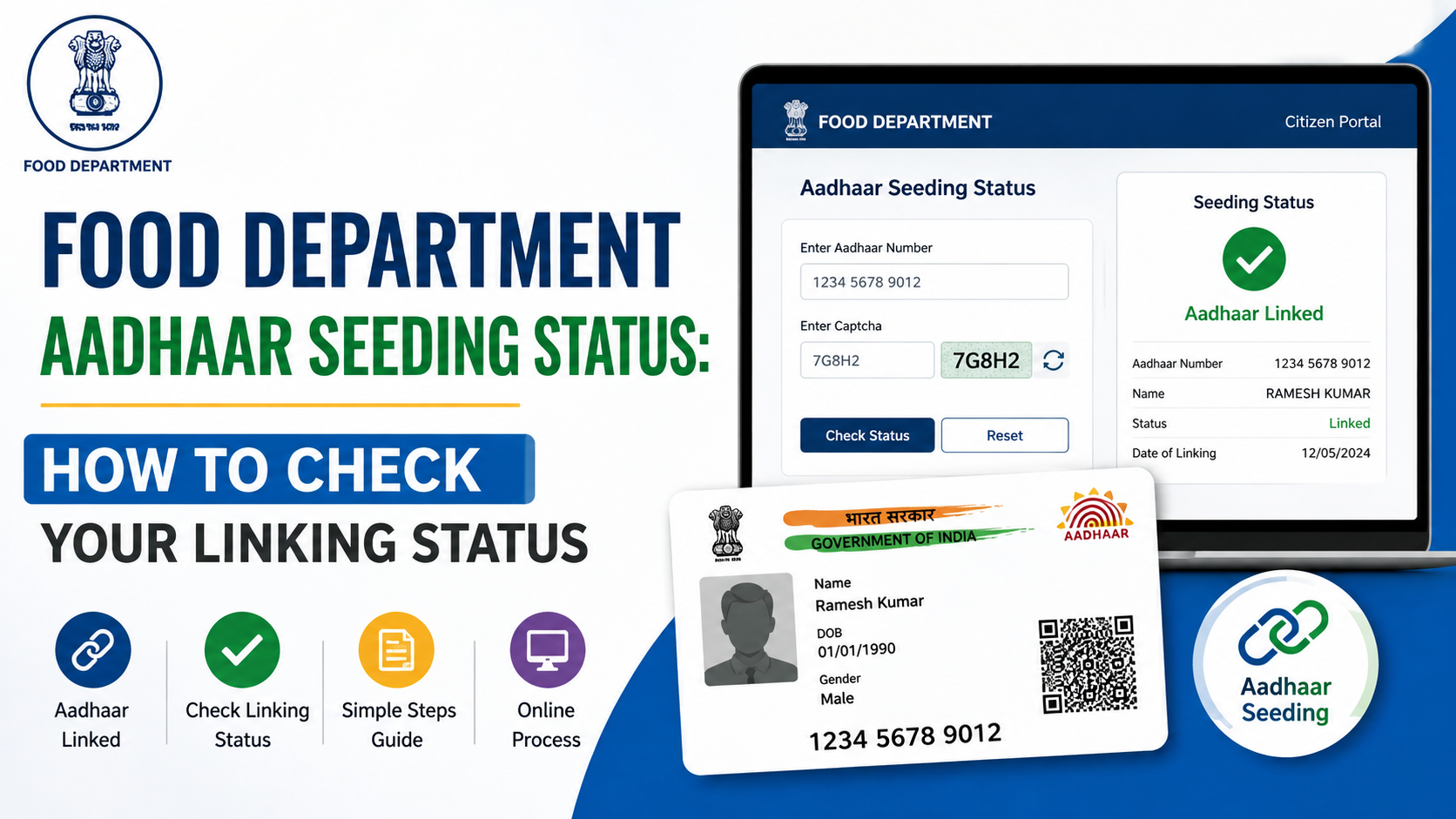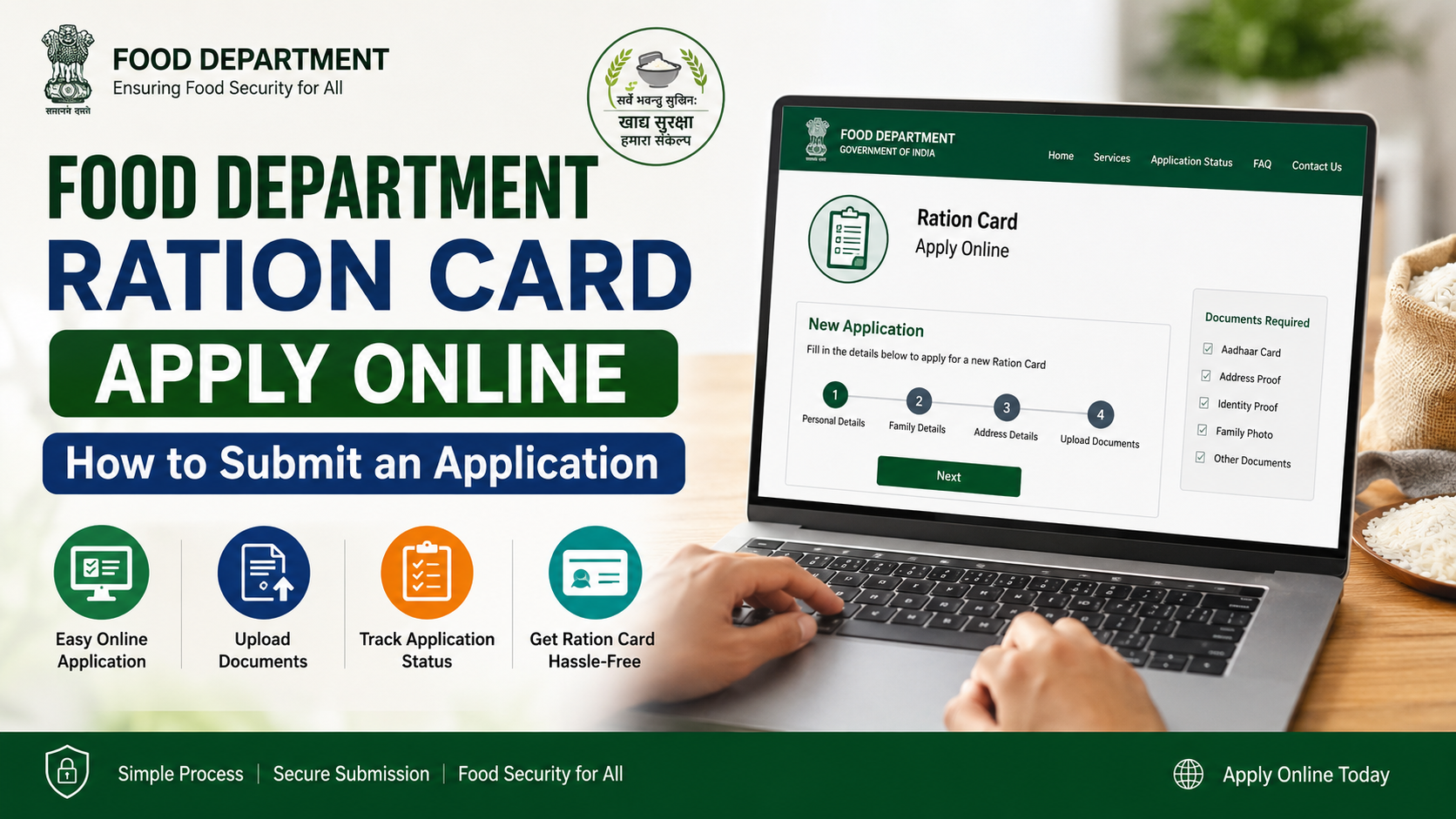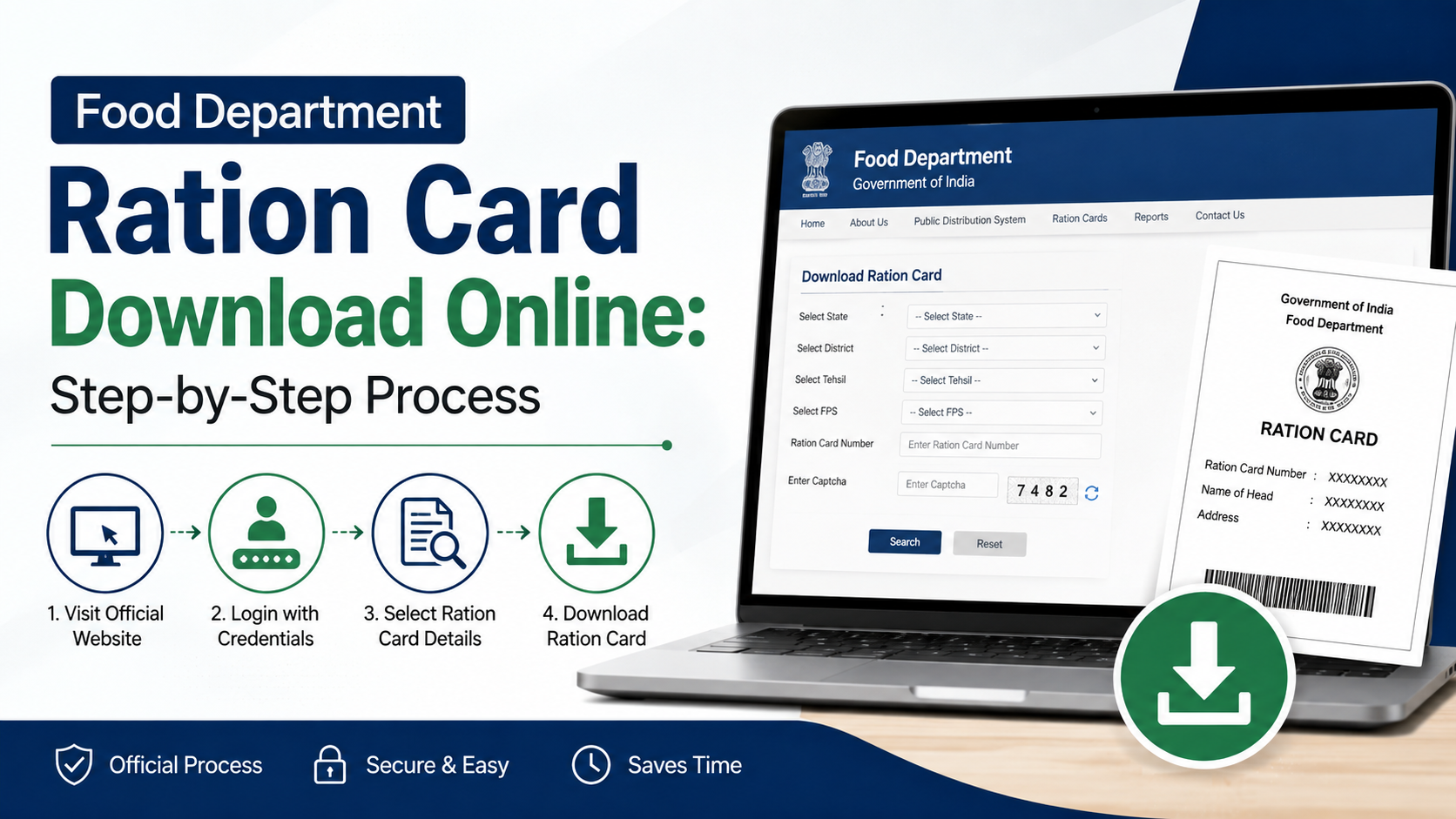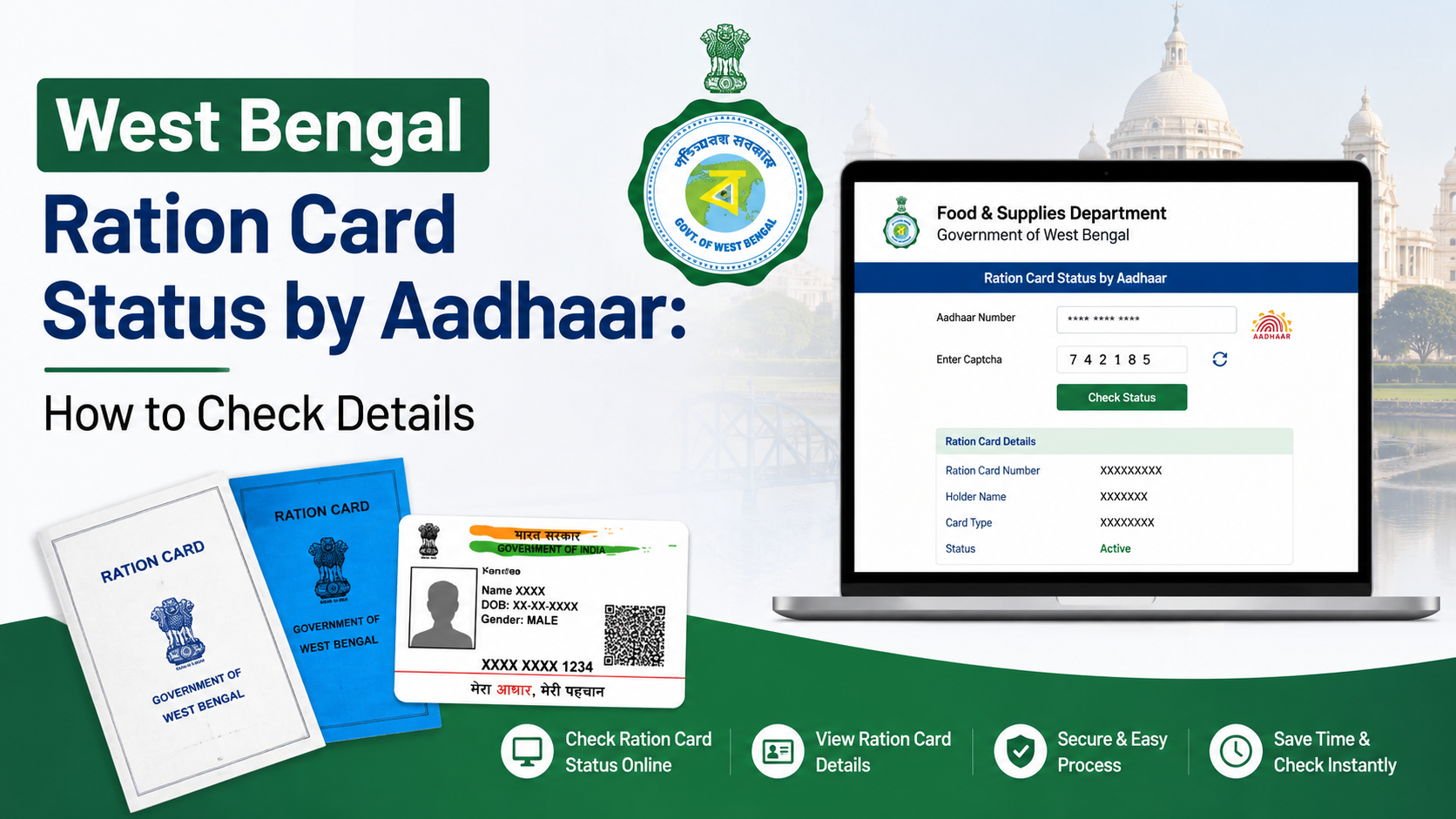
If you need to confirm whether a ration card is active, Aadhaar-seeded, or needs e-KYC, the West Bengal Food & Supplies Department provides an official online route for checking ration card details through Aadhaar. This guide explains how to use the west bengal ration card status aadhaar service, how to understand the result shown on the portal, and what to do when the record is not found or Aadhaar linking needs correction.
Use only the Government of West Bengal’s official Food & Supplies portal: food.wb.gov.in. Avoid entering Aadhaar details on unofficial status-check websites or sharing an OTP with anyone.
Key Takeaways
- The official Aadhaar-based ration-card lookup is accessed through the West Bengal Food & Supplies Department’s RCMS login area.
- The Department’s published steps are: open RCMS, choose Check Status, select RC Details by Aadhaar, and enter the Aadhaar number.
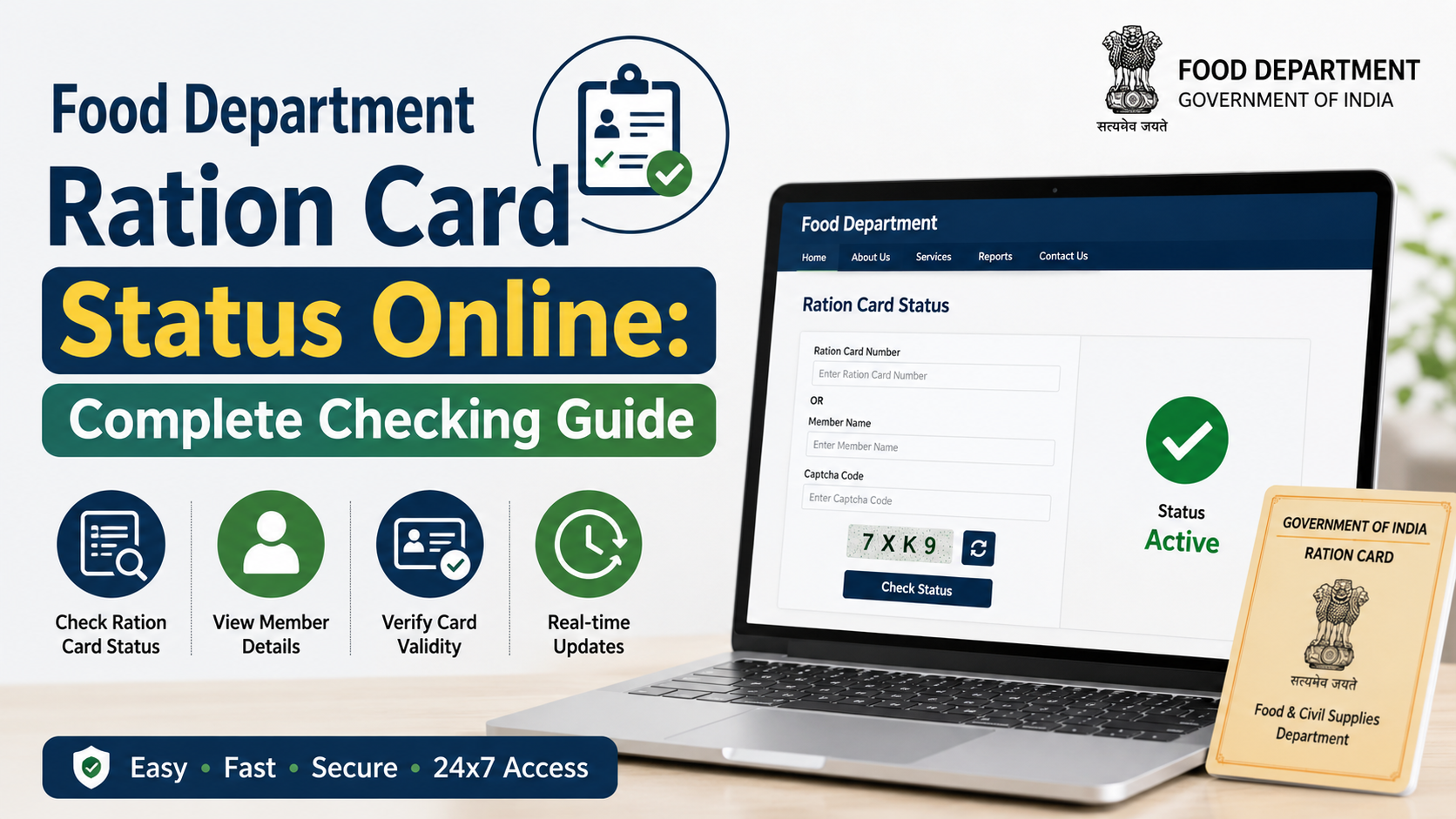
- A green card status indicates an active card seeded through Aadhaar e-KYC; yellow indicates active but not Aadhaar-seeded.
- Red may indicate a temporarily inactive card requiring e-KYC, or a permanently inactive card; read the portal’s message carefully.
- Aadhaar linking can be completed through an authorised Fair Price Shop, Bangla Sahayata Kendra, Area Inspector office, or relevant online facilities.
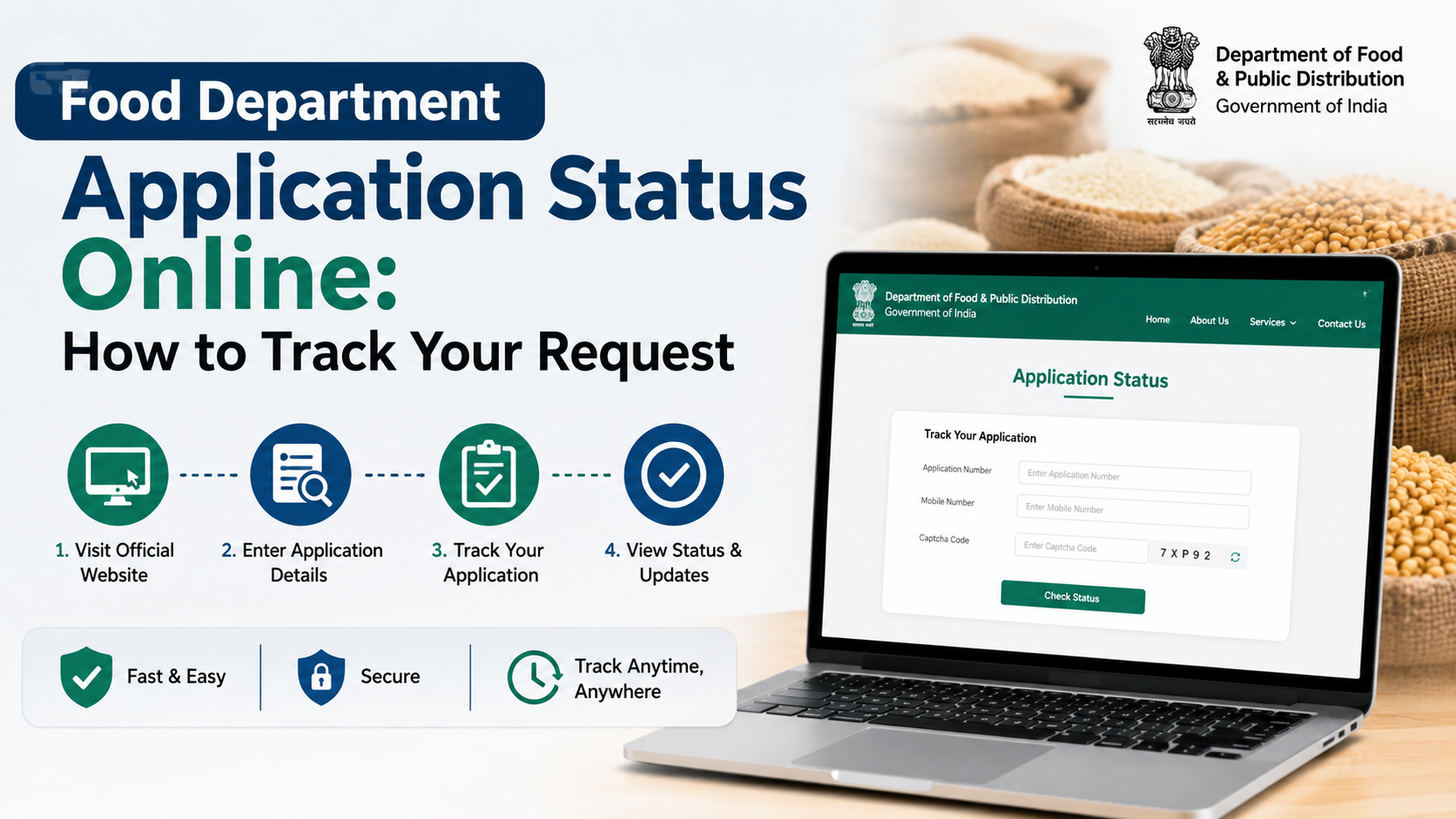
- For application tracking, use the separate official application-status page—not the Aadhaar card-detail lookup.
What “Ration Card Status by Aadhaar” Means
A West Bengal ration card status check by Aadhaar is meant to help a beneficiary view the ration-card record associated with the Aadhaar number. It is particularly useful when you want to confirm whether Aadhaar seeding and e-KYC have been completed and whether the card is active.
This is different from checking the progress of a new ration-card application, a correction request, a duplicate-card request, or another form. Those requests have an application number and must be tracked through the Department’s application-status service.
The Food & Supplies Department has published the Aadhaar lookup path as:
- Visit the official portal.
- Log in through RCMS Login under the Login menu.
- Open Check Status.
- Select RC Details by Aadhaar.
- Enter the Aadhaar number to view ration-card details.
These instructions are set out in the Department’s official Aadhaar status-check guidance.
How to Check West Bengal Ration Card Status by Aadhaar Online
Before beginning, keep the Aadhaar number of the relevant family member available. Use a private device and a secure internet connection, especially if the service requests authentication.
Step 1: Open the official Food & Supplies portal
Go to food.wb.gov.in, the website of the Department of Food & Supplies, Government of West Bengal.
Check the website address carefully before entering any personal information. An official government address uses the wb.gov.in domain.
Step 2: Choose RCMS Login
On the portal, find the Login option in the top navigation and select RCMS Login. RCMS refers to the Ration Card Management System.
The exact visual layout of a government portal can change during maintenance or redesigns. If you do not immediately see the option, look within the Login menu rather than relying on links from third-party websites.
Step 3: Open the status-check menu
After reaching the RCMS section, locate the Check Status option in the menu. Select RC Details by Aadhaar.
This option is intended for viewing ration-card details using Aadhaar. It is not the same as “Check Application Status.”
Step 4: Enter Aadhaar details carefully
Enter the Aadhaar number requested by the official form and submit the search. Review the displayed result against your own ration-card information.
Do not use another person’s Aadhaar number without authority. A ration-card record contains personal and household-related information, so the lookup should be used only for a legitimate beneficiary enquiry.
Step 5: Record the outcome
If the details appear, note the status, card number, and any instruction displayed by the portal. If the result indicates that e-KYC or Aadhaar linking is pending, follow the appropriate correction route rather than repeatedly submitting the same lookup.
If the page does not load, try again later from the official portal. Temporary portal downtime or browser issues do not by themselves mean that the ration card has been cancelled.
Understanding the Ration Card Status Colours
The Food & Supplies Department’s revised Aadhaar-linking guidelines describe colour-coded statuses on the departmental portal and e-PoS system. These colours help distinguish an active card from one that requires action.
| Portal colour | Meaning in the Department’s guidelines | What the beneficiary should do |
|---|---|---|
| Green | Active and Aadhaar-seeded through e-KYC | Keep the card and linked mobile details accurate. |
| Blue | Active and Aadhaar-seeded through demographic authentication | Read any portal instruction and seek assistance if further verification is requested. |
| Yellow | Active but not Aadhaar-seeded; this can include children below five and specified exempt cases | Confirm whether Aadhaar linking or an exemption applies to the household member. |
| Red | May indicate a temporarily inactive card not seeded with Aadhaar, or a permanently inactive card | Check the exact message and contact the appropriate authorised office or service point. |
The distinction within red status matters. The Department states that a temporarily inactive card not seeded with Aadhaar can be reactivated through Aadhaar e-KYC. A permanently inactive card may have been deactivated because of surrender or death and cannot be reactivated. See the Department’s revised Aadhaar-linking guidelines.
Do not assume that every red entry can be restored online. The message attached to the particular card and the beneficiary’s circumstances determine the next step.
Ration Card Details, Aadhaar Linking, and Application Status Are Different
Confusion between these services can delay a solution. Use the correct tool for the question you have.
| Your question | Correct official route |
|---|---|
| “Which ration-card details are linked to this Aadhaar?” | RCMS Check Status → RC Details by Aadhaar |
| “Is my card active or Aadhaar-seeded?” | Aadhaar-based RC details lookup and the displayed card status |
| “What happened to my new card or correction application?” | Check Application Status |
| “Is this e-Ration Card or digital card genuine?” | Use Verify Ration Card under the Ration Card services menu on the official portal |
The current application-status page asks for the form type, search type, and application number. It also notes that, where Aadhaar-based login is used, the Aadhaar entered must belong to a family member and an OTP is sent to the mobile number linked with Aadhaar.
For e-Ration Card or Digital Ration Card verification, the Department’s official guidance says that the Verify Ration Card service can be searched using the e-Ration Card number or Digital Ration Card number. That route verifies a card document; it is not an Aadhaar lookup.
What to Do If the Aadhaar Status Is Missing, Yellow, or Red
A missing result does not always mean the Aadhaar is invalid. It can indicate that the Aadhaar is not seeded to the relevant ration-card record, the card record needs correction, or the portal requires a different service route.
If Aadhaar is not linked
The Department’s guidelines list several ways to complete Aadhaar e-KYC or seeding:
- Any authorised Fair Price Shop (FPS) in West Bengal through e-PoS.
- A Bangla Sahayata Kendra.
- The office of the Area Inspector, Food & Supplies.
- Applicable services on the Department’s official portal.
A beneficiary does not necessarily need to visit the native-area ration shop. The Department’s guidelines state that Aadhaar linking can be done at any ration shop, Bangla Sahayata Kendra, or Area Inspector office in West Bengal.
If the Aadhaar is linked to the wrong card
If your Aadhaar appears to be associated with another ration card, or your ration card shows an Aadhaar that is not yours, do not attempt to solve the issue through repeated online submissions. The Department’s guidelines direct beneficiaries to visit the Inspector office for e-KYC and Aadhaar delinking/correction.
Take the relevant identity and ration-card documents requested by the authorised office. Ask for an acknowledgement or reference number for any correction request.
If names do not match
A mismatch between the name on Aadhaar and the ration-card record may require verification. According to the Department’s guidelines, cases with name mismatch can be sent to the Central Processing Center for review. This means the result may not update instantly.
Ensure that the name, age or date-of-birth information is accurate in the relevant records before pursuing further changes. Do not submit altered or incorrect information simply to make a name appear identical.
Aadhaar e-KYC: Practical Points Before You Visit an FPS or Office
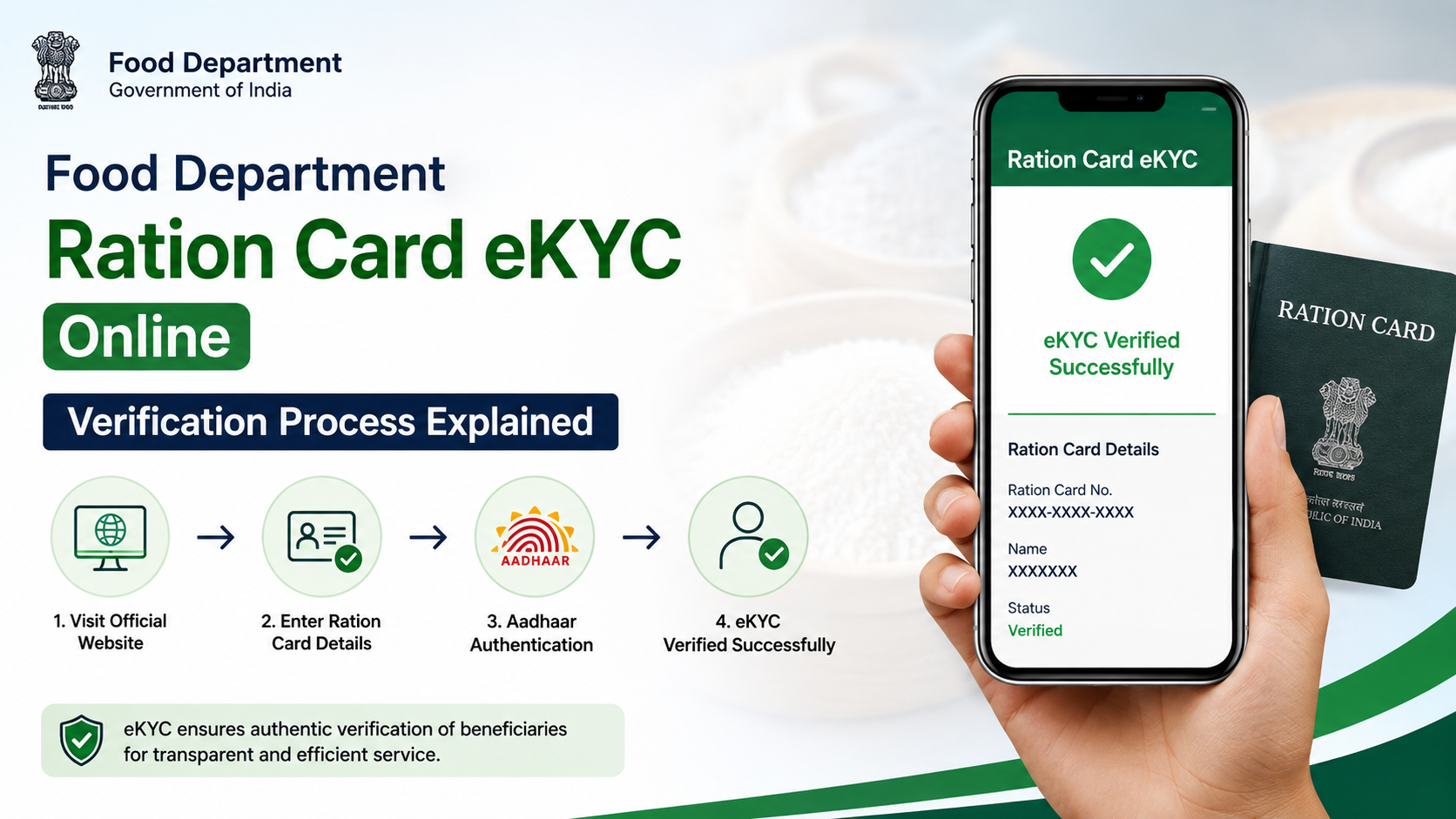
e-KYC is the identity-verification process used for Aadhaar linking and related ration-card actions. Depending on the authorised service point and case, authentication may use fingerprint, iris, or OTP-based verification.
For beneficiaries who have difficulty with fingerprint authentication—such as some elderly persons—the Department has introduced iris-scanner facilities at specified Food & Supplies offices for Aadhaar linking through e-KYC.
Before visiting an authorised service point:
- Carry the relevant ration-card details and Aadhaar information.
- Ensure the Aadhaar holder is present if biometric authentication is needed.
- Keep the mobile number linked to Aadhaar accessible if the process uses OTP.
- If Aadhaar biometrics have been locked, resolve that issue before an authentication-based service.
- Ask the operator to explain whether the request is completed, pending verification, or requires a correction.
An Aadhaar-linked mobile number can be important for OTP-based processes. UIDAI explains that Aadhaar OTP authentication sends a time-limited OTP to the mobile number or email registered with Aadhaar.
Protect Your Aadhaar and OTP During a Status Check
An Aadhaar number should be used only on the official government portal or with an authorised service point. The status-check task itself should never require you to disclose an OTP to a dealer, agent, caller, social-media contact, or unverified website.
Follow these precautions:
- Type the official portal address yourself or use a trusted official bookmark.
- Do not send Aadhaar images, numbers, or OTPs through WhatsApp groups or social-media comments.
- Do not pay an unofficial agent merely to “activate” a card.
- Do not allow a stranger to control your phone remotely during an Aadhaar process.
- Keep screenshots or acknowledgements only for your own records; do not post them publicly.
UIDAI specifically advises residents not to share Aadhaar openly in public spaces or disclose Aadhaar OTPs to unauthorised entities. Read UIDAI’s Aadhaar usage dos and don’ts for official safety guidance.
Where to Get Help for a Ration Card Problem
If the online result is unclear or a correction is required, use official support rather than a private intermediary.
The West Bengal Food & Supplies Department lists these toll-free helplines:
- 1800 345 5505
- 1967
The Department also provides an online grievance route through helpdesk.wbfood.in.
When raising a complaint, describe the issue precisely: for example, “Aadhaar not seeded,” “wrong Aadhaar linked,” “temporary inactive status,” or “application status not updated.” Keep any complaint number, application number, or acknowledgement safely for follow-up.
Frequently Asked Questions
Can I check my West Bengal ration card status with only an Aadhaar number?
The Department’s published RCMS process includes RC Details by Aadhaar, where the Aadhaar number is entered to check ration-card details. Access the service only through the official Food & Supplies portal and use Aadhaar information you are authorised to use.
Does a yellow ration card status mean the card is cancelled?
No. The Department’s guidelines describe yellow as an active card that is not Aadhaar-seeded. It may also cover children below five years and specified exempt cases. Check whether Aadhaar linking is required for the particular beneficiary.
What does a red ration card status mean?
Red can represent a temporarily inactive card that is not Aadhaar-seeded and may be reactivated through e-KYC. It can also represent a permanently inactive card, such as one deactivated because of surrender or death. Check the portal message or contact the Department before taking action.
Can Aadhaar linking be done at any ration shop in West Bengal?
The Department’s guidelines state that a beneficiary can complete Aadhaar linking at any Fair Price Shop, Bangla Sahayata Kendra, or Area Inspector office in West Bengal. Availability of a particular facility may depend on the authorised service point and the nature of the case.
Why does the application-status page ask for an application number?
Application tracking is a separate service for forms submitted for a new card, correction, inclusion, duplicate card, or another ration-card request. Aadhaar-based card-detail lookup and application tracking answer different questions, so use the route that matches your need.
Conclusion
To check west bengal ration card status aadhaar details, start at the official West Bengal Food & Supplies portal, open RCMS Login, and use Check Status → RC Details by Aadhaar. Review the displayed colour and message carefully: green generally confirms an active e-KYC-seeded card, while yellow or red may require Aadhaar linking, e-KYC, or official clarification.
If the record is missing, mismatched, or inactive, use an authorised Fair Price Shop, Bangla Sahayata Kendra, or Food & Supplies office—and protect your Aadhaar and OTP throughout the process.