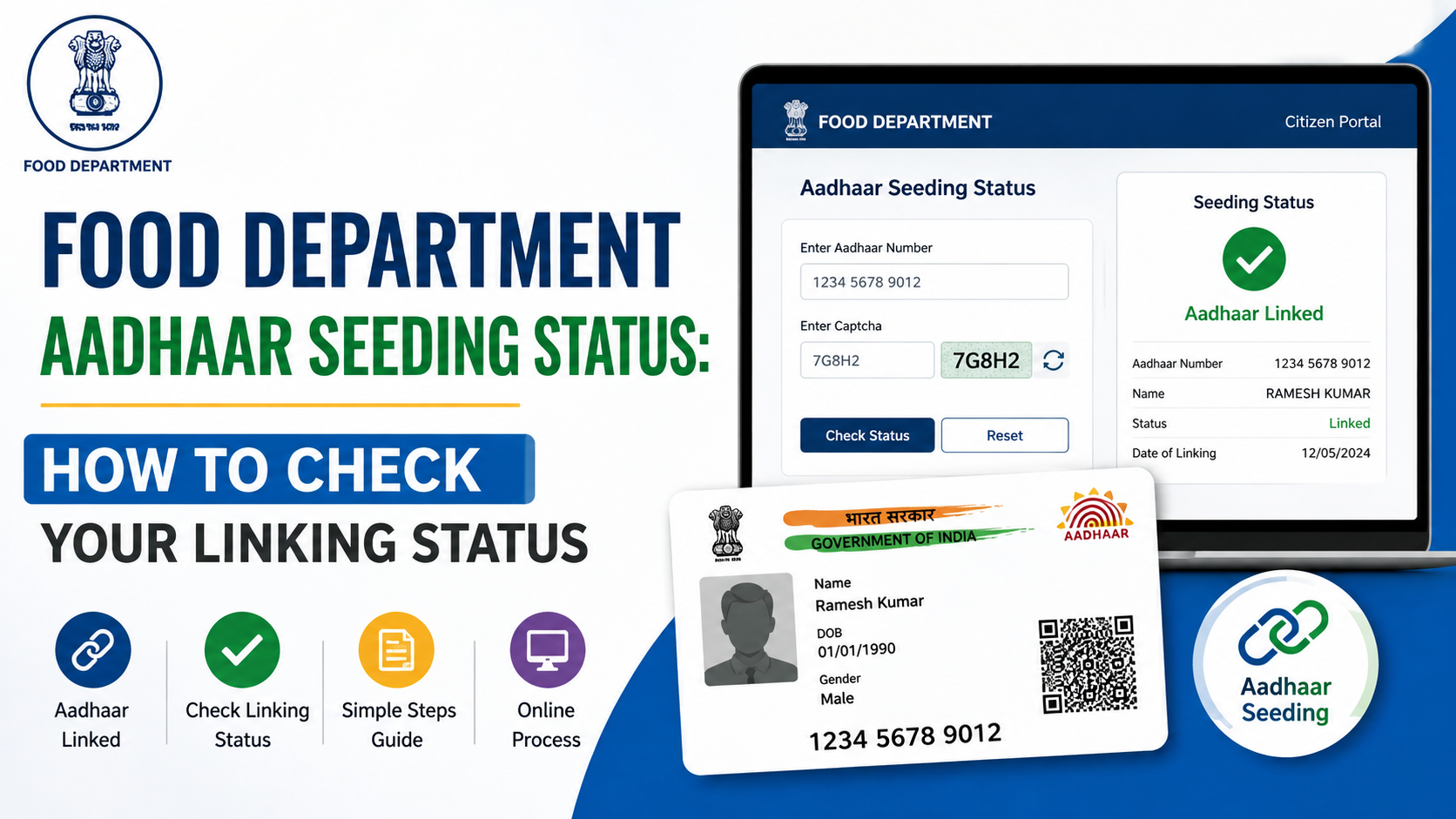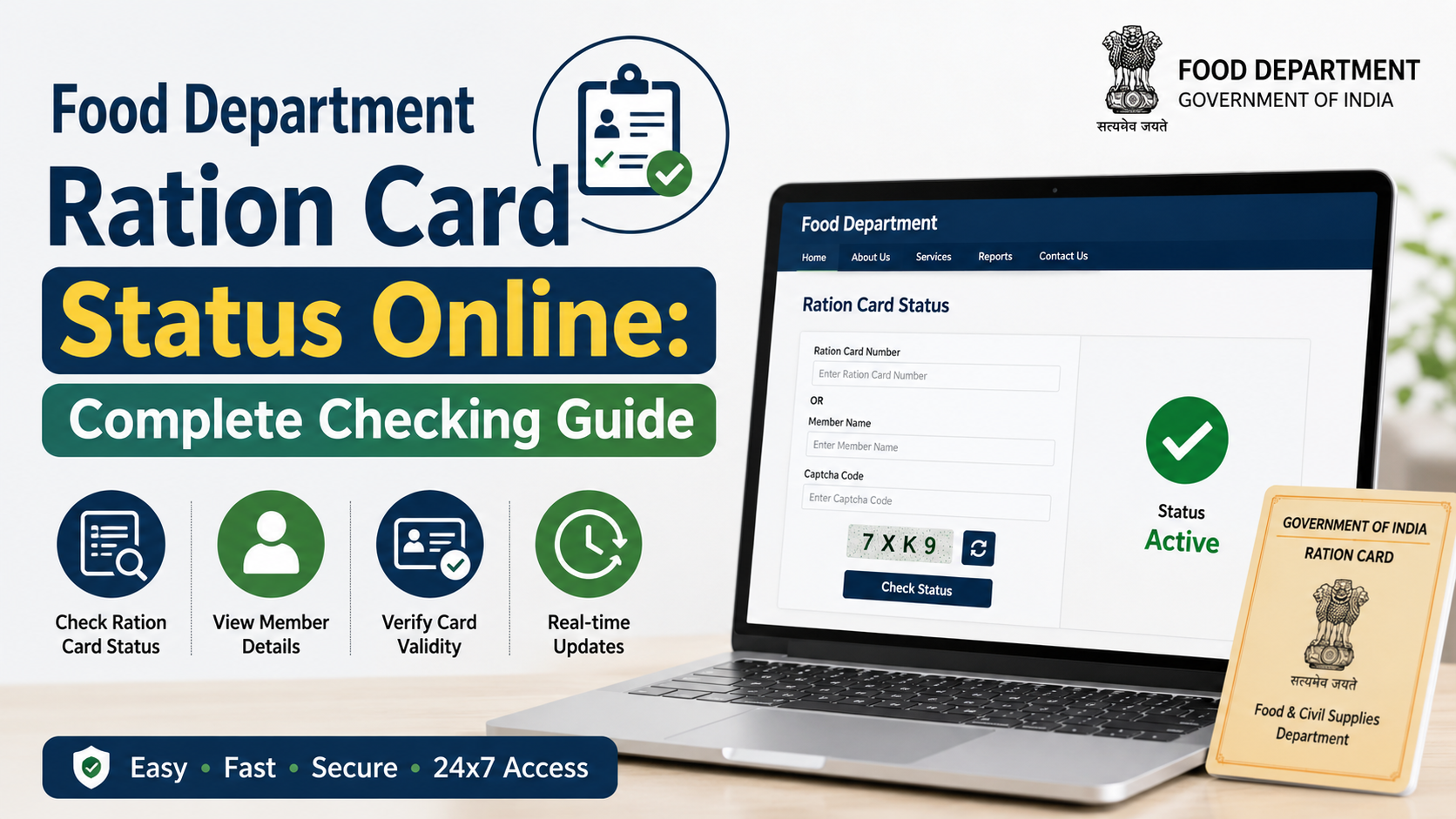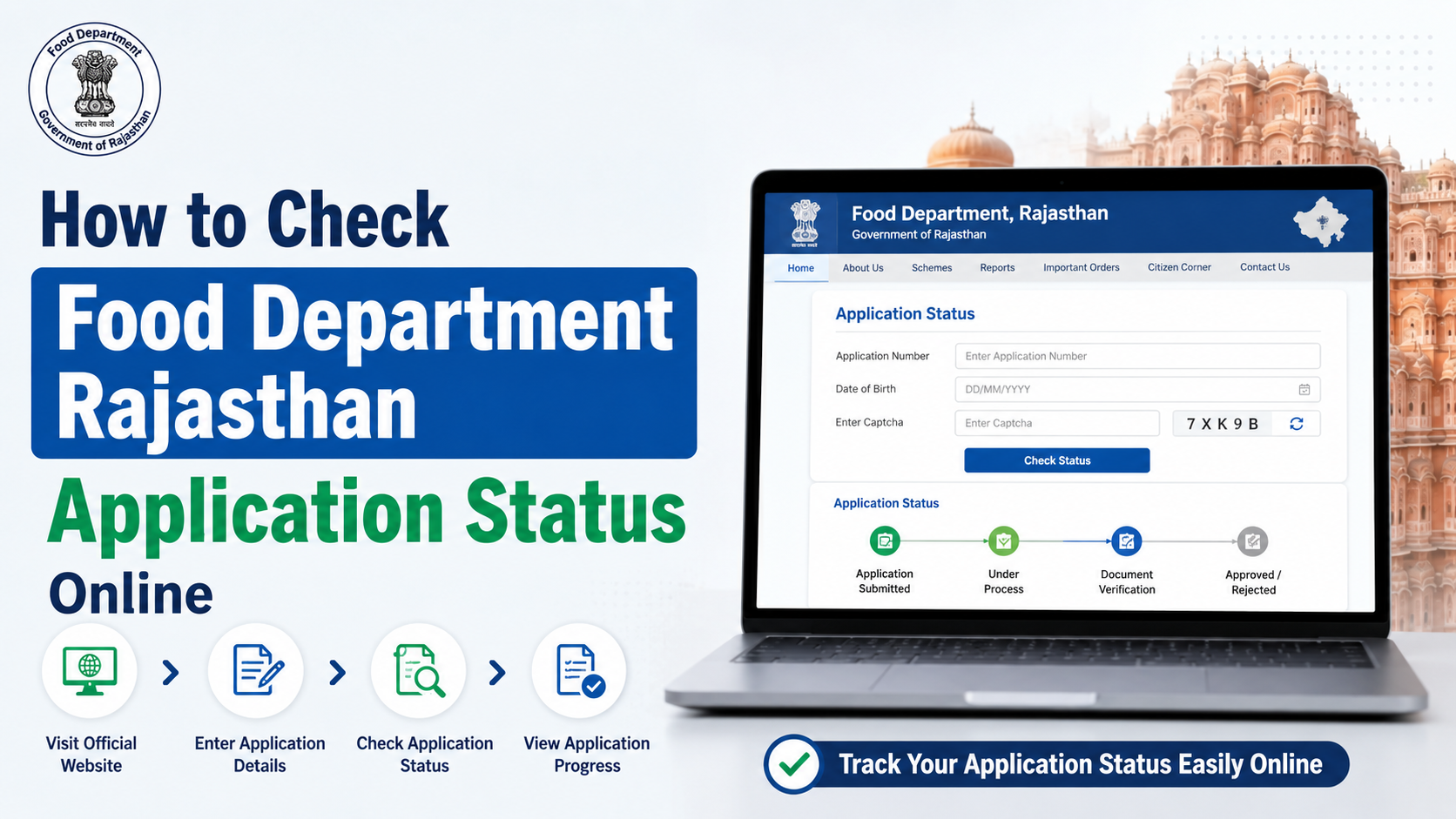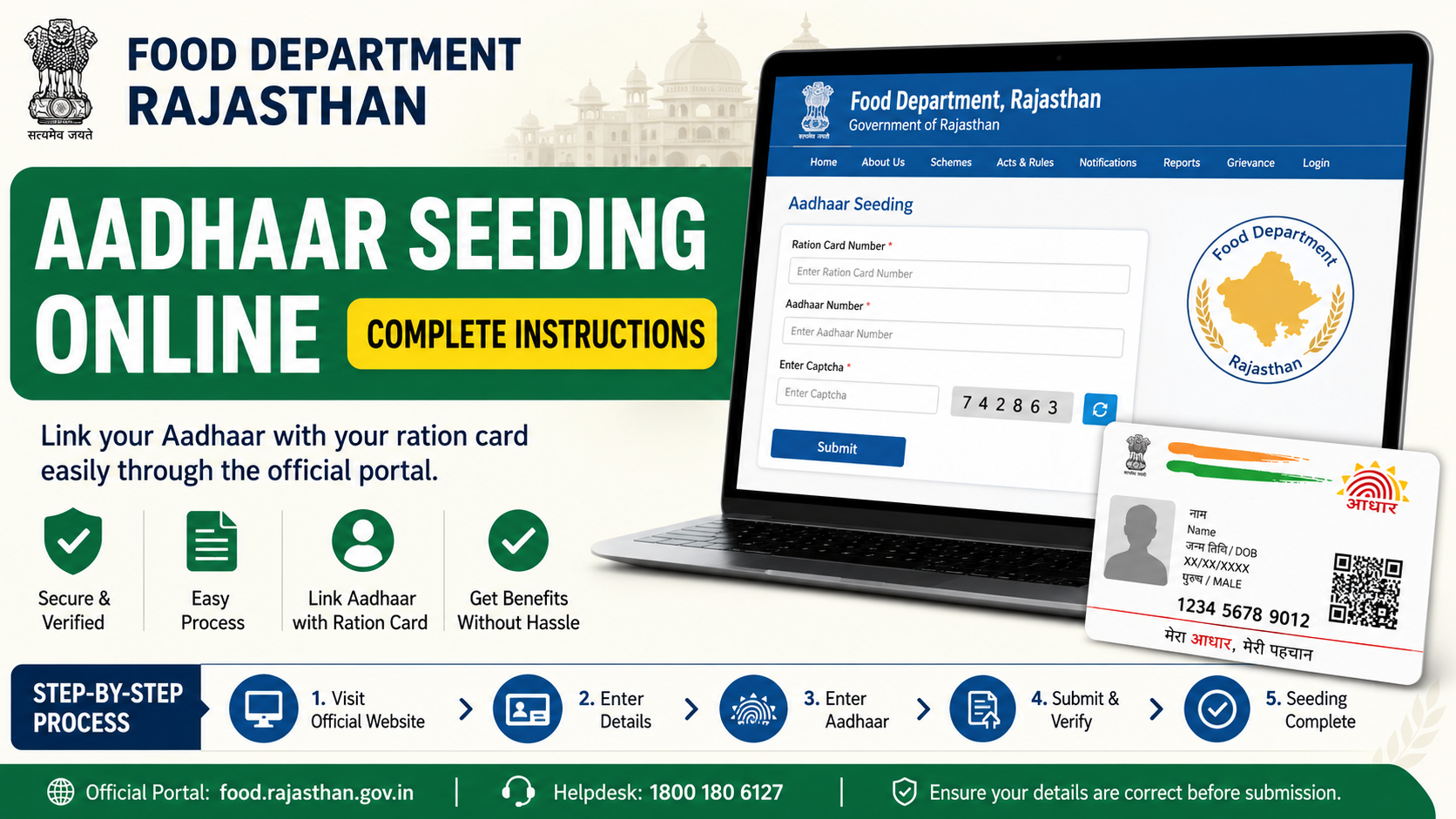
If you are searching for food department Aadhaar seeding online in Rajasthan, start with the official Food Department portal—not third-party websites or videos. Rajasthan’s public portal provides an official facility to check Aadhaar seeding, eKYC, LPG ID and Jan Aadhaar mapping status against a ration card. The Government of India’s services directory also lists “Ration Card Aadhaar Seeding (DOITC) in Rajasthan” as an online service.
However, checking a record and submitting a new Aadhaar-seeding request are different actions. The current public-facing Rajasthan page is primarily a status-and-mapping lookup. This guide explains the verified official route, what details to keep ready, how to interpret the result, and what to do when Aadhaar seeding or eKYC is incomplete.
Key Takeaways
- Use the official Rajasthan Food Department website for Aadhaar seeding, eKYC and LPG/Jan Aadhaar mapping information.
- The public lookup page requires the district, ration card number and captcha to view mapping details.
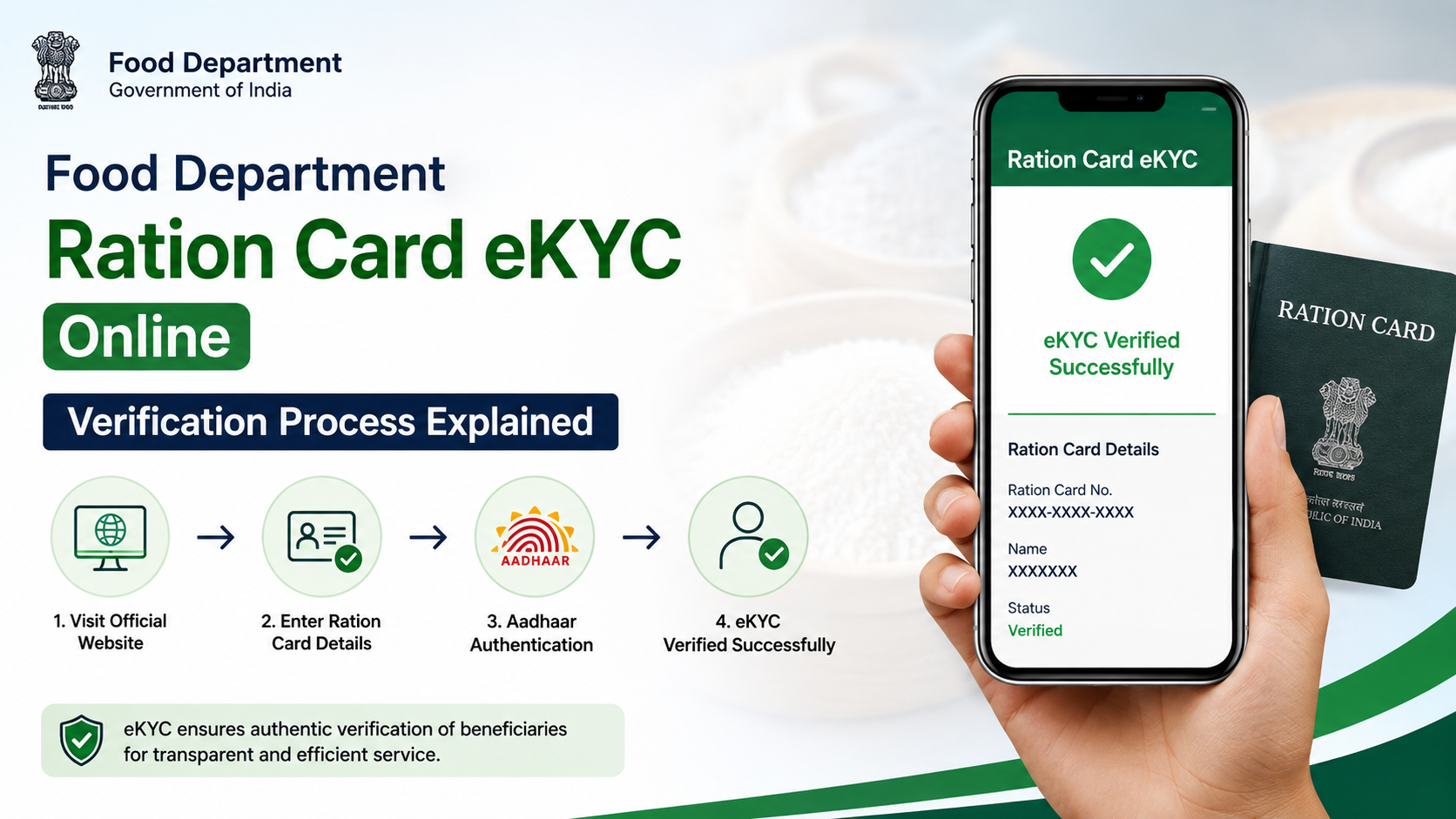
- Aadhaar seeding status, eKYC status and Jan Aadhaar mapping are separate fields; a successful status check does not itself complete eKYC.
- Do not share Aadhaar OTPs, full card images or biometrics with unofficial agents or websites.
- For an unresolved record issue, use the Rajasthan PDS helplines: 1800-180-6127, 181, or 6127.
- If the portal does not provide an option to submit or correct a request, obtain the applicable process from the Food Department or your fair price shop rather than relying on unofficial instructions.
What Food Department Aadhaar Seeding Means in Rajasthan
Aadhaar seeding in the ration-card context means associating a household member’s Aadhaar details with the ration-card record used in the Public Distribution System (PDS). Rajasthan’s Food Department also displays related information such as eKYC, LPG ID mapping and Jan Aadhaar mapping.
These are not interchangeable:
| Item | What it relates to |
|---|---|
| Aadhaar seeding | Aadhaar linkage in the ration-card/PDS record |
| eKYC | Identity authentication process associated with the beneficiary record |
| Jan Aadhaar mapping | Connection between the ration-card record and Jan Aadhaar details |
| LPG ID mapping | LPG-related mapping information displayed in the same status area |
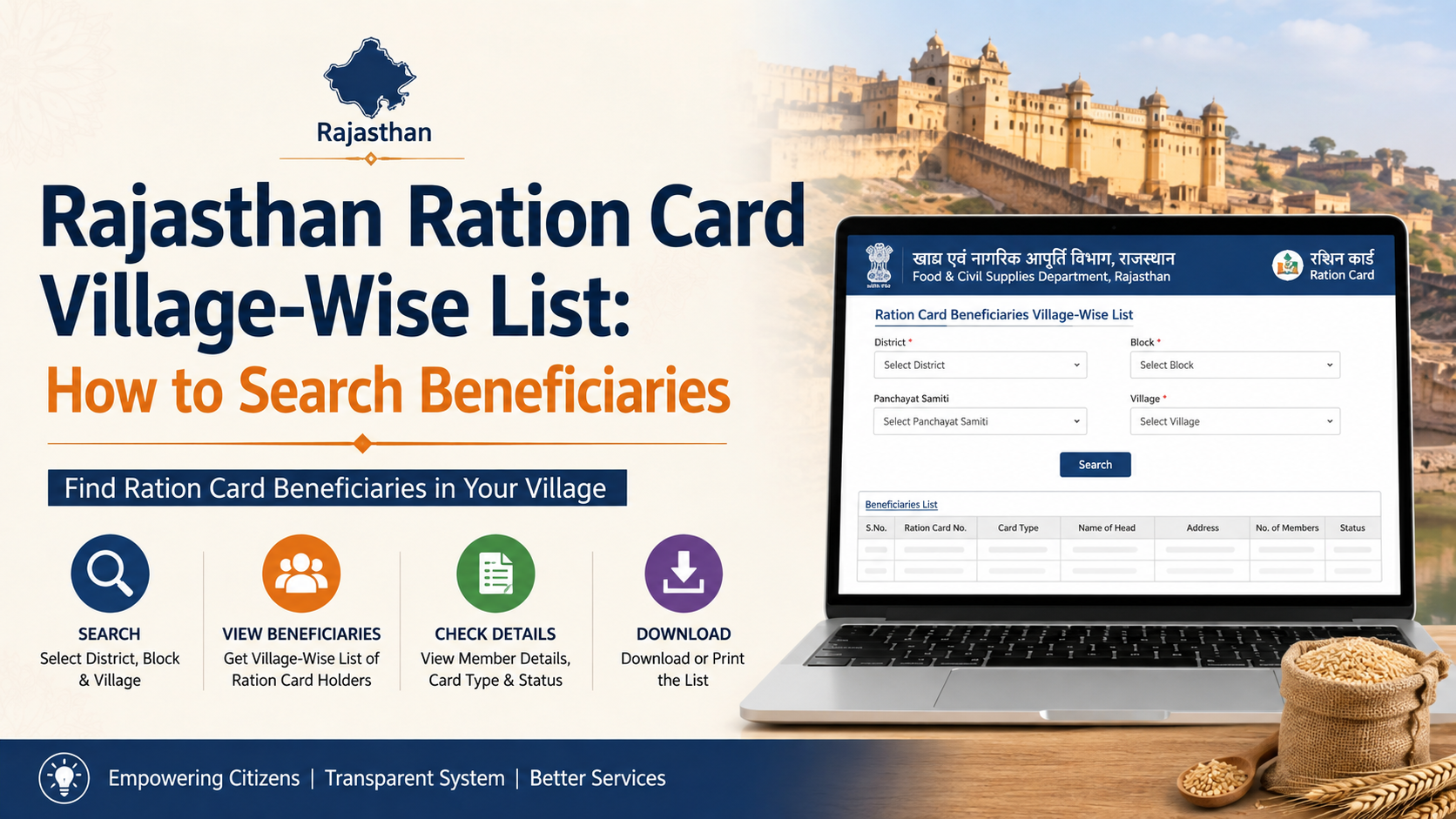
The official Food Department homepage specifically provides a link labelled in Hindi for checking the status of Aadhaar seeding, eKYC and LPG ID mapping. The linked public page is titled “Ration Card and Jan Aadhaar Mapping.”
Official Rajasthan Portal for Aadhaar Seeding Status
Begin at the Food Department, Government of Rajasthan website. On the homepage, look under the public-information links for the option referring to Aadhaar seeding, eKYC and LPG ID mapping status.
The direct public lookup page is available at:
https://rrcc.rajasthan.gov.in/AadharSeeding.aspx
Use only official government domains such as:
rajasthan.gov.infood.rajasthan.gov.inrrcc.rajasthan.gov.innfsa.gov.inindia.gov.in
Avoid websites that ask you to pay for an Aadhaar-seeding “application,” request your Aadhaar OTP through WhatsApp, or claim guaranteed approval.
How to Check Food Department Aadhaar Seeding Online
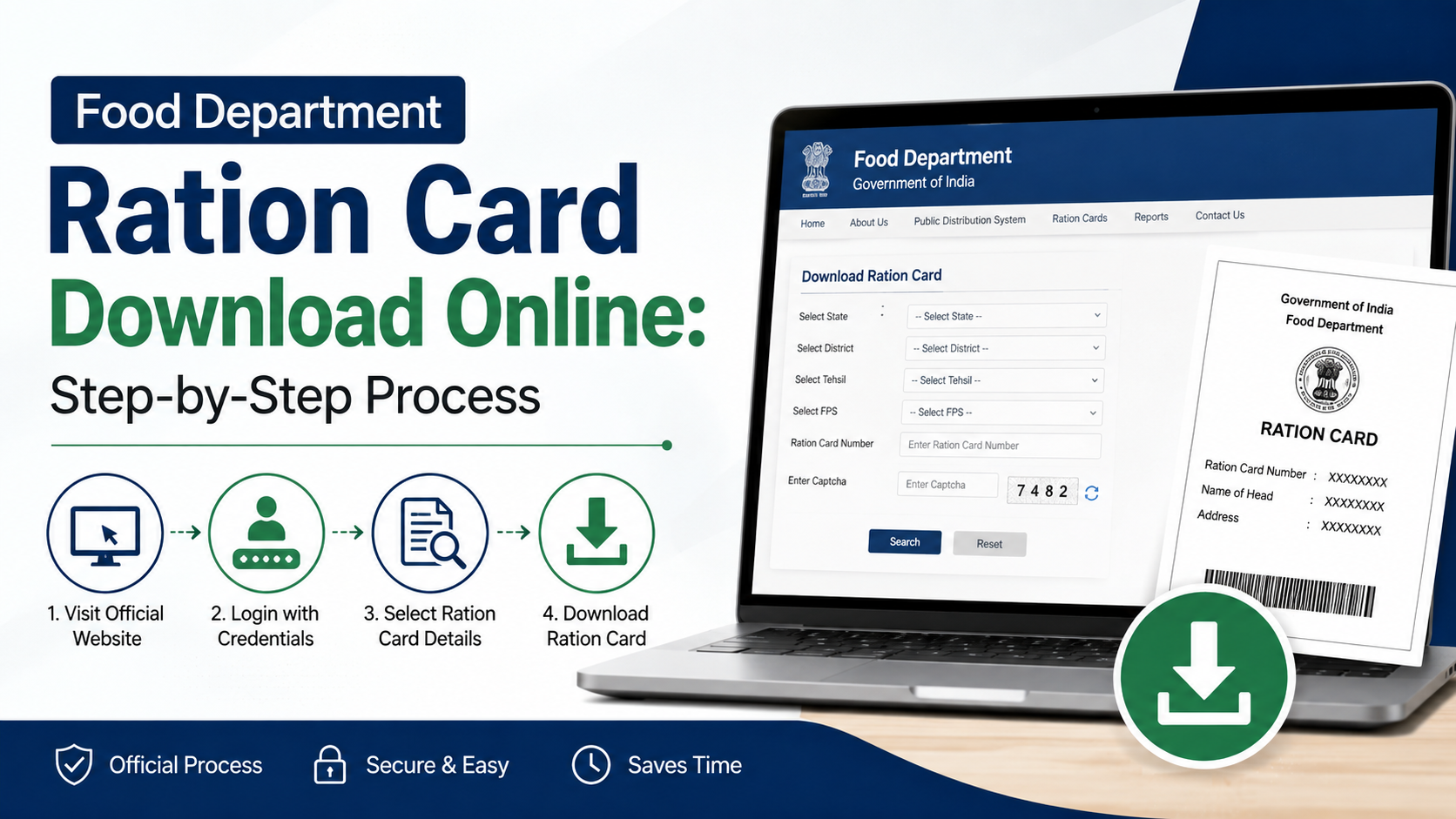
The Rajasthan public page is designed as a ration-card and Jan Aadhaar mapping lookup. Follow these steps carefully.
Step 1: Open the official mapping page
Open the Ration Card and Jan Aadhaar Mapping page in a current browser.
If the page does not load, return to the official Food Department homepage and open the Aadhaar-seeding/eKYC status option from there. Government portals may occasionally be slow or temporarily unavailable.
Step 2: Select your district
Choose the district associated with your ration-card record. Select the district carefully; an incorrect selection can prevent the record from appearing.
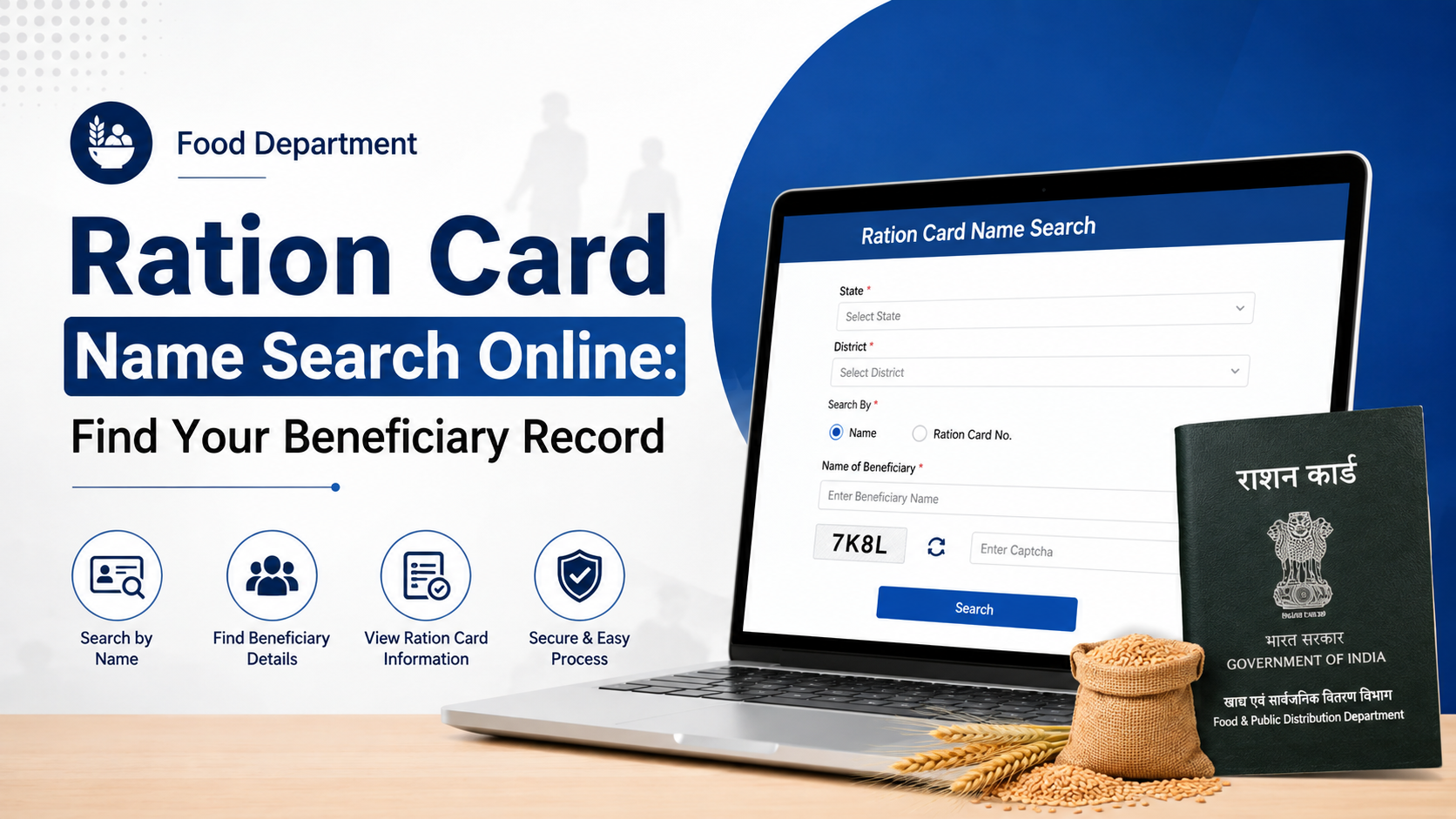
Step 3: Enter the ration card number
Enter the ration card number exactly as printed on the card or shown in your official ration-card record. Do not add spaces, punctuation or guessed digits.
Step 4: Complete the captcha and submit
Enter the characters displayed in the captcha and submit the form. The captcha is a security check. If it is unclear, refresh it rather than repeatedly entering an uncertain value.
Step 5: Review the mapping details
The result should be treated as a record-status display. Review the information for each household member carefully, especially where the page identifies Aadhaar, eKYC, LPG ID or Jan Aadhaar mapping status.
If the information appears complete, keep a screenshot or note the result date for your personal record. A screenshot is useful for reference, but it is not a substitute for the department’s official record.
Information to Keep Ready Before You Begin
Prepare the following before opening the portal:
- Ration card number
- District linked to the ration card
- Correct spelling of household members’ names as recorded on official documents
- Aadhaar details of the relevant household member, if needed for a follow-up
- Jan Aadhaar details, where applicable
- A working mobile number for communication with the relevant office or service point
Do not enter Aadhaar numbers on lookalike websites. Confirm the website address before entering any personal details. A secure connection alone does not prove that a website is official; the government domain is the important check.
Can You Complete Aadhaar Seeding Entirely Online?
The Government of India’s National Government Services Portal lists Rajasthan’s “Ration Card Aadhaar Seeding (DOITC)” service as fully online. At the same time, the currently accessible Rajasthan public page is clearly a ration-card and Jan Aadhaar mapping/status interface.
For this reason, do not assume that every case can be completed by entering details on the public lookup page. The interface may show your existing status without presenting a public form to add, edit or correct Aadhaar information.
If your status is incomplete or incorrect:
- Recheck the district and ration card number.
- Confirm whether the issue is Aadhaar seeding, eKYC, Jan Aadhaar mapping or an incorrect household record.
- Contact the Rajasthan Food Department helpline for the current procedure.
- Follow instructions from the designated department office or authorised fair price shop if in-person identity verification is required.
This approach prevents a common mistake: treating a “status check” as proof that a new seeding request has been submitted.
Understanding Aadhaar Seeding and eKYC Status
A result may show different outcomes for different members of the same household. Do not assume that one person’s completed status applies to everyone on the ration card.
If Aadhaar appears seeded
Check whether the corresponding member’s name is correct and whether any separately displayed eKYC or Jan Aadhaar status is also complete. Aadhaar seeding alone should not be interpreted as confirmation that every related field is updated.
If Aadhaar is not seeded or details are missing
Do not repeatedly submit random information or use an unofficial “update” site. Instead, note the ration card number, member name and the exact issue shown on the portal. Then contact the department through the official channels listed below.
If eKYC is pending
The Food Department portal identifies eKYC as a separate status item. A pending eKYC indication should be handled as an identity-verification matter, not merely as a webpage error. Ask the Food Department helpline or your designated fair price shop about the current authorised method for completing it.
If Jan Aadhaar mapping is wrong
A mismatch can occur when household information differs between records. Keep the relevant ration card and Jan Aadhaar details ready and request guidance through the official support channel. Do not attempt to create duplicate household records to solve a mapping issue.
Common Problems and Safe Solutions
| Problem | Safe next action |
|---|---|
| Portal does not open | Try again later, or begin from the official Food Department homepage |
| Record is not found | Recheck district and ration card number; then contact the helpline |
| Captcha keeps failing | Refresh the captcha and enter it exactly as displayed |
| Aadhaar status is incomplete | Record the issue and seek the department’s current authorised procedure |
| eKYC shows pending | Ask the Food Department or authorised FPS about the required verification process |
| Name or family-member details are incorrect | Use the official correction route advised by the department; do not use unofficial agents |
| Someone asks for Aadhaar OTP | Do not share it; use official channels only |
Official Help, Complaints and Escalation
For assistance with Rajasthan PDS and ration-card matters, the National Food Security Act portal lists these Rajasthan help channels:
- Toll-free helpline: 1800-180-6127
- Rajasthan Sampark: 181
- Short helpline: 6127
The NFSA Rajasthan state page also links to the Rajasthan Food Department website and the state grievance-redressal system.
When calling or filing a complaint, provide concise factual information:
- Your district
- Ration card number
- Name of the affected household member
- The status shown on the official page
- Date and time you checked the portal
- A screenshot, if available
Never post Aadhaar numbers or ration-card details publicly on social media while seeking help.
Privacy and Fraud Precautions
Aadhaar data is sensitive personal information. Follow these safeguards when using food department Aadhaar seeding online services:
- Use your own device where possible.
- Verify the government domain before submitting any details.
- Never disclose Aadhaar OTPs, bank PINs or biometrics to another person.
- Do not send full Aadhaar documents through unverified WhatsApp numbers.
- Avoid cybercafé operators or agents who retain copies of your documents without a clear official purpose.
- Log out and close the browser after using a shared computer.
For Aadhaar-specific support, UIDAI provides the toll-free number 1947 and official online services through its UIDAI website.
Frequently Asked Questions
Is food department Aadhaar seeding online free in Rajasthan?
The official public portal allows users to access ration-card and mapping status information. The publicly available pages reviewed for this guide do not state a fee for this status lookup. If any person asks for payment for a “guaranteed” Aadhaar-seeding update, verify the request with the Food Department first.
Can I check Aadhaar seeding using only my Aadhaar number?
The Rajasthan mapping page is structured around selecting a district and entering a ration card number. Keep your ration card number ready before using the online status facility.
Does successful Aadhaar seeding mean eKYC is complete?
Not necessarily. Rajasthan’s Food Department presents Aadhaar seeding and eKYC as separate status items. Check each relevant status shown for the household member.
What should I do if the online record has the wrong name?
Do not attempt to alter the record through unofficial websites. Note the mismatch and contact the Rajasthan PDS helpline or the authorised local service point for the prescribed correction route.
Where can I complain about an unresolved ration-card Aadhaar issue?
Use the Rajasthan PDS helpline 1800-180-6127, Rajasthan Sampark 181, or the grievance link available through the NFSA Rajasthan page.
Conclusion
For food department Aadhaar seeding online in Rajasthan, use the official Food Department portal to check ration-card Aadhaar, eKYC, LPG ID and Jan Aadhaar mapping status. Enter the correct district and ration card number, review each household member’s result, and treat a status lookup separately from any required correction or verification process. If the portal does not offer a public submission option or your record remains incomplete, contact 1800-180-6127 or 181 and follow the department’s current authorised instructions.