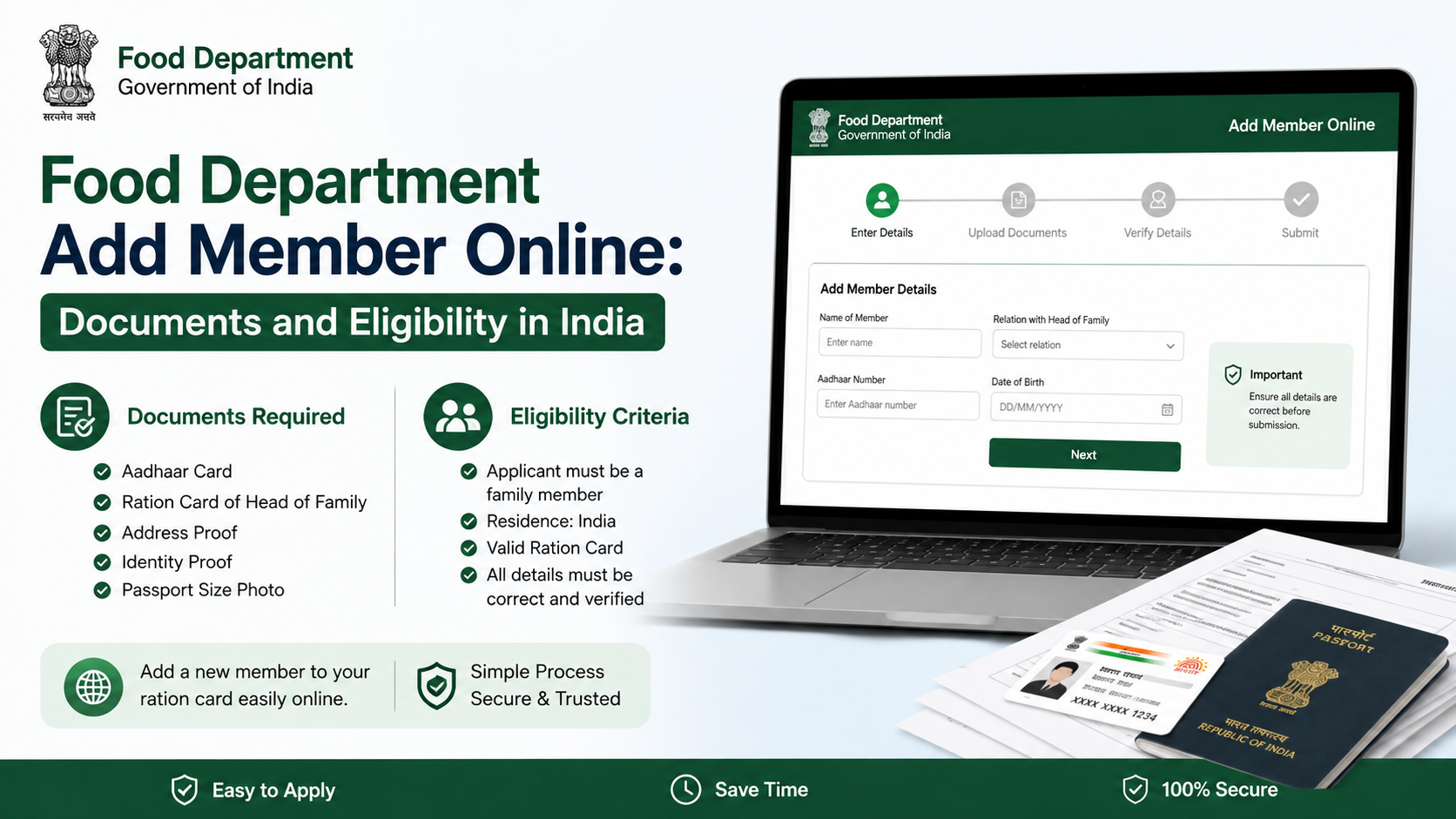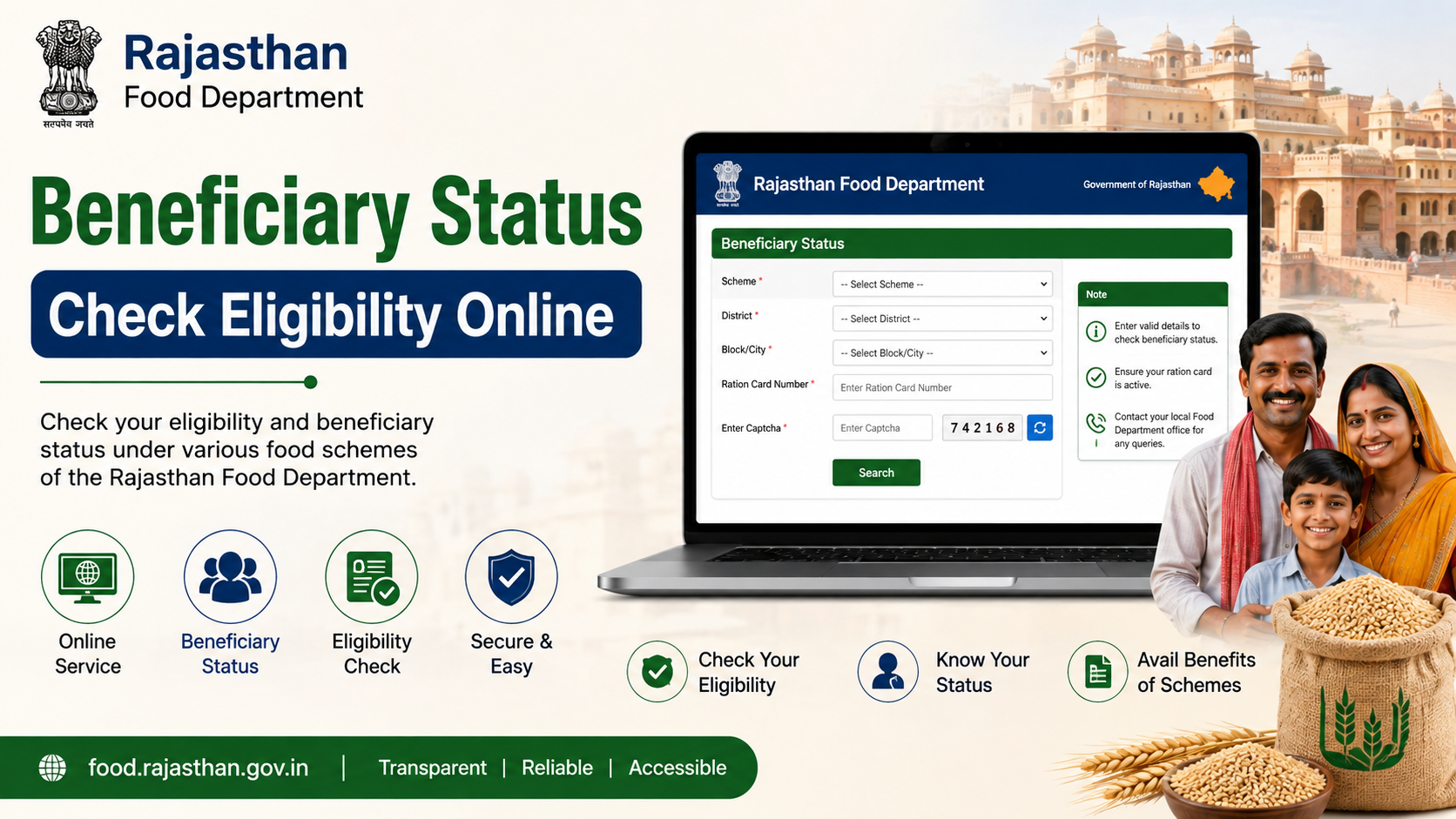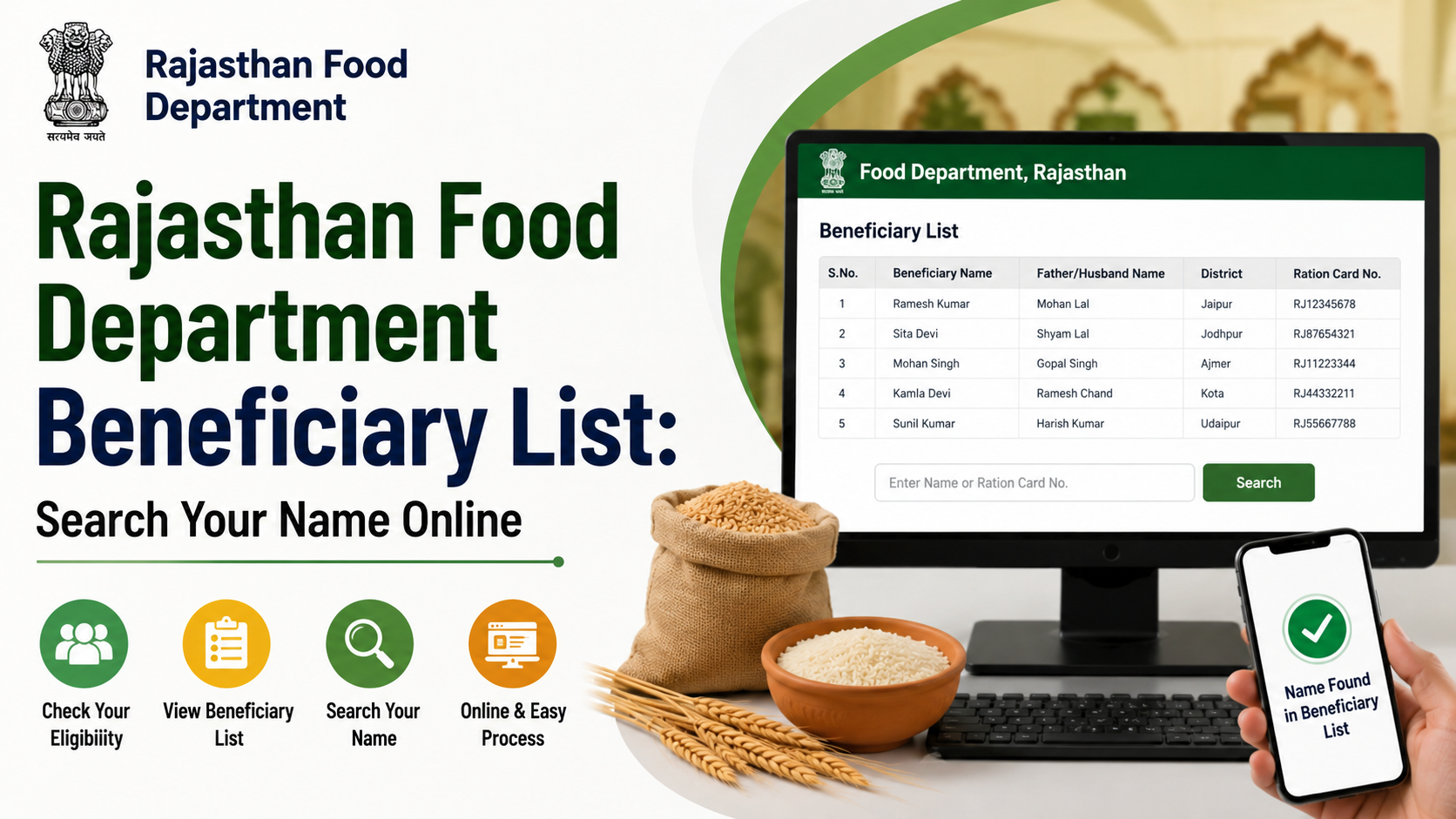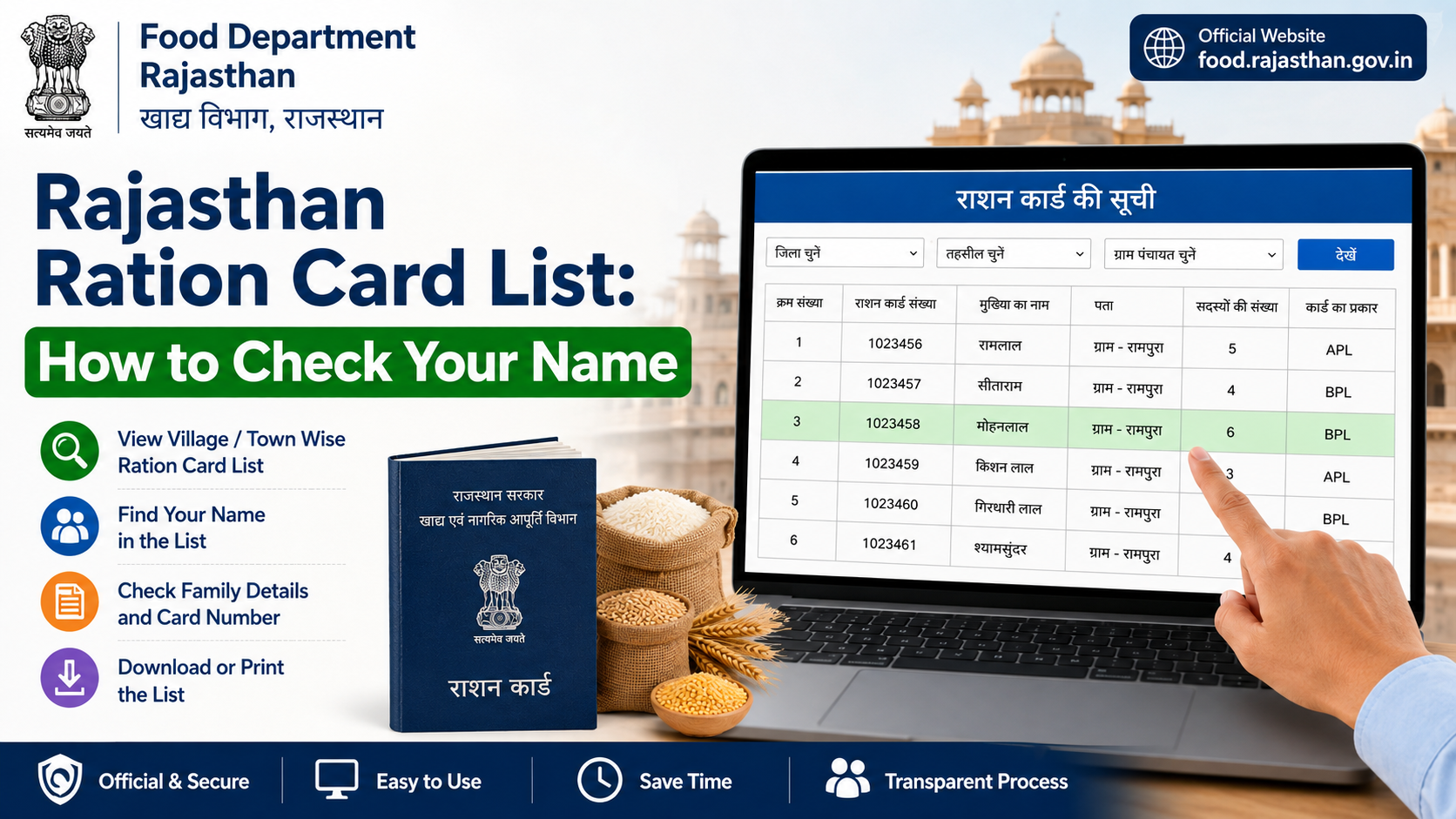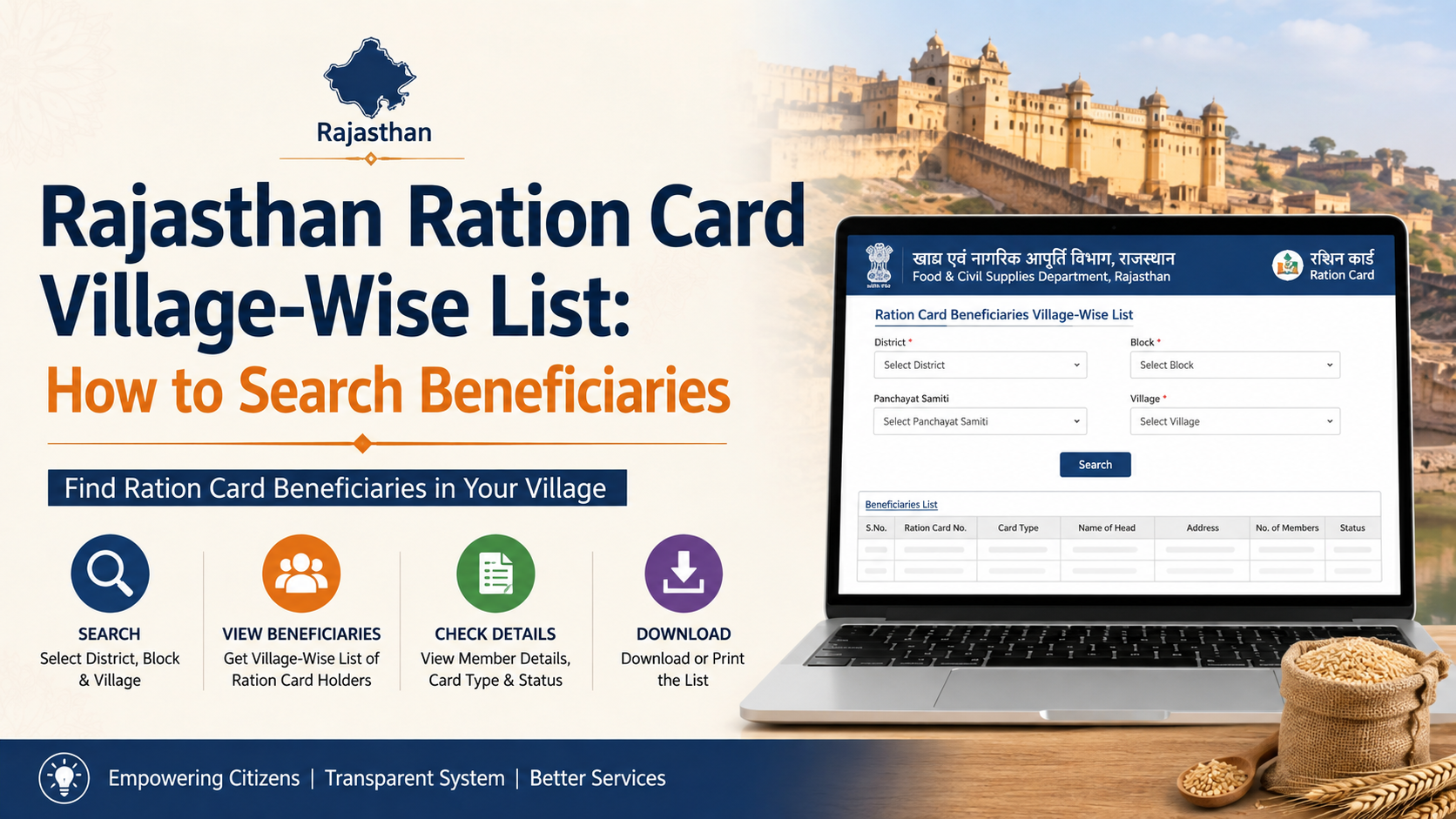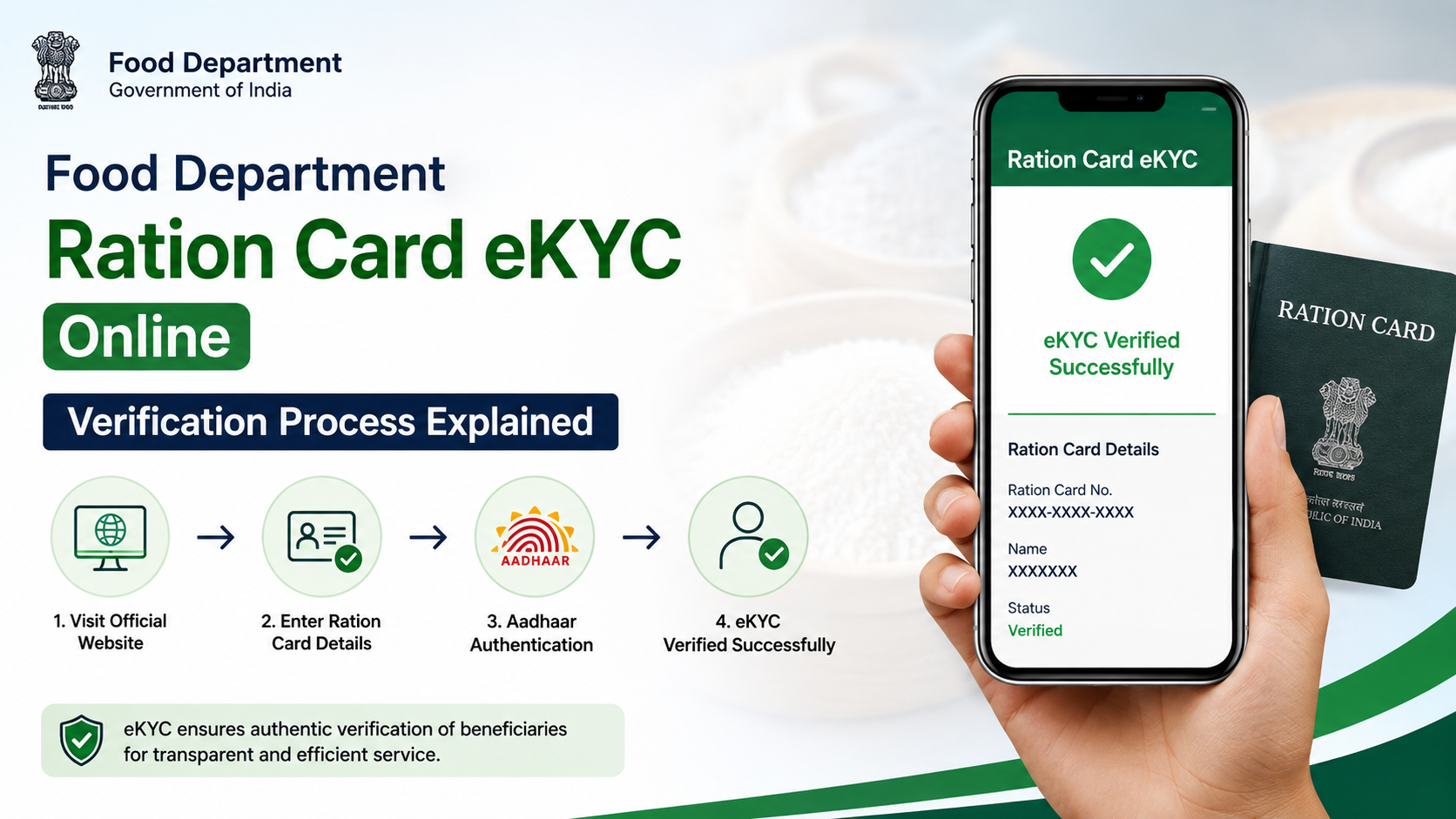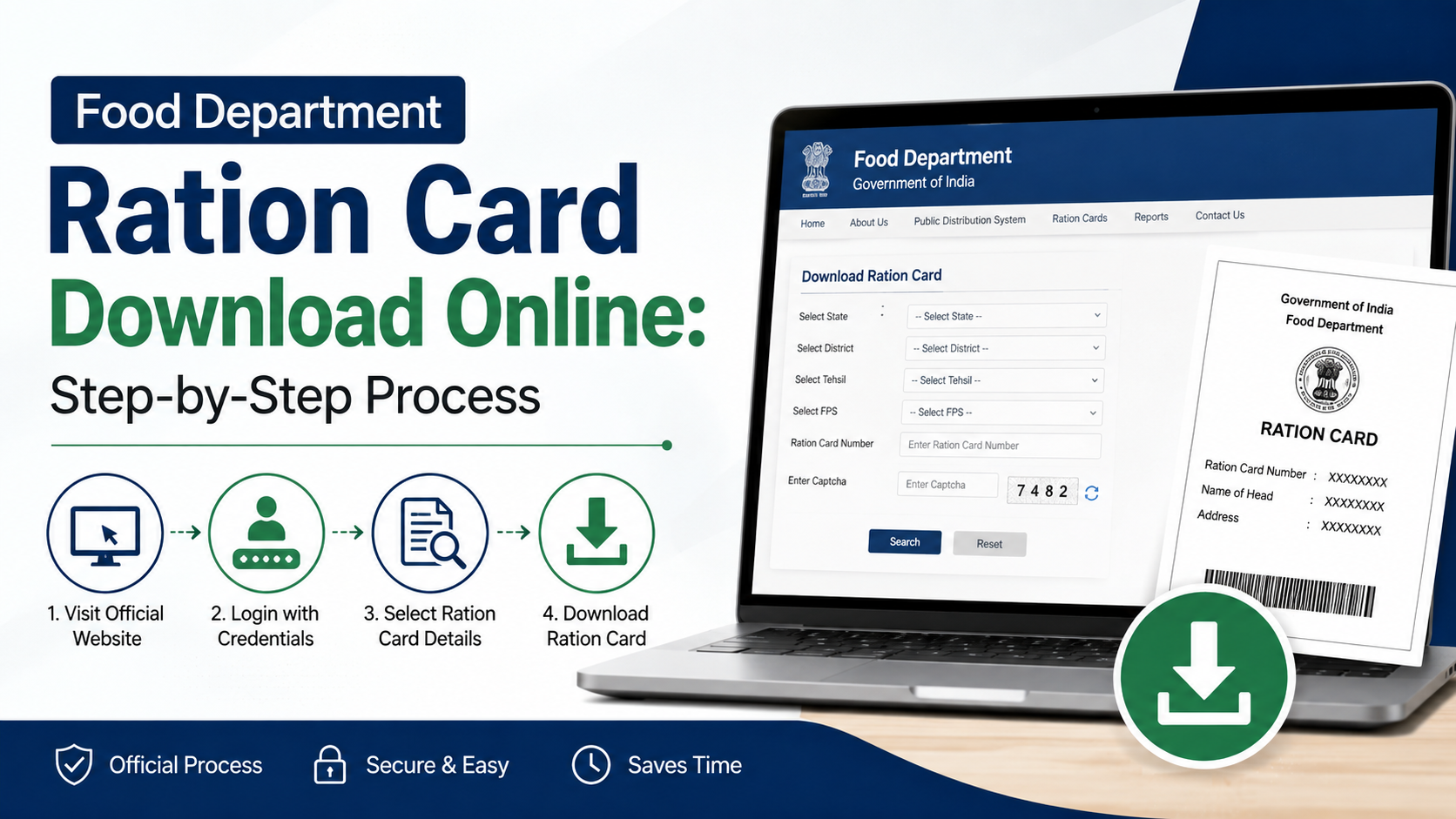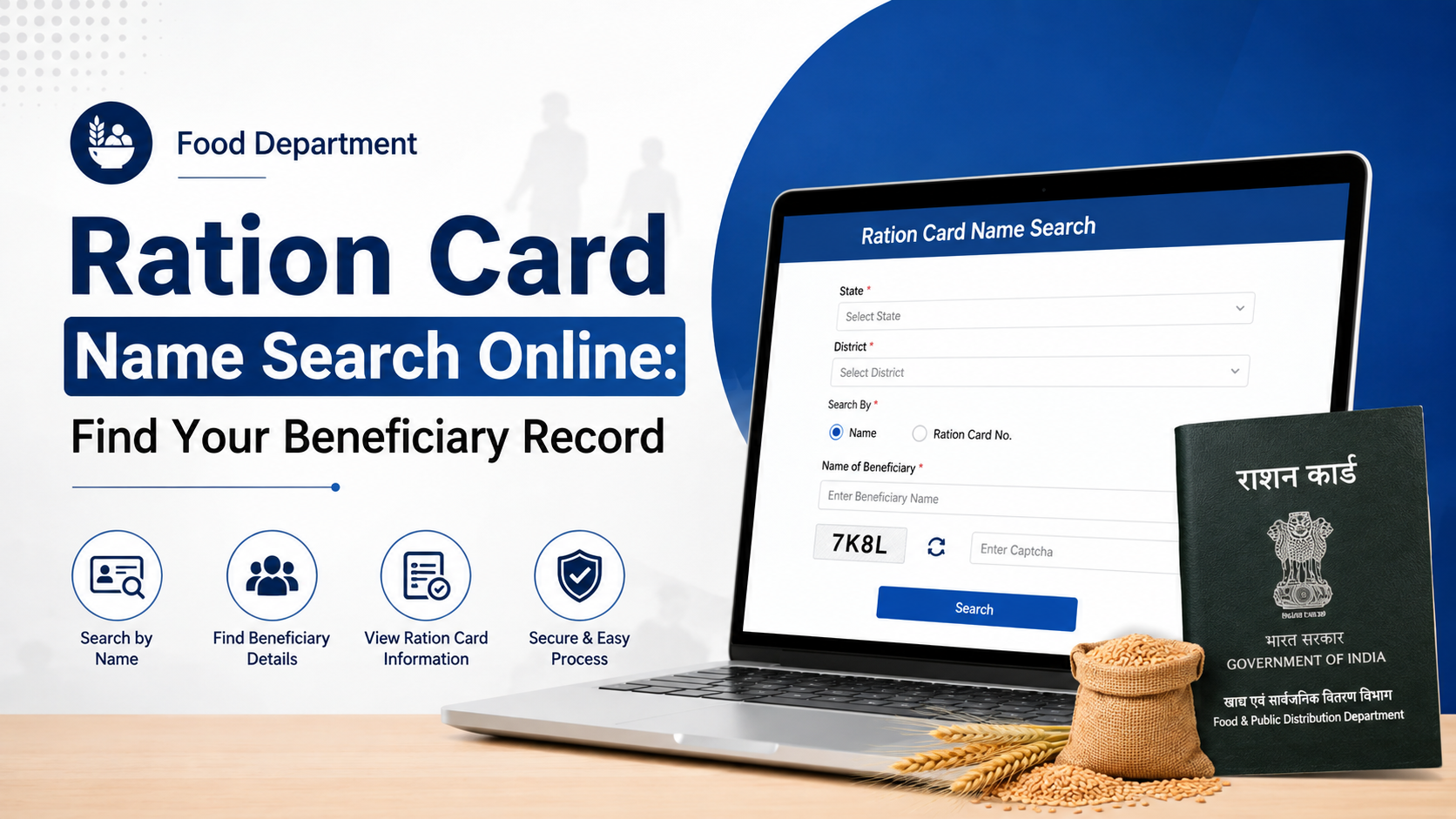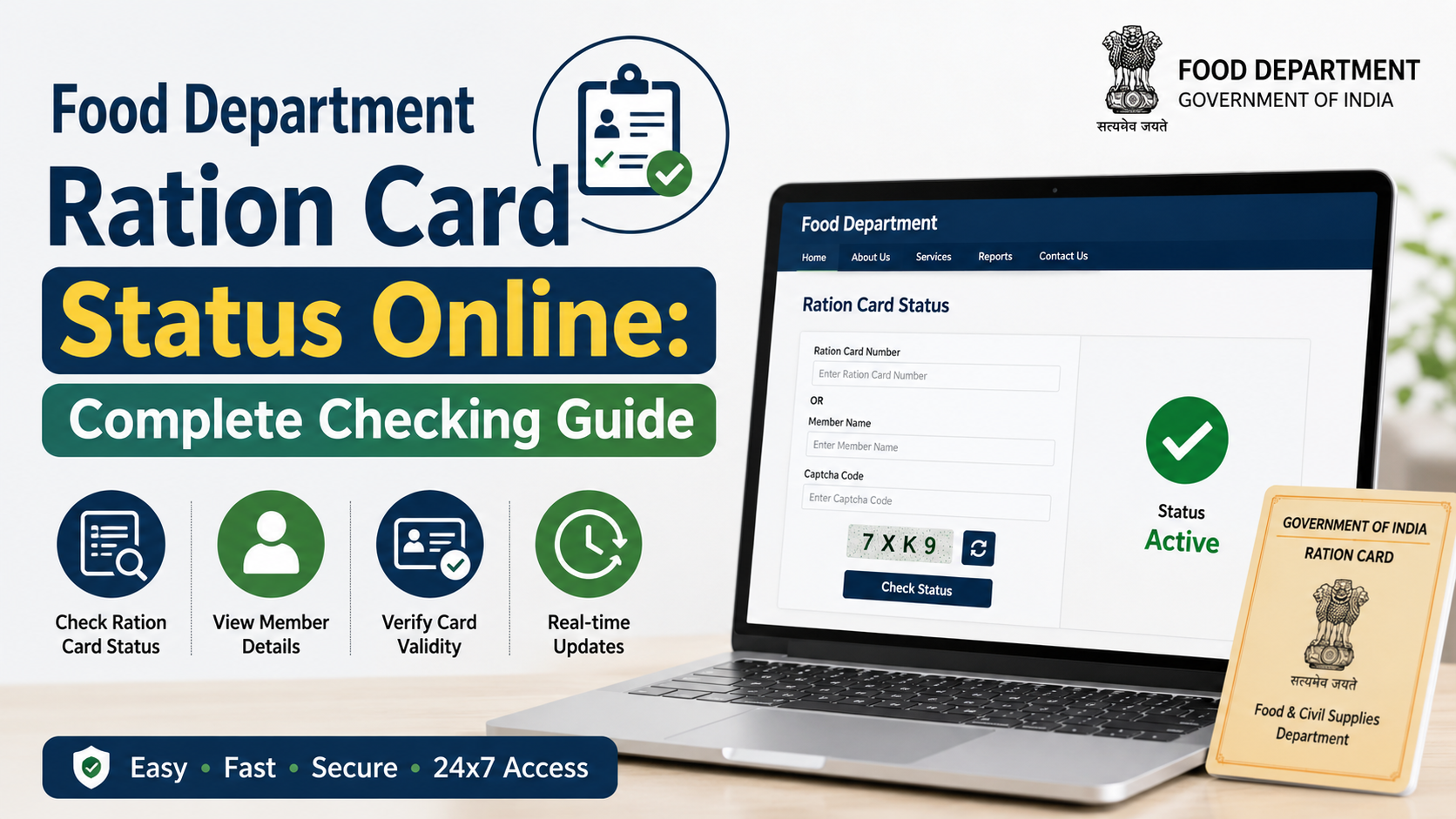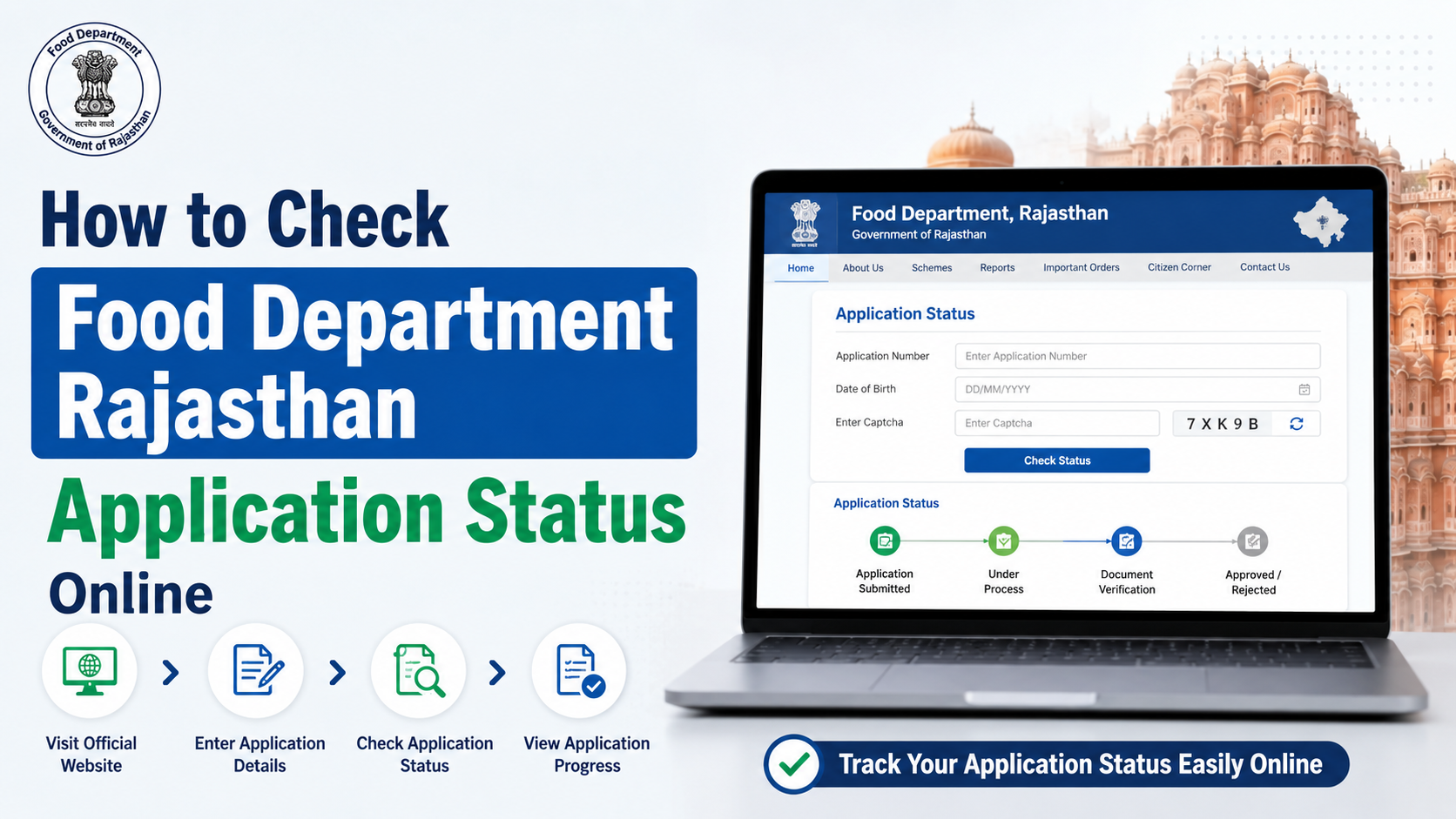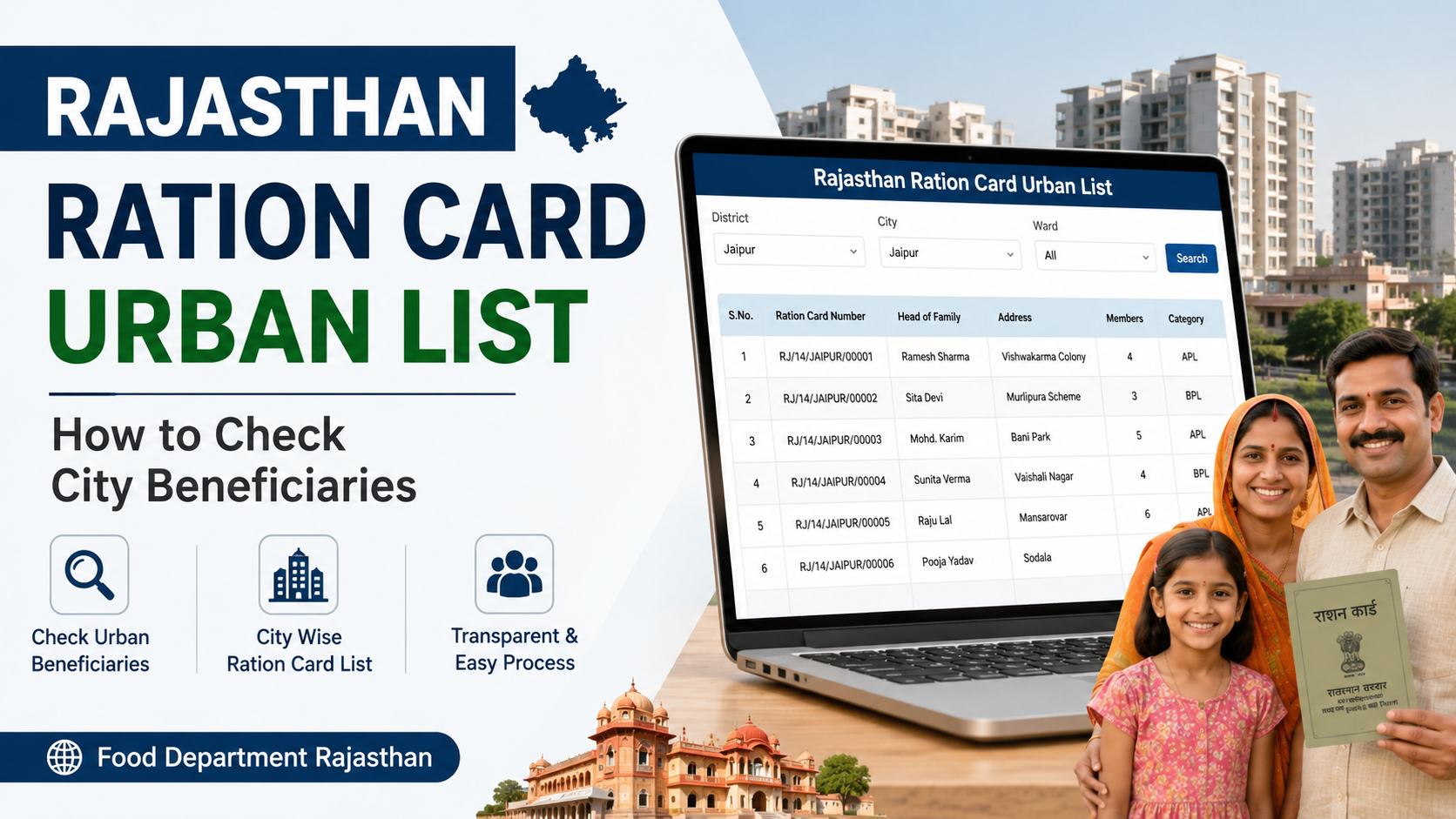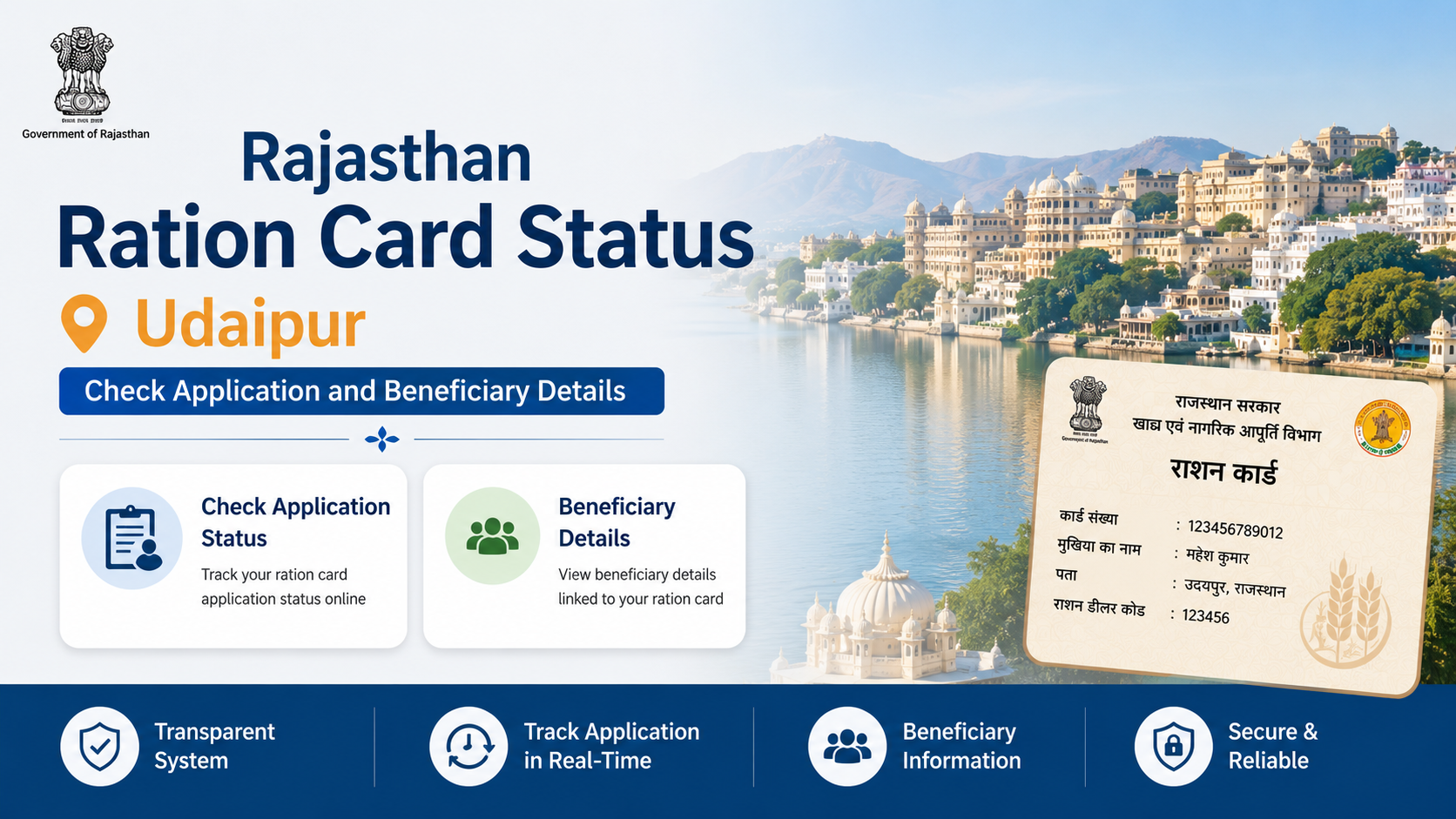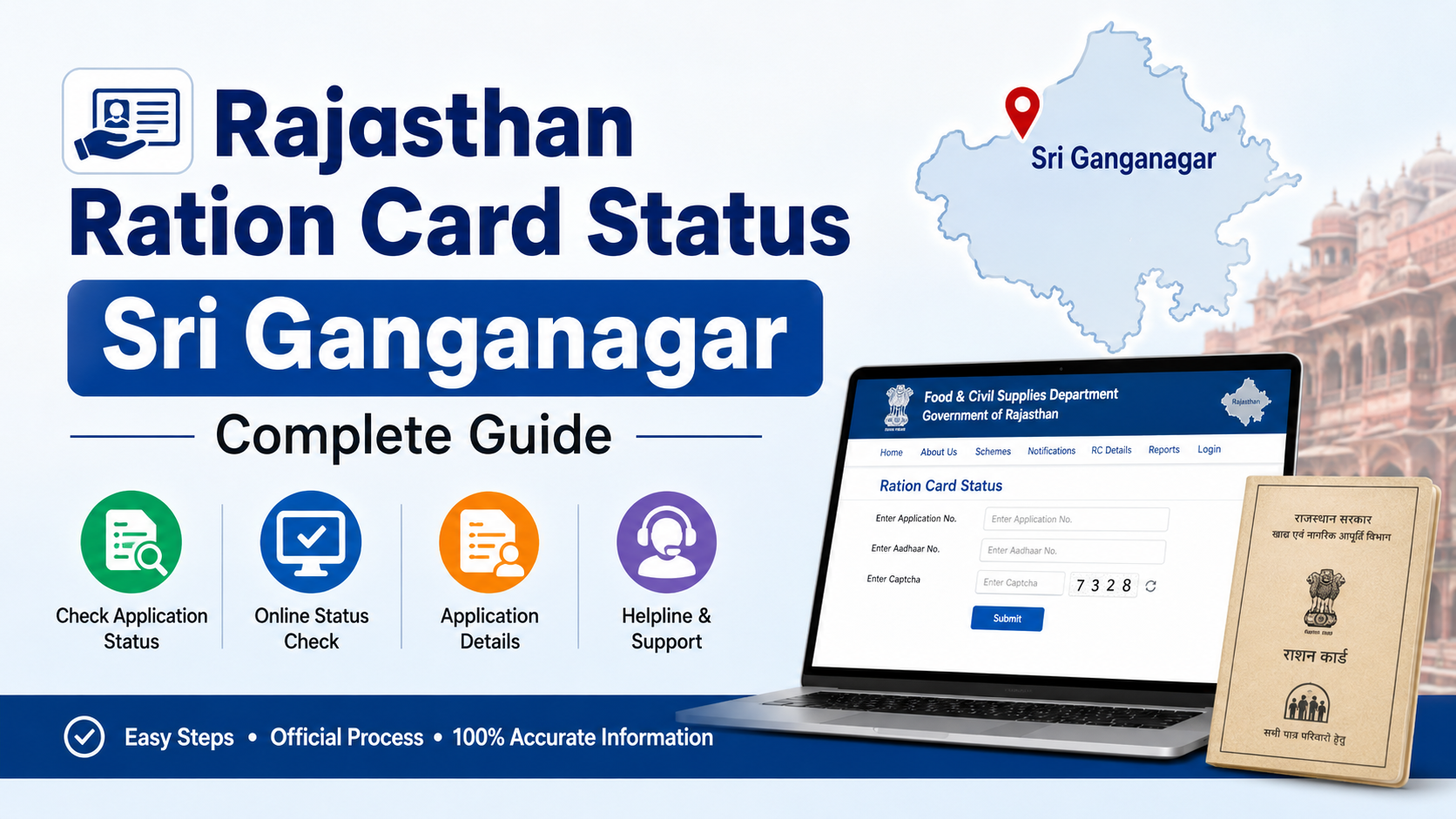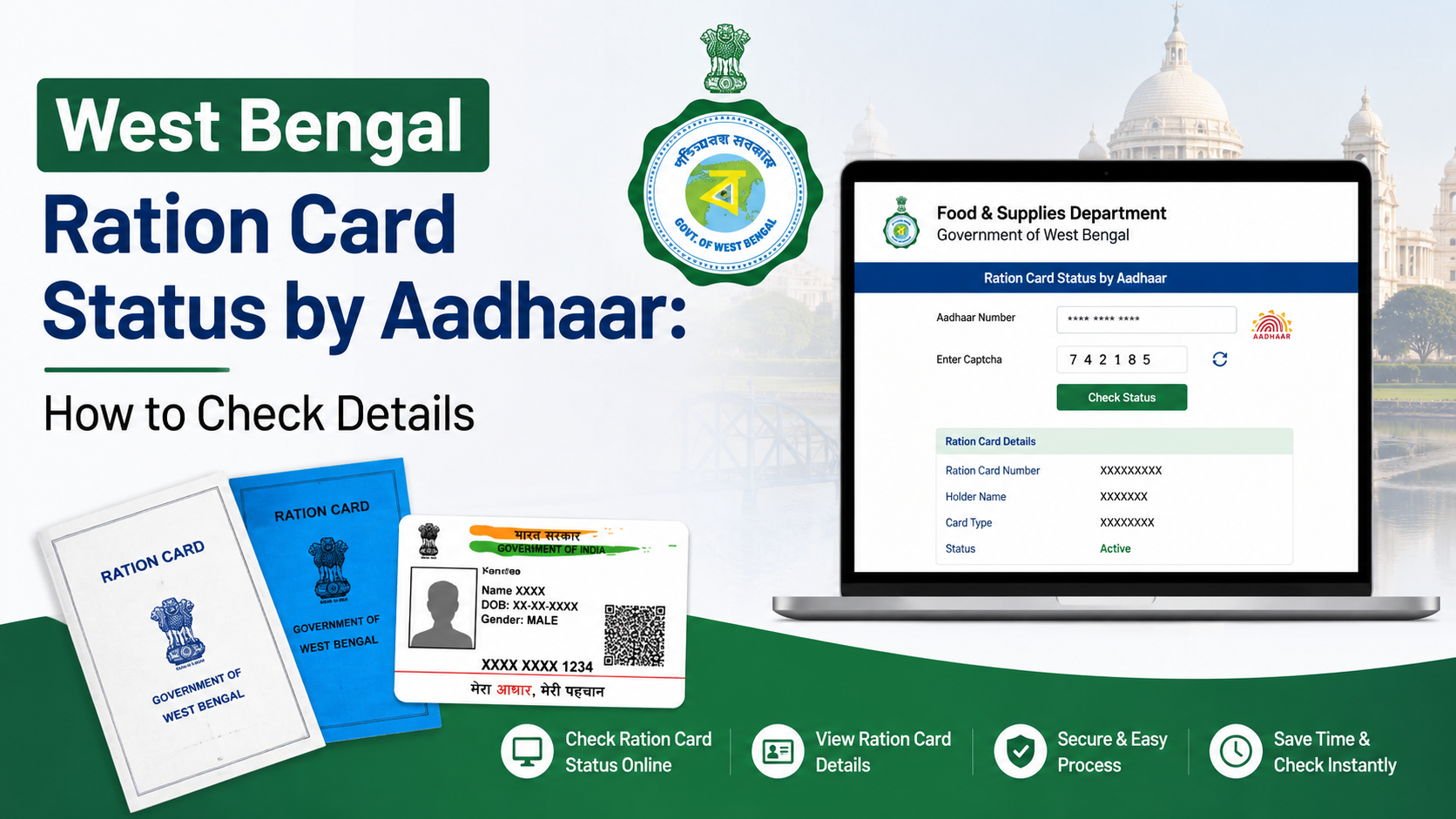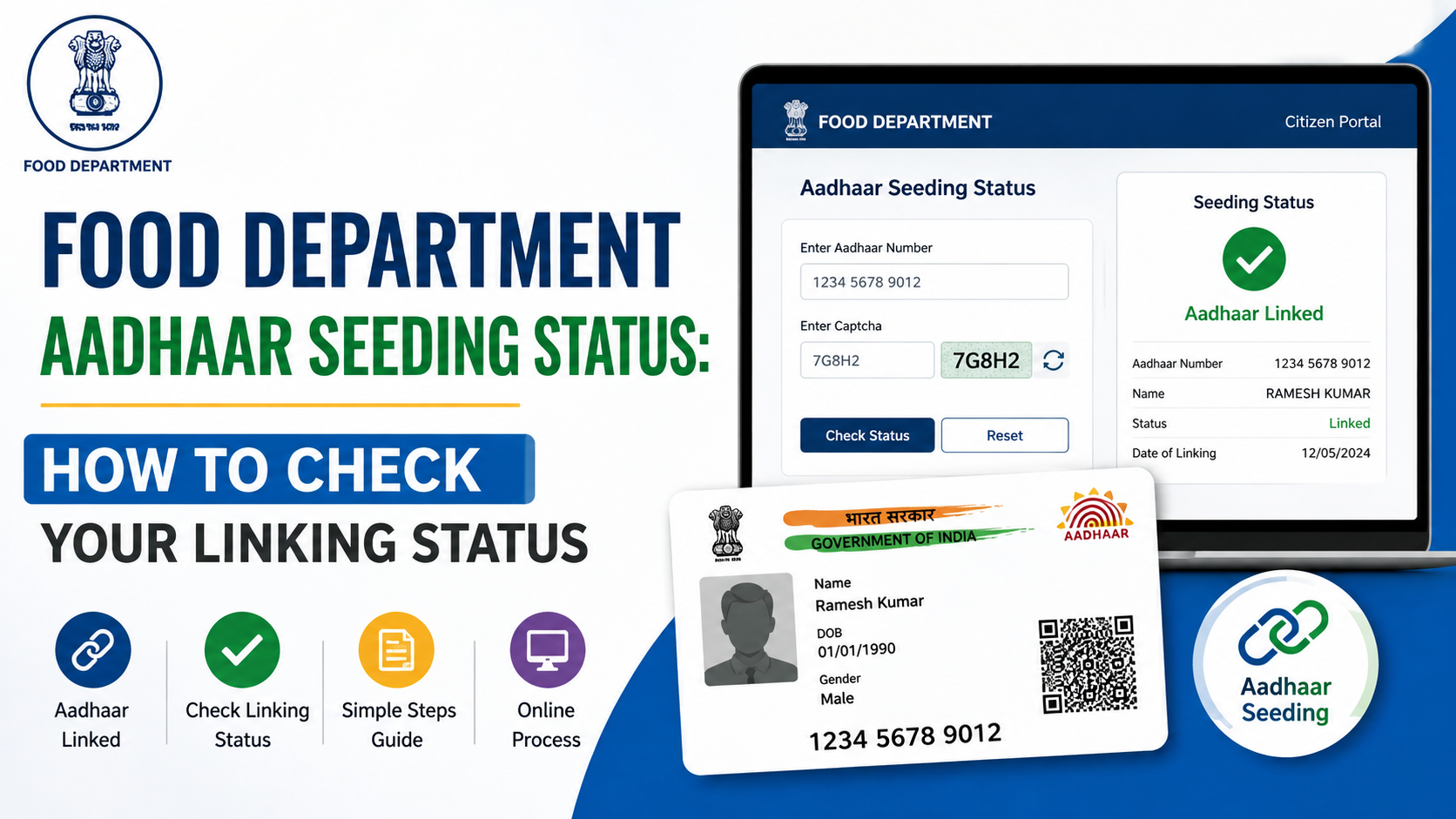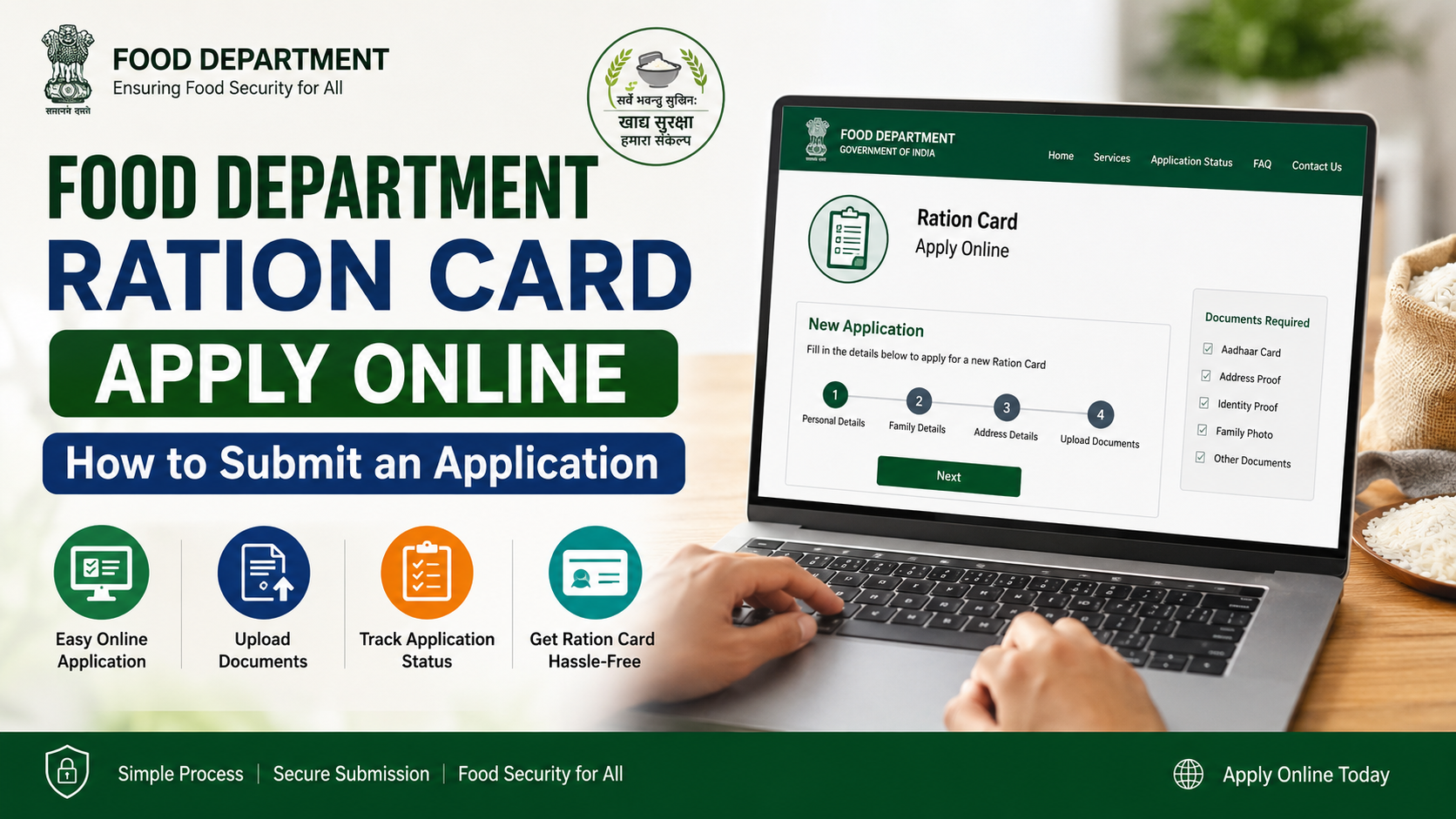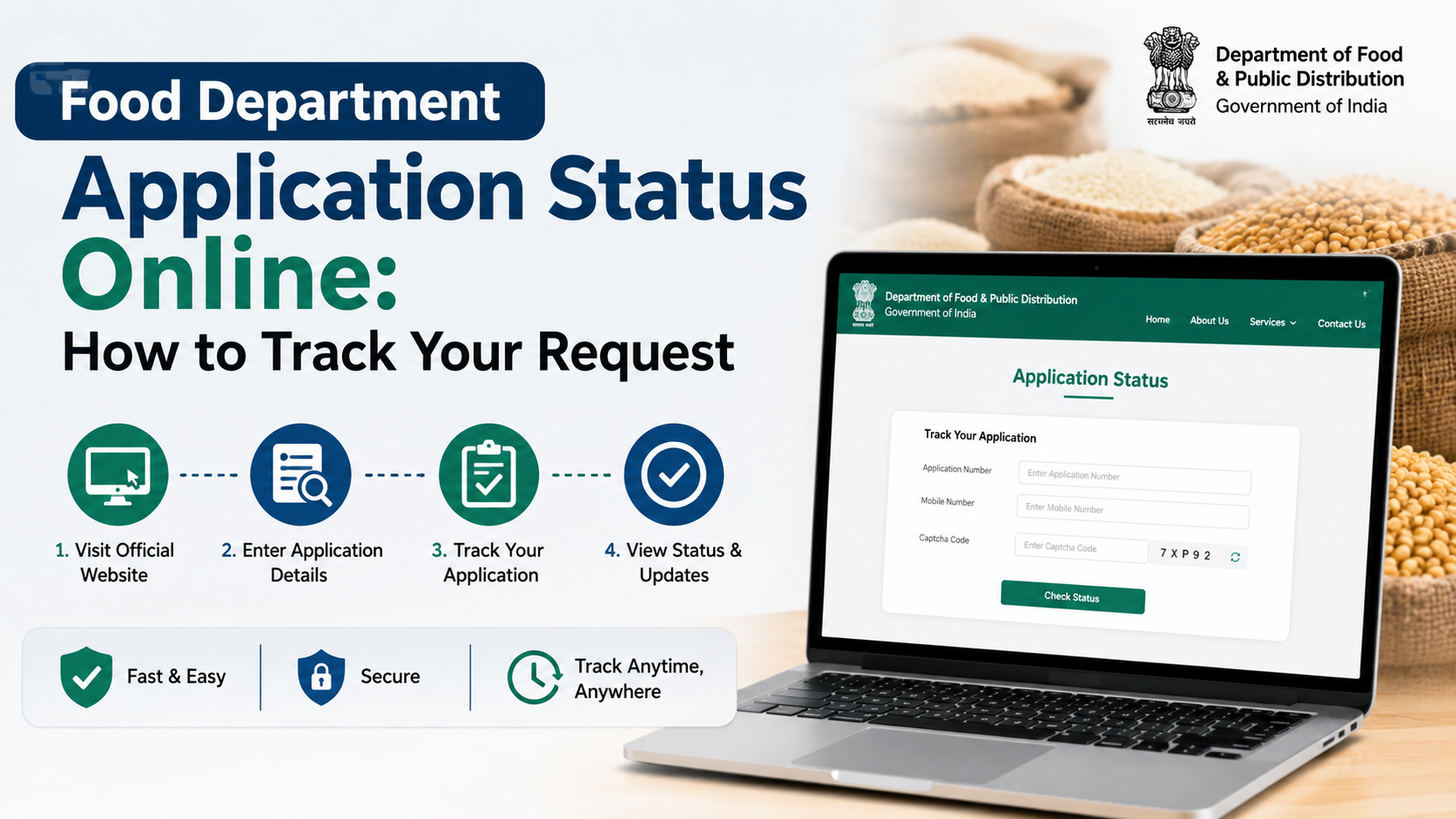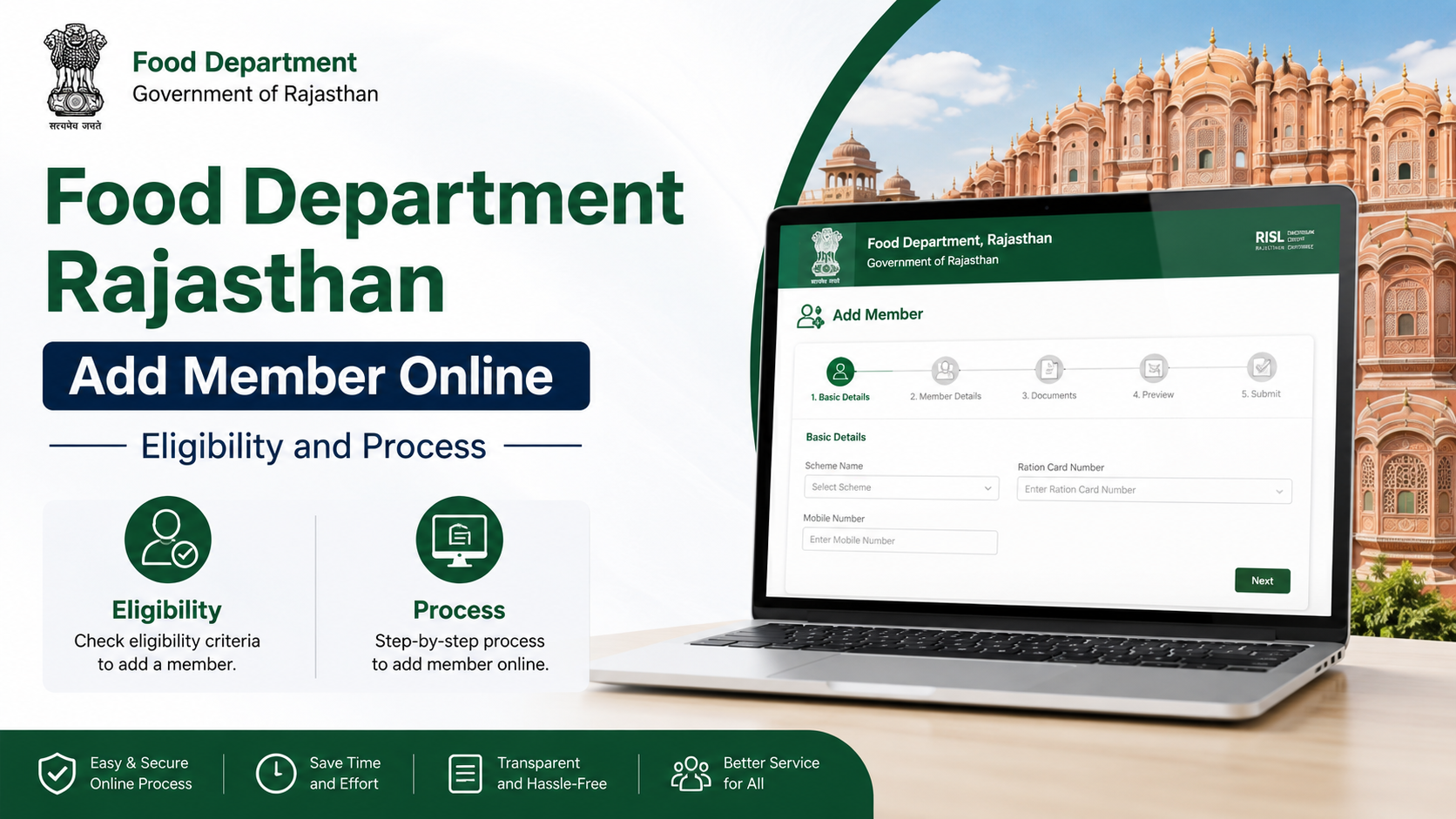
Adding a newborn child, spouse or another eligible family member to a Rajasthan ration card can be started online through the Rajasthan Ration Card and Civil Supplies systems. The official Rajasthan Ration Card portal provides a specific “add new member” application and a separate status-check facility. The service is relevant to both general ration-card records and households receiving benefits under the National Food Security Act (NFSA).
This guide explains the current online route, documents, eligibility considerations, verification stages and practical precautions for applicants in Rajasthan.
Key Takeaways
- The official member-add application is available on the Rajasthan Ration Card portal.
- Applicants generally need an existing ration-card number, district details and valid proof of the new member’s identity, age and relationship.
- A child’s birth certificate is the strongest relationship and age document; adult additions may require marriage, address or deletion/surrender proof, depending on the case.
- Adding a person to a ration card does not automatically make the entire household eligible for NFSA food-security benefits.
- Applications can also be submitted through authorised e-Mitra or CSC operators.
- Use the official status page and retain the acknowledgement or application number after submission.
What Does “Food Department Add Member Online” Mean?
The phrase refers to the Rajasthan Food and Civil Supplies Department’s online facility for adding a person to an existing ration card. It is different from applying for a completely new ration card.
Typical reasons for using the service include:
- Registering a newborn child.
- Adding a spouse after marriage.
- Adding a dependent family member who has moved into the household.
- Correcting or updating the family composition recorded against the ration card.
- Aligning ration-card details with updated family records, where permitted.
The official portal separately lists:
- NFSA application forms.
- NFSA application-status checking.
- New-member addition.
- Status checking for new-member applications.
- Ration-card download and surrender-certificate services.
The National Government Services Portal also classifies Rajasthan’s ration-card name-add service as fully online.
Eligibility to Add a Member in Rajasthan
The applicant should normally be the head of the household or an authorised existing ration-card member. The ration card must be valid and traceable in the department’s database.
The person proposed for addition should genuinely belong to the household. Authorities may reject an application if the member:
- Is already recorded on another active ration card.
- Has not been removed from a previous household after marriage or permanent relocation.
- Has inconsistent personal details across Aadhaar, Jan Aadhaar, birth or marriage records.
- Cannot establish the claimed relationship with the family.
- Is being added only to increase entitlement without satisfying verification requirements.
NFSA eligibility is a separate issue
Rajasthan’s NFSA system distinguishes between beneficiary categories such as Antyodaya Anna Yojana (AAY) and Priority Households (PHH). The central NFSA state page identifies these categories for Rajasthan and provides links to the State Food Department and grievance systems. NFSA Rajasthan state information
Adding a new person to a ration card updates the family record, but it does not by itself guarantee NFSA inclusion or additional foodgrain entitlement. NFSA eligibility is determined under applicable State rules and inclusion or exclusion criteria.
Rajasthan’s published NFSA rules include categories such as AAY, BPL, State BPL, Annapurna beneficiaries and specified pension or vulnerable groups. Applicants should consult the latest notification on the Rajasthan Food Department website if the purpose is to obtain or change NFSA status rather than merely update membership.
Documents Required
The exact document list can vary according to the reason for addition and the instructions displayed during the application. Prepare clear, readable scans or photographs.
| Situation | Common supporting document |
|---|---|
| Newborn or minor child | Birth certificate; Aadhaar where available; proof linking the child to the parent |
| Spouse added after marriage | Marriage certificate or other accepted relationship proof; identity and address documents |
| Member transferred from another ration card | Deletion certificate, surrender certificate or proof of removal from the previous card, where required |
| Adult dependent | Aadhaar or other identity document, address proof and relationship evidence |
| Correction of name or date of birth | Government identity or civil-registration document showing the correct detail |
Jan Aadhaar records are often relevant because Rajasthan uses Jan Aadhaar for family identification and service delivery. The Jan Aadhaar FAQ states that Aadhaar and other supporting documents are required for enrolment and that NFSA and ration-card numbers themselves cannot be edited directly in Jan Aadhaar. If a ration-card number is not linked, the resident must contact the Food and Supply Department. Jan Aadhaar FAQ
For children up to five years old, the Jan Aadhaar department states that a birth certificate or Aadhaar is required for adding the member to Jan Aadhaar. Jan Aadhaar enrolment instructions
Keep the following information available:
- Ration-card number.
- District and local-body details.
- Applicant’s mobile number.
- Member’s full name in Hindi and English, if requested.
- Date of birth and gender.
- Aadhaar and Jan Aadhaar details, where applicable.
- Relationship with the head of household.
- Bank or address details if the form specifically asks for them.
Do not upload altered, blurred or mismatched documents. Enter names exactly as they appear on the supporting certificate unless the application is specifically for correction.
Food Department Add Member Online: Step-by-Step Process
1. Open the official application
Use the direct Rajasthan new-member application, or start from the official Food and Civil Supplies Department website and select the ration-card service.
Check that the website address ends in an official Rajasthan government domain. Avoid private websites that request your Aadhaar, OTP or payment details.
2. Select the district
The application page displays a district-selection field. Choose the district associated with the existing ration card, not necessarily the district where you currently live.
3. Enter the ration-card number
Enter the ration-card number exactly as printed on the card or shown in the department’s online record. A single incorrect digit can prevent the record from being retrieved.
If the card cannot be found:
- Recheck the district.
- Remove unnecessary spaces or punctuation.
- Confirm that the card is active.
- Use the official ration-card search or contact the department rather than submitting a duplicate application.
4. Retrieve the family record
After the card is identified, review the household details shown on screen. Confirm the head-of-family name and existing members before proceeding.
If the displayed information is wrong, first resolve the underlying ration-card or Jan Aadhaar discrepancy. Do not submit an addition with deliberately inconsistent information.
5. Enter the new member’s details
Provide the member’s:
- Full name.
- Relationship to the head of household.
- Date of birth.
- Gender.
- Aadhaar or other identification details, if requested.
- Jan Aadhaar information, where applicable.
For a newborn, use the spelling and date shown on the birth certificate. For a married person, ensure the previous household record has been updated when the department requires proof of deletion or transfer.
6. Upload supporting documents
Upload the documents requested by the portal. Use the accepted file type and size shown on the page. Each document should be complete, legible and oriented correctly.
Keep the original documents available because the application may be checked by a departmental official, local body, panchayat office or other designated verifier.
7. Complete authentication and submit
The portal may require mobile OTP, Aadhaar-based authentication or another verification method. Use the applicant’s own registered mobile number wherever possible.
Read the declaration carefully, submit the form and note the application or acknowledgement number. Save a PDF, screenshot or printed receipt.
8. Check the application status
Use the official new-member application status page or the status link provided after submission. Keep the application number and ration-card number together.
A status such as pending, objection, approved or rejected may require different action. If an objection is raised, respond with the requested document within the stated period.
Applying Through e-Mitra or CSC
Applicants who do not have internet access, suitable scans or a Rajasthan SSO account can visit an authorised e-Mitra kiosk or Common Service Centre. Rajasthan’s Food Department publishes a page for ration-card creation and amendment forms through e-Mitra or CSC channels. Official e-Mitra/CSC ration-card page
Before final submission at a kiosk:
- Check every spelling and date.
- Ask for the transaction or acknowledgement receipt.
- Confirm the mobile number recorded in the form.
- Do not share an OTP until the details displayed are correct.
- Collect copies or photographs of uploaded documents.
The e-Mitra rate page lists ₹50 per service for applications under its general service-charge schedule and notes that departmental charges may be additional. Confirm the amount displayed by the kiosk before paying and obtain a receipt. e-Mitra service charges
Verification, Approval and Updating the Card
Online submission is not the same as approval. The department may cross-check:
- The applicant’s ration-card record.
- The new member’s identity and age.
- Relationship evidence.
- Duplicate membership on another card.
- Jan Aadhaar or Aadhaar-linked information.
- Local residence or household details.
Approval time can vary by district, workload, document quality and whether field verification is required. Because the department does not publish one universal processing deadline on the member-add landing page, applicants should rely on the status system rather than an unofficial time estimate.
Once approved, verify that the member appears in the online family details and, where relevant, in the updated ration-card record. If the member is not shown after approval, contact the district food and civil-supplies office or the official helpdesk.
Common Reasons for Rejection or Delay
Applications are frequently delayed by:
- Incorrect ration-card number or district.
- Unreadable document uploads.
- Name or date-of-birth mismatch.
- Missing birth or marriage proof.
- Duplicate listing on another ration card.
- Inactive or surrendered ration card.
- Aadhaar or Jan Aadhaar authentication failure.
- Failure to answer an online objection.
- Attempting to add a person who does not ordinarily belong to the household.
Correct the underlying record first where necessary. Submitting repeated applications can create confusion and does not guarantee faster approval.
Help and Grievance Options
The NFSA Rajasthan page lists Food and Civil Supplies Department contacts and helpdesk numbers, including 6127, 1800-180-6127 and 181. It also links to Rajasthan’s grievance-redressal system. NFSA Rajasthan contacts
When contacting officials, keep ready:
- Ration-card number.
- Application number.
- Applicant’s name and mobile number.
- Date of submission.
- Screenshot or copy of the error message.
- Copies of the documents submitted.
Never post Aadhaar numbers, OTPs or complete ration-card details publicly on social media.
Frequently Asked Questions
Can I add a member without visiting a government office?
Yes. Rajasthan provides an online new-member application through the official ration-card portal. However, the department may still conduct electronic or local verification, and applicants can use e-Mitra or CSC if they cannot complete the process themselves.
Is Jan Aadhaar mandatory for adding a person to a ration card?
The requirement depends on the fields and verification rules applicable to the case. Jan Aadhaar is important for Rajasthan family identification, but ration-card and NFSA data are maintained through Food and Civil Supplies services. If the records are not linked, the Jan Aadhaar FAQ directs residents to the Food and Supply Department.
What should I do if the person is already on another ration card?
First obtain the applicable deletion, surrender or transfer proof from the previous household record. Adding the person without resolving duplicate membership can lead to rejection or later cancellation.
Does adding a member increase NFSA ration automatically?
No. Member addition updates the household record. NFSA category, eligibility and entitlement are governed separately under applicable Rajasthan and NFSA rules.
How can I prove that my application was submitted?
Save the acknowledgement number, transaction receipt or confirmation page immediately after submission. Use the official status facility to track progress and preserve screenshots of any objection or approval message.
Conclusion
The safest way to use the food department add member online service in Rajasthan is to begin with the official Rajasthan Ration Card portal, enter the existing card details accurately and upload documents that clearly establish the new member’s identity, age and relationship. Birth certificates are especially important for children, while adults may need marriage, transfer or deletion evidence.
Online submission does not eliminate departmental verification, and adding a member does not automatically change NFSA eligibility. Track the application using the official status page, retain every receipt and use the department’s published helpdesk or grievance channels if the record is delayed or incorrect.