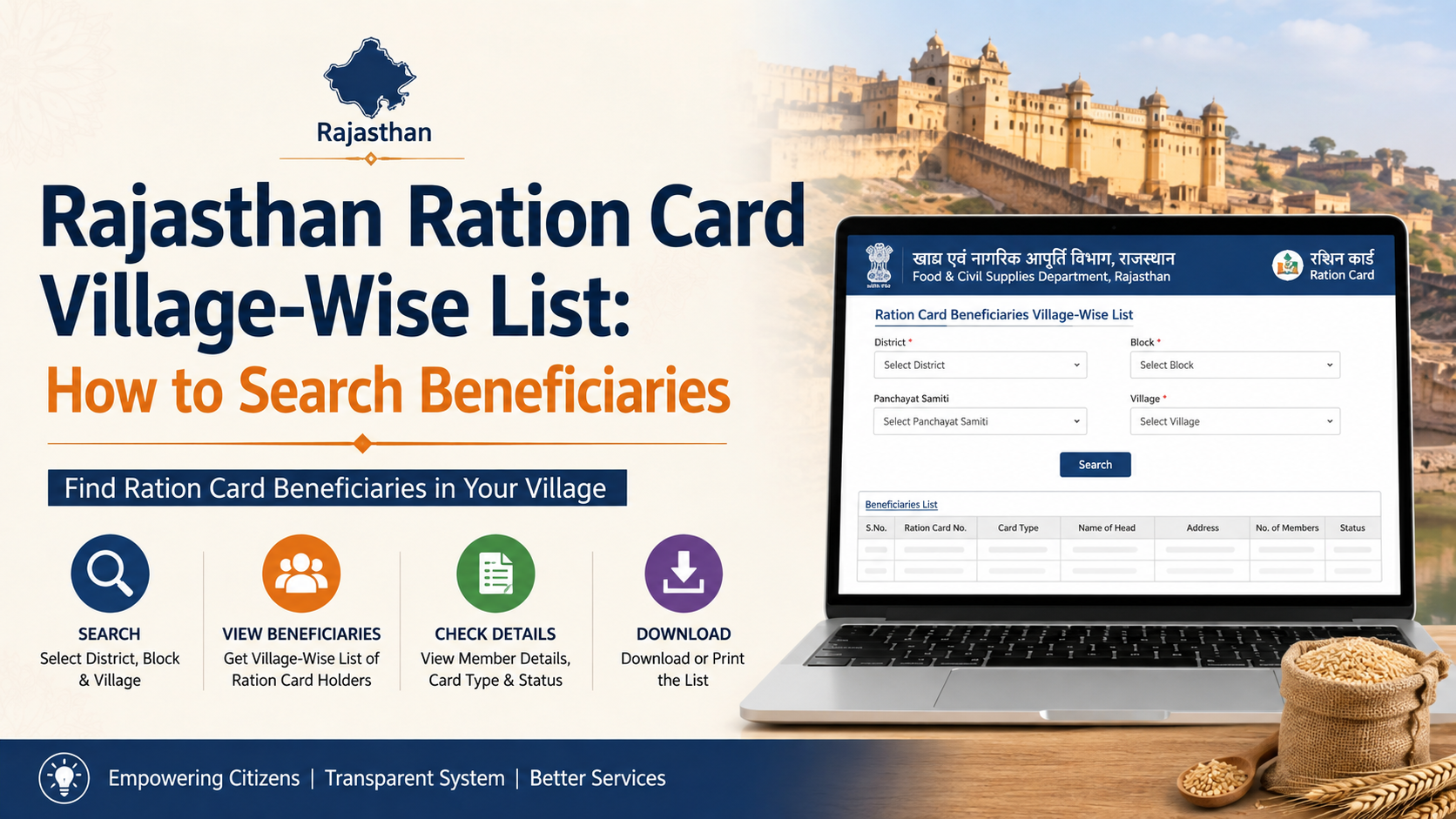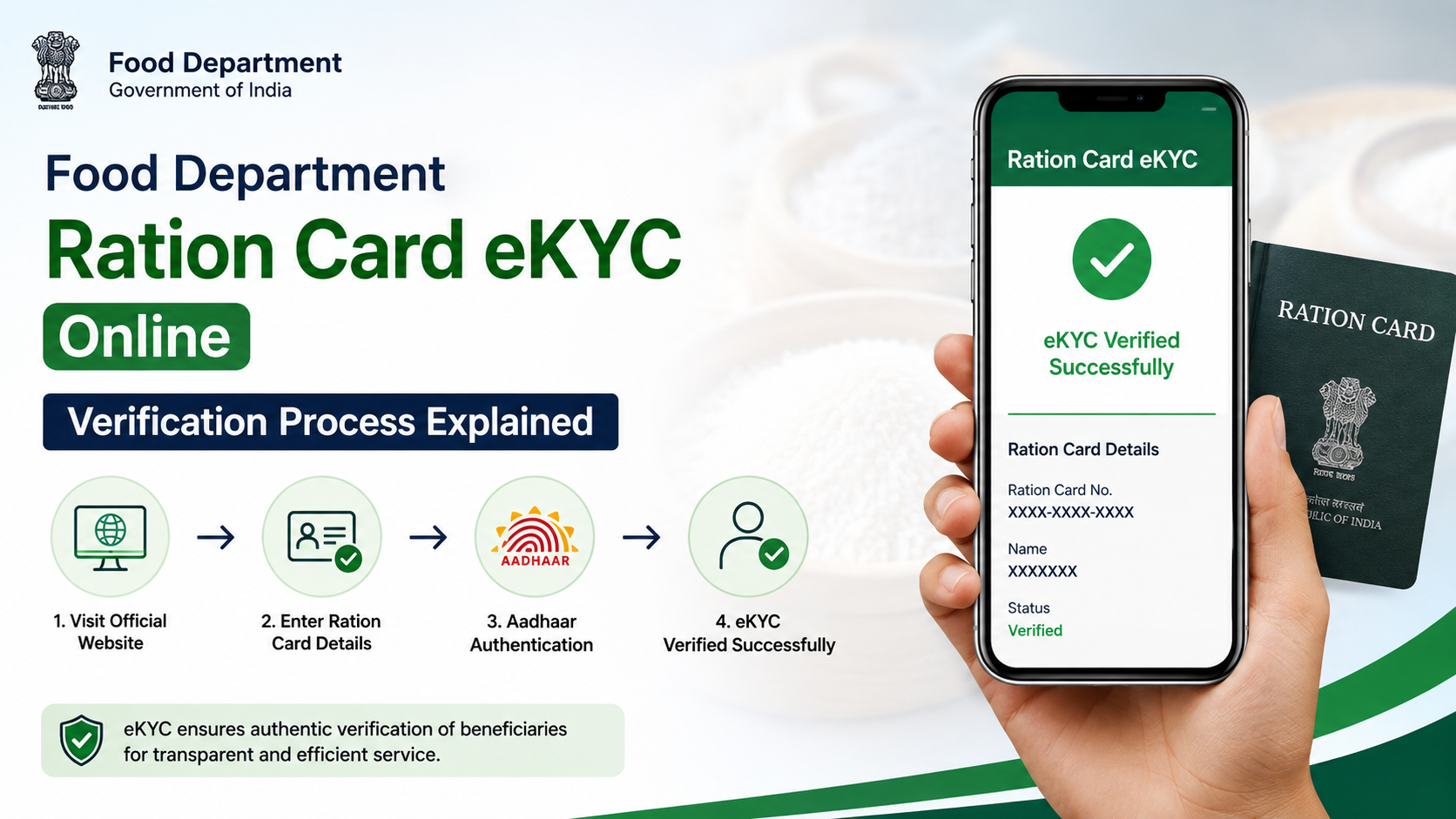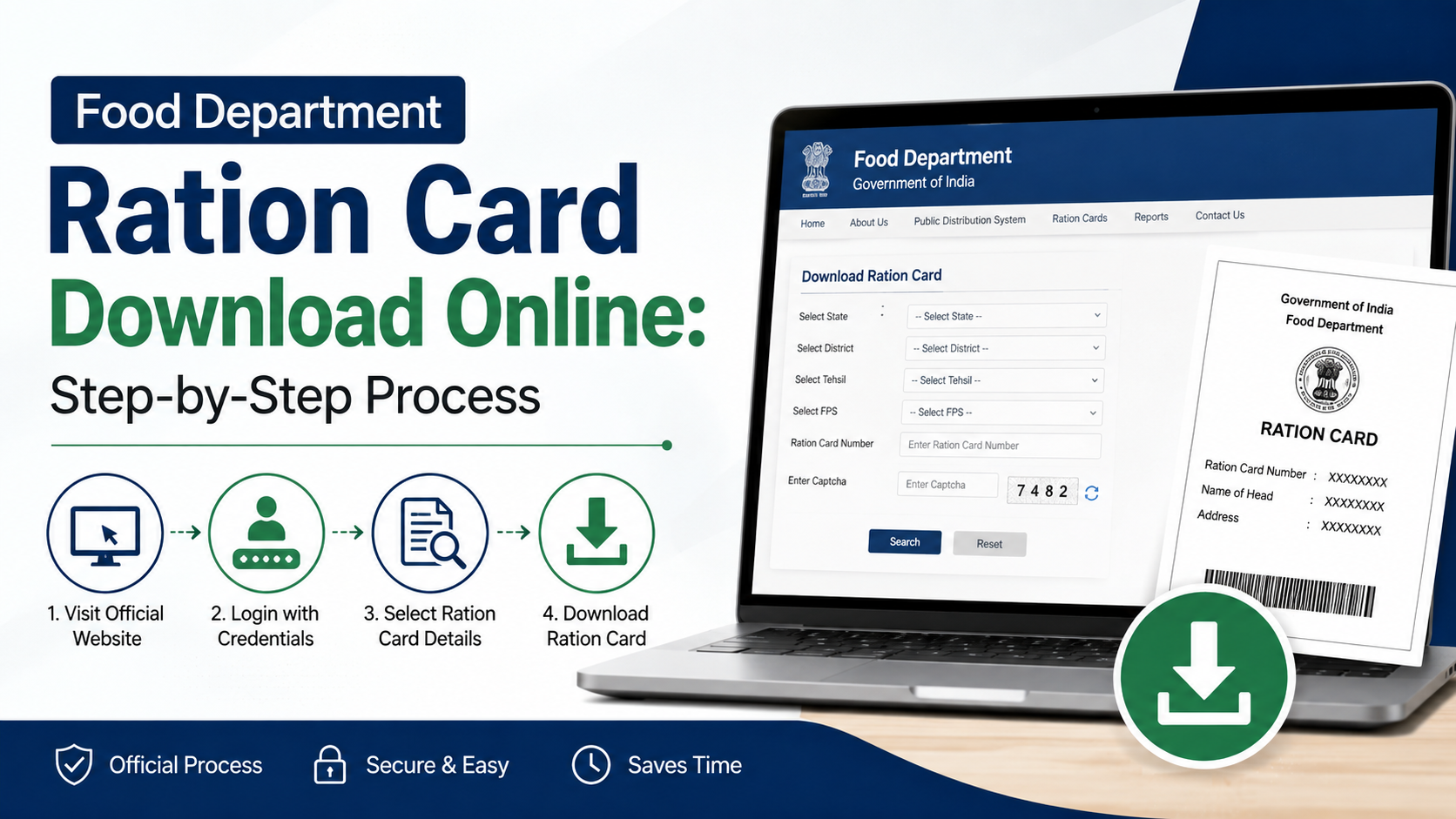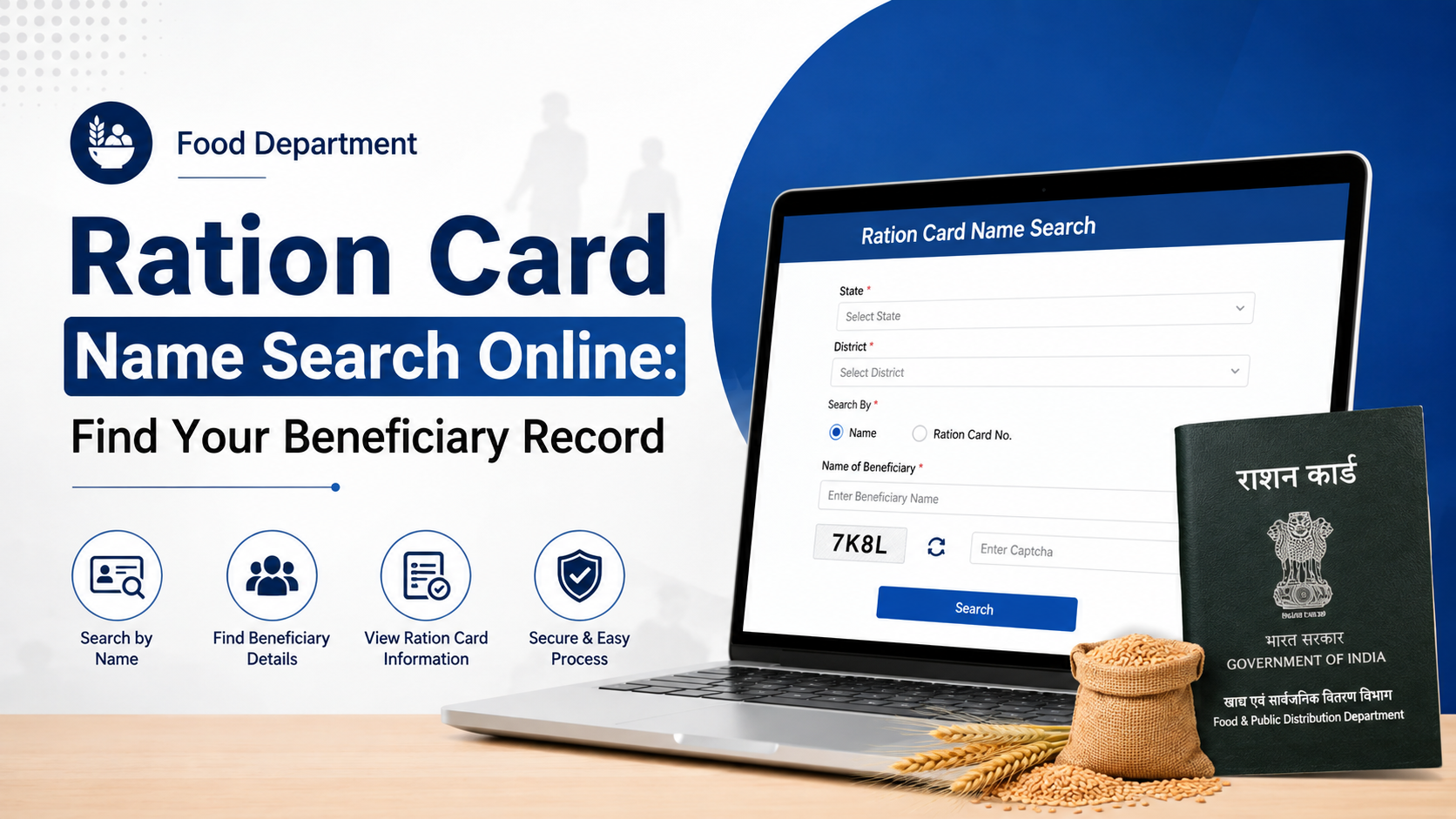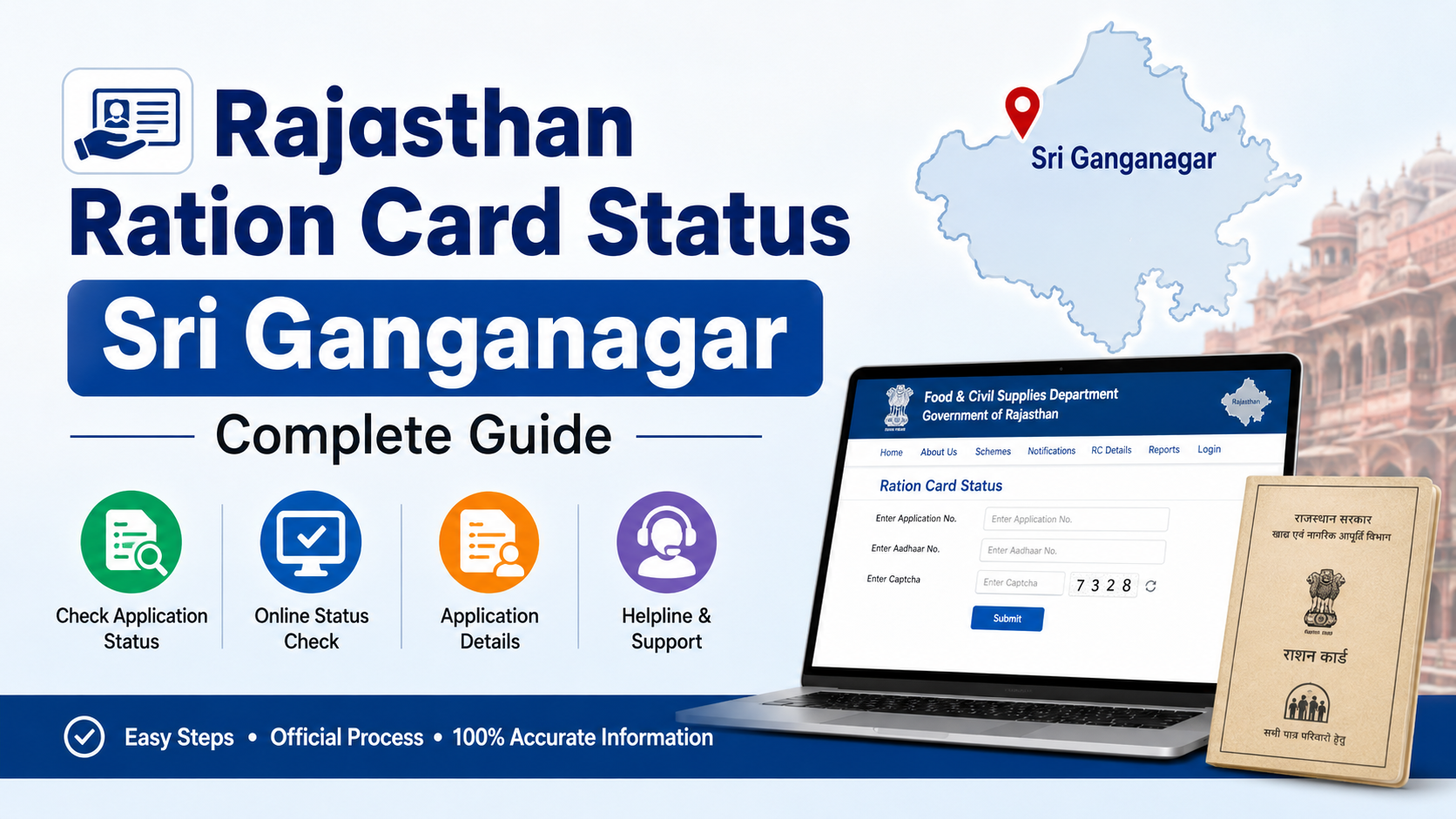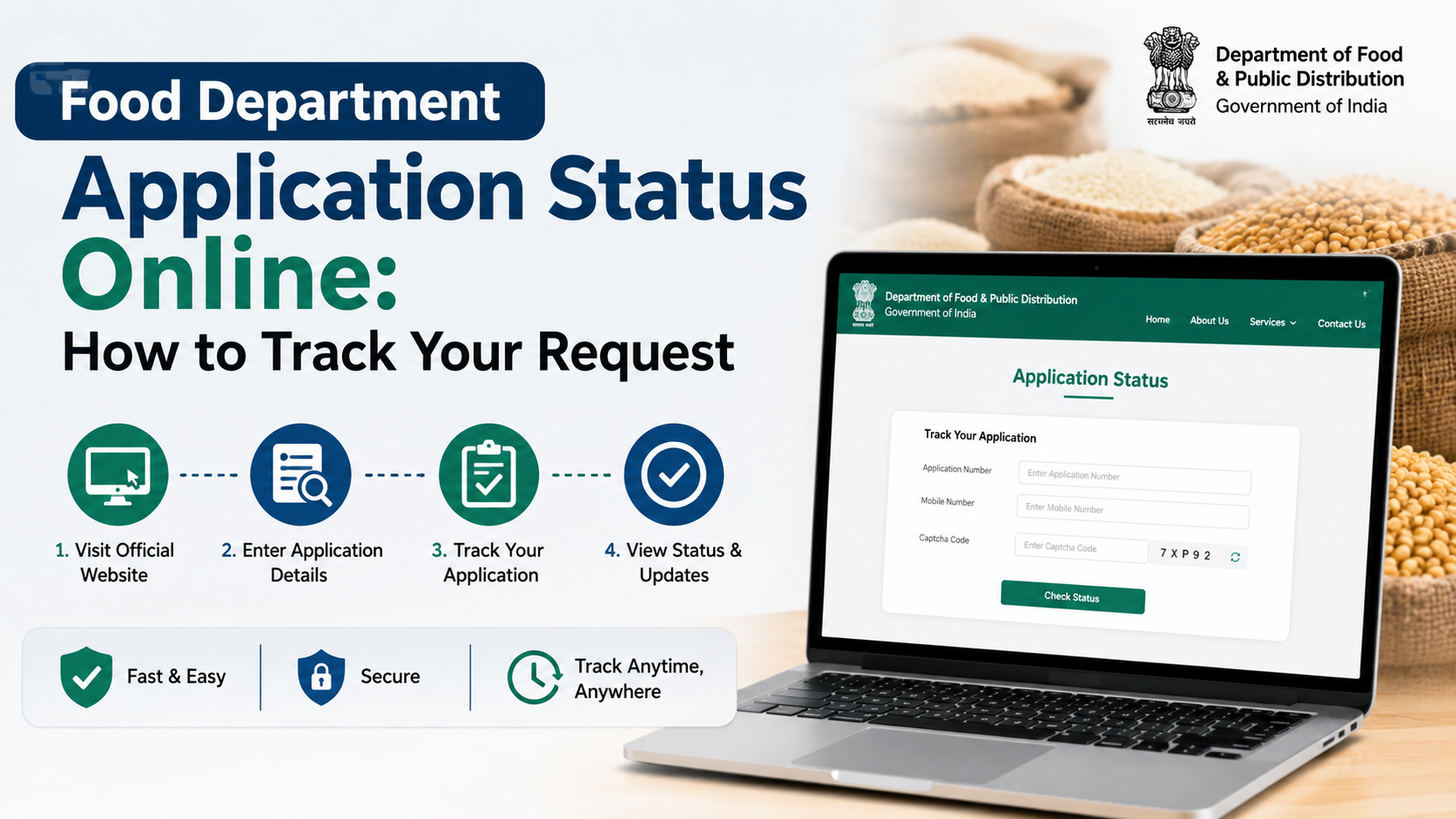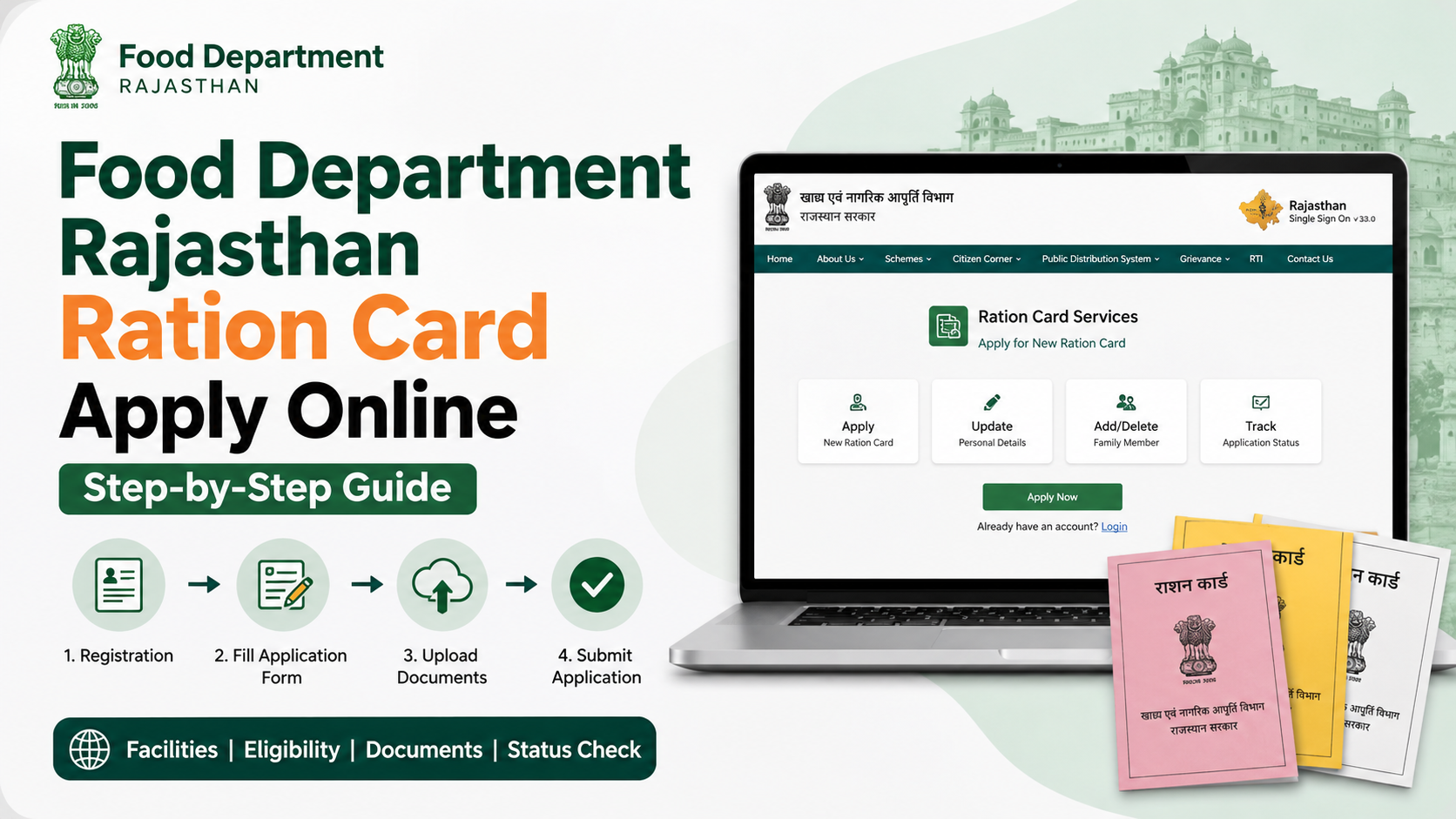
If you are searching for the food department ration card apply online process in Rajasthan, it is important to separate two related services: getting or managing a ration card, and applying for inclusion under the National Food Security Act (NFSA). Rajasthan’s Food and Civil Supplies Department provides online links for both, while e-Mitra is the state’s citizen-service platform for ration-card applications.
This guide explains the practical online route, documents to keep ready, verification steps, application tracking, NFSA eligibility context, charges, and common mistakes. Use only official government portals and keep the acknowledgement number safely until your request is resolved.
Key Takeaways
- Rajasthan’s Food Department links to services for new ration cards, ration-card status, and NFSA applications.
- e-Mitra provides ration-card services online and through authorised kiosks.
- Keep Jan Aadhaar details and family-member information accurate before applying.
- A new ration card and an NFSA inclusion request are different processes; the NFSA form asks for an existing ration-card number.
- Submit only accurate household information and retain the application receipt or reference number.
- e-Mitra lists a ₹50 service charge for ration-card applications; departmental charges, if applicable, are additional.
Understand the Two Services Before You Apply
A ration card is used in Rajasthan’s public-distribution system to identify a household for ration-related services. NFSA inclusion concerns eligibility to receive food-security benefits as an eligible household. Do not assume that applying for a new ration card automatically means NFSA coverage will be granted.
The official Rajasthan Food Department website provides links to:
- Apply for a new ration card
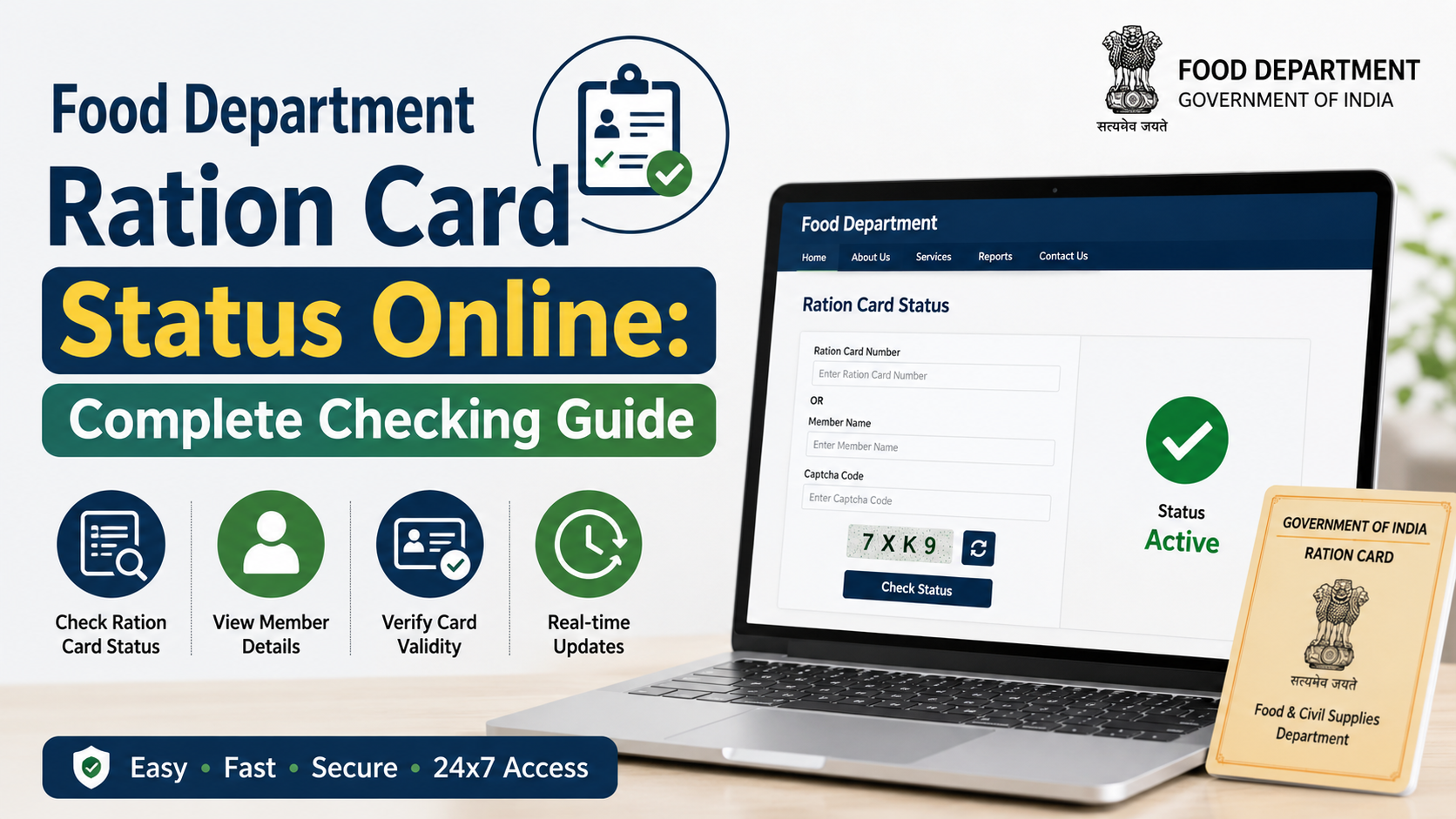
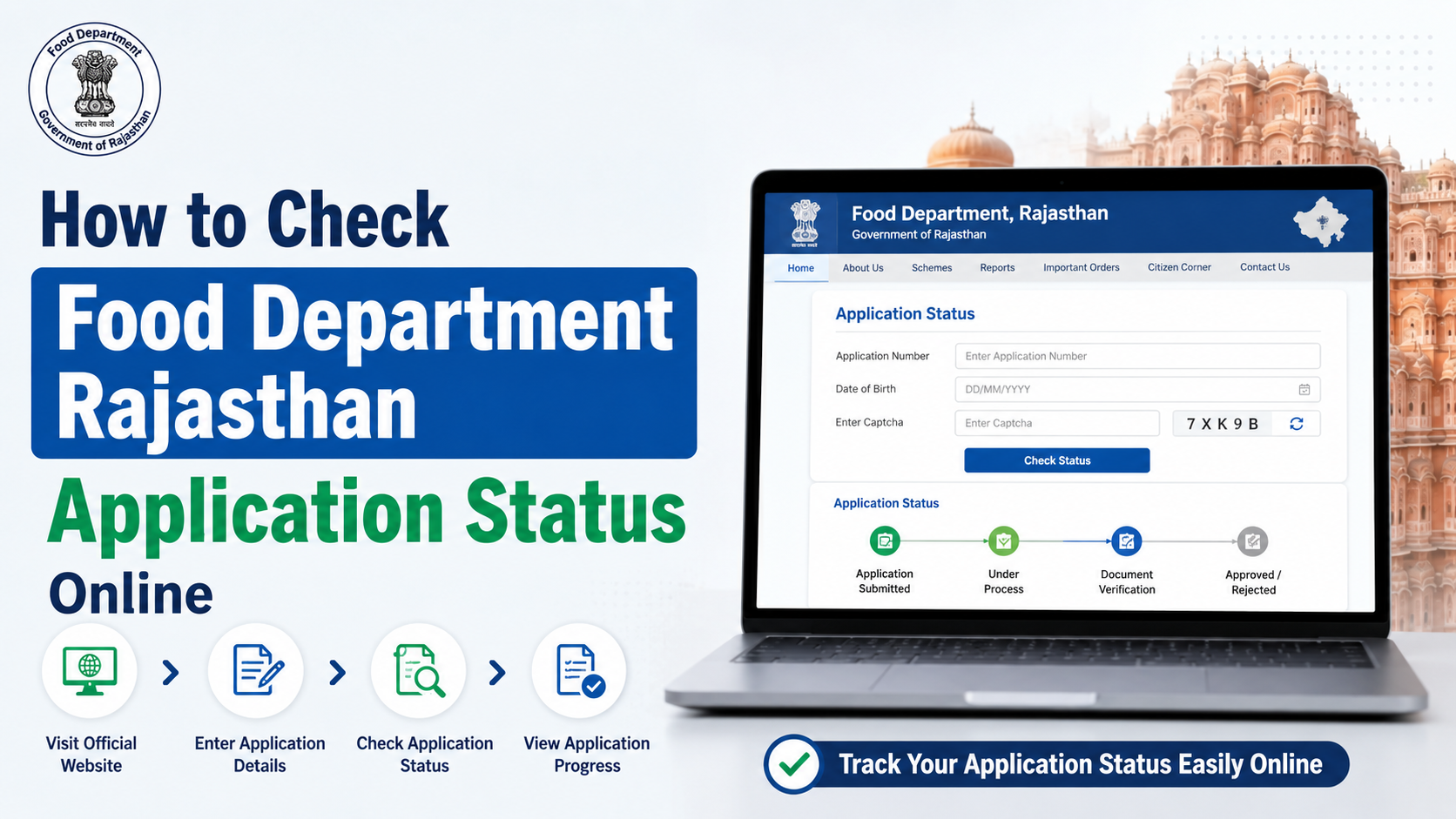
- Check ration-card application status
- Apply for food security under NFSA
- Check NFSA application status
- Add a new member to a ration card
- View ration-card and ration-distribution details
The department’s official NFSA application page specifically asks for a district and a ration-card number. This means it is intended for an NFSA request linked to an existing ration card, not as a substitute for a new ration-card application. Rajasthan Food Department and the official NFSA application page are the appropriate starting points.
Who Should Use the Food Department Rajasthan Ration Card Apply Online Service?
Use the new ration-card service when your household needs a ration card in Rajasthan and you are eligible to apply through the state’s process. Use the modification services if you already have a card but need to add a member, correct details, or report a change in household circumstances.
You may need an NFSA application or appeal when you already hold a ration card but want your household considered for food-security coverage under the state’s applicable inclusion and exclusion rules.
NFSA eligibility is not based on a single factor
The Food Department publishes inclusion categories for NFSA, including Antyodaya families, BPL families, State BPL families, Annapurna beneficiaries, and specified social-security pension beneficiaries. The department also publishes exclusion conditions. Eligibility is assessed against the applicable official criteria and supporting records; it should not be treated as an automatic entitlement merely because a household has a ration card.
Before submitting an NFSA request, read the current inclusion and exclusion information on the Rajasthan Ration Card portal. If your household does not qualify or its circumstances have changed, do not submit incorrect information.
Documents and Details to Prepare
The online form and verification process may ask for documents according to your household’s situation. Prepare clear, valid copies and ensure that names, dates of birth, addresses, and family relationships match your government records.
| Item to prepare | Why it matters |
|---|---|
| Jan Aadhaar number and family details | Rajasthan uses Jan Aadhaar as a family-identification system for many services. |
| Aadhaar and mobile access, where required | Useful for authentication and communication during the application process. |
| Existing ration-card details, if any | Needed for modification, member addition, status checks, and NFSA requests. |
| Proof supporting a change | Relevant for events such as birth, death, marriage, separation, or a change of address. |
| Documents supporting NFSA inclusion category | Required when applying for food-security coverage under a stated category. |
| Bank or other details requested by the form | Provide only when the official form requests them. |
Jan Aadhaar is Rajasthan’s family-identification programme. Its official website states that each registered family receives a 10-digit family identification number, while members receive individual identification numbers. Jan Aadhaar Authority
Check Jan Aadhaar e-KYC first
Incorrect or incomplete Jan Aadhaar data can create problems in downstream services. The Jan Aadhaar Authority states that Aadhaar e-KYC is mandatory for the family head and members above five years of age, and that Jan Aadhaar edits or updates are possible only after Aadhaar e-KYC. It can be completed through an SSO ID or the nearest e-Mitra centre. Jan Aadhaar e-KYC guidance
Food Department Ration Card Apply Online: Step-by-Step Process
The exact screen labels can change as Rajasthan updates its portals, but the following workflow reflects the official service structure.
1. Start from an official Rajasthan portal
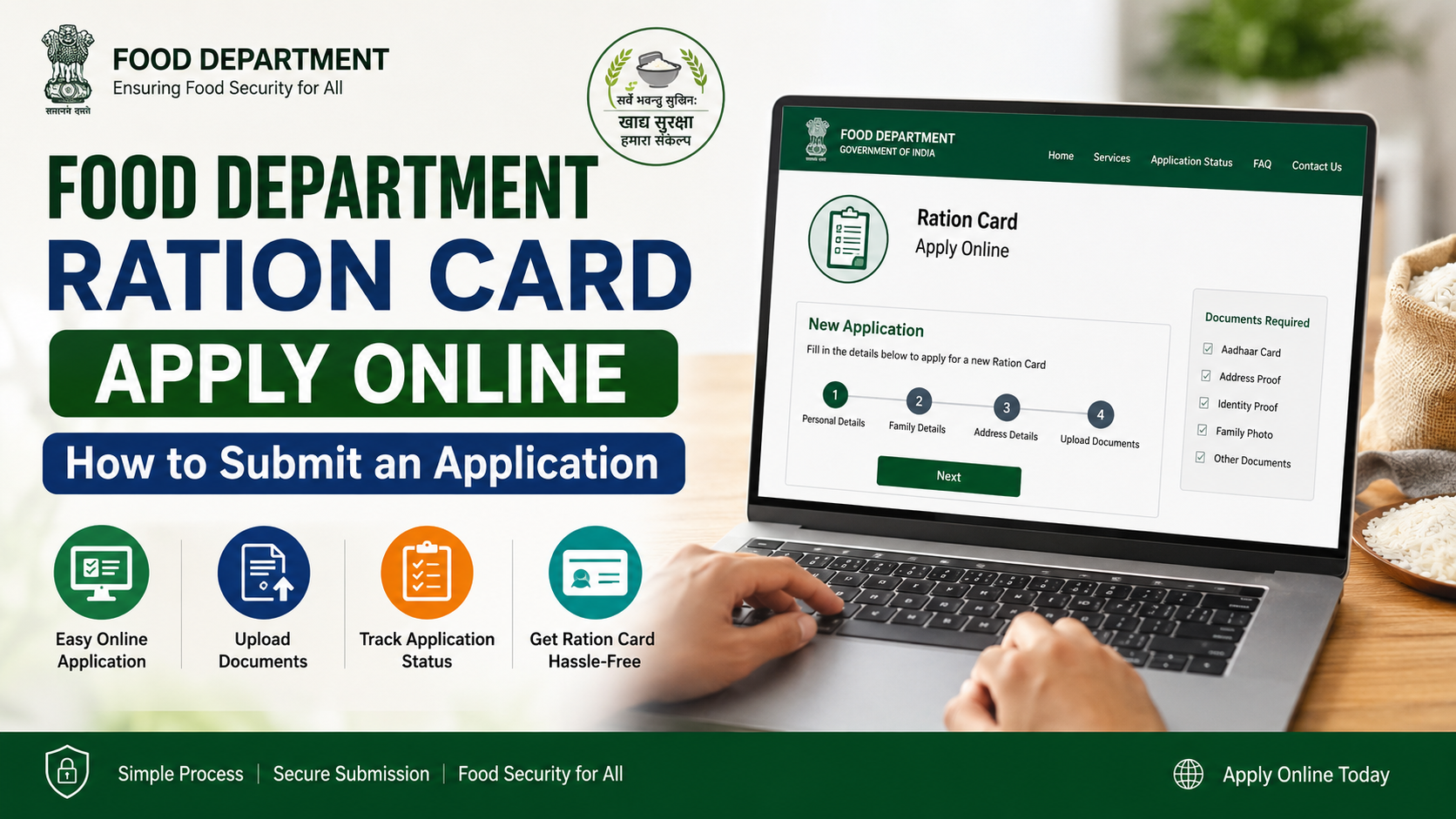
Open the Rajasthan Food Department website and locate the link for applying for a new ration card. You can also access ration-card services through the official e-Mitra portal.
Avoid websites that demand payment before taking you to a government portal, ask for unnecessary personal data, or claim guaranteed approval.
2. Sign in through the required citizen route
Use the available official login or registration process. Depending on the service, this may involve SSO/e-Mitra credentials and mobile verification.
If you cannot complete the application yourself, use an authorised e-Mitra kiosk. Ask the operator to show you the selected service and details before submission. Do not hand over blank signed forms or OTPs without reviewing what is being submitted.
3. Choose the correct service
Select the service that matches your requirement:
- New ration card: for a household seeking a new card.
- Ration-card modification or member addition: for updates to an existing card.
- NFSA application/appeal: for consideration under food-security eligibility when you already have a ration card.
- Application status: for tracking a request already submitted.
Choosing the wrong service is a common reason for delay. In particular, do not file an NFSA form when what you actually need is a new ration card.
4. Enter household information carefully
Fill in the applicant and family details exactly as supported by Jan Aadhaar and other documents. Review:
- Name spelling in Hindi and English, where displayed
- Date of birth and gender
- Family-head details
- Address, district, ward, village, or municipal-body details
- Mobile number
- Existing ration-card number, if applicable
- Family-member relationships
A mismatch between the form and supporting records may result in an objection, verification query, or rejection.
5. Upload or submit the requested supporting documents
Upload only readable files in the format and size accepted by the portal. If applying through e-Mitra, ensure the operator scans and attaches the correct documents.
For an NFSA application, provide documentary support for the inclusion category selected. Do not upload unrelated papers simply to fill the upload field.
6. Review the declaration and submit
Read the declaration before submission. Confirm that every household member is included correctly and that no ineligible or duplicate details have been entered.
After submission:
- Save or print the acknowledgement page.
- Note the application/reference number.
- Record the date of submission.
- Keep copies of uploaded documents.
The acknowledgement is essential for status tracking and for explaining a problem to the relevant office.
7. Complete verification if the portal directs you to an office
Online submission does not always mean the entire process is completed online. The Food Department’s published workflow for a new ration card indicates that, after online verification, the application reaches the relevant Block Development Officer (BDO) or Executive Officer (EO) office for verification. Follow any portal instruction, SMS, or notice asking you to appear or provide clarification.
Do not treat an online receipt as final approval unless the official status confirms approval or issuance.
How to Apply Online for Rajasthan NFSA Food Security
For NFSA inclusion, use the official Rajasthan NFSA application page. The form requires the district and ration-card number.
A practical NFSA workflow is:
- Confirm that your household has an existing ration card.
- Check the Food Department’s current inclusion and exclusion criteria.
- Select the appropriate NFSA application route.
- Enter the district and ration-card details.
- Provide the requested category-based evidence and declaration.
- Submit the application and retain the acknowledgement.
- Track the request on the NFSA status page or through the relevant official channel.
If your request is rejected or a listed detail is incorrect, use the official process shown on the portal rather than relying on agents or unofficial “approval” services.
Charges, Status Tracking, and Official Help
The e-Mitra rate page lists ₹50 per service for applications for government services including ration cards. It also states that departmental charges are additional where applicable. This is the service charge listed by e-Mitra, not a promise that every request has the same total payable amount. e-Mitra service charges
For tracking, use the Food Department’s official Ration Card Application Status link or the NFSA application-status option on the Rajasthan Ration Card portal. Keep the application number, registered mobile number, and relevant ration-card details available.
For general Food Department contact, the department lists its Jaipur office contact number as 0141-2227352 during working hours and provides official email contacts on its website. For e-Mitra assistance, the portal lists helpdesk contact details and a toll-free complaint number for overcharging by kiosk operators. Refer to the current contact information on the relevant official portal before calling.
Common Problems and How to Avoid Them
Applying under the wrong category
A ration card, NFSA inclusion, member addition, and correction request are separate services. Select the service based on your actual requirement.
Jan Aadhaar data does not match the form
Update or complete the necessary Jan Aadhaar e-KYC first. Then submit the ration-card request using matching details.
No acknowledgement number saved
Take a screenshot, download the receipt, or print the confirmation immediately after submission. Without it, status follow-up becomes difficult.
Paying an unofficial agent
Use only the Food Department, SSO, Jan Aadhaar, and e-Mitra government channels. At a kiosk, ask for a receipt that clearly shows the service and charges.
Assuming submission equals approval
Verification may still be required. Monitor the official status and respond promptly to any request from the designated authority.
Frequently Asked Questions
Can I apply for a new Rajasthan ration card entirely online?
You can begin and submit the application through official online/e-Mitra services, but the process may involve verification by the relevant BDO or EO office. Follow the instructions generated for your application.
Is a ration card enough to receive NFSA benefits?
No. The official NFSA application portal is separate and asks for an existing ration-card number. Food-security inclusion depends on the applicable official eligibility criteria and verification.
What is the e-Mitra charge for a ration-card application?
e-Mitra lists a ₹50 charge for a government-service application including ration cards. Its rate page also says departmental charges are additional, if applicable.
Can I add a newborn or another family member to my ration card online?
The Rajasthan Ration Card portal provides a separate application option for adding a new member. Keep the relevant supporting documents and accurate Jan Aadhaar details ready.
How can I check my Rajasthan ration-card application status?
Use the Ration Card Application Status option on the official Food Department website. For an NFSA request, use the NFSA application-status option on the Rajasthan Ration Card portal and enter the requested details.
Conclusion
The safest way to complete a food department ration card apply online request in Rajasthan is to start from the official Food Department or e-Mitra portal, ensure Jan Aadhaar information is accurate, choose the correct service, and keep the acknowledgement number after submission. If you are seeking NFSA food-security coverage, remember that it is a separate eligibility-based request linked to an existing ration card. Use official status pages for follow-up and retain every receipt and supporting document until the process is complete.