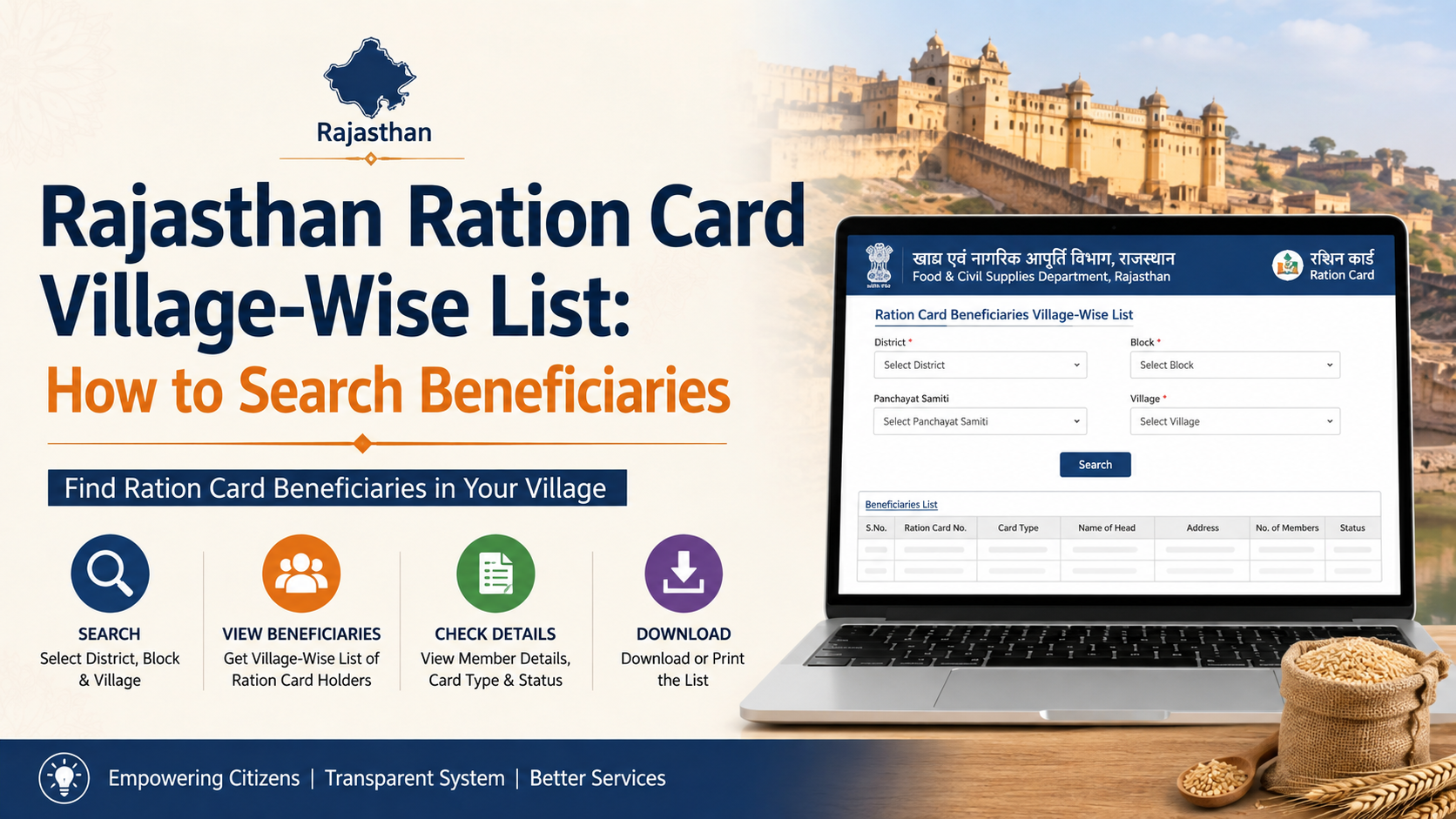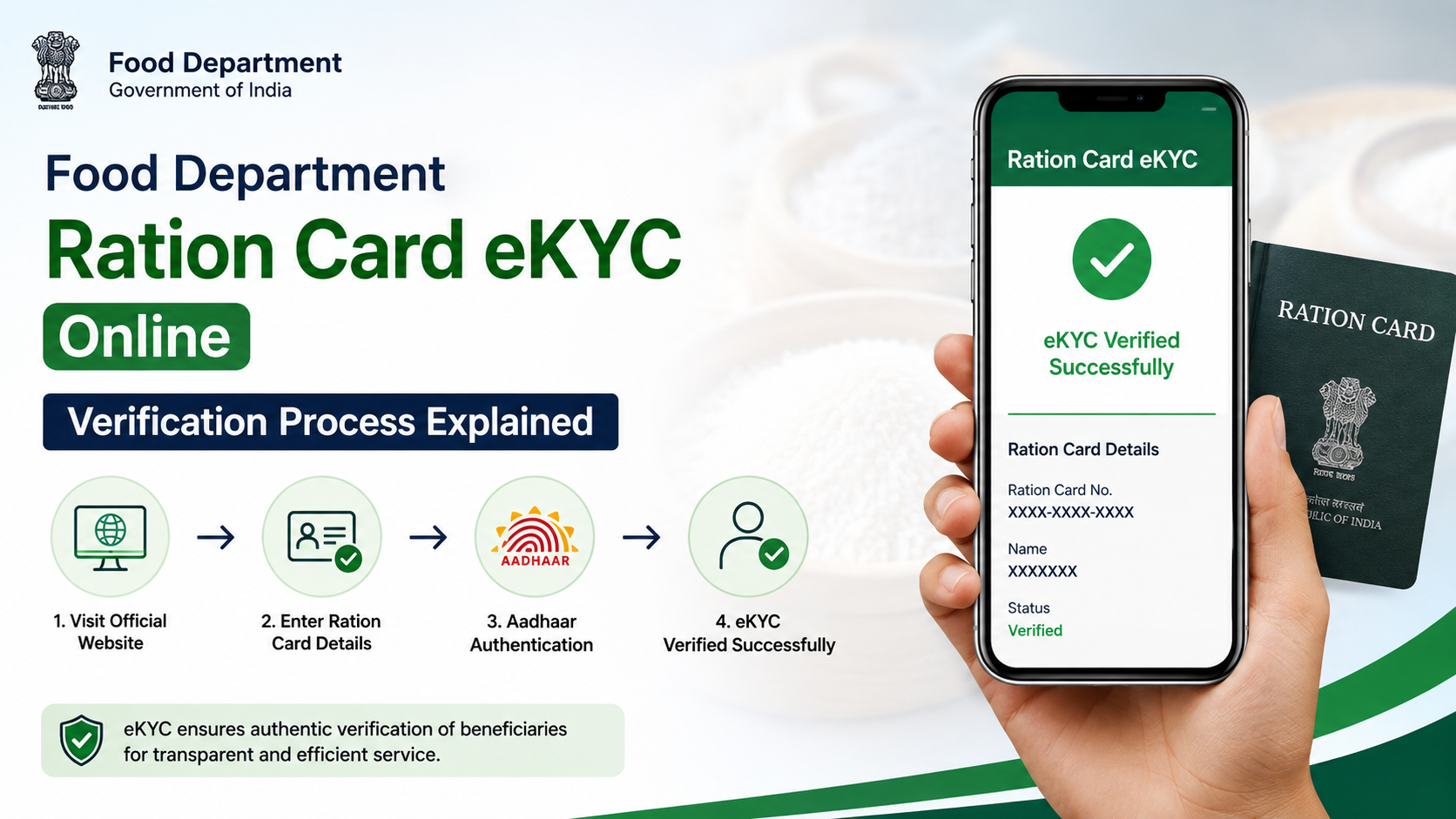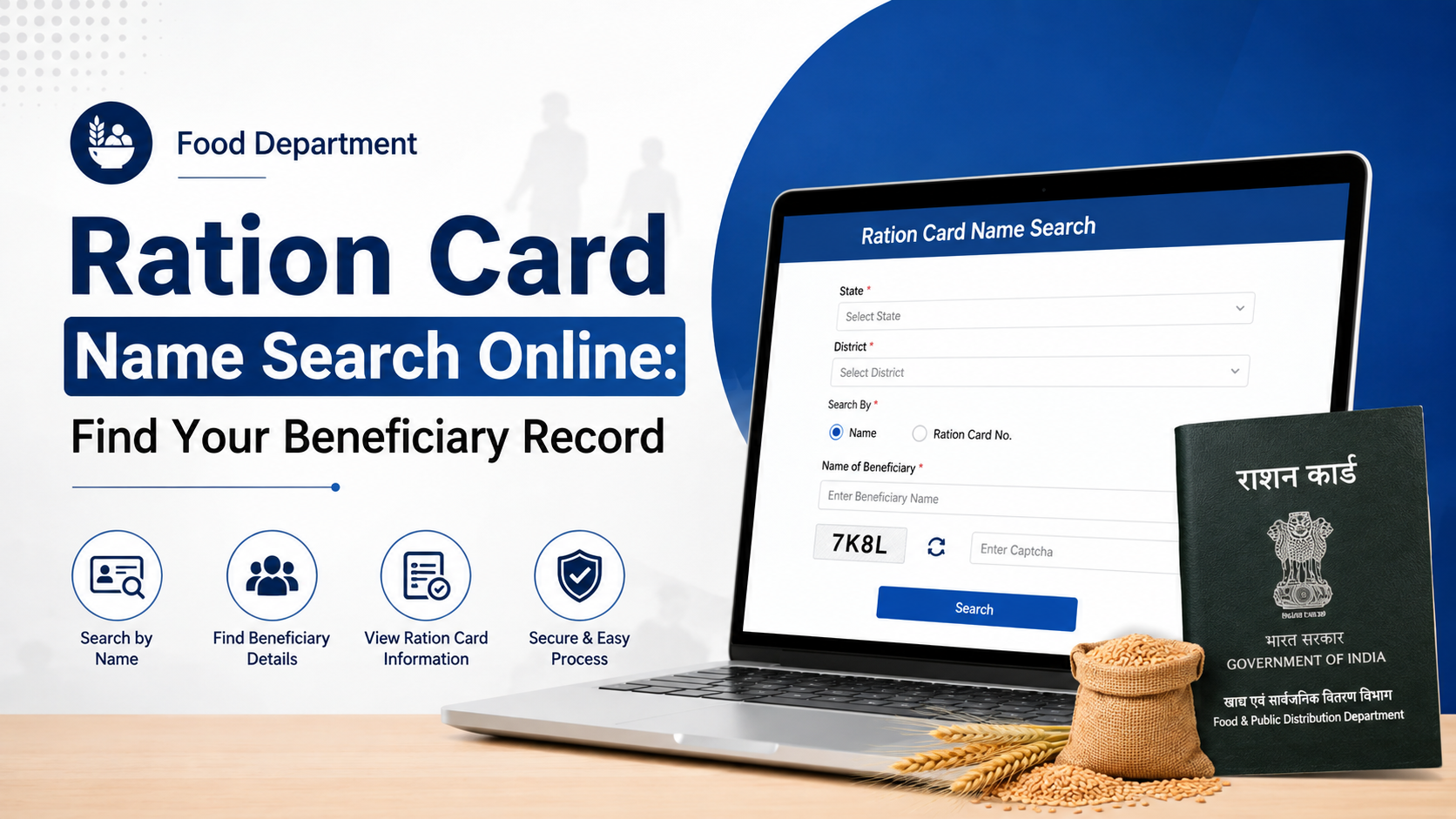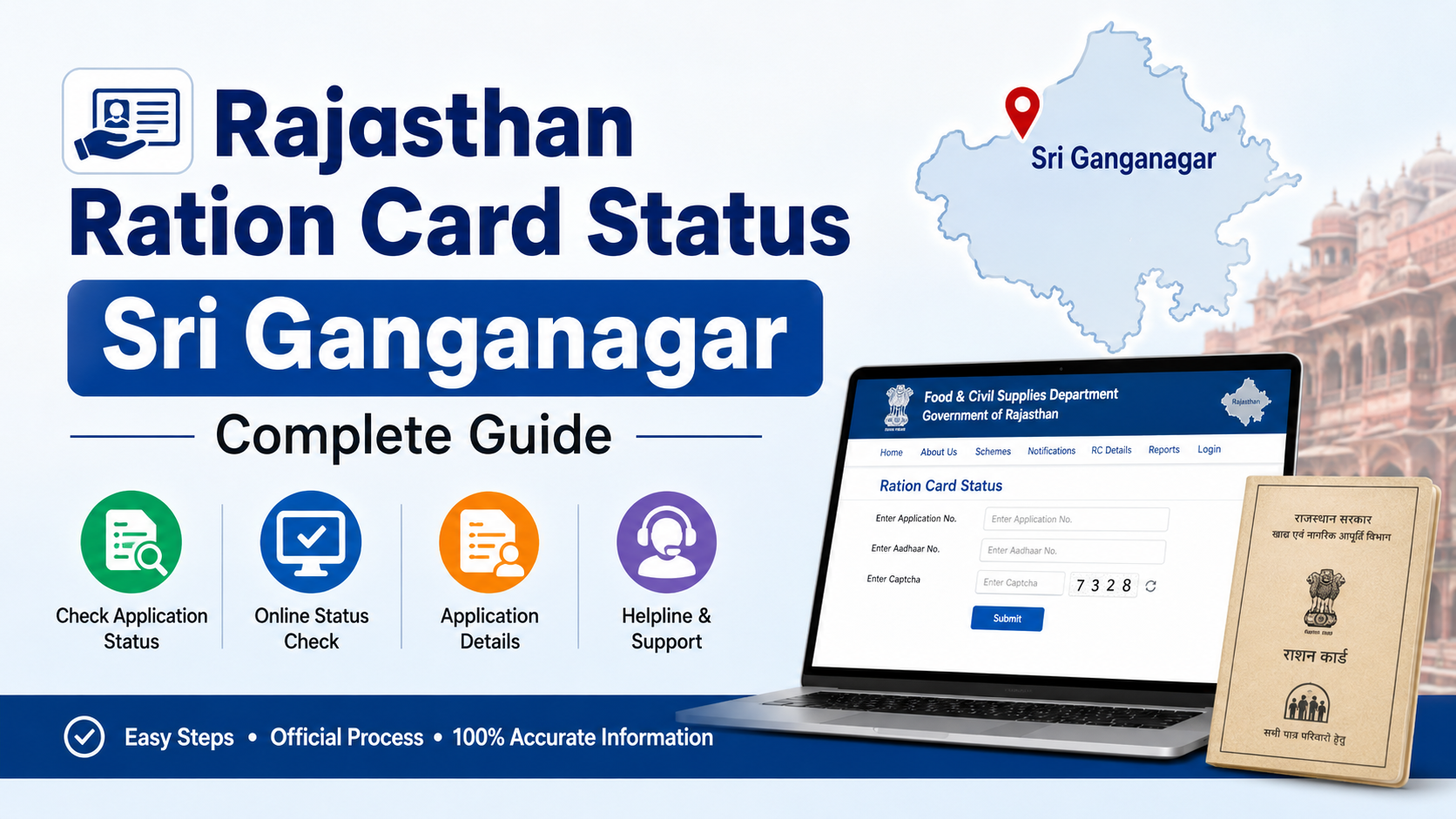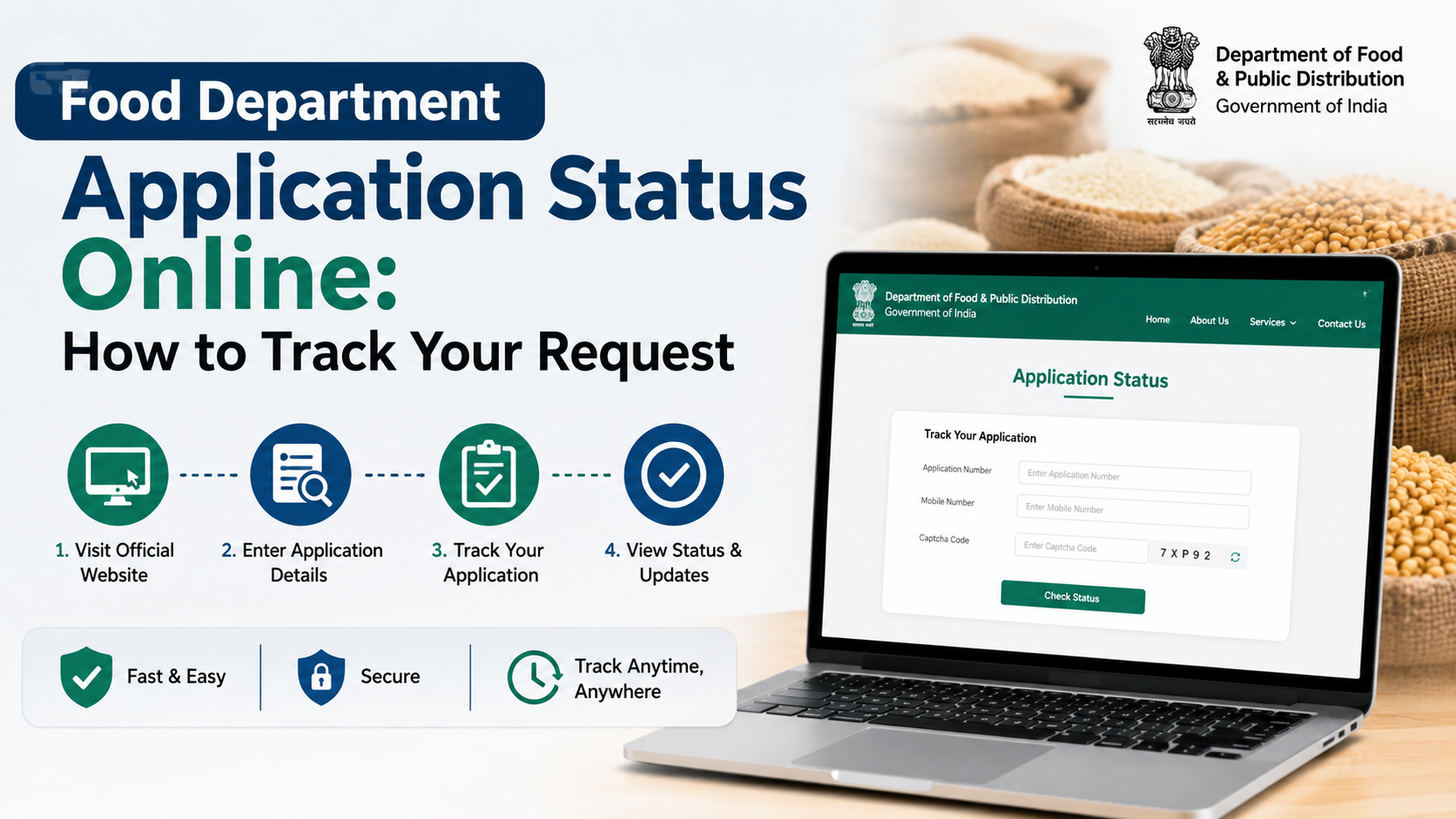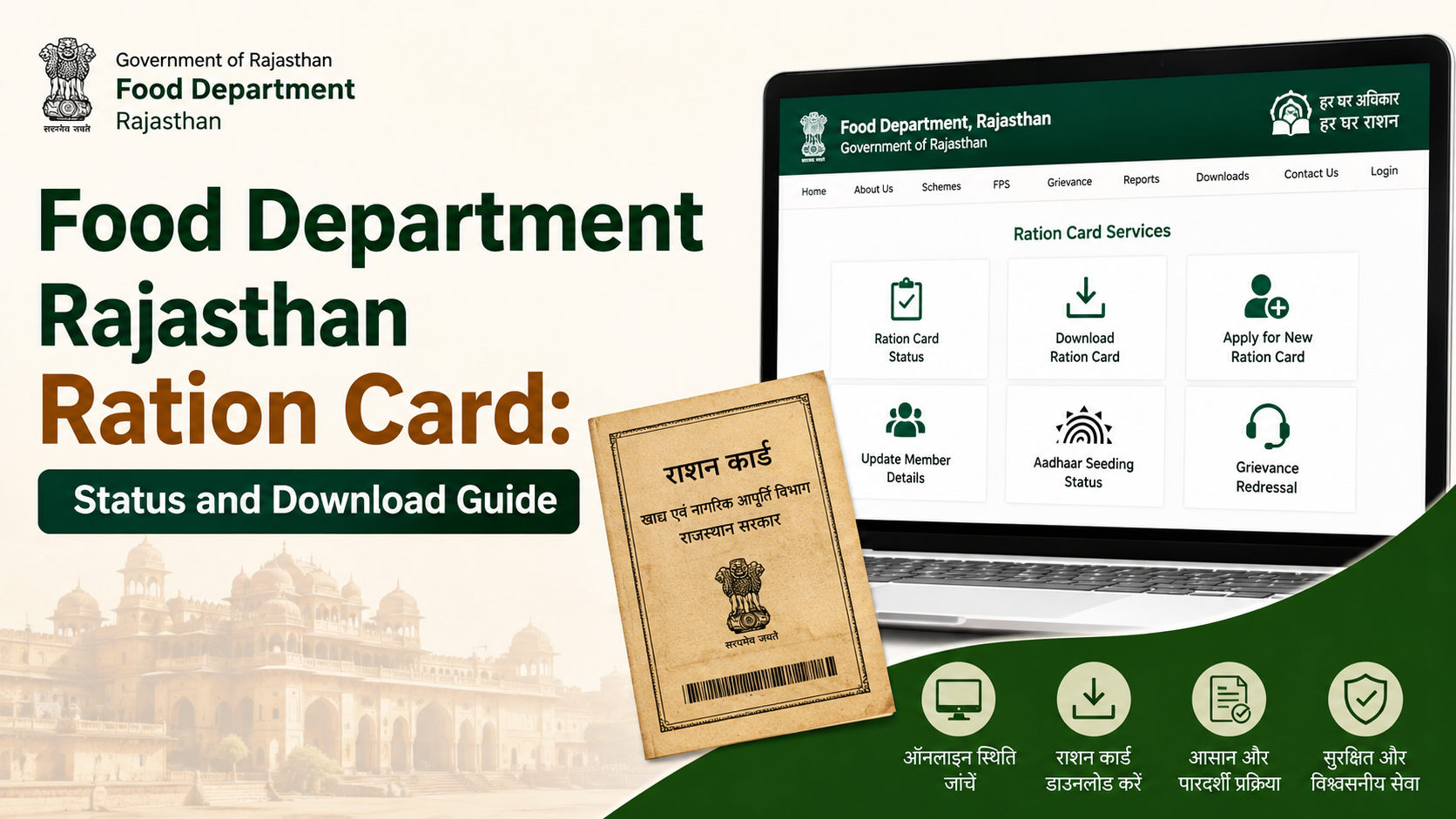
A Food Department Rajasthan ration card application can be started through the state’s SSO and e-Mitra services, tracked online, and downloaded once a ration card number is available. This guide explains the official route for a new application, the difference between a ration card and NFSA eligibility, how to check progress, and how to download the card safely.
Key Takeaways
- Apply for a new ration card through Rajasthan SSO, using the e-Mitra citizen service.
- Keep the form or application number safely; it is important for tracking the application.
- Use the official Food Department status page to search by ration card number or form number.
- Download an issued card only from the official Rajasthan Ration Card Centre portal.
- A new ration card application and an NFSA food-security application are separate services on the Food Department portal.
- For unresolved issues, use official department channels rather than sharing documents with unofficial websites or agents.
What Is the Food Department Rajasthan Ration Card Service?
The Rajasthan Department of Food and Civil Supplies manages ration-card-related public services and Public Distribution System (PDS) information in the state. Its official website provides links for new ration card applications, NFSA applications, ration card details, district-wise reports, and application-status tracking.
A ration card records a household for the state’s ration system. It should not be confused with every other identity or welfare document. The central PDS Control Order states that a ration card is issued for use under the targeted public distribution system and specified food-security or state schemes; it is not a general identity or residence proof.
The Rajasthan government’s Jan Aadhaar system is also relevant because it is the state’s family-based identification database. The Jan Aadhaar Authority states that resident families can enrol and receive a Jan Aadhaar card, while its e-KYC page notes that updates to Jan Aadhaar require Aadhaar e-KYC. If family details are incorrect, update them through the appropriate Jan Aadhaar route before relying on them in another service.
Official Portals to Use
Use government domains for every stage of the process. Avoid websites that ask for payment, Aadhaar details, or OTPs without clearly identifying themselves as a Rajasthan government service.
| Task | Official portal |
|---|---|
| Food Department services and notices | Food Department Rajasthan |
| Sign in for citizen services | Rajasthan SSO |
| Track a ration card application | Ration Card Application Status |
| Download ration card or surrender certificate | Rajasthan Ration Card Centre |
| Find ration-related public information | Rajasthan Jan Soochna Portal |
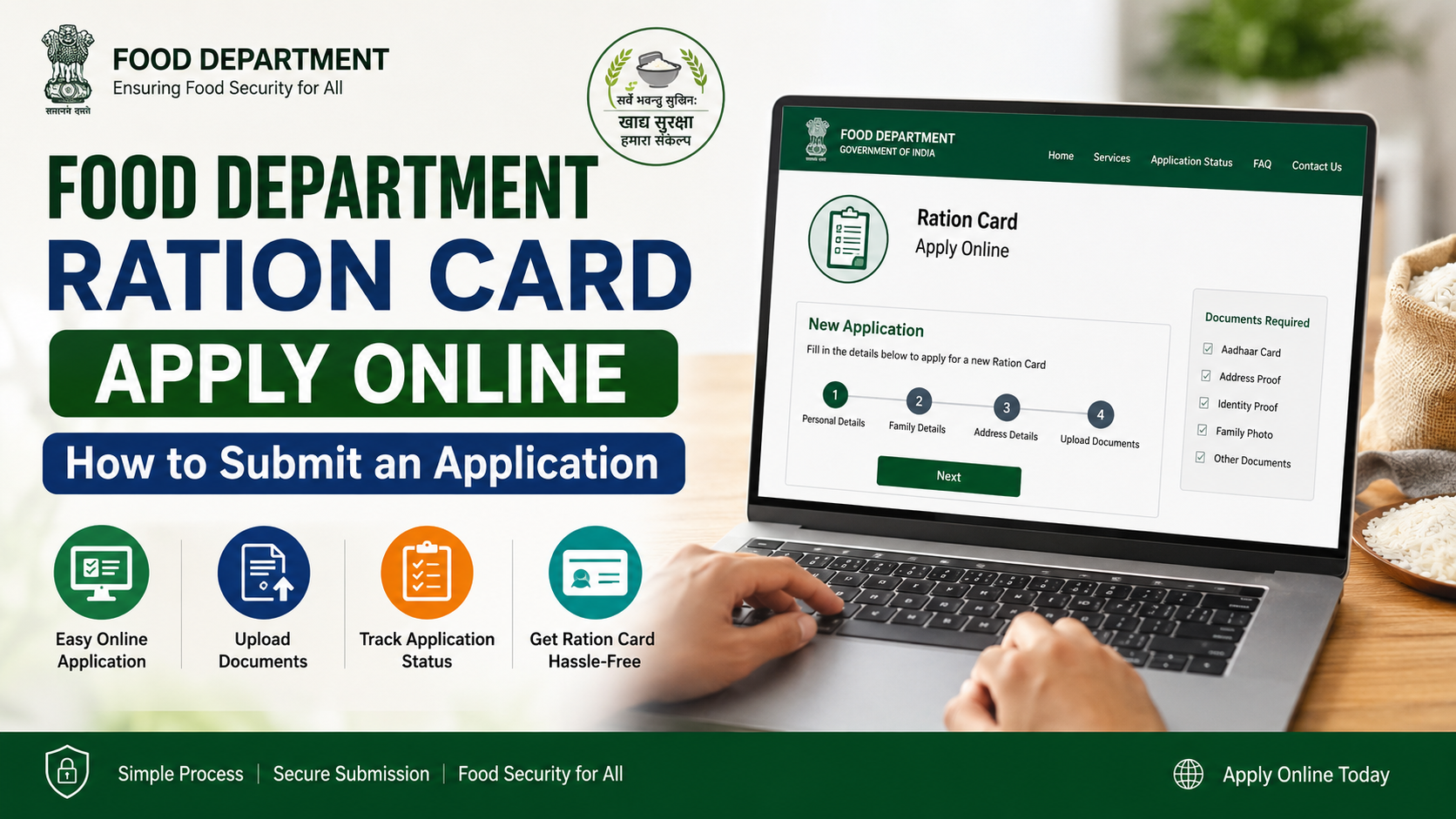
The Food Department’s official workflow for a new ration card directs citizens to sign in through SSO, open Citizen Apps (G2C), and select e-Mitra. It then asks the applicant to choose the district and the relevant block or municipality before filling in the form.
How to Apply for a New Rajasthan Ration Card
1. Prepare your household information
Before opening the online form, ensure the information for the applicant and every family member is accurate. The Food Department workflow requires applicant details, member details, and the upload of required documents.
Keep the documents requested by the live form ready in a clear digital format. Requirements may differ according to the applicant’s location, household situation, and the service selected. Do not upload unrelated documents or documents containing incorrect member details.
It is also sensible to check the following before submitting:
- Spelling of names matches the relevant official records.
- Dates of birth and relationships between members are correct.
- The address belongs to the selected district, block, or municipality.
- The mobile number entered can receive updates.
- Your Jan Aadhaar family data, where used, is current and e-KYC requirements have been addressed.
2. Sign in through Rajasthan SSO
Visit the Rajasthan SSO portal and sign in with your SSO ID. If you do not have one, use the registration option shown on the portal.
After signing in:
- Open Citizen Apps (G2C).
- Select e-Mitra.
- Choose the new ration card service shown in the current service list.
- Select your district and then your block or nagarpalika/municipality.
- Continue to the form.
The official workflow instructs applicants to complete the form, submit it, then enter full applicant and member details, upload the required documents, and select Verify.
3. Verify and save the application record
After you select Verify, the Food Department workflow says the application proceeds to the relevant BDO or EO office for verification. It also allows the application to be printed after this stage.
Save or print the acknowledgement immediately. Record these details exactly as displayed:
- Form or application number
- Ration UID, if shown
- Date of submission
- Selected district and local body
- Applicant mobile number
These details make status tracking much easier if the browser session closes or an SMS is delayed.
4. Understand the verification stage
Submitting an online form does not itself mean that a ration card has been issued. Verification is part of the process. The PDS Control Order provides that the designated authority processes applications after necessary checks and verification, and that an eligible applicant should receive a ration card within a reasonable time not exceeding one month from receipt of the application.
However, do not treat that general maximum as a guaranteed service-date promise for every individual case. If your application remains unresolved, use the status page first and then contact the relevant authority with your acknowledgement number.
Ration Card Application vs NFSA Application
This distinction prevents a common mistake. The Food Department Rajasthan homepage lists:
- Apply for a new ration card
- Apply for National Food Security (NFSA)
as separate public services.
A ration card application concerns the household’s ration card record. An NFSA application concerns food-security eligibility. Therefore, a successful ration card application should not be assumed to confirm NFSA entitlement automatically. Follow the specific NFSA process if that is the service you need, and use only the official link currently displayed on the Food Department website.
The Food Department also provides pages for ration-card details, ration distribution information, Aadhaar seeding/e-KYC/LPG mapping status, and fair price shop information. These tools can help you confirm that the household record and service mapping are functioning after issuance.
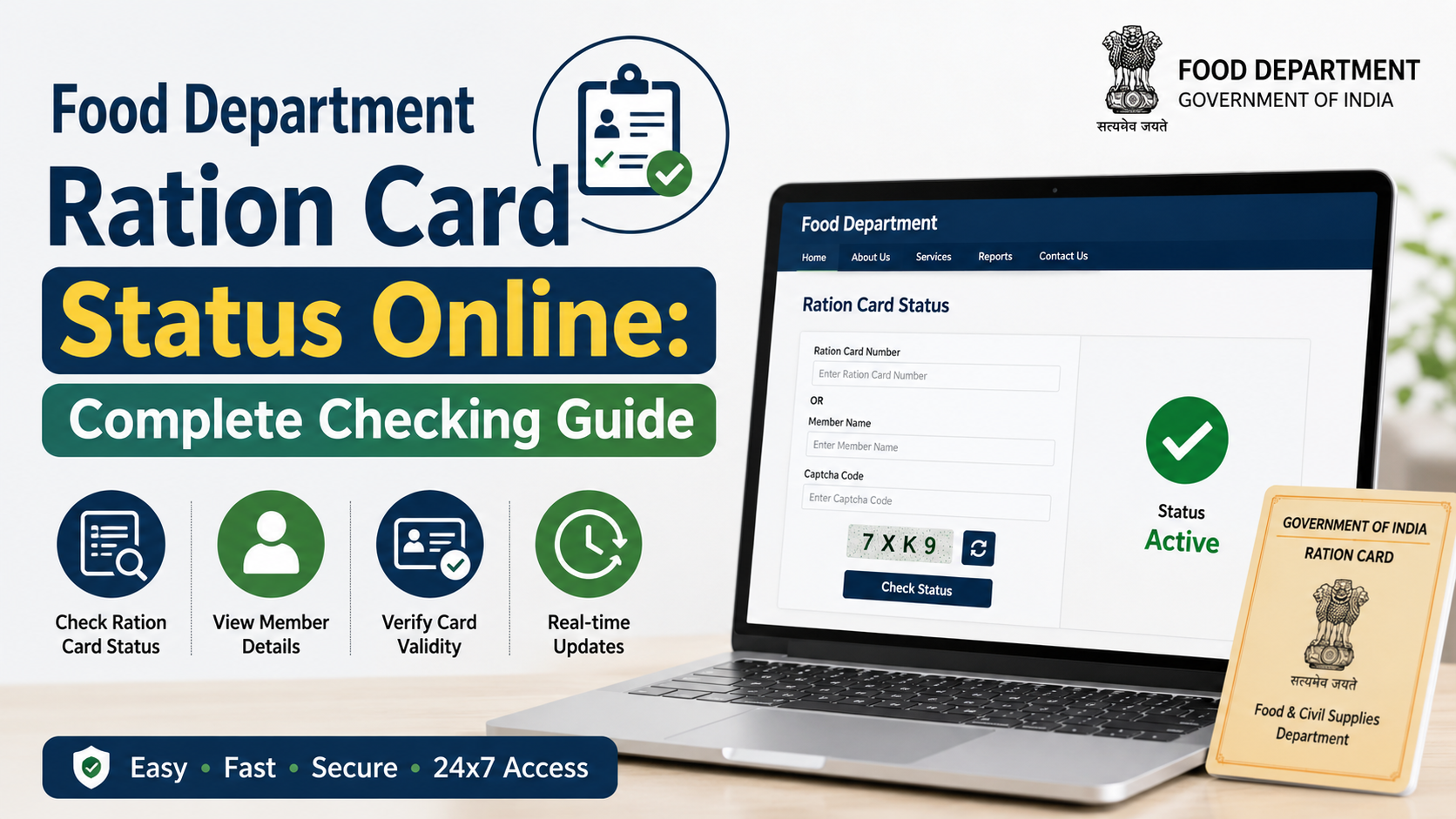
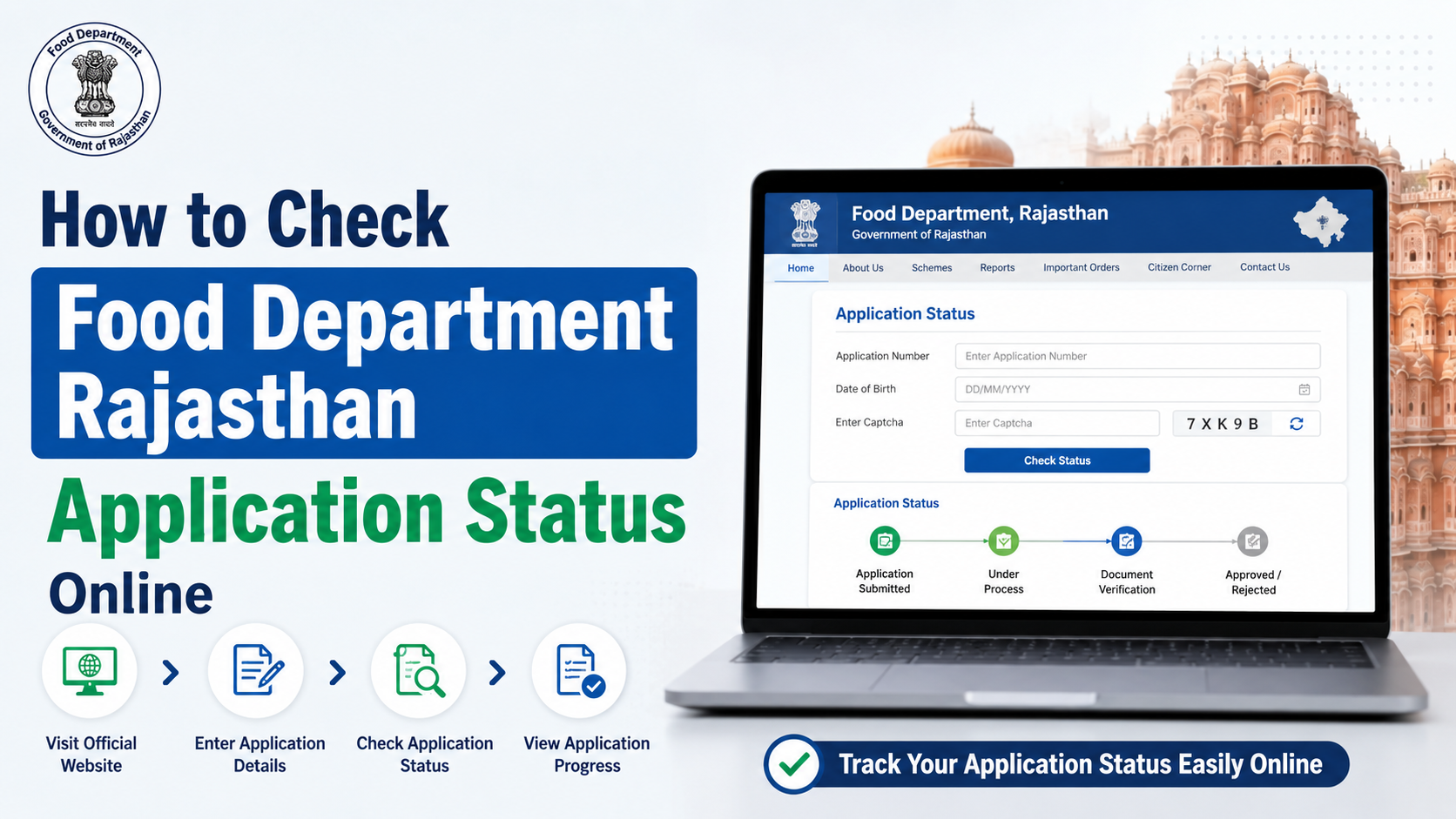
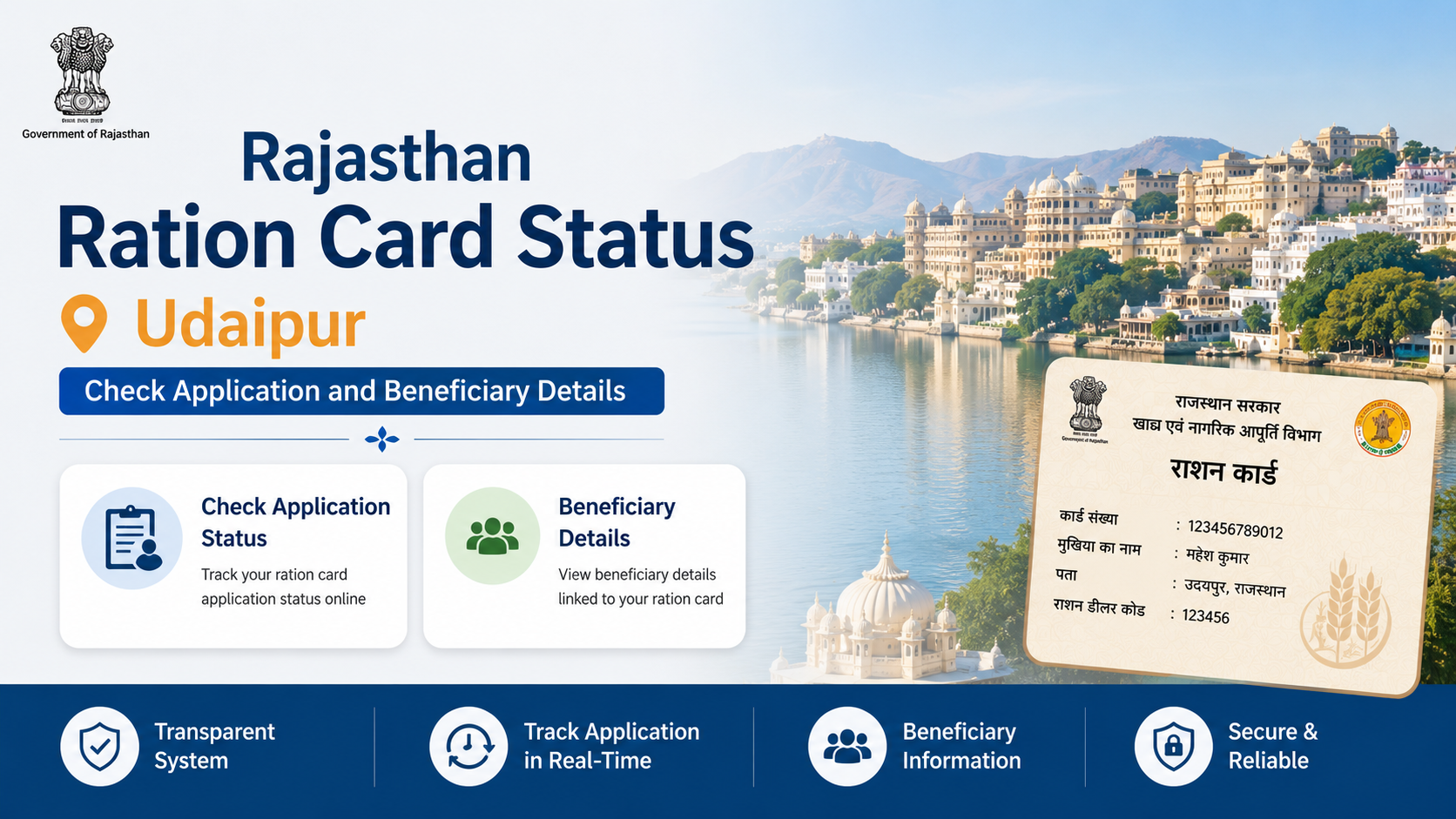
How to Check Food Department Rajasthan Ration Card Status
The official application tracker is available at food.rajasthan.gov.in/form_status.aspx.
Steps to track your application
- Open the official status page.
- Select the available search option for your ration card number or form number.
- Enter the number exactly as it appears on your acknowledgement or card.
- Submit the request and review the result shown on screen.
The Food Department’s official new-card workflow specifically directs applicants to this page for application-status checking.
If the status is not found
First, check for typing errors and ensure you selected the correct identifier. A newly submitted application may not appear instantly if the portal is still processing the record.
If the number is correct but no result appears:
- Use the same form number from the acknowledgement, without adding spaces.
- Revisit the Food Department website and confirm that you are on the current status service.
- Contact the local verification office identified in your application process.
- Use the Food Department contact details shown on its official homepage.
Do not submit a duplicate application just because the tracking result is unavailable. Duplicate records can create avoidable verification issues.
How to Download Your Rajasthan Ration Card
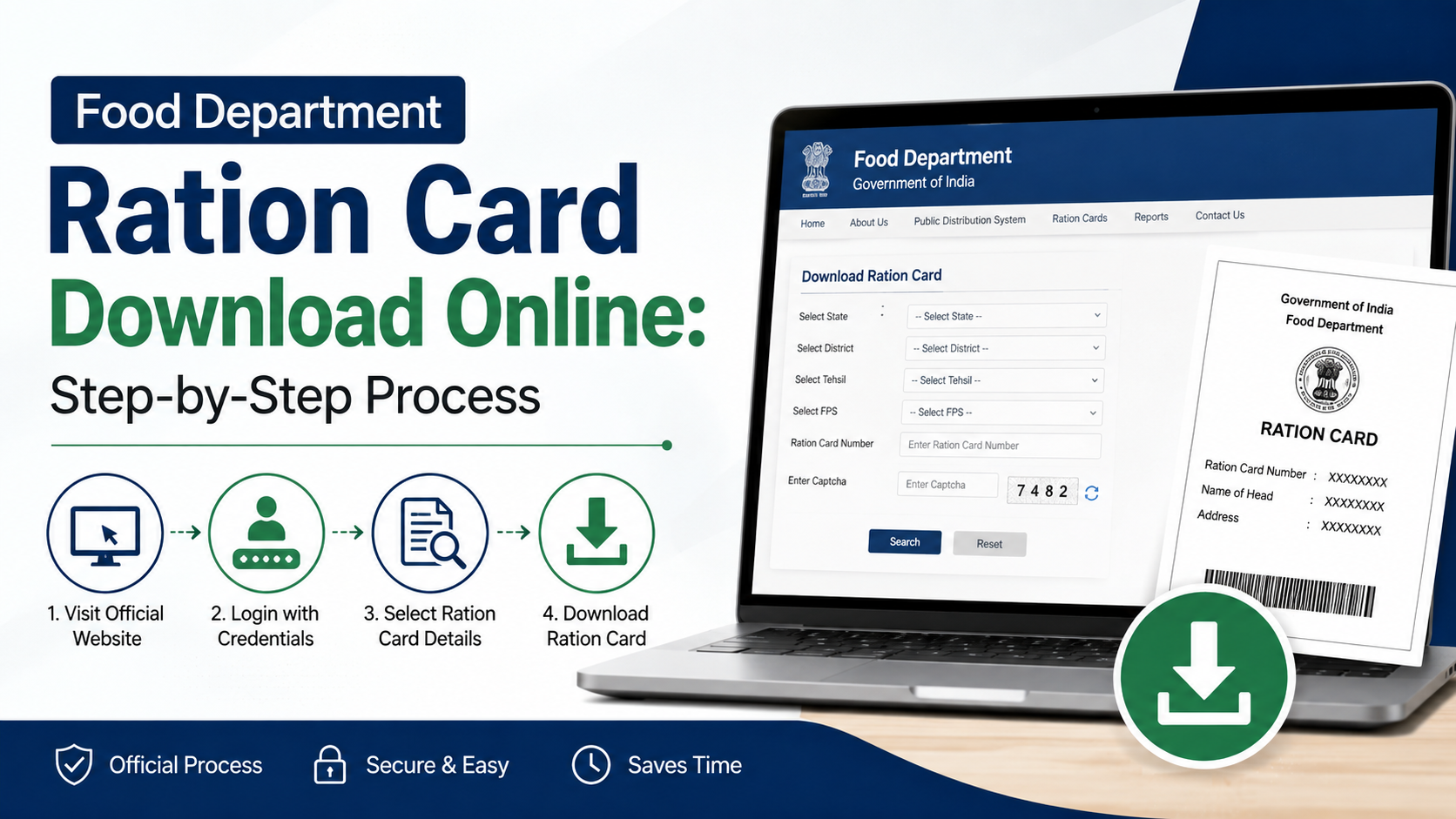
Once a ration card has been issued and you have its number, use the official Rajasthan Ration Card Centre download page.
Download steps
- Open the official download page.
- Select the district, if the page requests it.
- Enter the ration card number.
- Complete the verification shown on the page.
- Download or print the ration card document.
The same official page is titled “Download Ration Card / Surrender Certificate.” Ensure you choose the correct option for your requirement.
Important download checks
Before saving or printing, verify that the document shows the correct:
- Ration card number
- Household head
- Family members
- Address
- District and fair price shop details, where displayed
If family details are missing or incorrect, do not alter the downloaded file. Use the appropriate official correction or update route instead. The Jan Aadhaar Authority also clarifies that ration card and NFSA details come from ration services; they cannot be directly updated in Jan Aadhaar.
Useful Checks After the Card Is Issued
A downloadable document is helpful, but it is not the only information that matters. Rajasthan’s official portals also provide tools to review ration card and service information.
Check your ration card and shop details
The Food Department website offers links for:
- Ration card and ration distribution details
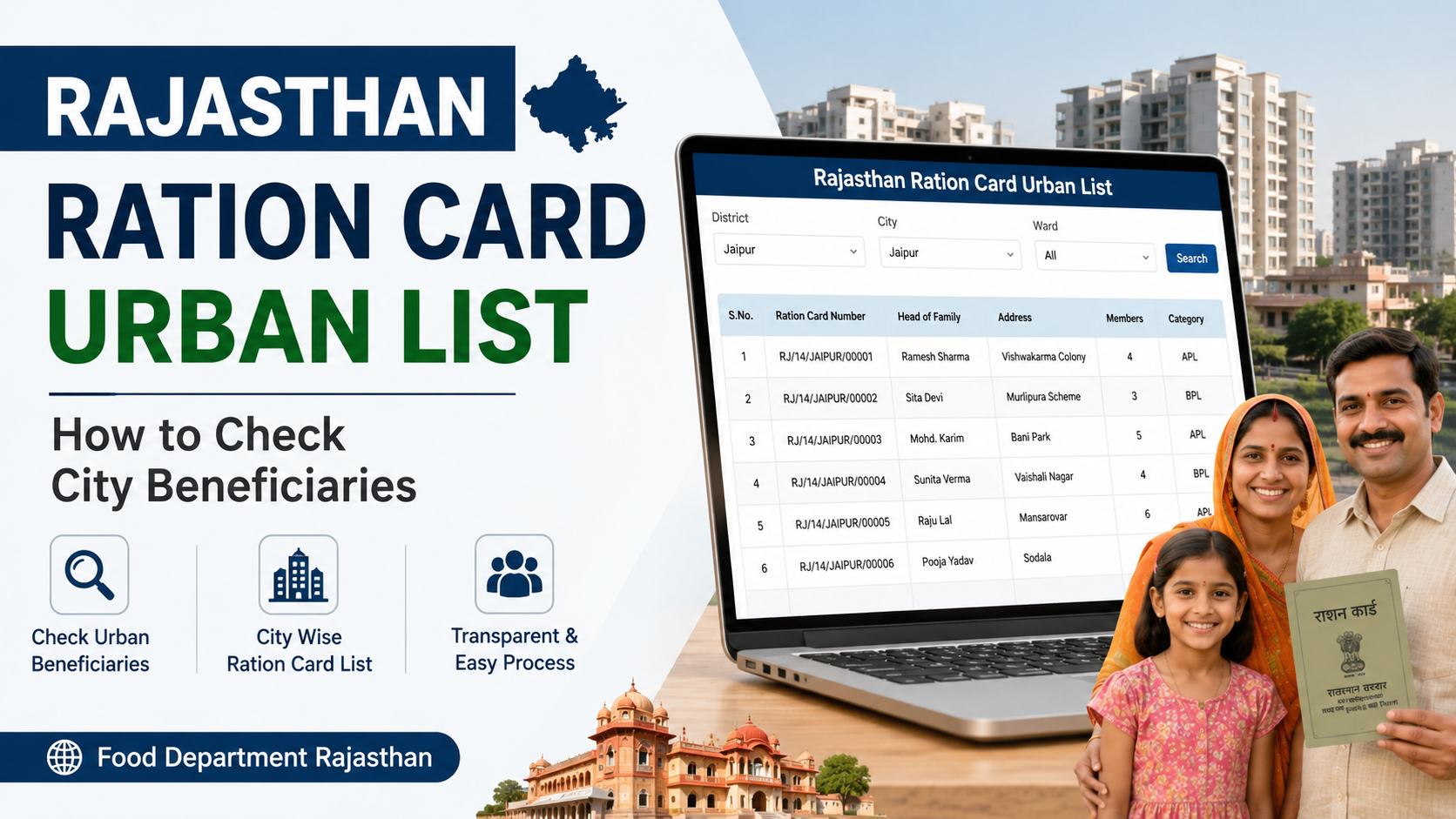
- District-wise ration card information
- Fair price shop lists
- Fair price shop stock and lifting details
- Aadhaar seeding, e-KYC, and LPG ID mapping status
The Jan Soochna Portal additionally lists public services such as “Know About your Ration Card,” “Know About your Ration Shop,” and approved NFSA beneficiary information.
Keep household data aligned
Life events can affect household records. Review the appropriate government process when there is:
- A birth, death, marriage, or separation in the household
- A change of address
- A correction to a member’s name or date of birth
- A problem with Aadhaar e-KYC or family data
- A change in the household head
The central PDS Control Order recognises changes such as shifting residence, birth, death, beneficiary-category changes, and corrections as reasons for ration-card modification.
Frequently Asked Questions
Can I apply for a Rajasthan ration card without visiting a government office?
The official workflow supports an online application through Rajasthan SSO and e-Mitra. However, the workflow also states that the application goes to the relevant BDO or EO office for verification. Whether an in-person visit is needed in a particular case depends on the verification requirements communicated by the authorities.
Which number should I use to check application status?
Use the form number from your acknowledgement if the ration card has not yet been issued. If you already have an issued card, use the ration card number. The official status page provides these search routes.
Can I download the card using only my application number?
The official download portal displays fields for district and ration card number. An application number is primarily useful for tracking before card issuance. After approval, obtain or confirm the ration card number and use it on the official download page.
Is a ration card application the same as applying for NFSA benefits?
No. The Food Department lists new ration card and NFSA applications as separate services. Apply for the specific service you need, and do not assume one approval automatically confirms the other.
Where can I get official help?
The Food Department homepage lists its contact number as 0141-2227352 during working hours and provides the email addresses secy-food-rj@nic.in and afcfood-rj@nic.in. For Jan Aadhaar support, the Jan Aadhaar portal lists 0141-2850287 and toll-free 181.
Conclusion
For a Food Department Rajasthan ration card, start through Rajasthan SSO and e-Mitra, retain the form number after submission, and track progress on the official Food Department status page. After issuance, download the document only through the Rajasthan Ration Card Centre portal and review every household detail carefully. If your case involves NFSA eligibility, treat it as a separate official application and follow the current instructions displayed by the Food Department.