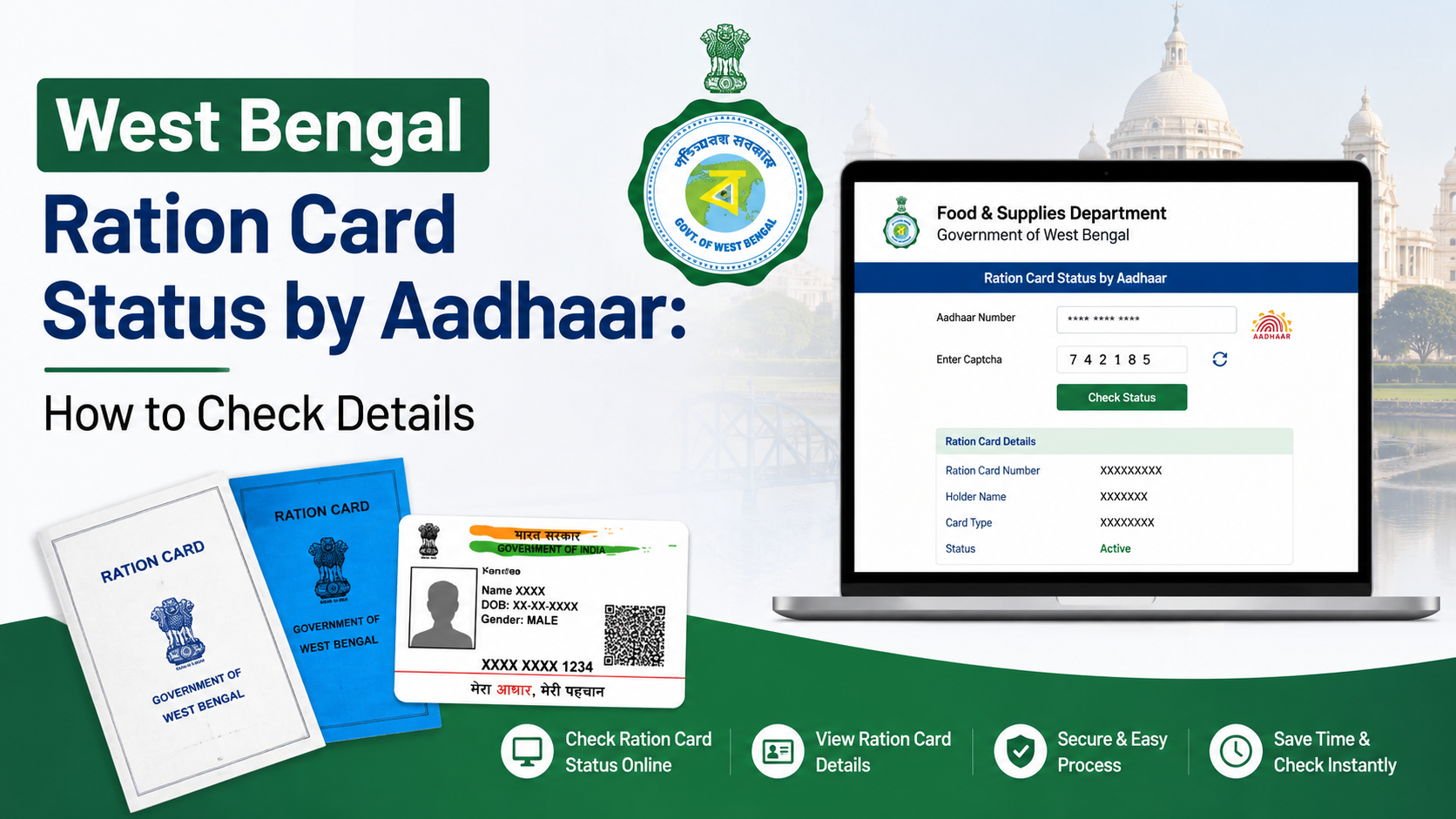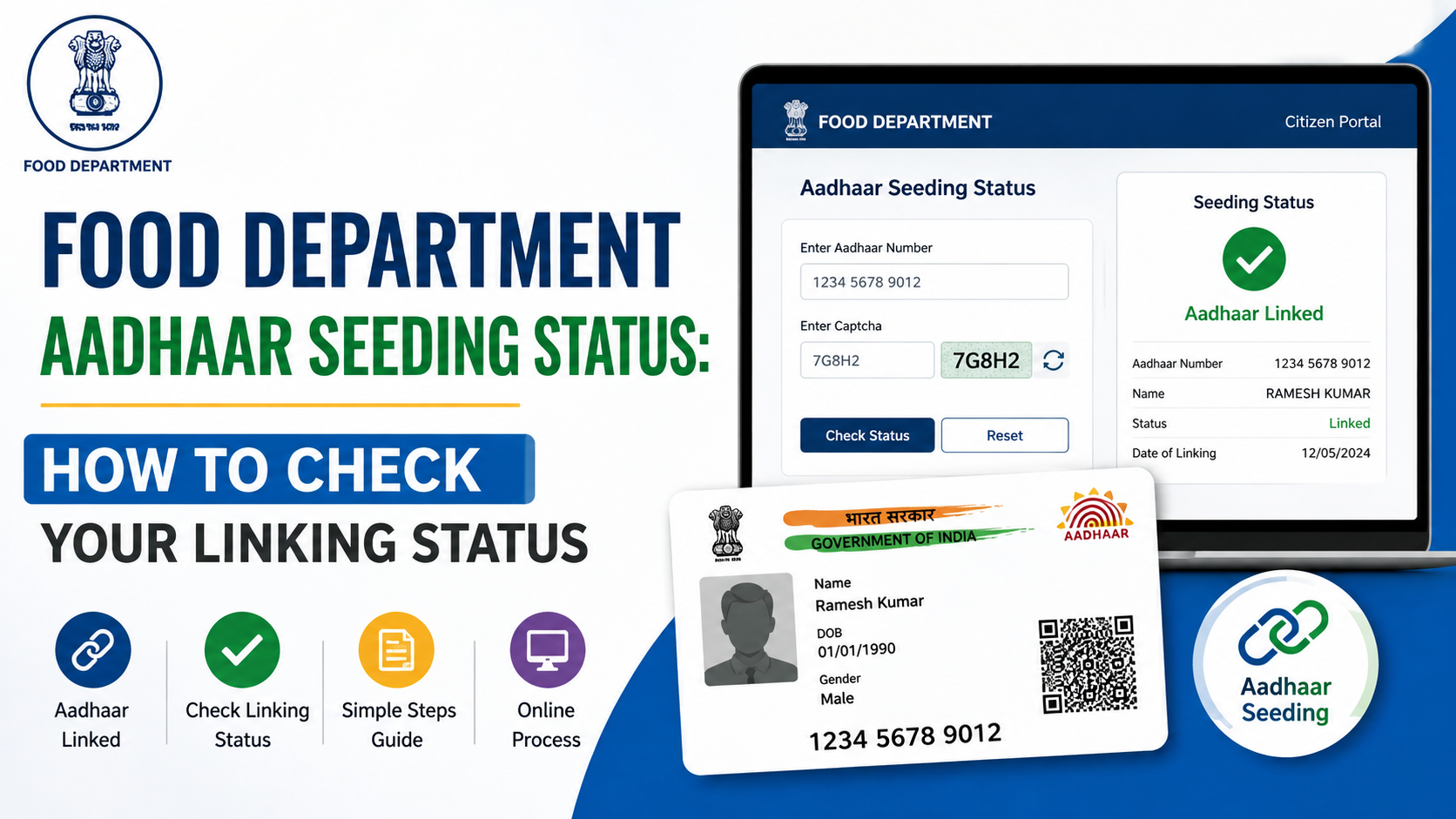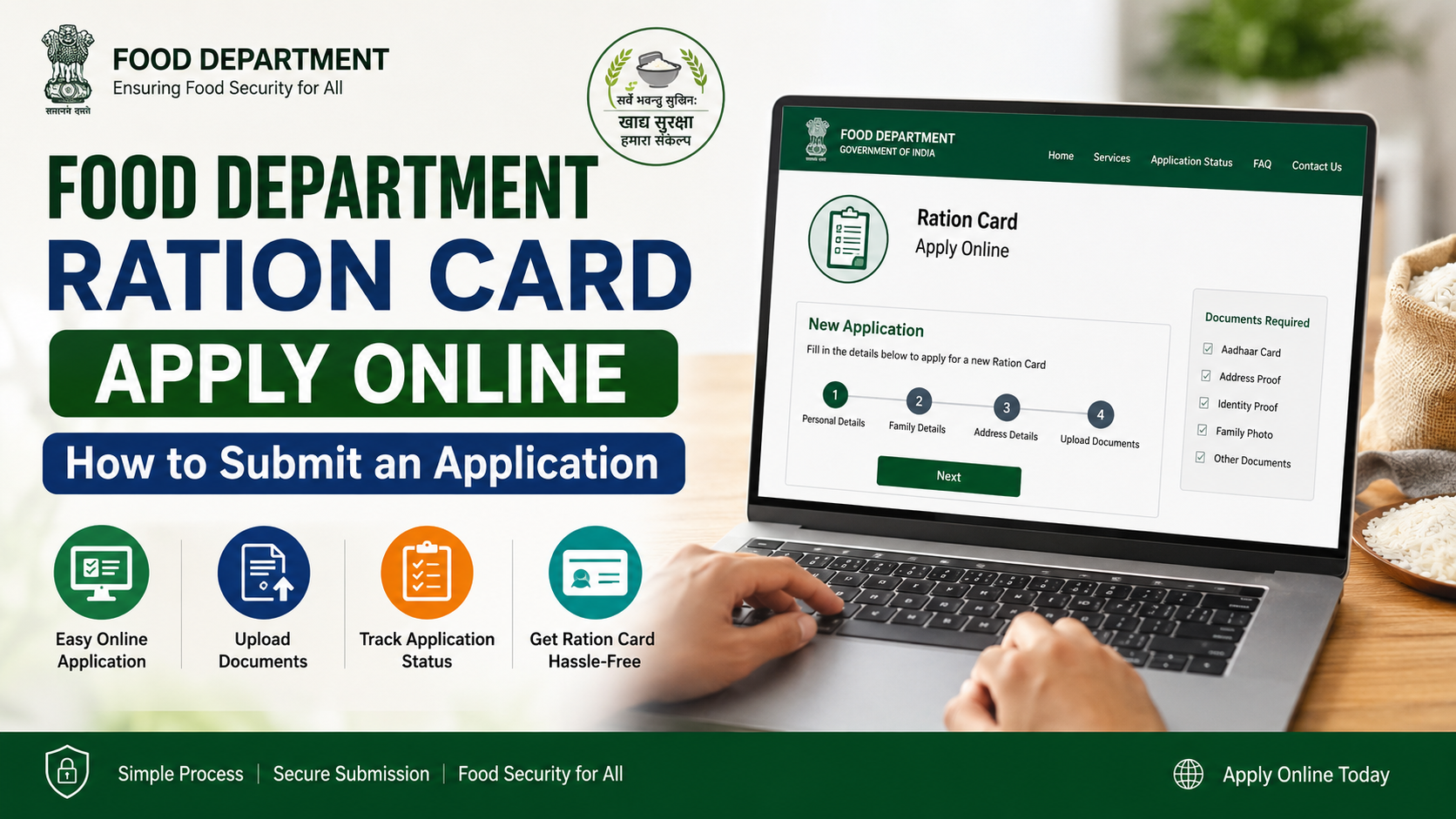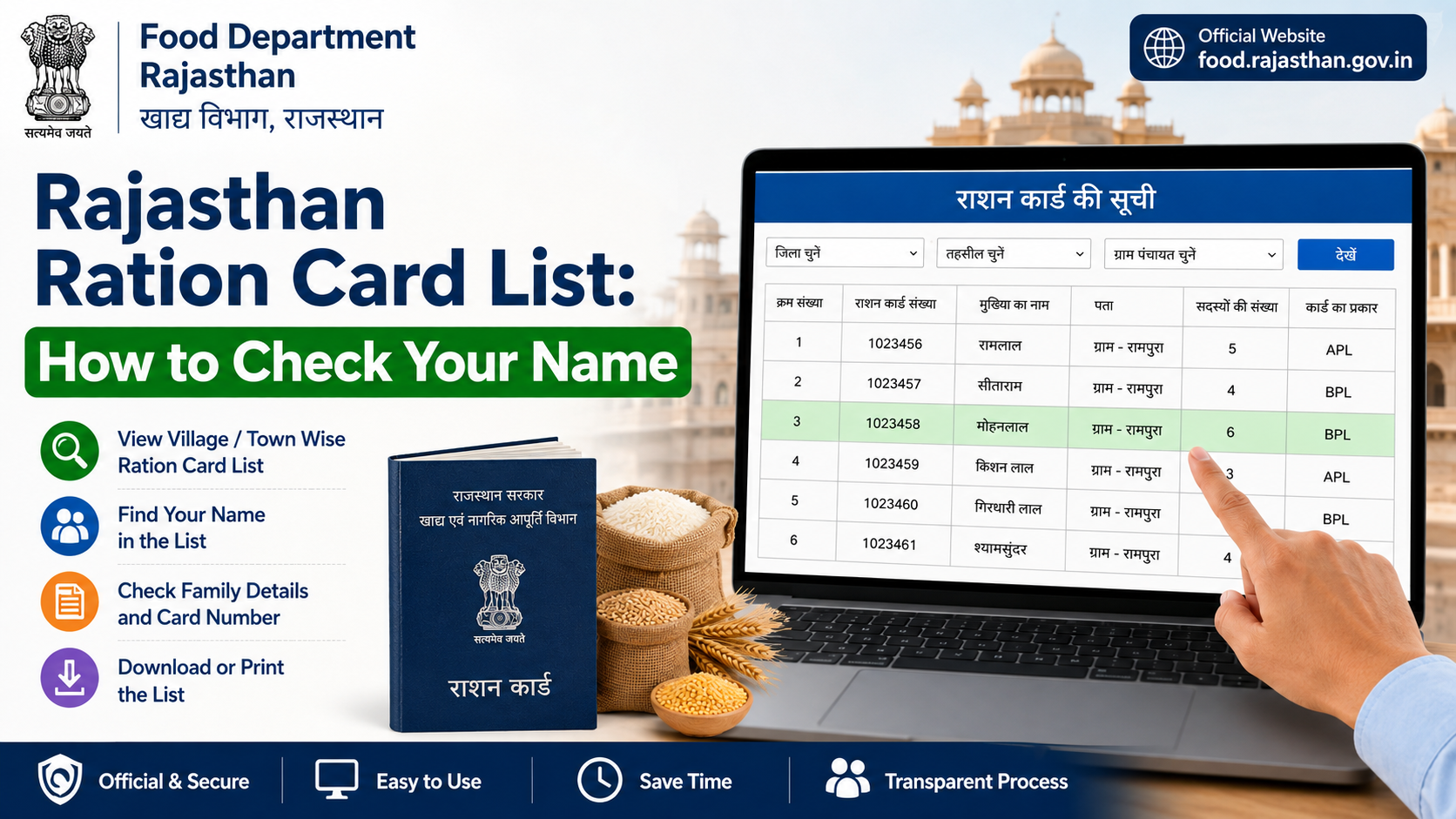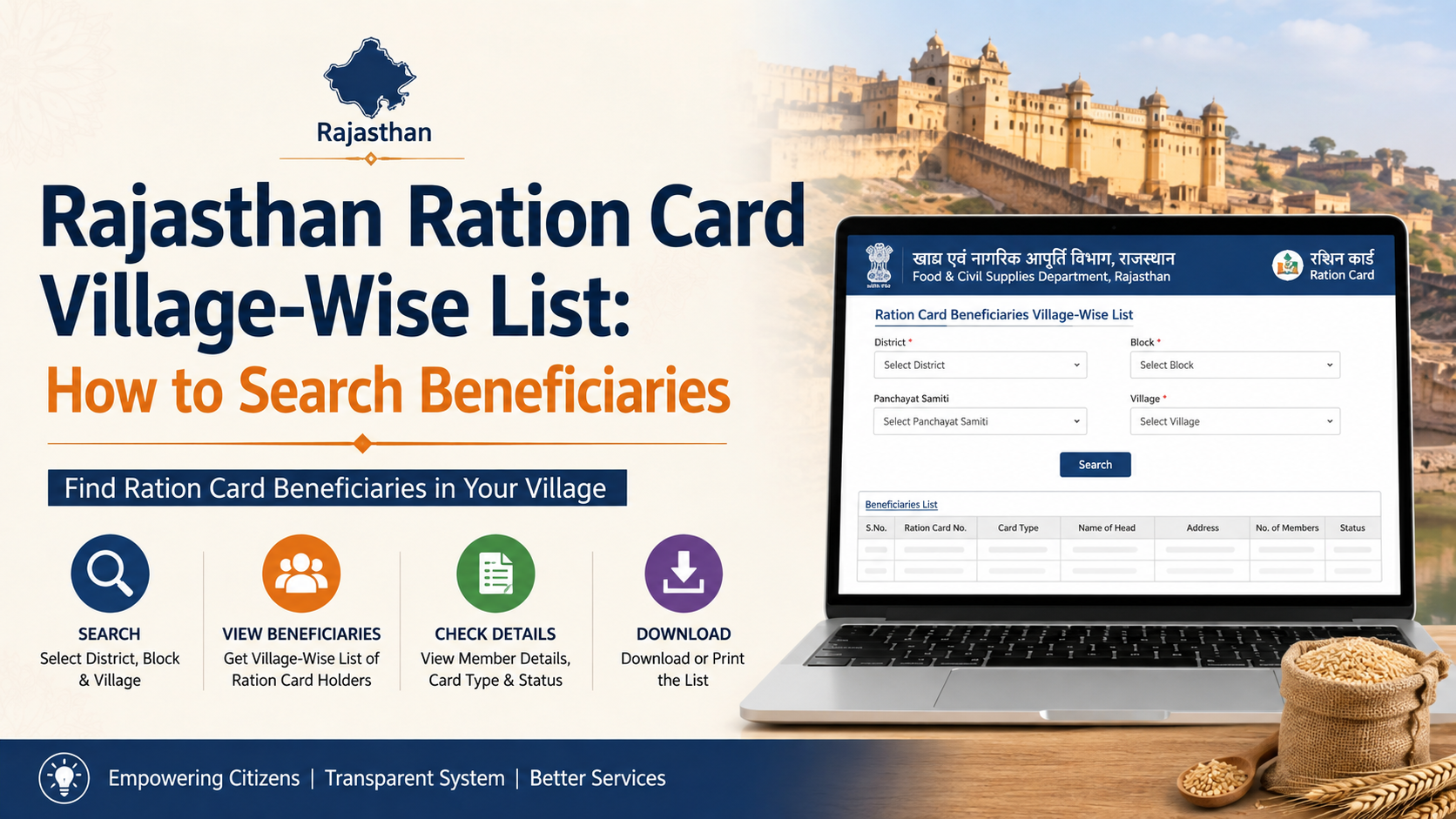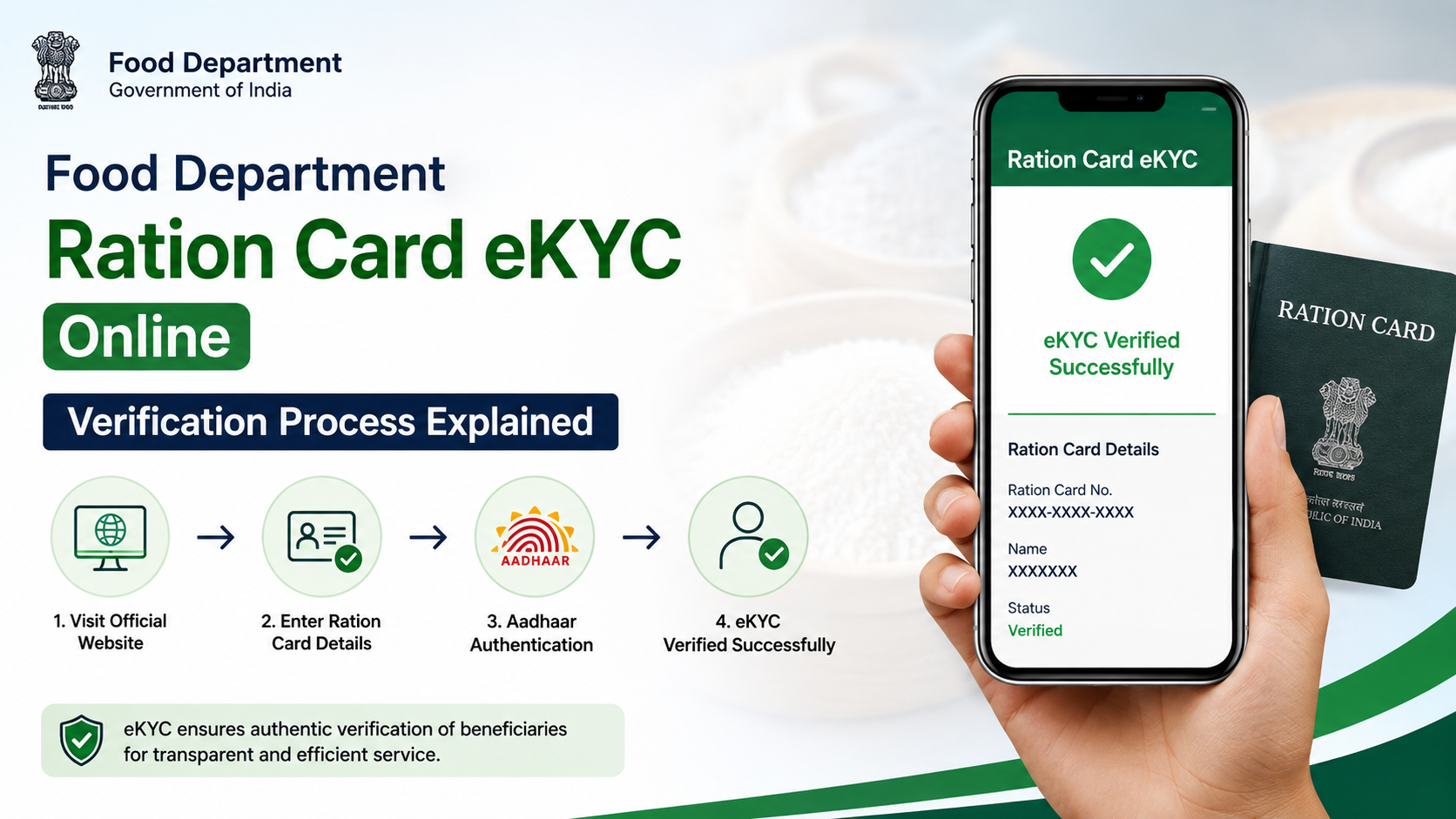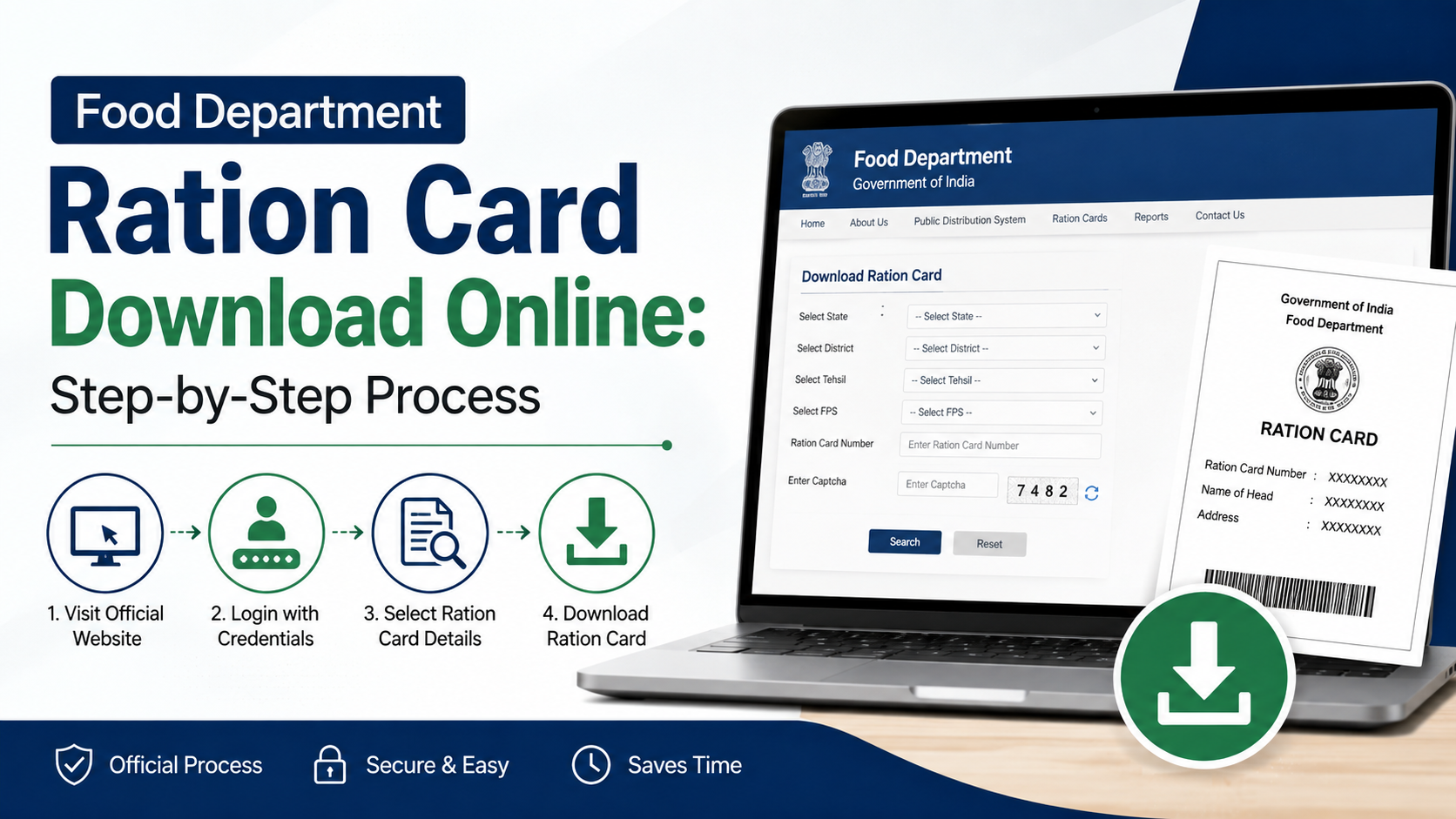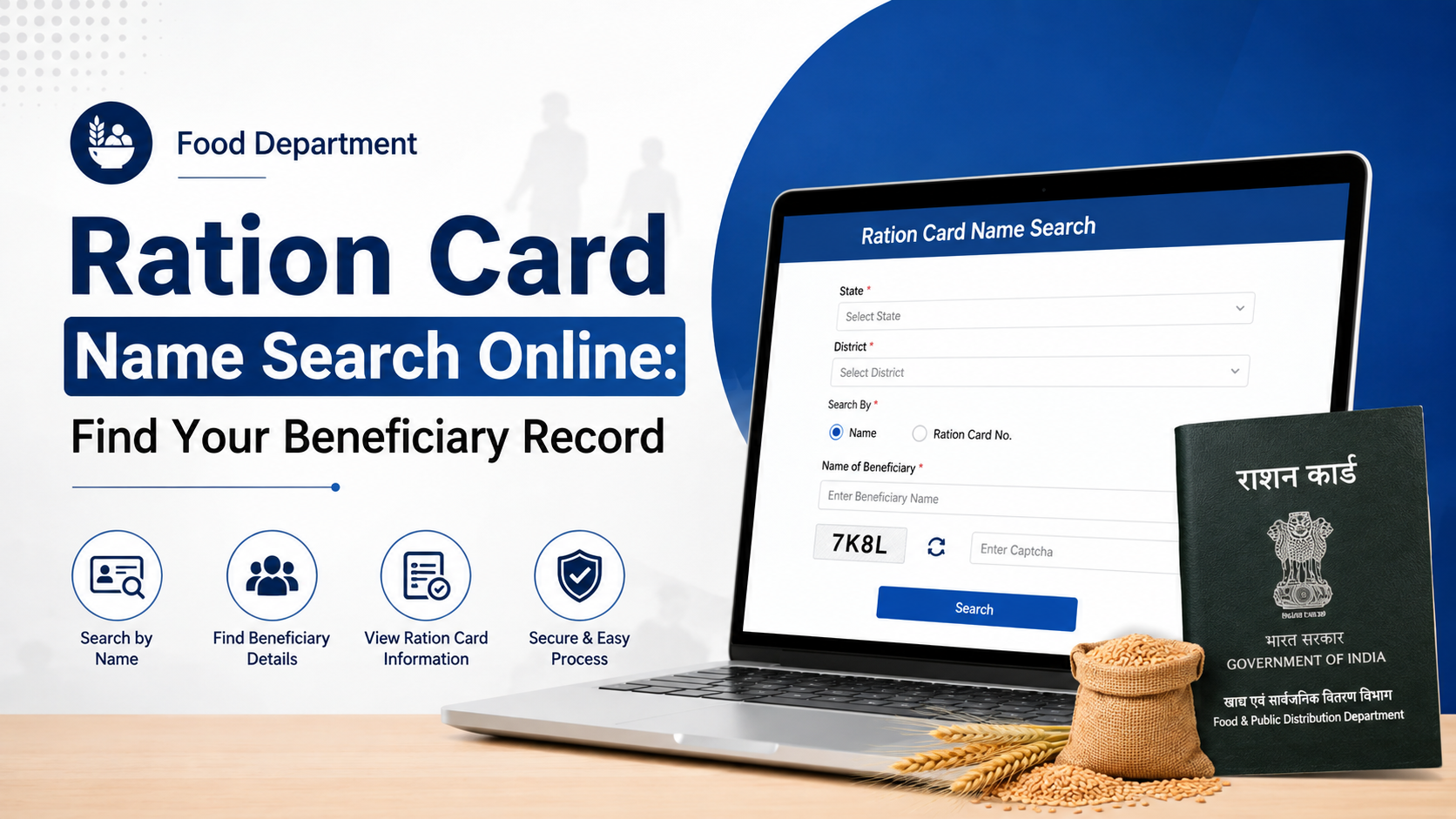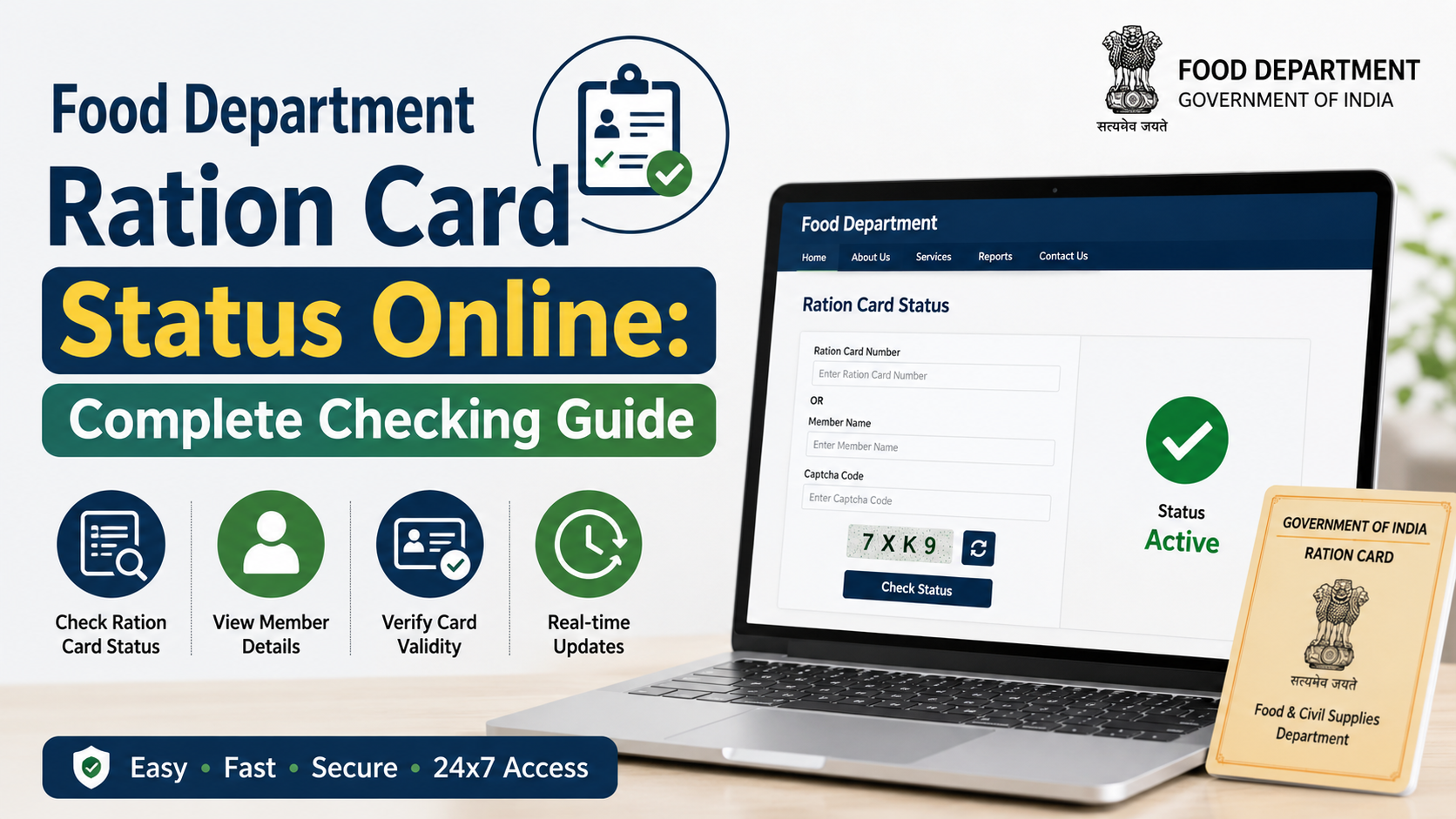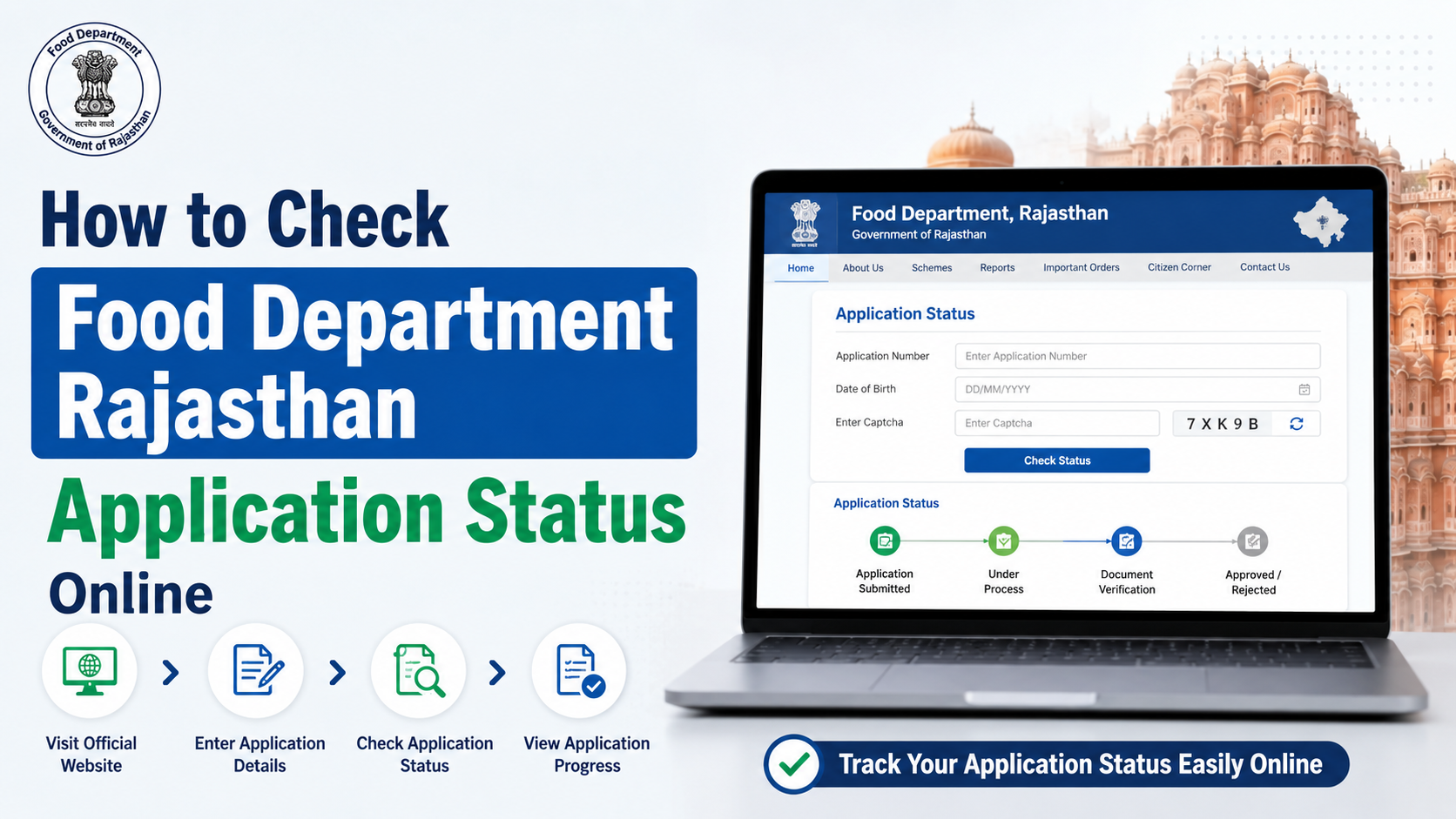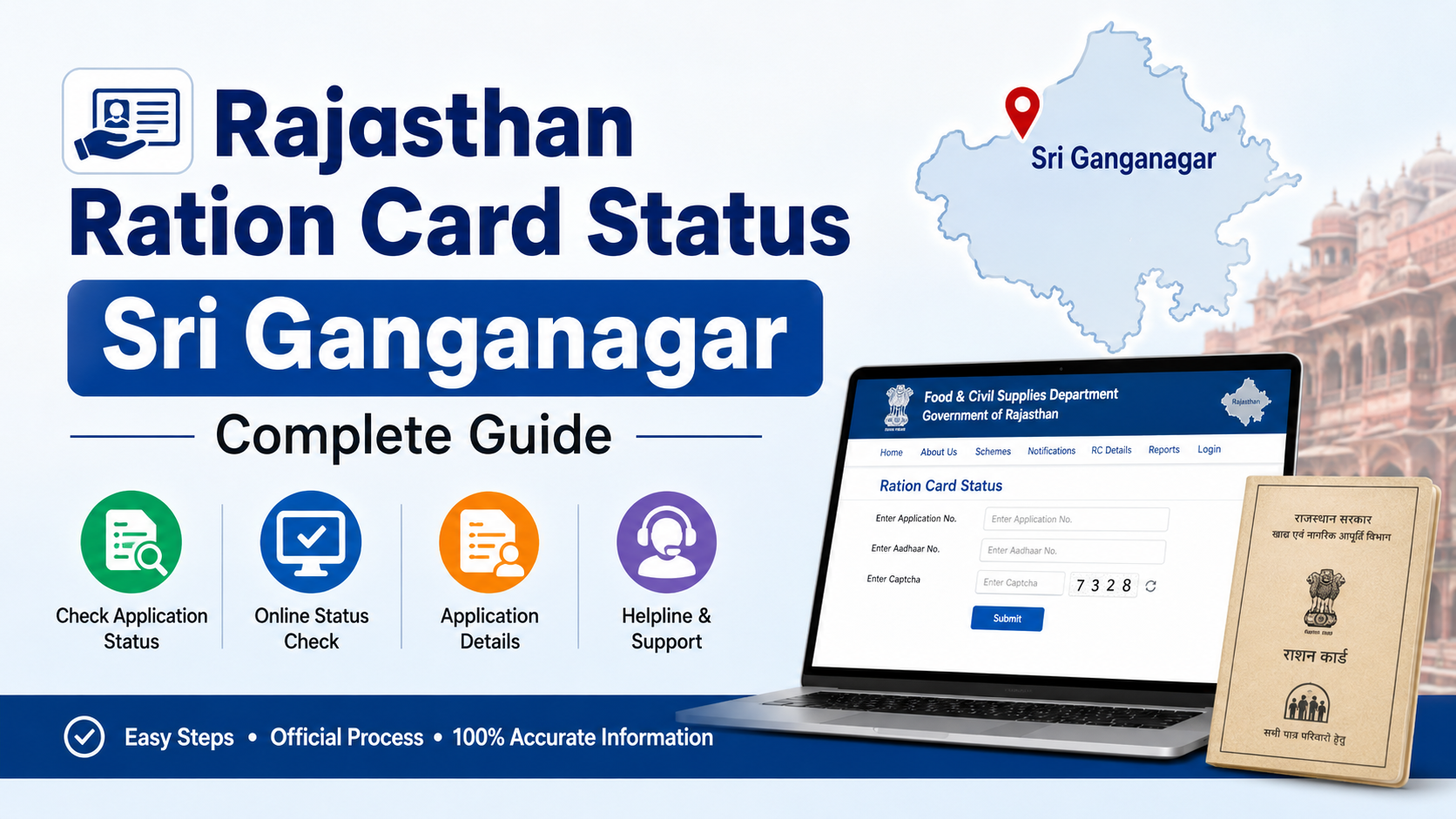
Rajasthan ration-card beneficiaries can check whether Aadhaar seeding and e-KYC have been completed through official state portals. The most useful services are the Rajasthan Food Department website, the Jan Soochna Portal and the Rajasthan Ration Card (RRCC) portal.
The status normally relates to more than one record: Aadhaar seeded with the ration card, e-KYC completed for family members, LPG ID mapping and Jan Aadhaar mapping. These are connected but separate checks. This guide explains how to check each status, understand the result and handle common problems.
Key Takeaways
- Use the Rajasthan Food Department’s official “Aadhaar Seeding, e-KYC and LPG ID Mapping Status” service for ration-related verification.
- The Jan Soochna Portal provides a public service for ration Aadhaar seeding, e-KYC, LPG and Jan Aadhaar mapping details.
- RRCC offers a separate ration-card and Jan Aadhaar mapping page that generally requires district and ration-card information.
- Jan Aadhaar e-KYC is a different process from ration-card e-KYC; it can be completed through SSO or an authorised e-Mitra kiosk.
- Keep your ration-card number, Aadhaar details and registered mobile phone available before checking or correcting records.
- Do not share Aadhaar OTPs with unauthorised agents, callers or websites.
What Does Rajasthan Food Department Aadhaar KYC Status Mean?
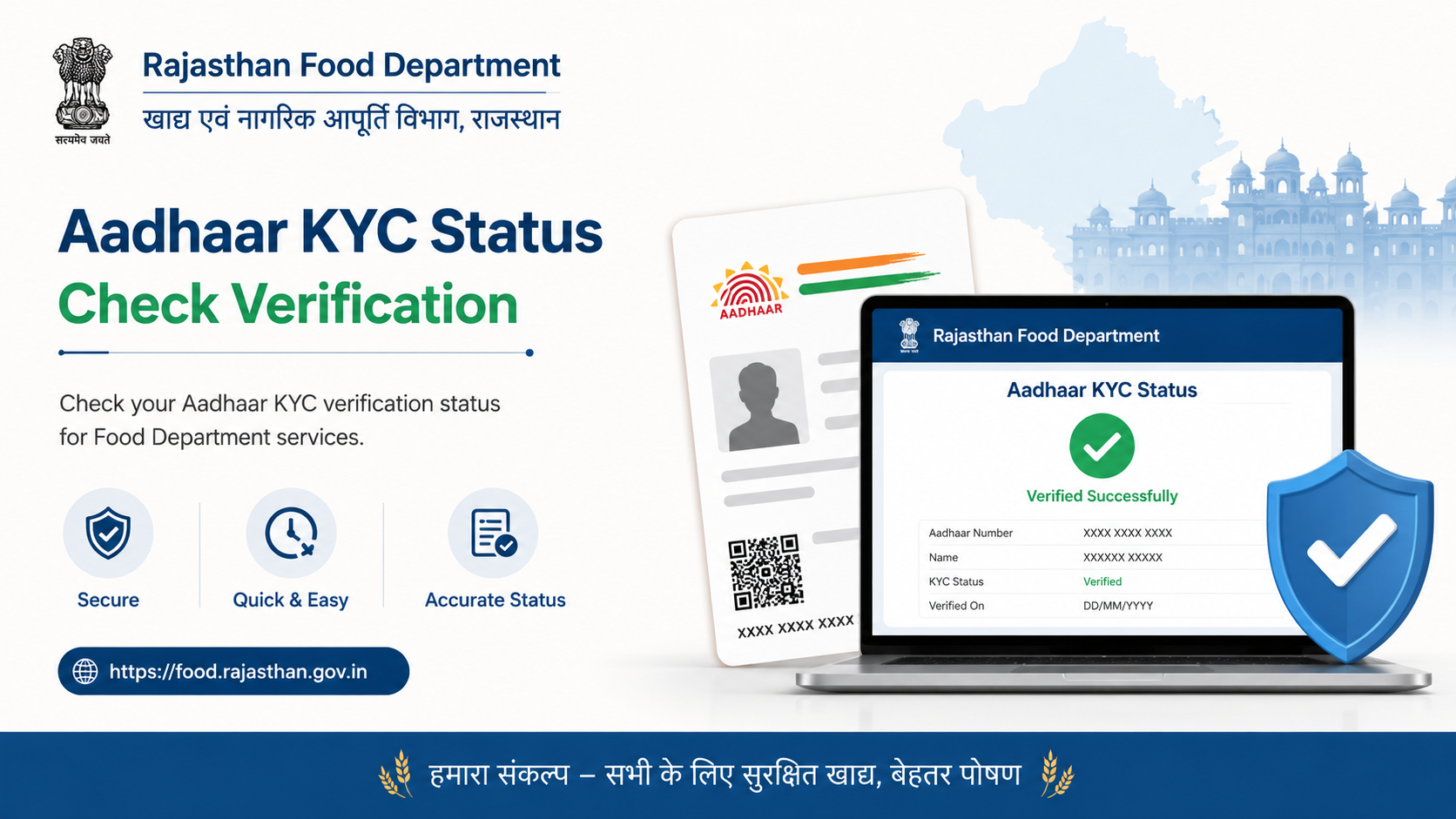
Aadhaar KYC status shows whether the identity of a ration-card household member has been authenticated against Aadhaar records. In the Public Distribution System (PDS), Aadhaar-related verification helps the department identify beneficiaries and maintain accurate household records.
The Rajasthan Food Department publicly lists services for checking:
- Aadhaar seeding status
- e-KYC status
- LPG ID mapping
- Jan Aadhaar mapping
- Ration-card details and distribution information
The department warns that reports are generated from data supplied by field-level functionaries and multiple sources. Therefore, an online entry should be compared with the ration card, Aadhaar record and records held by the local fair-price shop or food office when a discrepancy appears. Visit the Rajasthan Food Department for the department’s current services and notices.
A “pending” result does not necessarily mean that a ration card has been cancelled. It usually indicates that a particular linkage or authentication step has not been completed or has not yet been updated in the system.
Official Portals for Checking Rajasthan Aadhaar KYC
Rajasthan Food Department website
Open food.rajasthan.gov.in and look for the public-information section concerning Aadhaar seeding, e-KYC and LPG ID mapping. The website also provides links for ration-card details, NFSA applications and application-status services.
Because government websites periodically change menus, use the service title shown on the homepage rather than relying only on an old menu number or screenshot.
Jan Soochna Portal
The Jan Soochna Portal lists a service titled “Ration Aadhaar Seeding, eKYC, LPG & Jan Aadhaar Mapping Details.” It is designed to provide public access to scheme information through district- and beneficiary-related search options.
On the portal:
- Open the scheme directory.
- Search for “Ration Aadhaar Seeding, eKYC, LPG & Jan Aadhaar Mapping Details.”
- Select the service.
- Enter the information requested on the live form, such as district or ration-card details.
- Submit the captcha or verification field, if displayed.
- Review the member-wise or household-wise result.
The fields shown may vary by portal update. Enter information exactly as printed on your ration-card documents.
Rajasthan Ration Card (RRCC) portal
The RRCC Aadhaar-seeding page is titled “Ration Card and Jan Aadhaar Mapping.” It provides district selection and ration-card-number fields for checking or viewing mapping information.
Use this page when you specifically need to verify the connection between the ration card and Jan Aadhaar. If the page does not load, try the Food Department or Jan Soochna route instead; all three services may draw from related departmental data but can display different functions.
How to Check Rajasthan Food Department Aadhaar KYC Status Online
Follow this practical process:
Step 1: Prepare your details
Keep the following available:
- Ration-card number
- District and block or local-area information, where requested
- Jan Aadhaar number, if the service asks for it
- Aadhaar number or the last few digits, if required by the authenticated service
- Mobile phone registered with Aadhaar or Jan Aadhaar
Never enter Aadhaar details on a website that does not use an official Rajasthan or government domain.
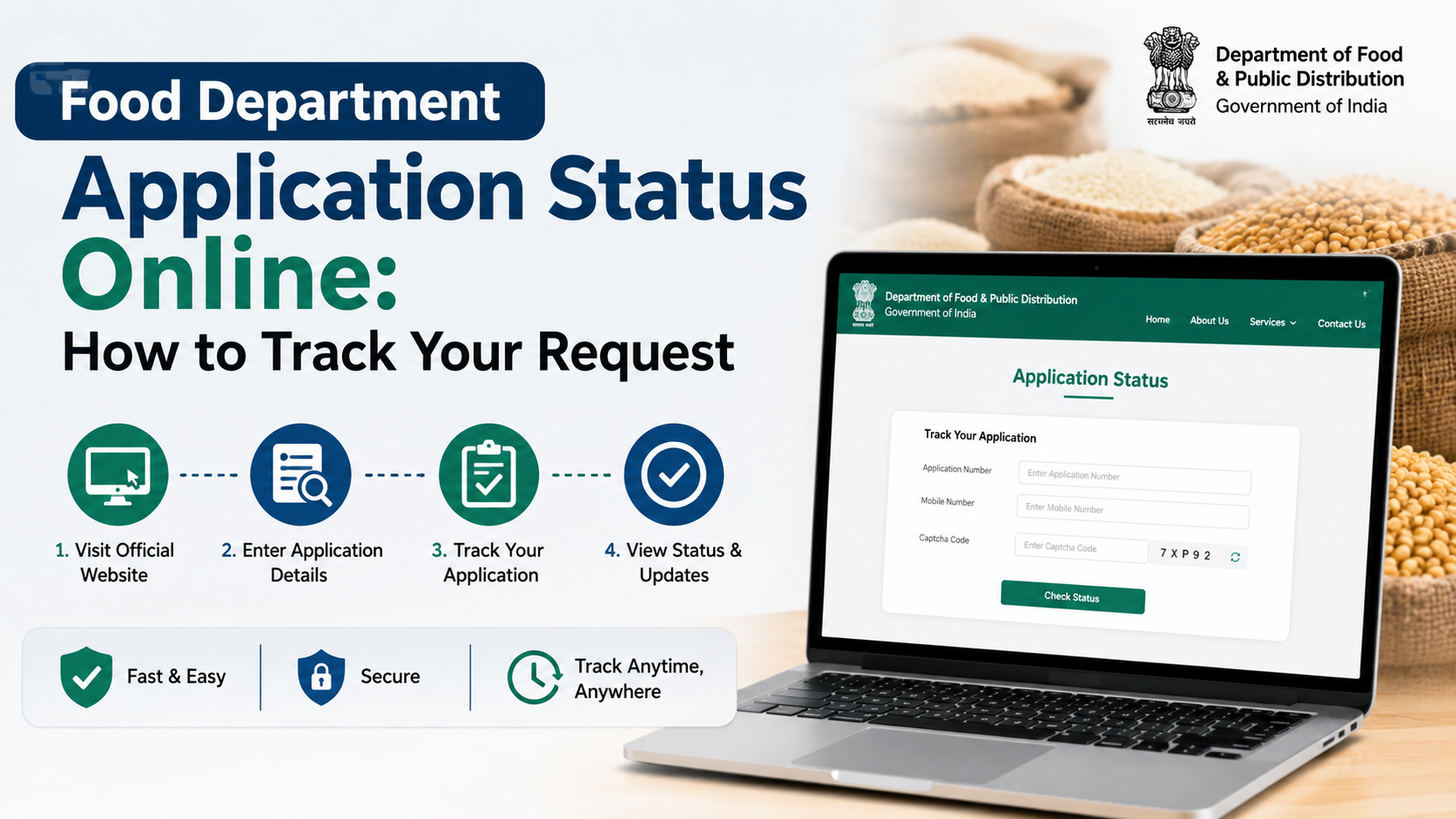
Step 2: Open an official service
Start with the Food Department homepage. If the relevant link is difficult to locate, use the Jan Soochna service directory or the RRCC mapping page.
Step 3: Enter the ration-card information
Select the district and enter the ration-card number without unnecessary spaces or punctuation. Some forms divide the number into separate boxes, so follow the layout on the screen.
Step 4: Complete verification
Enter the captcha or one-time password only when it is generated by the official portal. A portal may show household information without requiring an Aadhaar OTP, while an authenticated Jan Aadhaar service may require OTP-based verification.
Step 5: Read the result carefully
Look for separate indicators for:
| Status item | What it generally indicates |
|---|---|
| Aadhaar seeded | Aadhaar has been linked to the relevant ration-card member or record |
| e-KYC completed | The required identity-authentication process has been recorded |
| e-KYC pending | Authentication or data updating remains incomplete |
| LPG ID mapped | LPG consumer information is mapped in the departmental record |
| Jan Aadhaar mapped | The ration-card record is connected with the family’s Jan Aadhaar record |
The precise labels may differ between Food Department, Jan Soochna and RRCC screens. Save or print the result if you need to show it at an e-Mitra kiosk, fair-price shop or food office.
Ration-Card e-KYC and Jan Aadhaar e-KYC Are Different
A common source of confusion is treating every Aadhaar verification as the same process.
The Rajasthan Jan Aadhaar Authority states that Aadhaar e-KYC digitally verifies a member’s name, photograph, date of birth and gender through Aadhaar authentication. It is mandatory for the head of every family and members above five years of age for Jan Aadhaar purposes. For children below five, the authority allows e-KYC through a Rajasthan-issued birth certificate or Aadhaar when the birth certificate was issued outside Rajasthan.
Jan Aadhaar e-KYC can be completed:
- Through the resident’s SSO ID using the family e-KYC option
- Through the nearest authorised e-Mitra kiosk
See the official Jan Aadhaar e-KYC guidance before beginning. A completed Jan Aadhaar e-KYC does not automatically prove that every ration-card or LPG-mapping field is updated; check the Food Department status separately.
What to Do If the Status Is Pending or Not Seeded
Visit an authorised e-Mitra kiosk
e-Mitra provides ration-card and Jan Aadhaar services through online and physical service points. Carry the original documents and ask the operator to check the exact failure message before submitting another request. The e-Mitra service information page describes the platform and its citizen-service network.
Check Aadhaar details
Compare the name, date of birth and gender on Aadhaar with the ration-card and Jan Aadhaar records. Even small differences can prevent successful matching. If Aadhaar itself contains an error, use UIDAI’s official services or visit an Aadhaar enrolment/update centre.
Confirm the registered mobile number
OTP-based verification requires access to the mobile number registered with the relevant Aadhaar or Jan Aadhaar record. If the number is outdated, update it through the authorised channel rather than giving your OTP to an intermediary.
Ask the fair-price shop or food office
The fair-price shop dealer can often identify whether the issue concerns Aadhaar seeding, biometric authentication, household-member data or an inactive ration-card record. For unresolved matters, contact the district food and civil supplies office.
The NFSA Rajasthan page lists the state food department helpdesk numbers 6127, 1800-180-6127 and 181. It also identifies the Rajasthan Food Department website as food.rajasthan.gov.in. Confirm contact details on the official page before calling because departmental arrangements can change.
Biometric and OTP Authentication Problems
Aadhaar authentication can fail because of poor fingerprints, worn fingerprints, device problems, network interruptions or demographic mismatches. Do not repeatedly retry at an unverified kiosk.
If biometric authentication fails, ask the authorised service provider whether another permitted authentication method, such as OTP or another biometric mode, is available for the service. Rajasthan government documentation also recognises exception-handling mechanisms and offline Aadhaar verification in certain benefit-delivery situations. The applicable remedy depends on the scheme and the beneficiary’s circumstances; a failed biometric attempt should not be treated as proof that a person is ineligible.
Children and elderly members may require special handling because biometric capture and authentication can be difficult. Ask the local food office for the current procedure applicable to that member’s age and record.
Privacy and Fraud Warnings
Use only official domains ending in rajasthan.gov.in, gov.in or the official UIDAI domain when checking status. Avoid websites promising instant KYC approval, paid “activation” or guaranteed ration restoration.
Remember these precautions:
- Never disclose an Aadhaar OTP over a phone call.
- Do not send a full Aadhaar image through unverified WhatsApp numbers.
- Check the spelling of the domain before entering personal information.
- Request a printed receipt from an e-Mitra kiosk for any paid service.
- Report overcharging or misconduct through the official e-Mitra grievance channels.
- Keep screenshots of the status, acknowledgement number and date of submission.
Frequently Asked Questions
Is Rajasthan ration-card Aadhaar KYC mandatory for every family member?
The exact requirement depends on the applicable PDS instructions and the member’s circumstances. The portal may show different requirements for adults, children and elderly beneficiaries. Check the member-wise status and ask the local food office if an exemption or exception applies.
Can I check KYC status using only an Aadhaar number?
Not always. Rajasthan’s public ration services commonly use ration-card and district details, while authenticated services may use Aadhaar or Jan Aadhaar OTP. Use the fields displayed on the official portal.
Does “Aadhaar seeded” mean that e-KYC is complete?
No. Seeding means that Aadhaar is linked to a record; e-KYC refers to the authentication process. A portal may show these as separate status fields.
What if my ration card is linked to the wrong Aadhaar number?
Do not attempt repeated online submissions. Visit an authorised e-Mitra kiosk or the district food office with the ration card, Aadhaar documents and proof of identity. Request correction of the member mapping and retain the acknowledgement.
How long does a pending status take to change?
The Rajasthan portals do not provide one universal processing time for every correction or authentication case. Processing can depend on the type of request, field verification and system updates. Use the acknowledgement number, where available, and follow up with the responsible office.
Conclusion
To check your rajasthan food department aadhaar kyc status, begin with the official Food Department website, then use Jan Soochna or RRCC for detailed ration-card, Aadhaar-seeding, e-KYC and Jan Aadhaar-mapping information. Read each status field separately because seeding, authentication and mapping are not identical.
If the result is pending, incorrect or rejected, verify your demographic details, use an authorised e-Mitra centre and contact the Rajasthan food helpdesk or district office. Always protect Aadhaar numbers and OTPs, and rely on official government portals for the latest instructions.