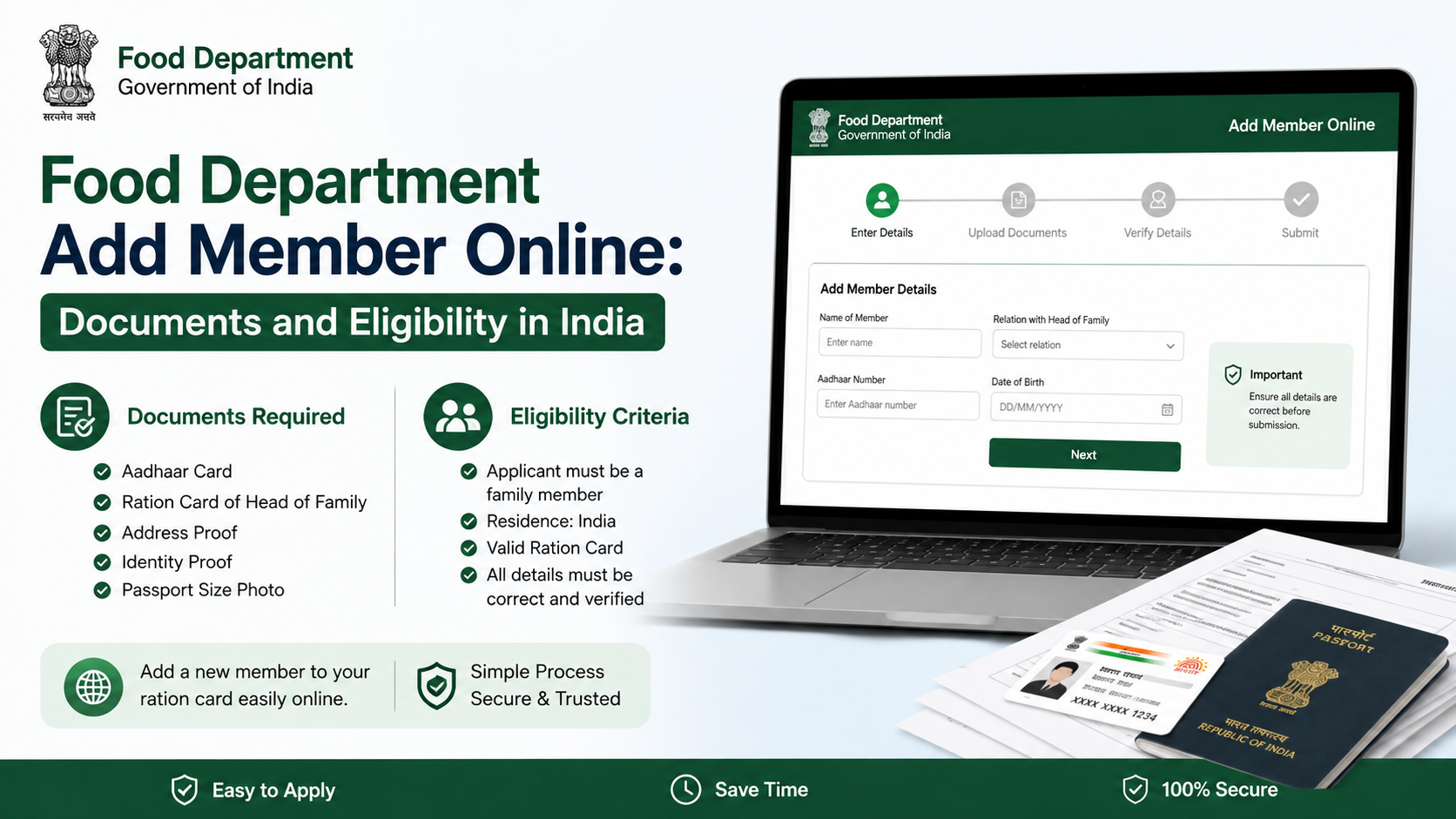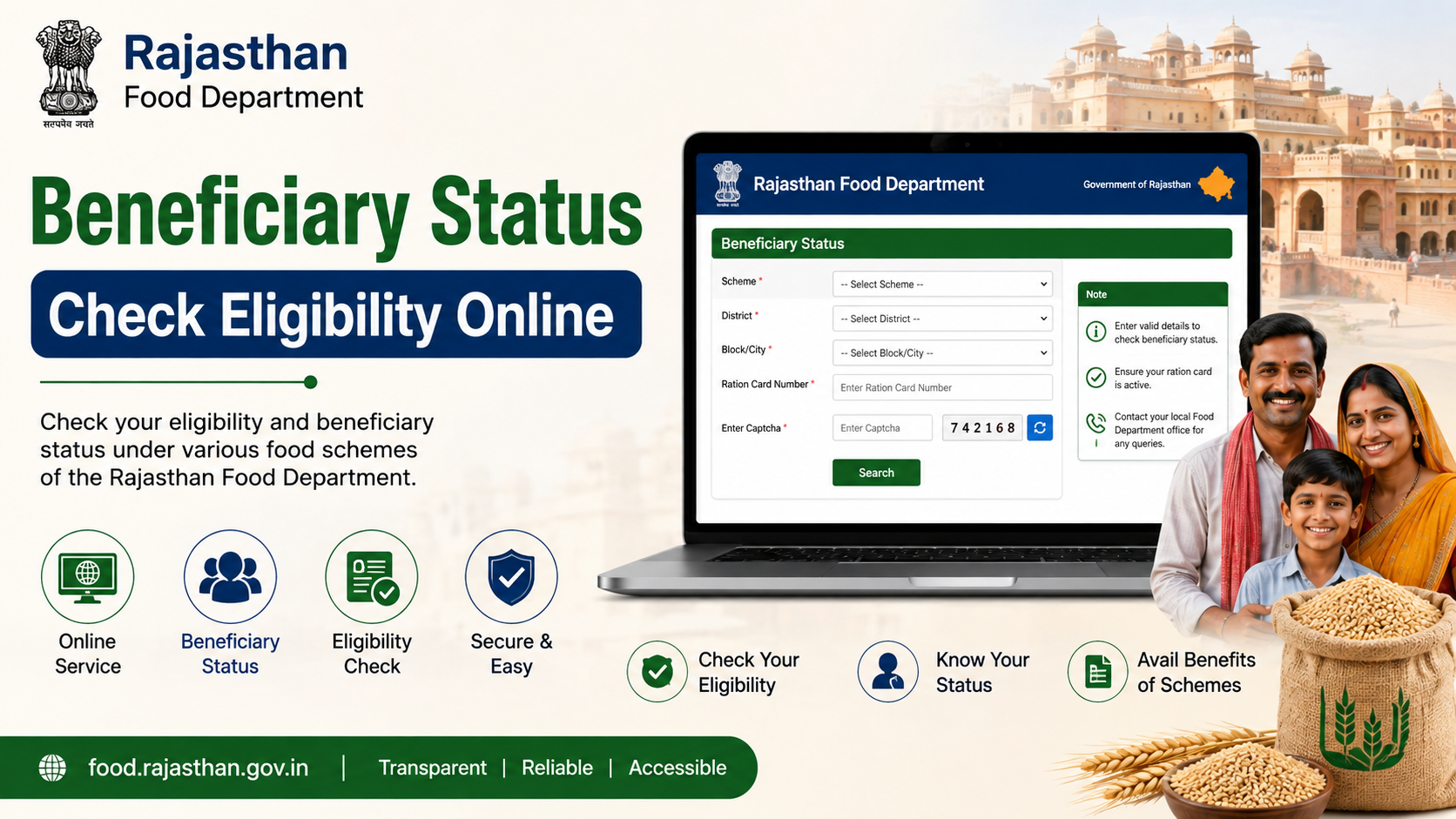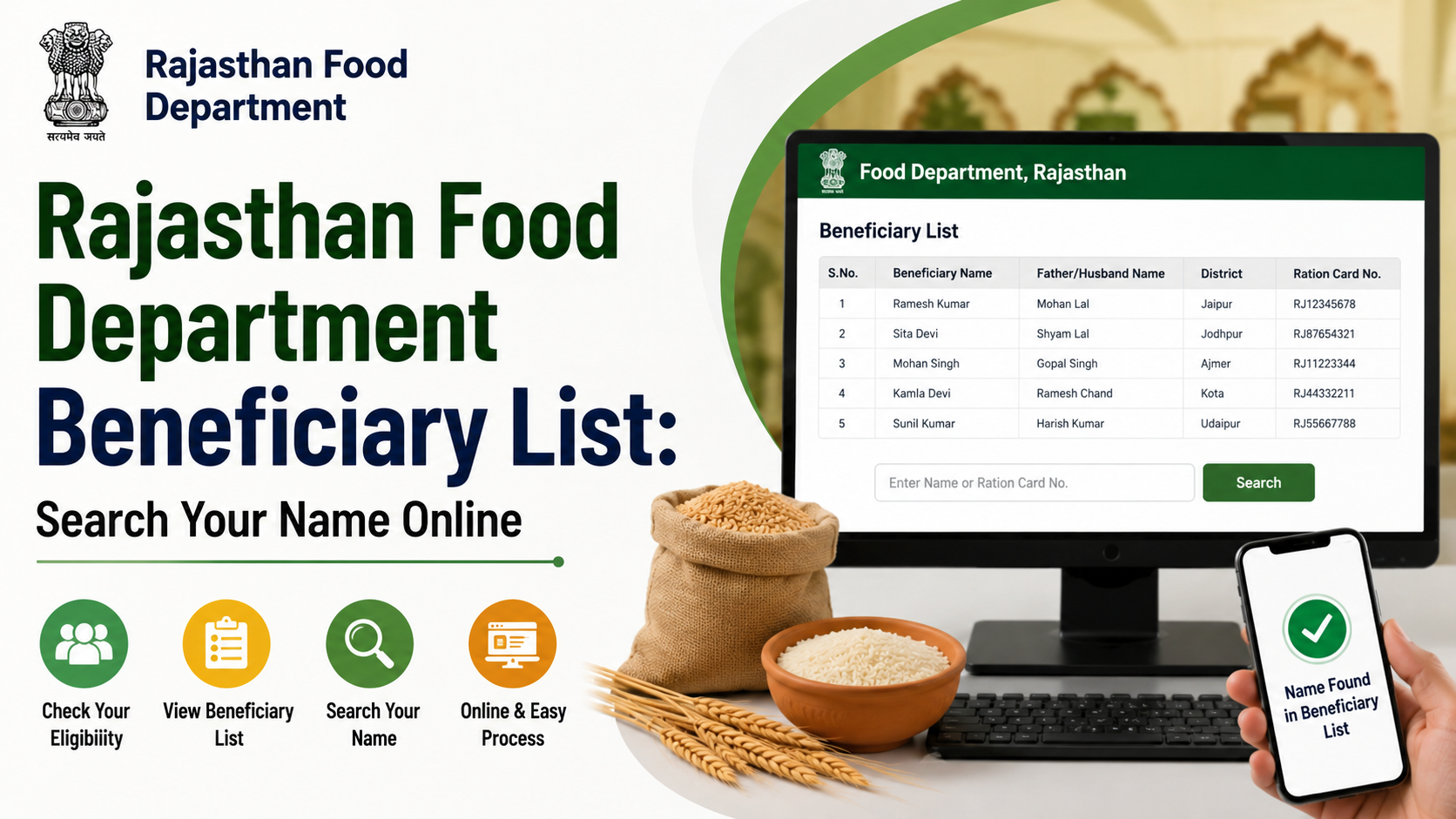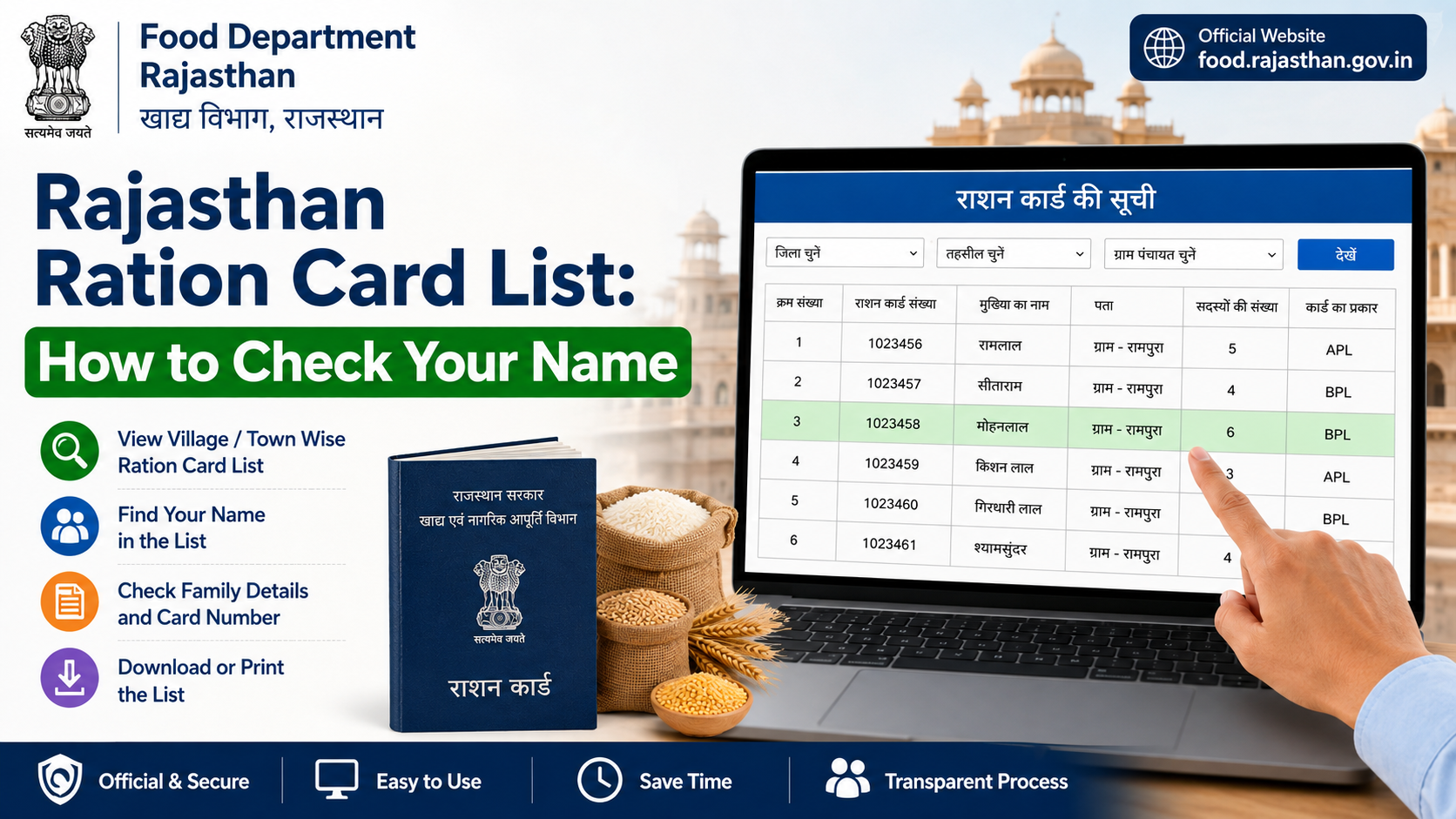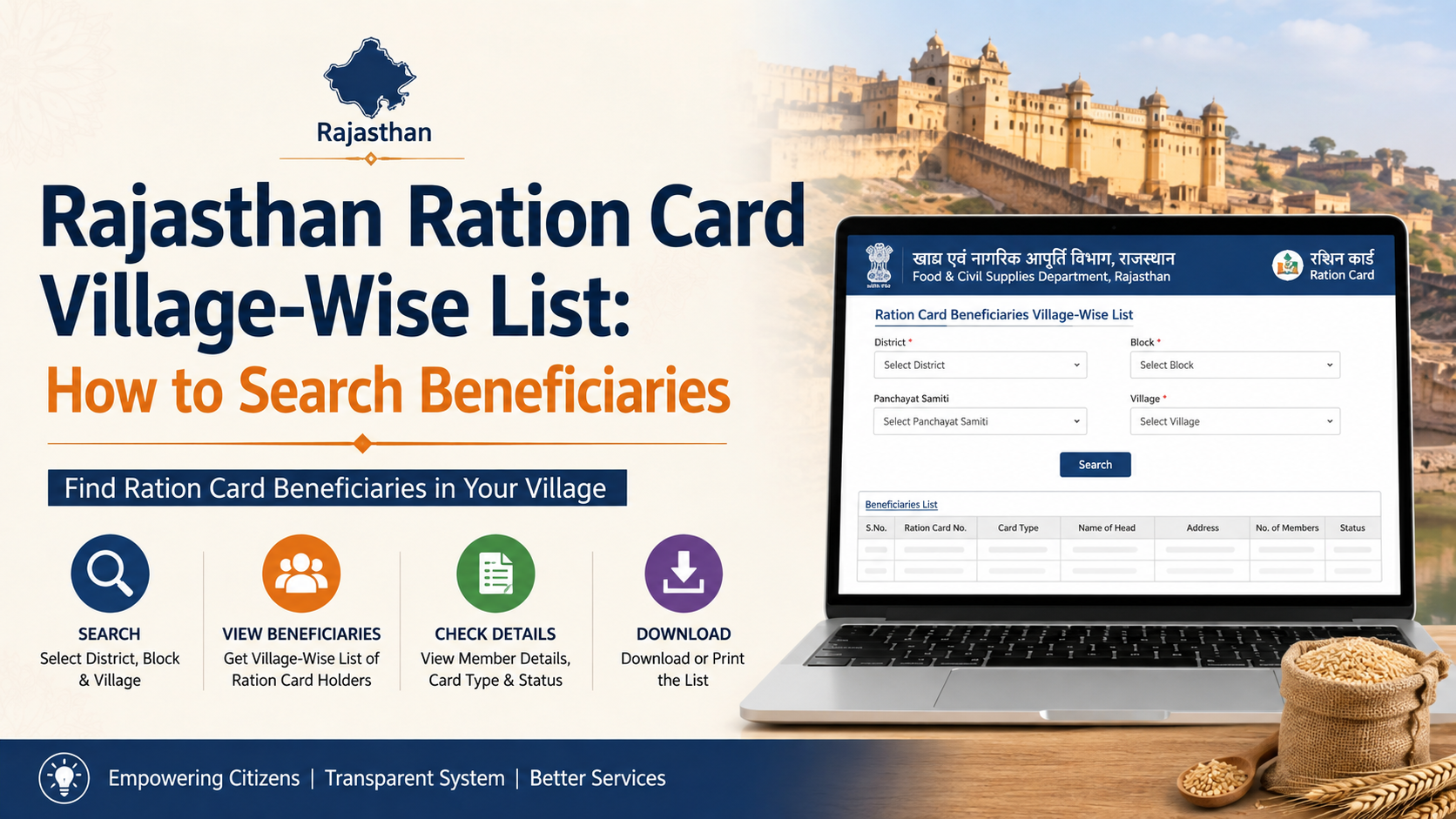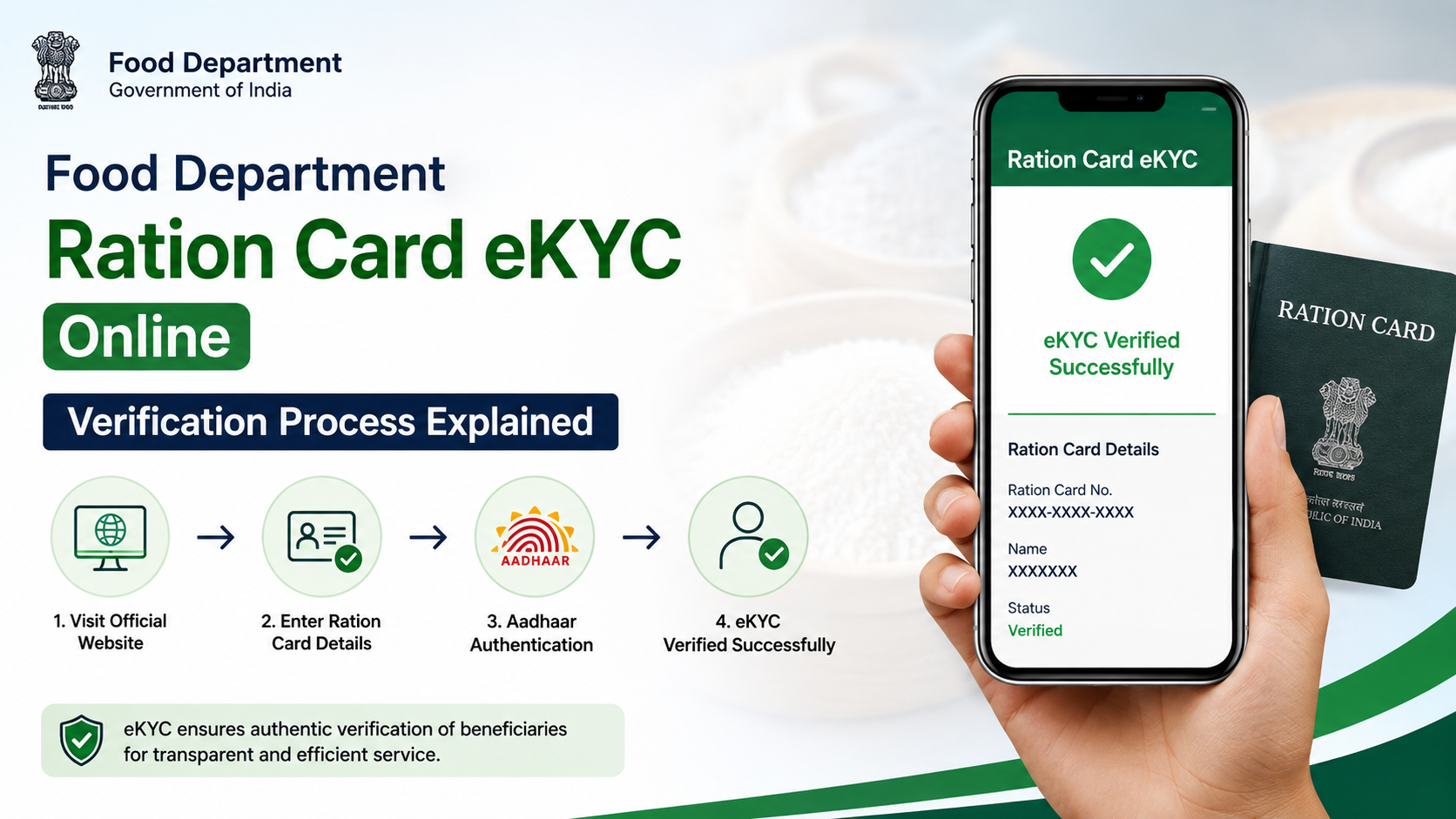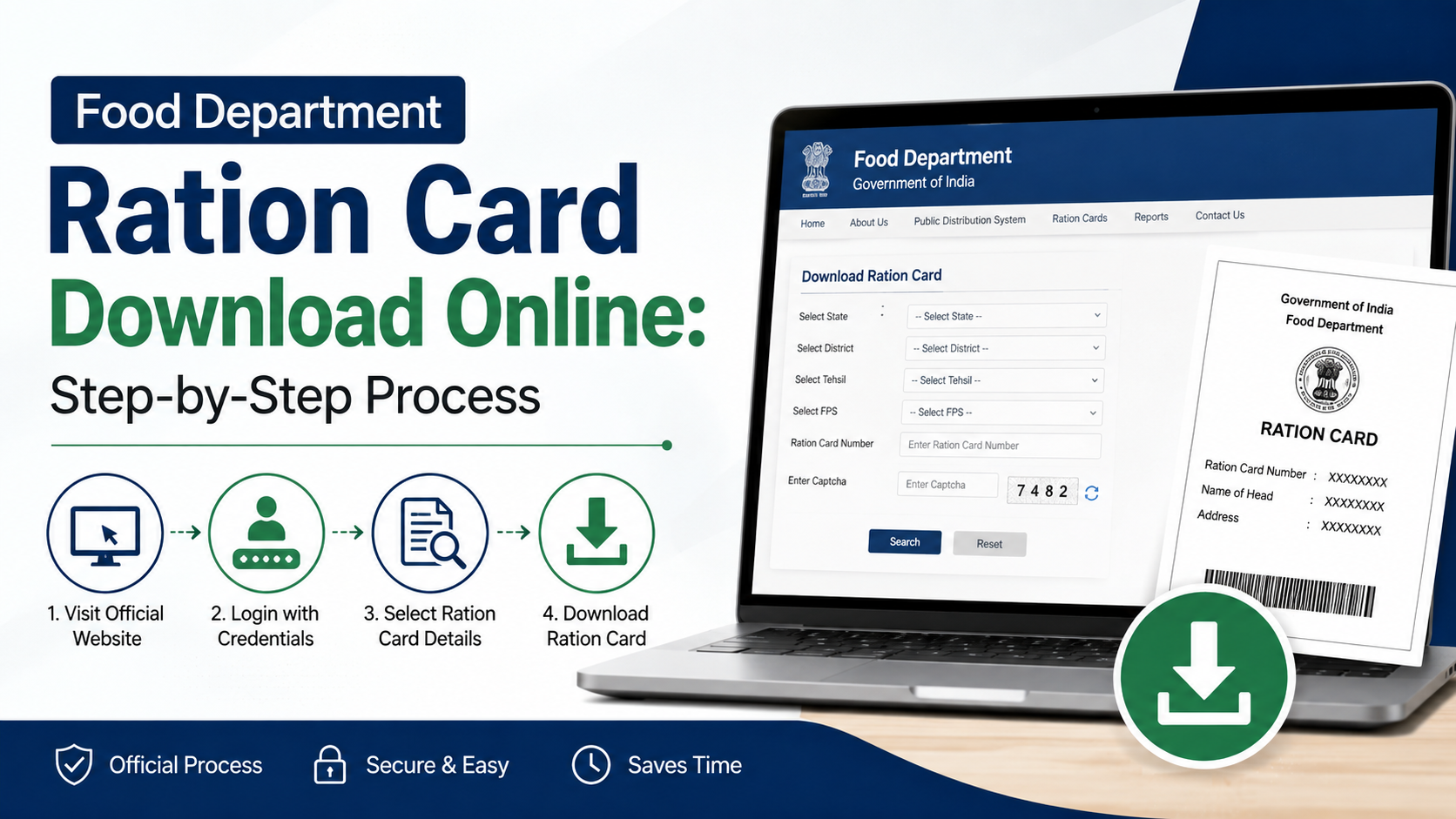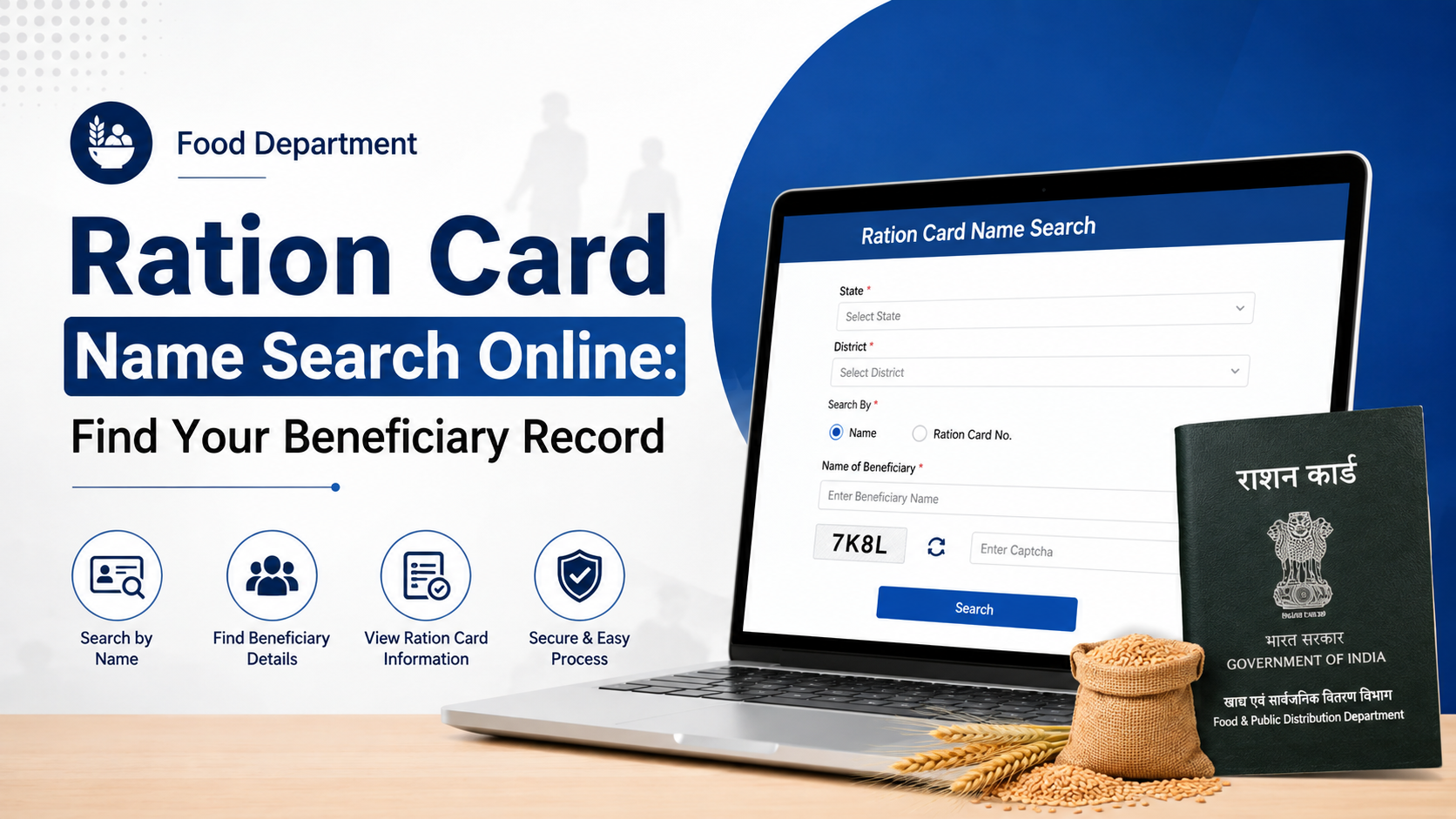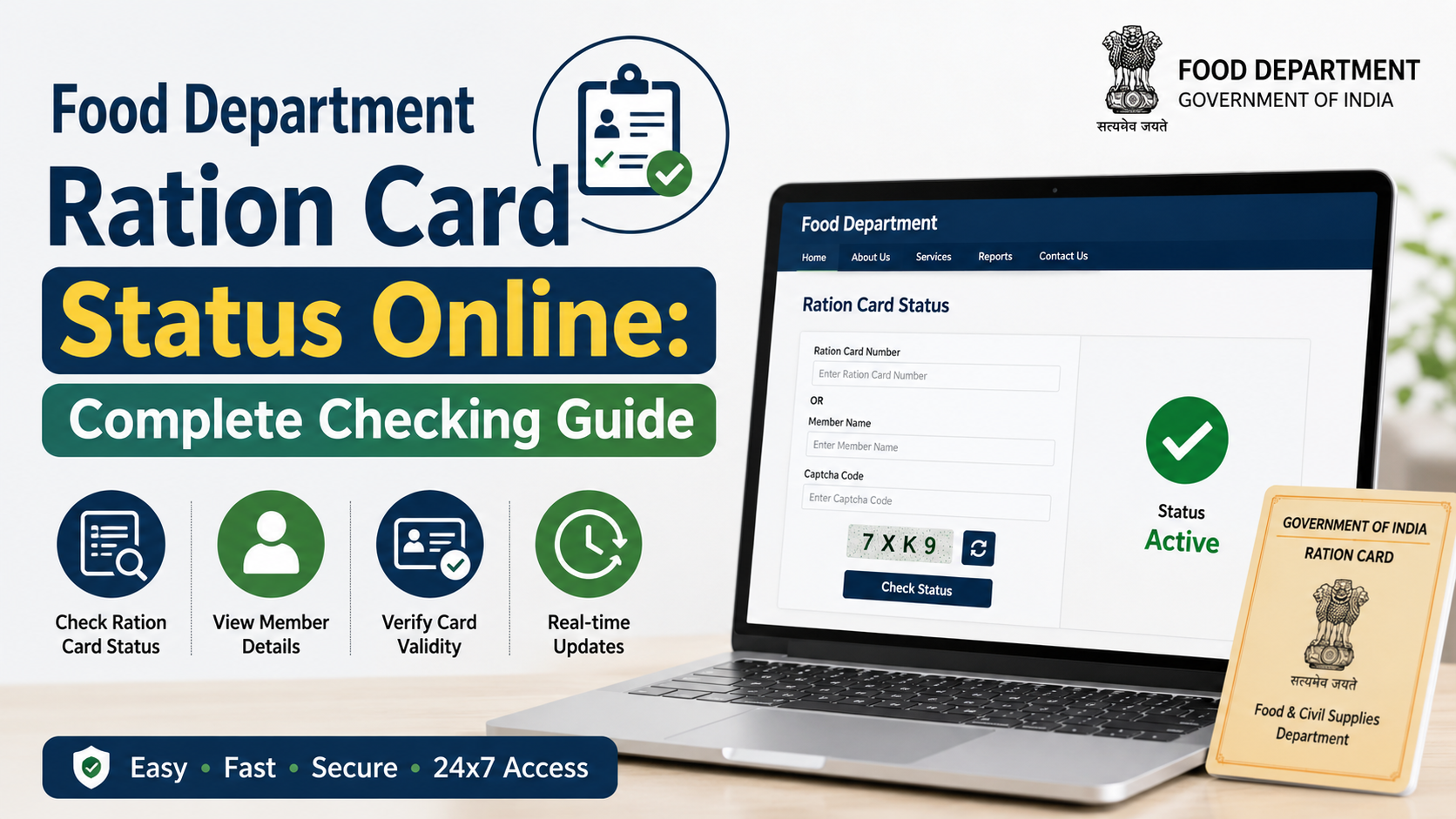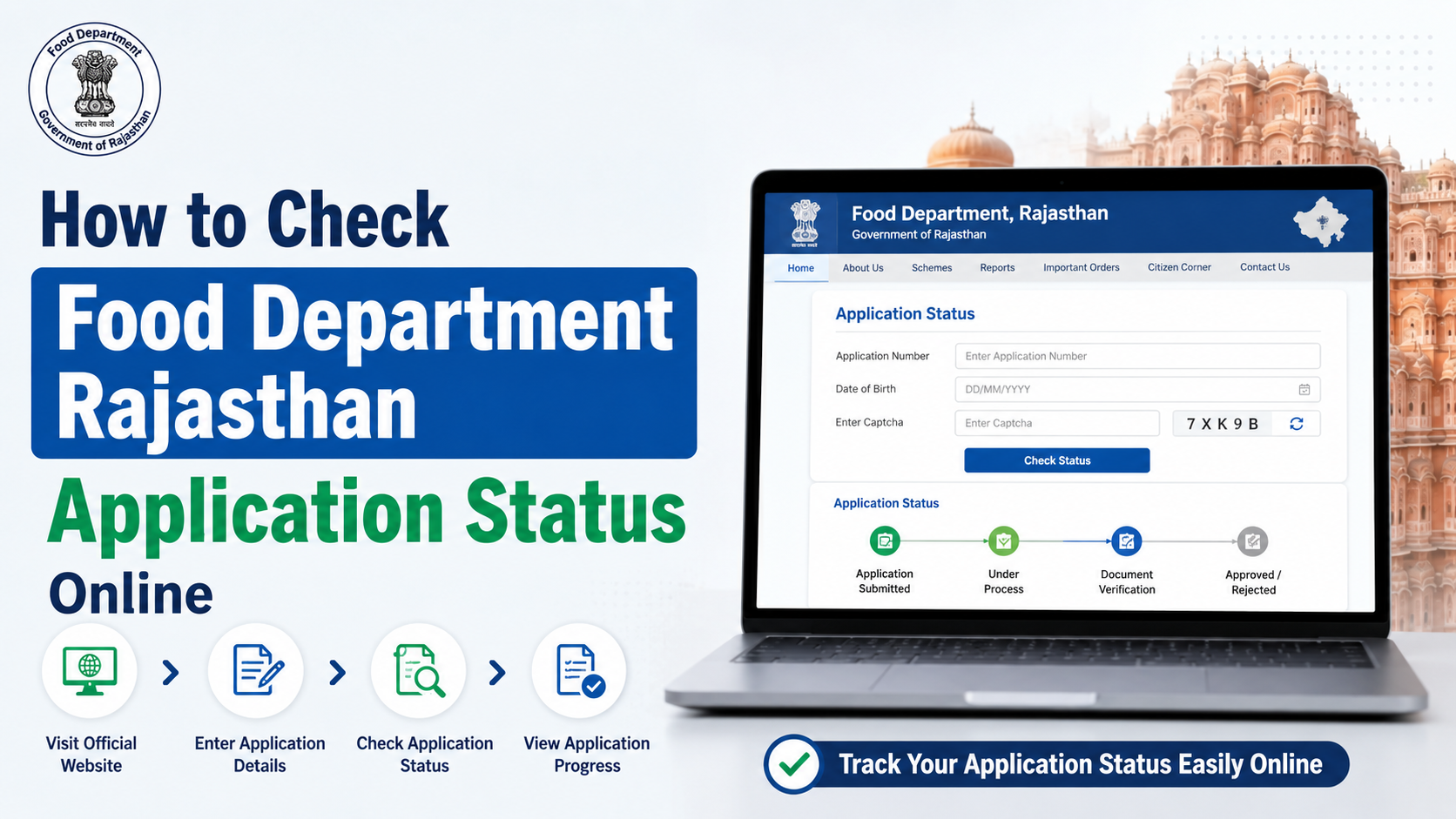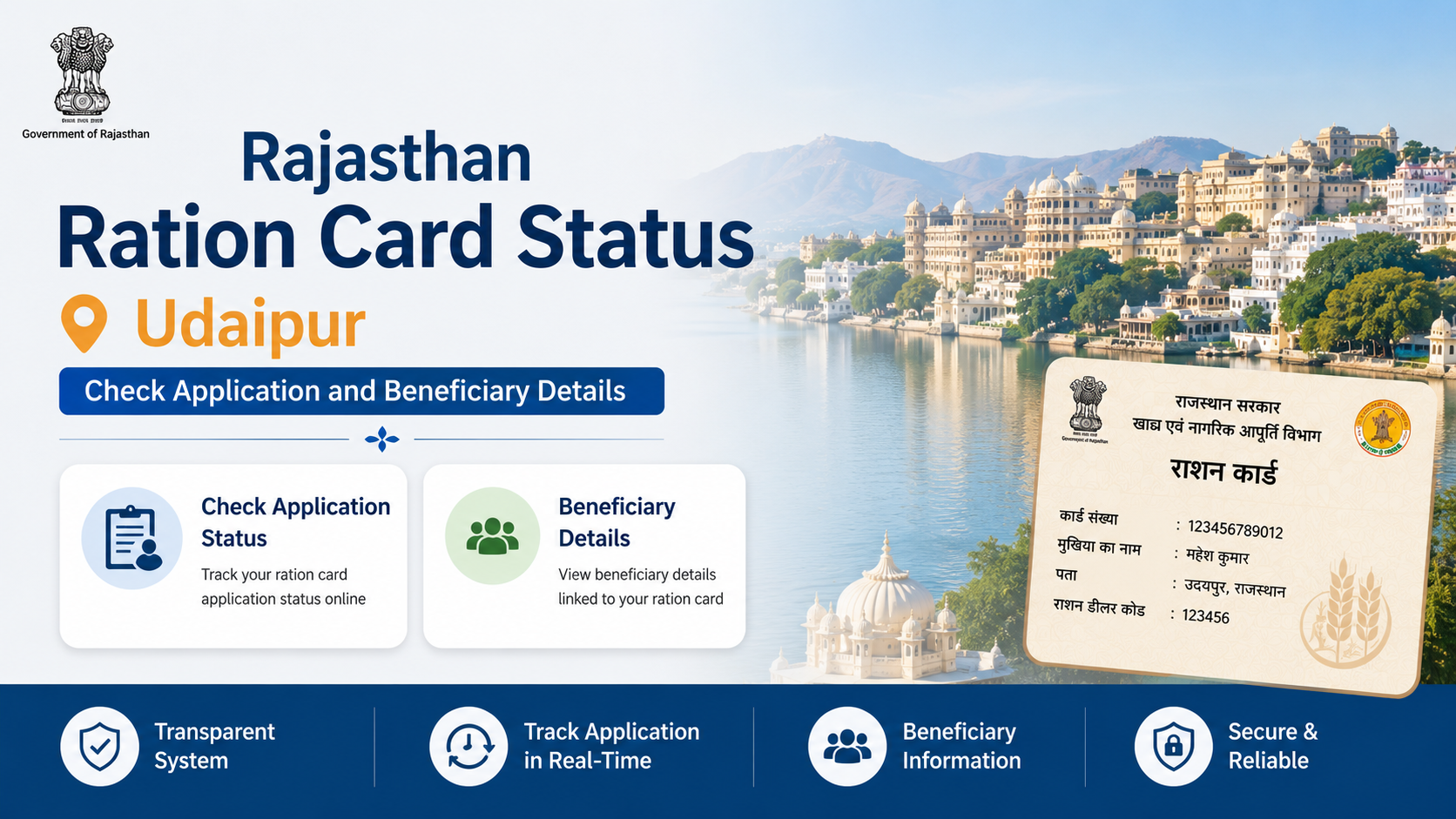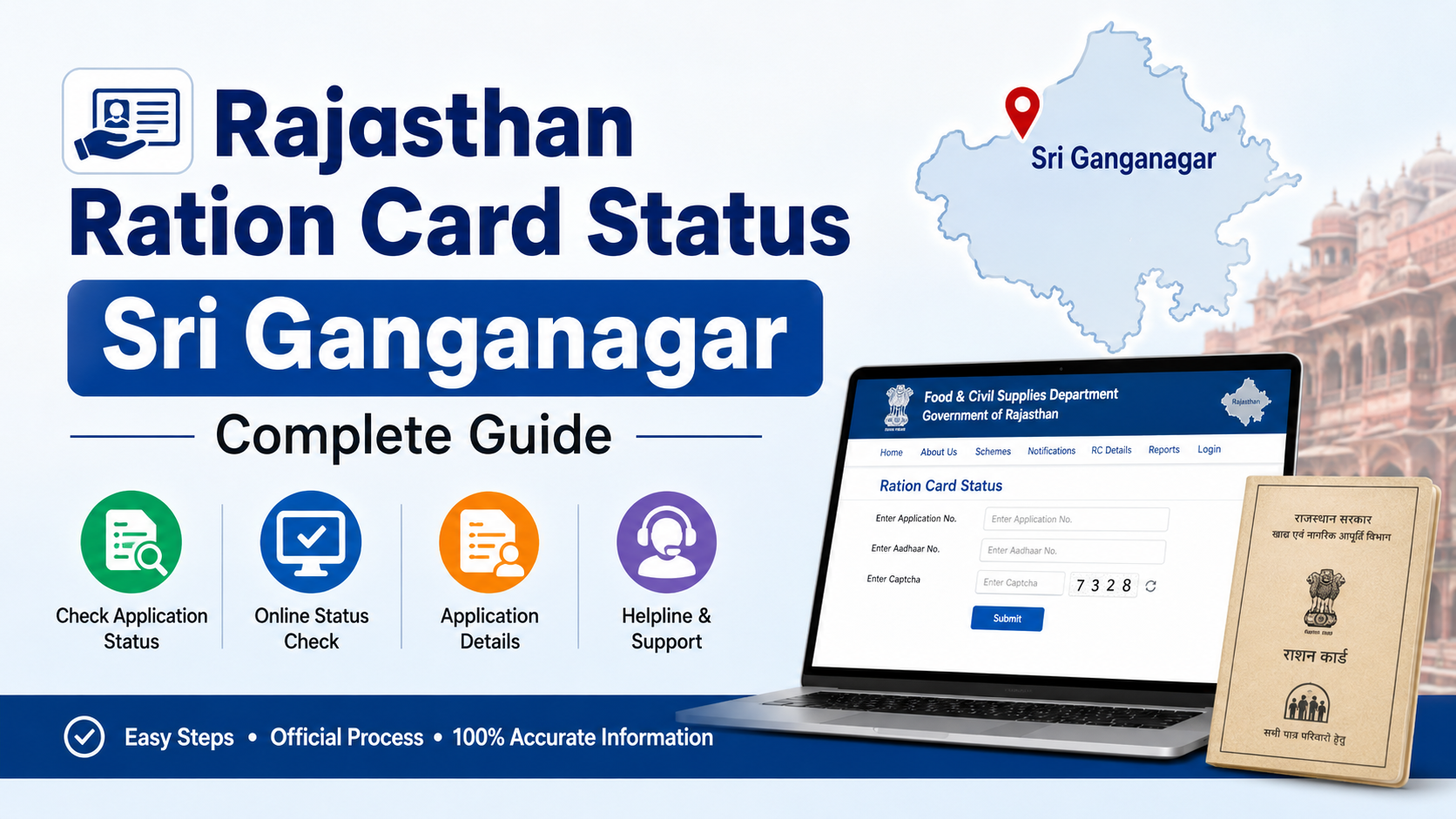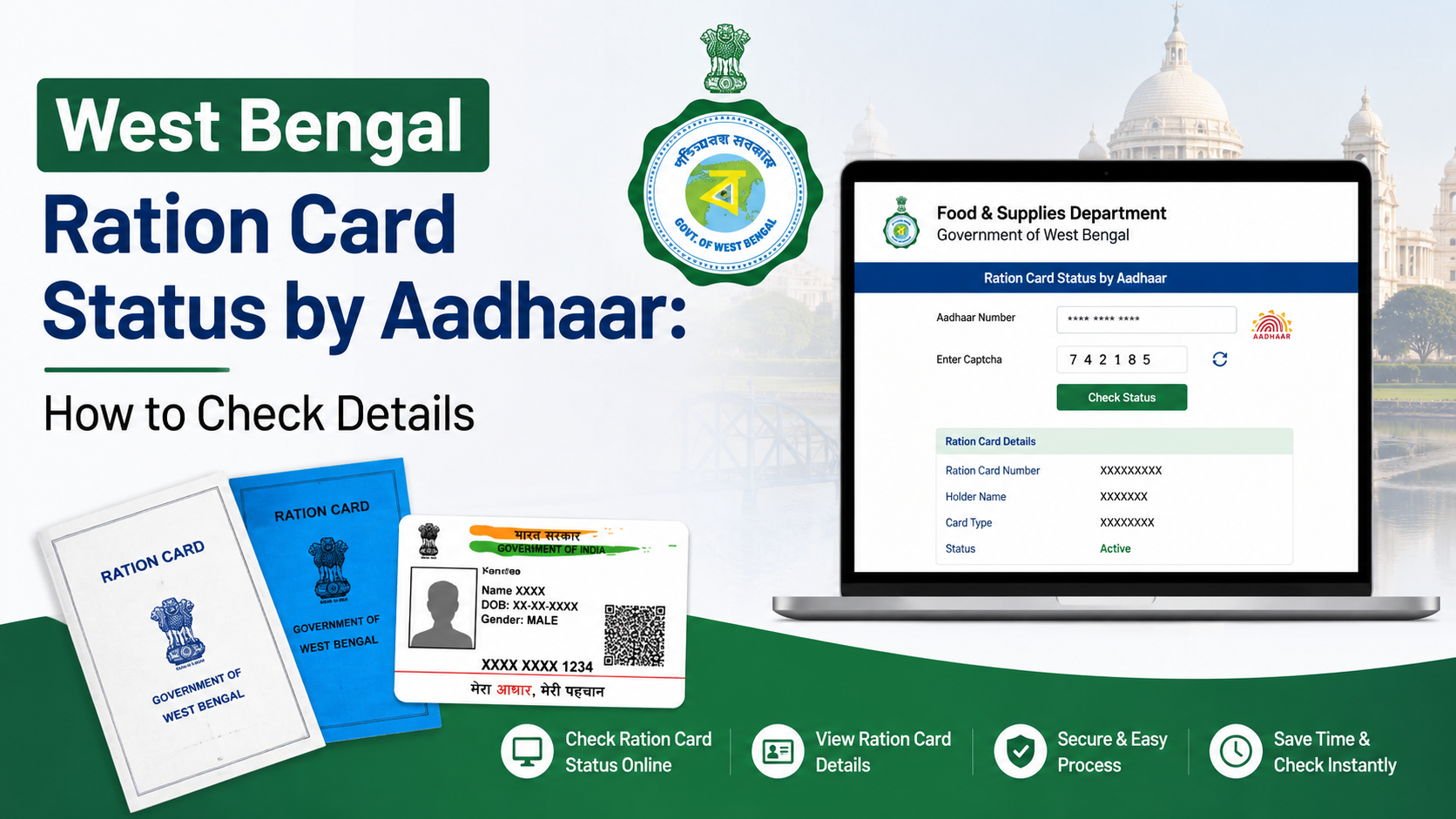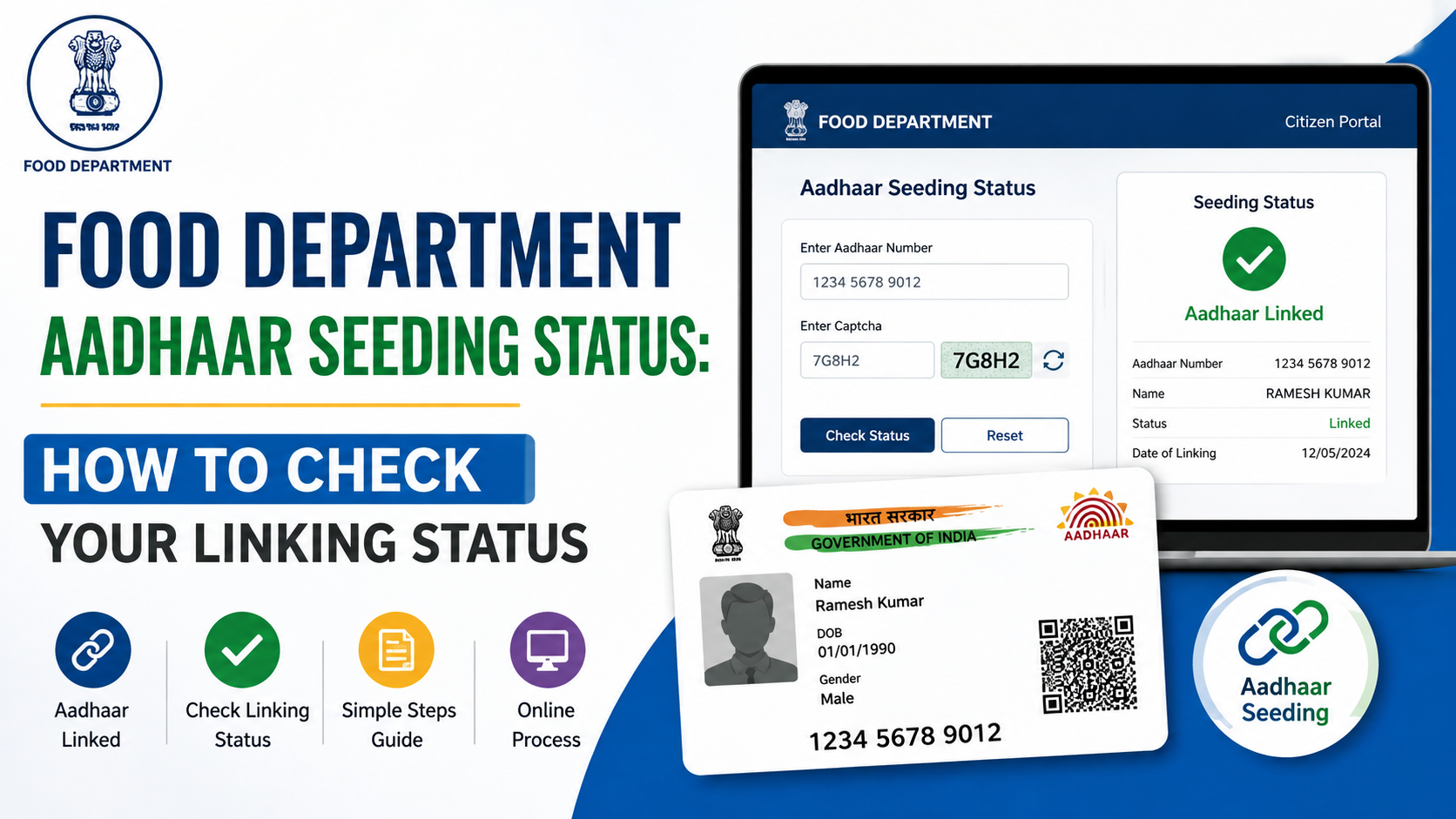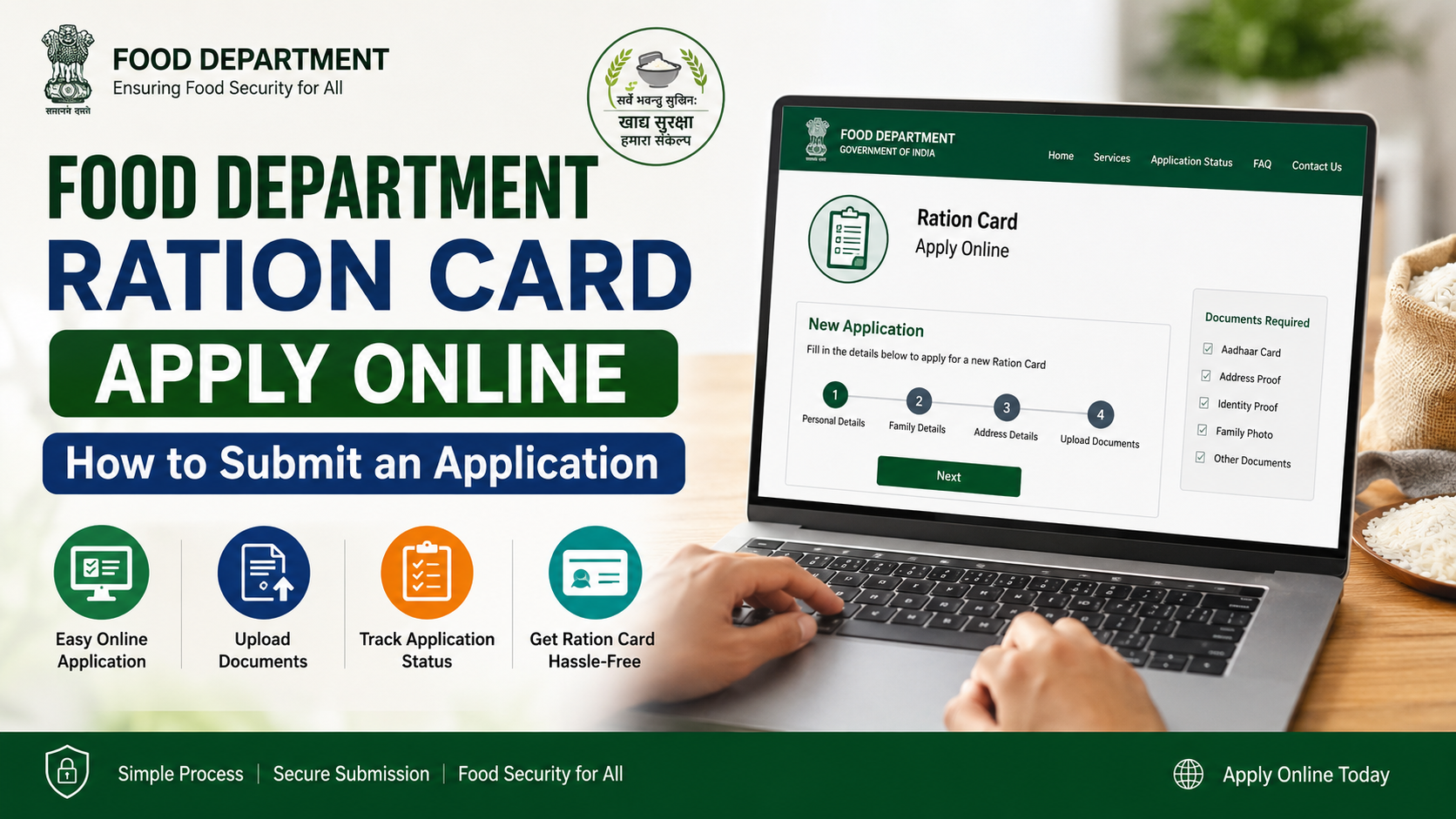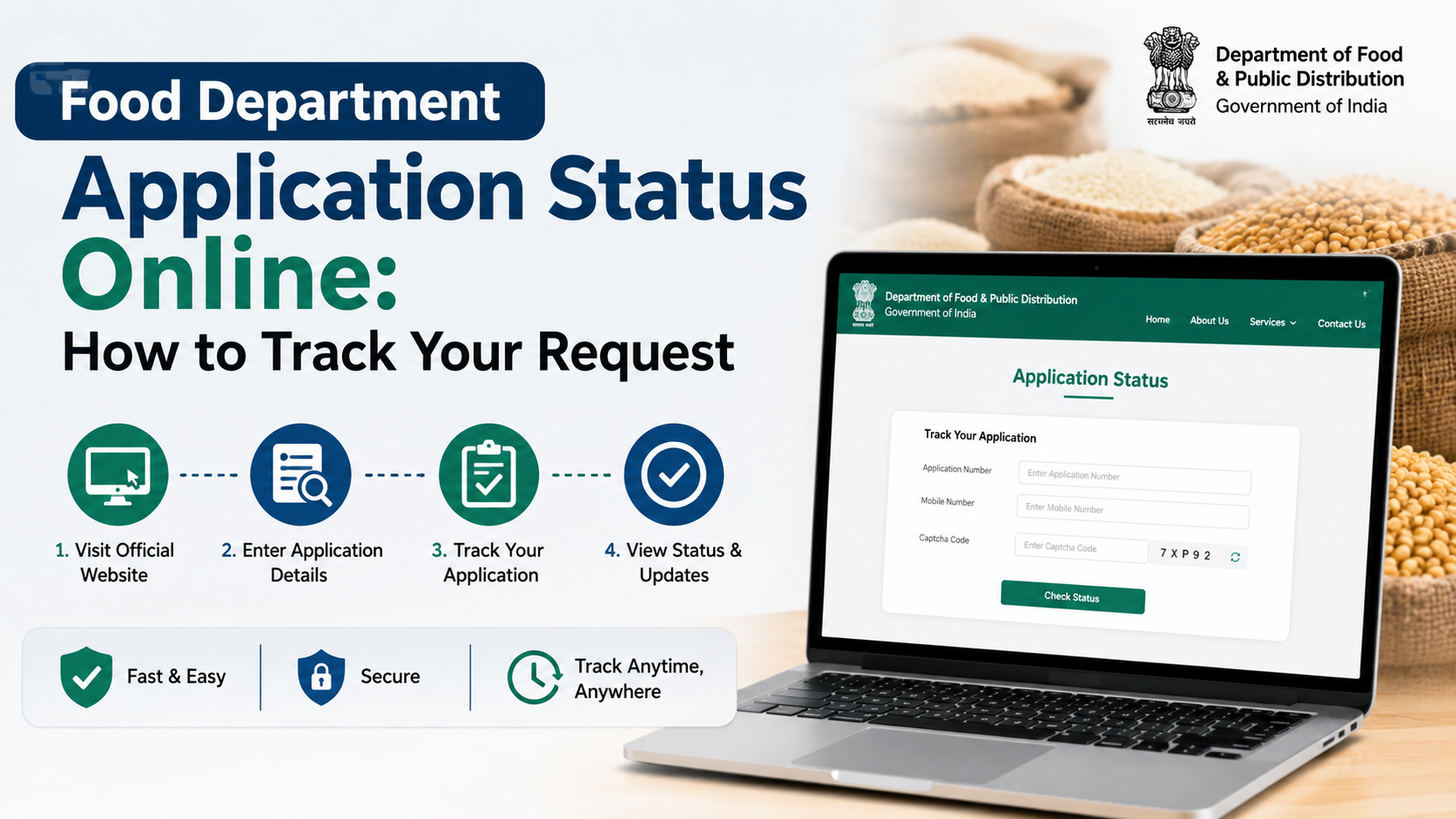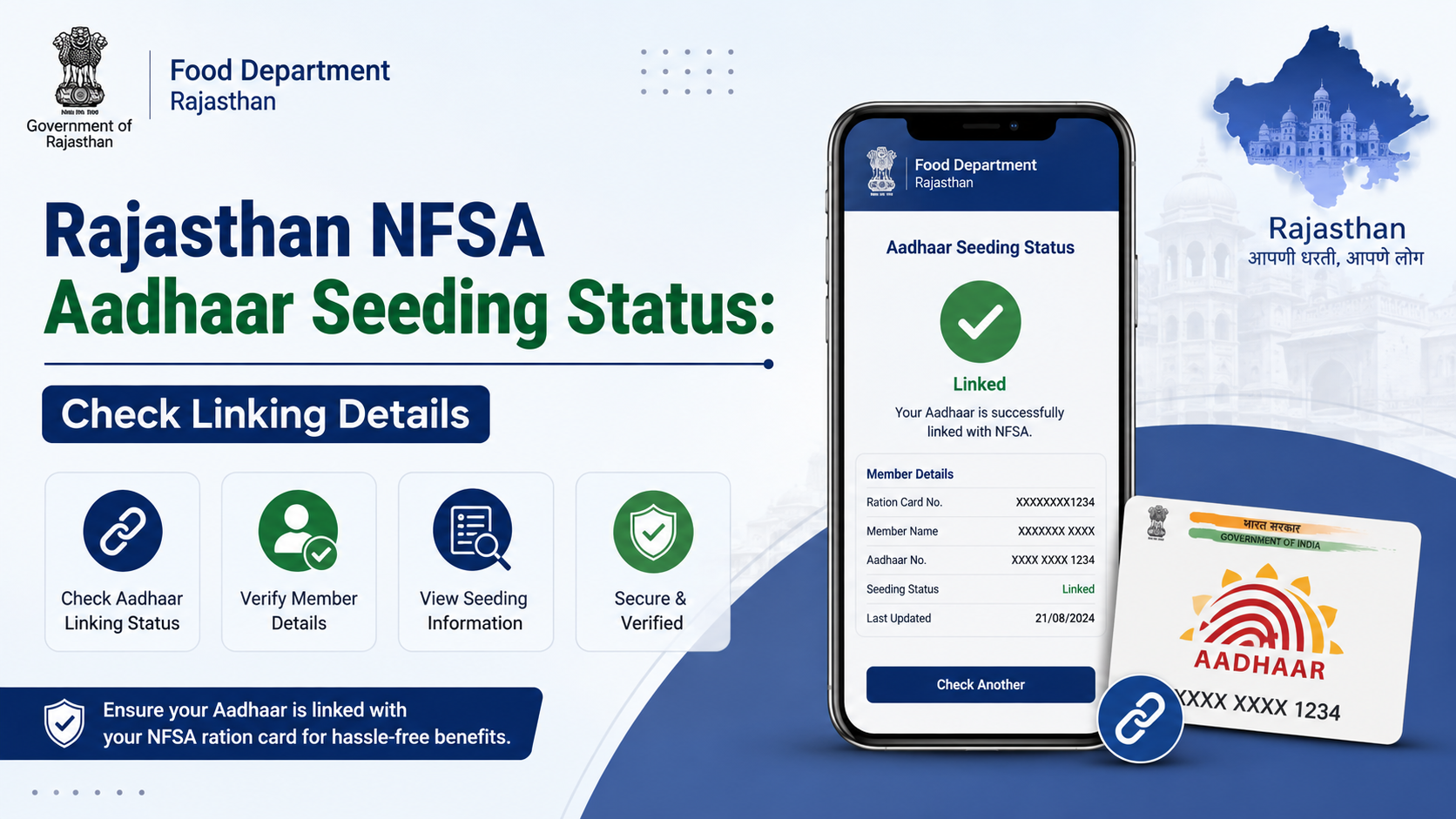
Rajasthan ration-card holders can check whether Aadhaar is linked (seeded) to their NFSA record through the state Food and Civil Supplies Department portal and Jan Soochna Portal. The online result may show Aadhaar-seeded or Aadhaar-not-seeded details for the ration card or individual beneficiaries. This guide explains the official checking process, required information, status interpretation, correction options and important privacy precautions.
Key Takeaways
- Use Rajasthan’s official Food Department service for ration-card Aadhaar, e-KYC, LPG-ID and Jan Aadhaar mapping information.
- Jan Soochna provides separate options for “Aadhaar Seeded / Aadhaar Not Seeded” and ration-card-specific checking.
- The official ration-card mapping page asks for the district and ration-card number.
- Aadhaar seeding, e-KYC and biometric authentication are related but different processes.
- If details are missing or incorrect, contact the Food and Civil Supplies Department or your fair-price shop (FPS) dealer.
- Jan Soochna lists helpline 18001806127 and WhatsApp contact 9413502834.
What Is NFSA Aadhaar Seeding in Rajasthan?
The National Food Security Act (NFSA) covers eligible households receiving subsidised foodgrains through the Public Distribution System (PDS). Aadhaar seeding means recording a beneficiary’s Aadhaar number against the relevant ration-card or NFSA beneficiary record.
Rajasthan’s Food Department describes its online services as including the status of Aadhaar seeding, e-KYC and LPG-ID mapping. The department also publishes an NFSA beneficiary seeding report, while Jan Soochna offers public services to identify Aadhaar-seeded and Aadhaar-not-seeded records.
Seeding helps the PDS system associate each listed household member with the correct identity record. However, a seeded Aadhaar does not by itself guarantee successful authentication at every transaction. Biometric or other authentication can still be affected by connectivity, device, demographic mismatch or Aadhaar-related issues.
Official Portals to Check Rajasthan NFSA Seeding
Use government domains and avoid unofficial websites that ask for unnecessary personal information.
| Portal | What it provides | Official link |
|---|---|---|
| Rajasthan Food Department | Aadhaar seeding, e-KYC, LPG-ID and Jan Aadhaar mapping services; ration-card information | food.rajasthan.gov.in |
| Ration Card and Jan Aadhaar Mapping | District- and ration-card-based mapping lookup | rrcc.rajasthan.gov.in/AadharSeeding.aspx |
| Jan Soochna Portal | Aadhaar-seeded/not-seeded lists and ration-card services | jansoochna.rajasthan.gov.in |
| NFSA beneficiary seeding report | Department-published beneficiary seeding report | Rajasthan NFSA Seeding Report |
The Food Department homepage currently identifies “Aadhaar Seeding, eKYC and LPG ID Mapping Status” as a public service. Jan Soochna’s service directory separately lists “Aadhaar Seeded / Aadhaar Not Seeded” and “Check your ration card has Aadhaar seeded or not Seeded.”
How to Check NFSA Aadhaar Seeding Status Rajasthan Online
Method 1: Rajasthan Food Department portal
- Open the Rajasthan Food Department website.
- Find the service related to Aadhaar Seeding, e-KYC and LPG-ID Mapping Status.
- Select the relevant search option shown on the portal.
- Enter the requested information, such as ration-card details, district or beneficiary information.
- Complete any captcha or OTP step displayed by the website.
- Submit the form and review the result for each listed member.
The exact fields and page layout can change as the department updates its portal. Follow the labels displayed on the live page rather than entering Aadhaar details into a third-party form.
Method 2: Ration Card and Jan Aadhaar Mapping page
- Visit the official Ration Card and Jan Aadhaar Mapping page.
- Select your district.
- Enter the ration-card number.
- Submit the search request.
- Review the mapping information returned for the card.
Keep the ration-card number exactly as printed on your ration document. If the page does not load, try another browser, clear the browser cache or use the Jan Soochna route.
Method 3: Jan Soochna Portal
- Open Jan Soochna Rajasthan.
- Search for the Food and Civil Supplies or ration-card services.
- Choose Aadhaar Seeded / Aadhaar Not Seeded for a list-based lookup, or select the ration-card-specific Aadhaar status service.
- Provide the district and other fields requested on screen.
- Submit the form and read the displayed status.
Jan Soochna’s service page shows both Aadhaar-seeded/not-seeded and ration-card Aadhaar-check options. Because the portal uses dynamic controls, some services may request additional fields or an OTP before displaying personal information.
Understanding the Status Result
The wording can differ between portals, but these are the common interpretations:
| Status shown | Meaning | What to do |
|---|---|---|
| Aadhaar Seeded | Aadhaar is recorded against the relevant beneficiary or ration-card entry | Check whether all eligible members are shown correctly |
| Aadhaar Not Seeded | No Aadhaar link is recorded for that entry, or the record has not updated | Contact the FPS dealer or Food Department to submit/update documents |
| e-KYC pending/not complete | Identity verification has not been completed, even if a number may be recorded | Ask the FPS dealer or authorised centre about e-KYC |
| Record not found | Details entered do not match, the card is inactive, or the database is temporarily unavailable | Recheck the card number and district, then contact the department |
| Mismatch/error | Aadhaar, name, date of birth or household details may differ across records | Request correction through the authorised channel |
A card-level result may not mean that every member is seeded. Review the member-wise information where available. Also distinguish seeding from e-KYC: seeding records the Aadhaar association, while e-KYC is a verification process.
What to Do if Aadhaar Is Not Seeded or Details Are Wrong
If the result is “not seeded,” incomplete or incorrect:
Contact the fair-price shop
Visit the FPS (ration shop) linked to your card and ask whether Aadhaar seeding or e-KYC can be completed through the authorised point-of-sale process. Carry the ration card and the Aadhaar documents of the concerned members. Do not hand over your Aadhaar photocopy without understanding why it is required.
Approach the Food and Civil Supplies office
For unresolved cases, contact the district or block-level Food and Civil Supplies office. Ask for the procedure to correct the ration-card record, add a member, remove a deceased or shifted member, or update demographic details.
Check Jan Aadhaar-related issues separately
Rajasthan’s Jan Aadhaar FAQ explains that NFSA and ration-card numbers are obtained from ration services and cannot simply be edited directly in Jan Aadhaar. If the ration-card or NFSA number is not linked, the resident is advised to contact the Food and Supply Department.
Keep proof of the request
Save the acknowledgement, application number, receipt or SMS received after submitting a correction or e-KYC request. These details are useful when following up with officials.
Documents and Information Usually Needed
Requirements can vary by service and case. Keep these available:
- Rajasthan ration card number
- District and local address details
- Aadhaar card or Aadhaar number of the relevant household member
- Registered mobile phone for OTP, where required
- Jan Aadhaar details, if the service requests them
- Proof supporting a correction, such as a name-change, death or address document
Use only the information requested by the official portal or authorised PDS functionary. Never share an Aadhaar OTP with an unknown caller, agent or website.
Common Problems While Checking Status
Portal timeout or blank page
Government portals may be busy or undergoing maintenance. Retry later, use a current browser and confirm that the URL ends in an official Rajasthan government domain.
Wrong district or card number
A mismatch between the selected district and ration-card record can produce “record not found.” Check old ration documents and enter the number without extra spaces.
Aadhaar seeded but e-KYC pending
These are separate indicators. Ask the FPS dealer which verification step remains and whether a biometric or OTP-based process is available.
Mobile number not receiving OTP
Check network coverage and whether the mobile number is registered with the relevant record. For Aadhaar OTP problems, use UIDAI’s official support channels; for ration-card data problems, contact Rajasthan Food and Civil Supplies officials.
Privacy and fraud risks
Rajasthan’s legitimate portals will not require you to pay an unofficial fee to view a status. Avoid links received through unsolicited messages, and do not publish your full Aadhaar number or OTP on social media.
Helpline and Grievance Options
Jan Soochna displays the Rajasthan public helpline 18001806127 and WhatsApp contact 9413502834. Use these details for guidance on portal services and escalation.
When raising a complaint, provide:
- Ration-card number (masking unnecessary digits in public communications)
- District, block and FPS details
- The date you attempted the lookup
- Screenshot or wording of the error
- Any acknowledgement or reference number
For an urgent food-supply issue, also visit the FPS or local Food and Civil Supplies office instead of relying only on an online complaint.
Frequently Asked Questions
Is Aadhaar seeding mandatory for every ration-card member?
The applicable verification requirements depend on current government instructions and the beneficiary’s circumstances. Check the Rajasthan Food Department or ask the FPS dealer for the requirement applying to your card. Do not rely on social-media claims about cancellation deadlines.
Can I check status without visiting an office?
Yes. Rajasthan provides online checks through the Food Department, the ration-card mapping page and Jan Soochna. You may still need to visit an FPS or office if the record is missing, a correction is required or e-KYC cannot be completed online.
Does “Aadhaar Seeded” mean I will never face ration authentication failure?
No. Seeding only indicates that the Aadhaar association is recorded. Authentication can fail because of biometric mismatch, connectivity, device or data issues. Report repeated failures to the FPS dealer and request an alternative authorised resolution.
Why does Jan Aadhaar not show my NFSA number?
Jan Aadhaar’s official FAQ states that NFSA and ration-card status is obtained from ration services. If the records are not linked, contact the Food and Supply Department rather than trying to edit the NFSA number directly in Jan Aadhaar.
Should I enter my Aadhaar number on private status-check websites?
No. Use official Rajasthan government portals or an authorised FPS/e-Mitra channel. A private site is unnecessary for checking a government database and may expose your personal information.
Conclusion
The safest way to check nfsa aadhaar seeding status rajasthan is through the Rajasthan Food Department, the official ration-card mapping page or Jan Soochna. Verify the district and ration-card details carefully, review member-wise results, and remember that Aadhaar seeding and e-KYC are different indicators. If the record is not seeded, incomplete or incorrect, approach the FPS dealer or Food and Civil Supplies Department with supporting documents and retain the acknowledgement for follow-up.