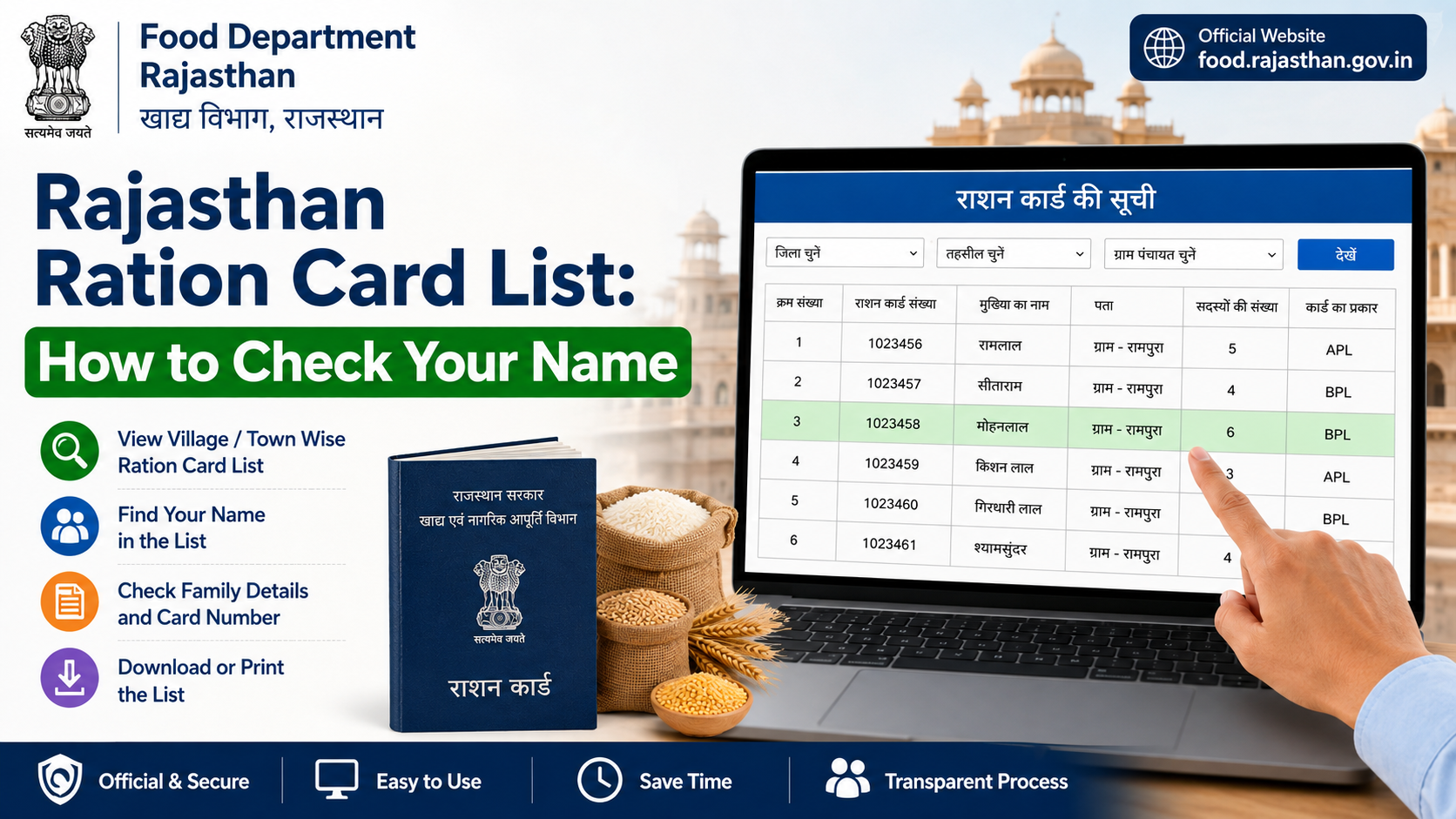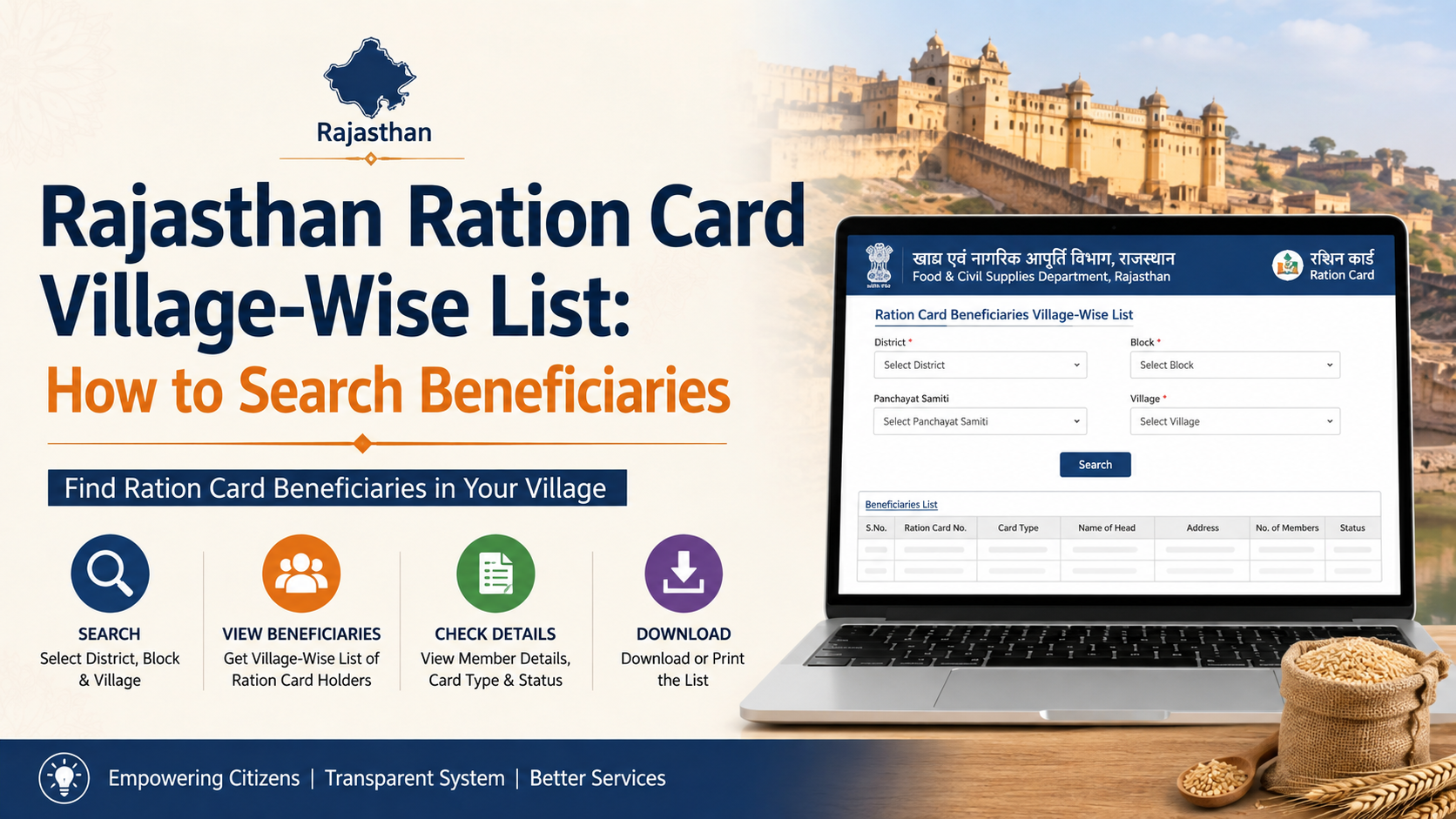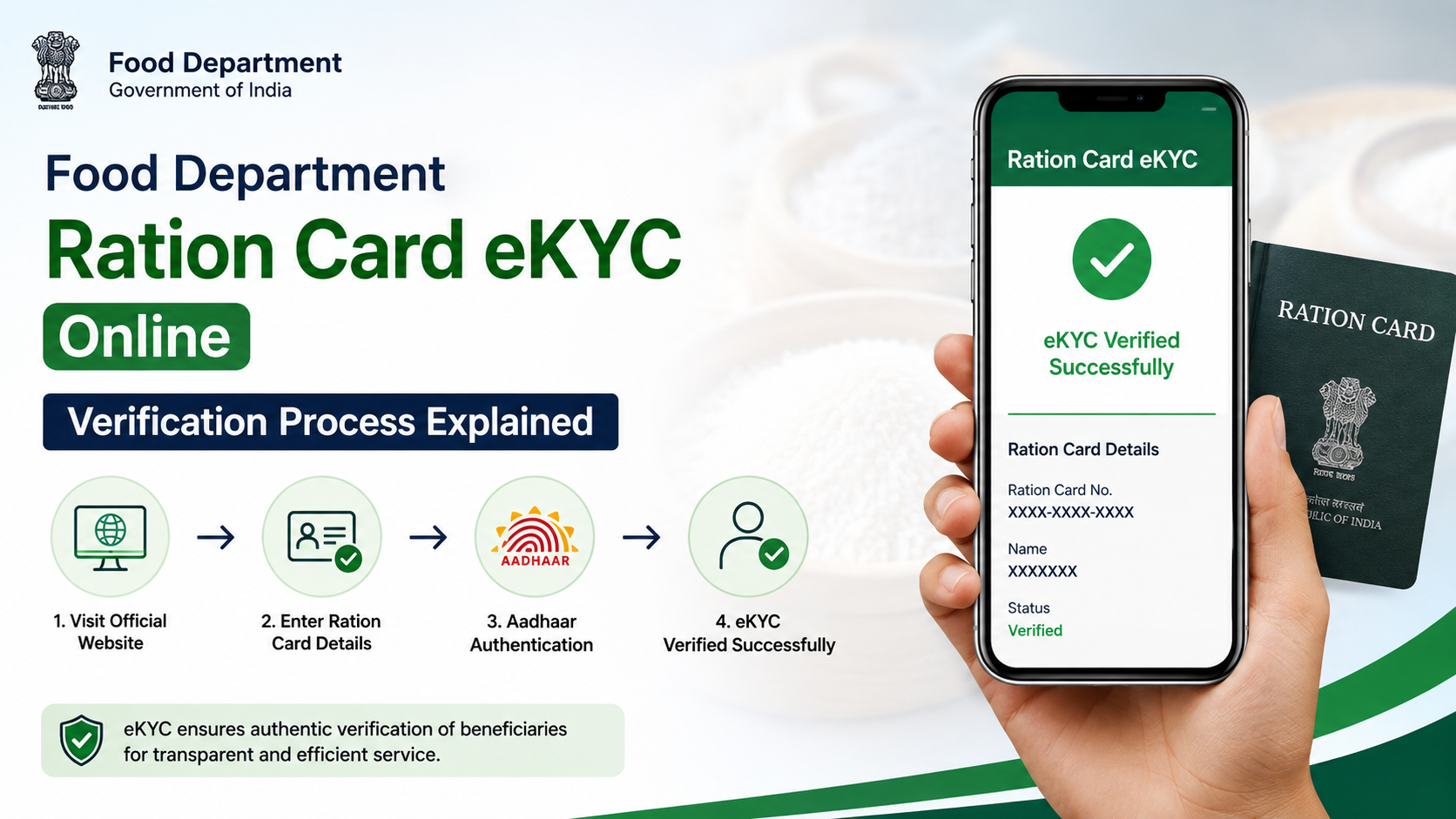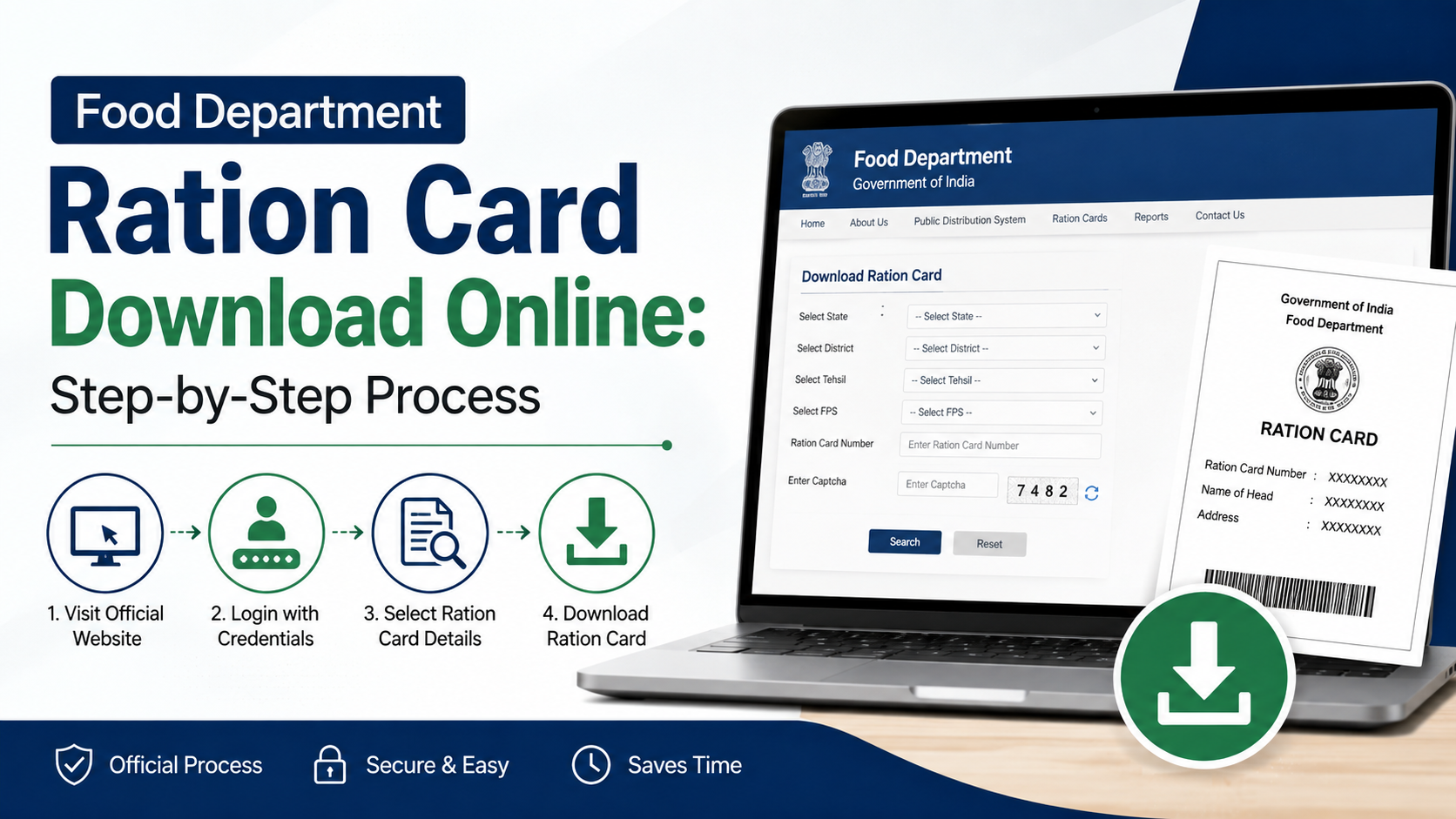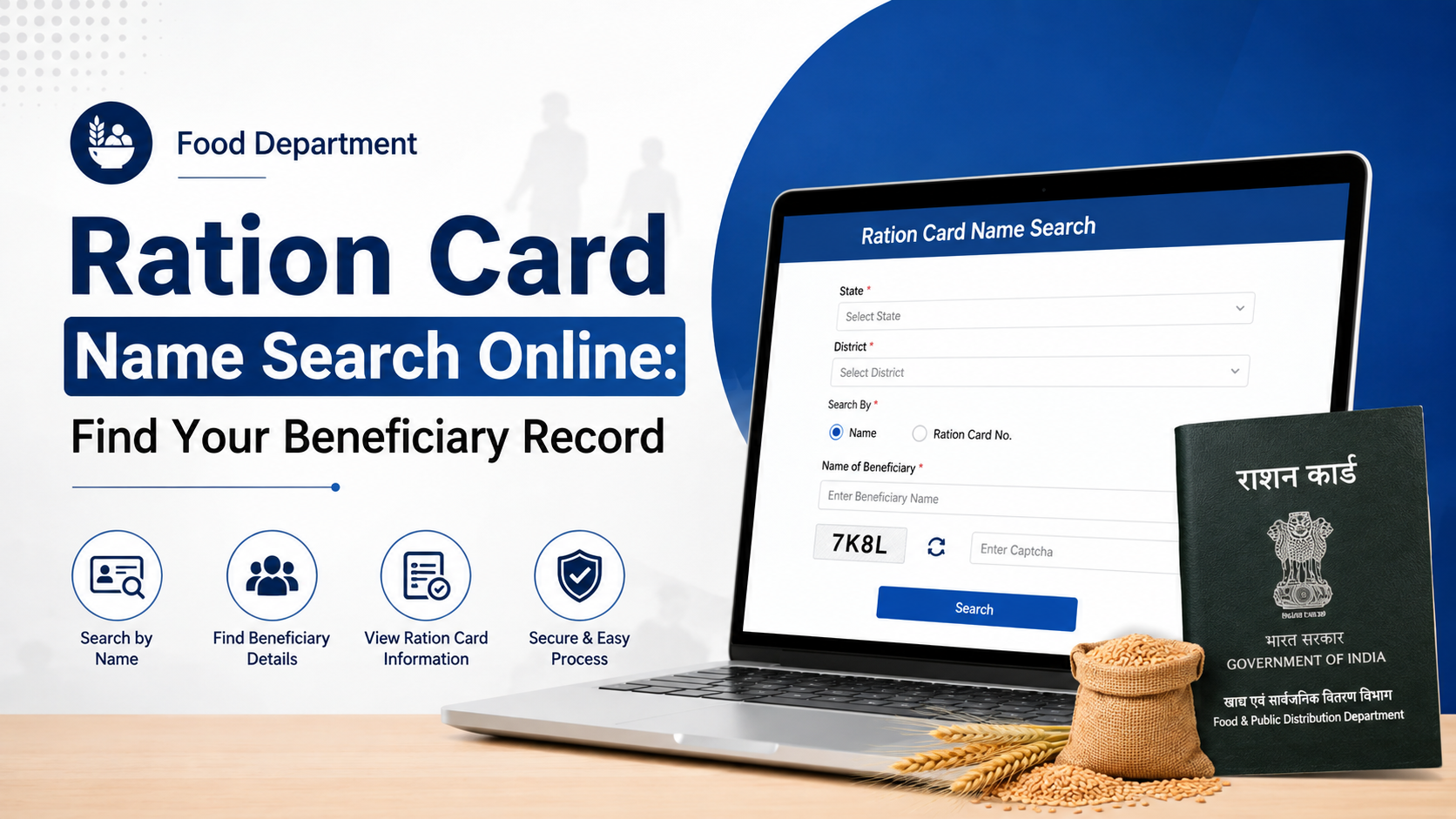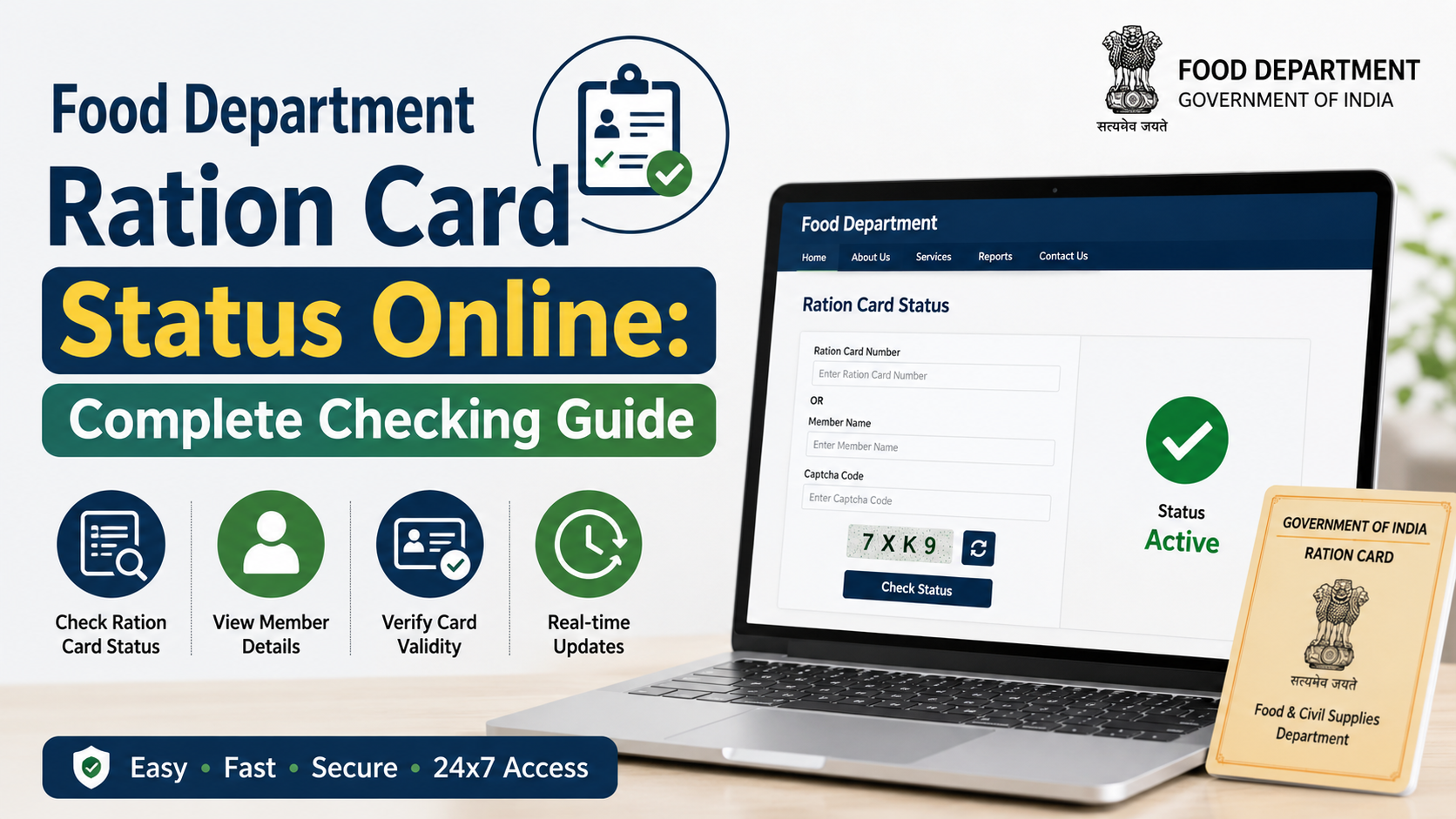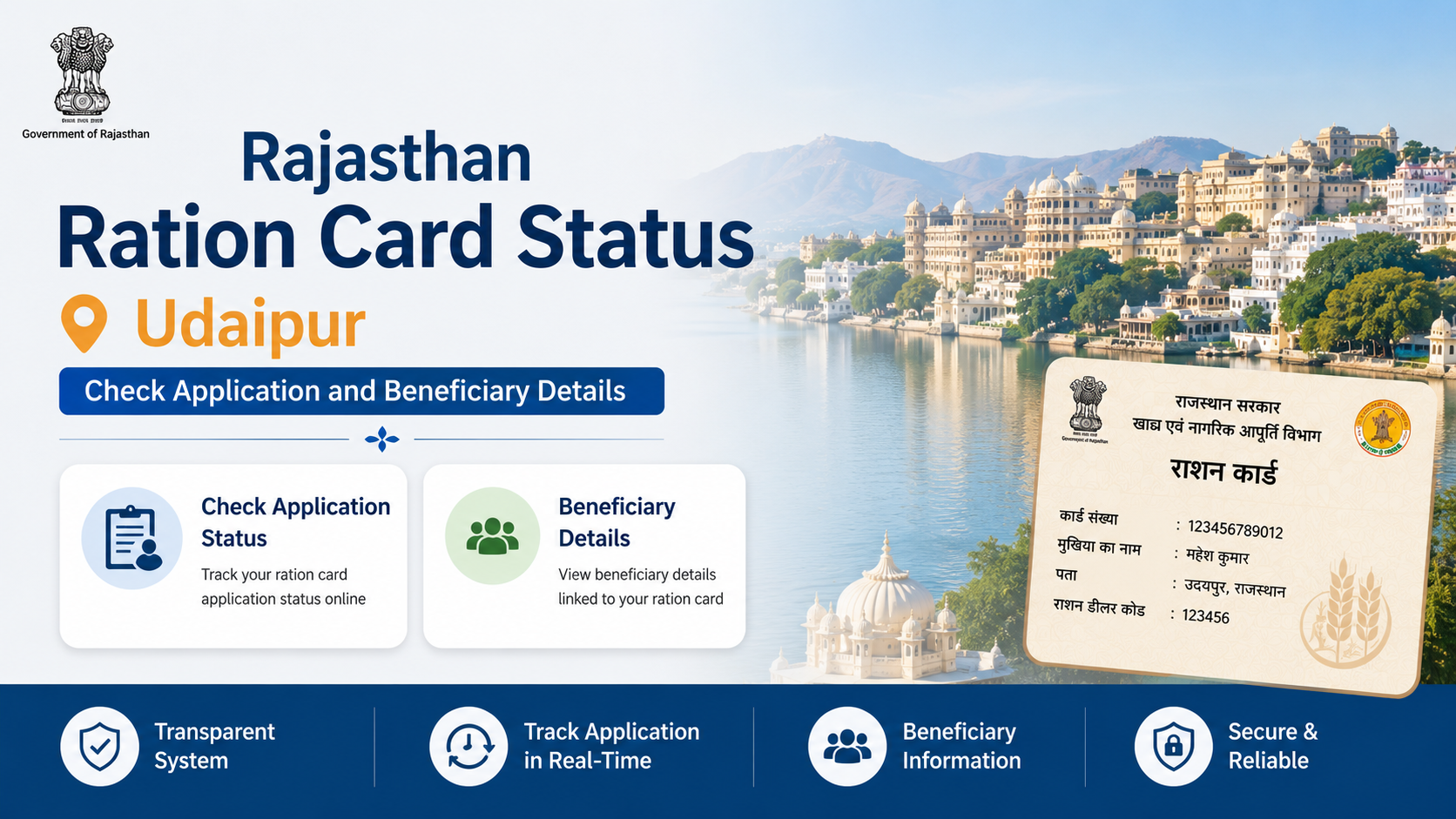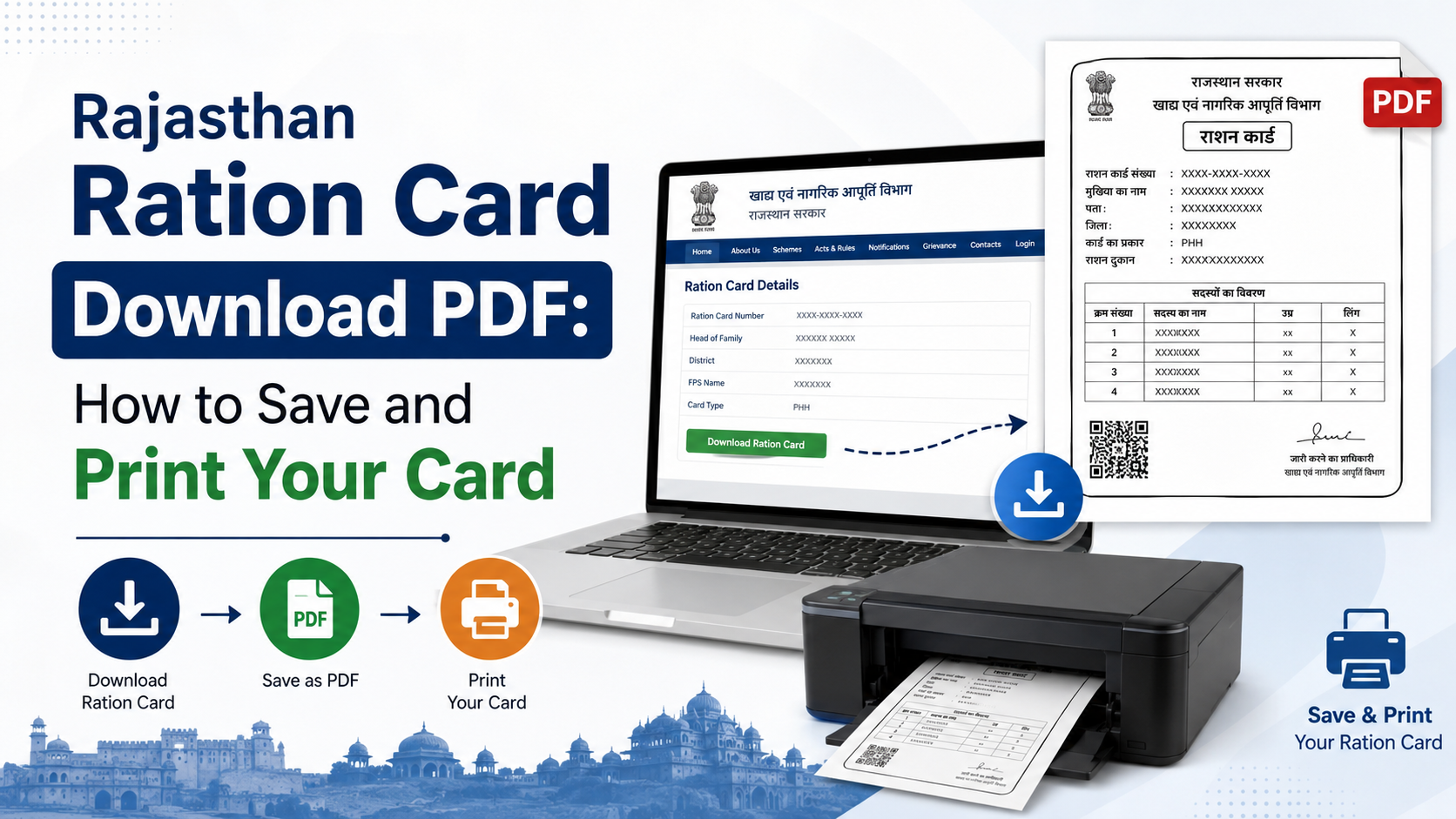
A digital copy is useful when your paper ration card is damaged, misplaced or needed for a government application. Rajasthan provides an official Download Ration Card / Surrender Certificate service at rrcc.rajasthan.gov.in/DownloadRationCard.aspx. The service asks for your district and ration-card number, then generates a document that can be saved or printed.
This guide explains the current download process, what information to keep ready, how to print a readable copy, and what to do if your card is not found.
Key Takeaways
- Use the Rajasthan government’s Ration Card download portal, not an unverified third-party website.
- Keep your district and ration-card number available before starting.
- Use the browser’s download or print option to save the generated document as a PDF.
- A newly approved application may need to reach “Ready for Printing” status before printing.
- Jan Soochna can help you view ration-card details and NFSA-related information.
- Never share OTPs, Aadhaar details or portal passwords with unauthorised people.
Official Rajasthan Ration Card Download Portal
The Food and Civil Supplies Department of Rajasthan links citizens to services for ration cards, NFSA beneficiaries, Aadhaar seeding and distribution information. The dedicated download page is titled “Download Ration Card / Surrender Certificate” and is available at:
https://rrcc.rajasthan.gov.in/DownloadRationCard.aspx
The page displays fields for:
- District selection
- Ration-card number
- On-screen verification and submission controls
The main department website is food.rajasthan.gov.in. It also provides links to ration-card details, district-wise reports and application-status services. Because government portals can change their layout, always start from an official Rajasthan government domain if a direct link stops working.
Information Required Before You Start
Prepare the following details:
| Requirement | Why it is needed |
|---|---|
| District | The download page uses the district to locate the record |
| Ration-card number | This identifies the household record |
| Mobile phone or computer | Needed to open and save the document |
| Stable internet connection | Prevents incomplete page loading |
| PDF reader or browser | Required to view the saved file |
| Printer, if required | For producing a physical copy |
Use the ration-card number exactly as shown on previous documents or official records. Check digits carefully; entering a neighbouring number can produce no result or another household’s record.
If you do not know the number, first use the department’s ration-card search and reports or the Know About Your Ration Card service on the Jan Soochna Portal. Do not guess the number.
Rajasthan Ration Card PDF Download: Step-by-Step
1. Open the official page
Go directly to Download Ration Card / Surrender Certificate. Confirm that the address bar shows rrcc.rajasthan.gov.in and that the connection uses HTTPS.
Avoid websites that ask you to install unknown applications, pay through personal UPI IDs or provide an OTP to an agent.
2. Select your district
Open the district drop-down menu and choose the district associated with your ration-card record. Select the correct district even if you currently live elsewhere, because records are maintained against the issuing location.
3. Enter the ration-card number
Type the complete ration-card number in the designated field. Do not add spaces unless the portal displays them. If your card shows a prefix such as “RC”, follow the format accepted by the page.
4. Complete verification
The portal may display an on-screen verification step, such as a security code or confirmation control. Complete whatever appears on the live page and review the information before submitting.
5. Submit the request
Select the page’s search, submit or download control. If a matching record is available, the portal should display the ration-card record or a downloadable document.
If nothing appears, check the district and number again. Also try refreshing the page or using a current version of Chrome, Edge or Firefox.
6. Save the document as a PDF
When the record opens:
- Select Download, if the page provides a download button.
- If there is no separate button, press Ctrl + P on Windows or Command + P on macOS.
- In the printer list, choose Save as PDF or Microsoft Print to PDF.
- Select a folder you can find later.
- Use a clear file name, such as
Rajasthan-Ration-Card-2026.pdf. - Open the saved file to confirm that every page is readable.
On an Android phone, open the browser menu, choose Share or Print, select Save as PDF, and then save the file to the device or cloud storage.
How to Print the Rajasthan Ration Card
Before printing, open the PDF and confirm:
- The cardholder’s name is legible.
- The ration-card number is complete.
- Household-member details are not cut off.
- The issuing department or portal information is visible.
- The page is not blank or partially loaded.
For most household records, A4 paper is a practical choice. Select portrait or landscape orientation according to the document preview. Use “Fit to printable area” if text is being clipped, but avoid shrinking the page so much that names and numbers become unreadable.
Print one copy for regular use and keep the PDF in a secure location. A digital copy is a backup; it does not automatically replace any original document or identity requirement imposed by another department.
Printing a Newly Approved Ration Card
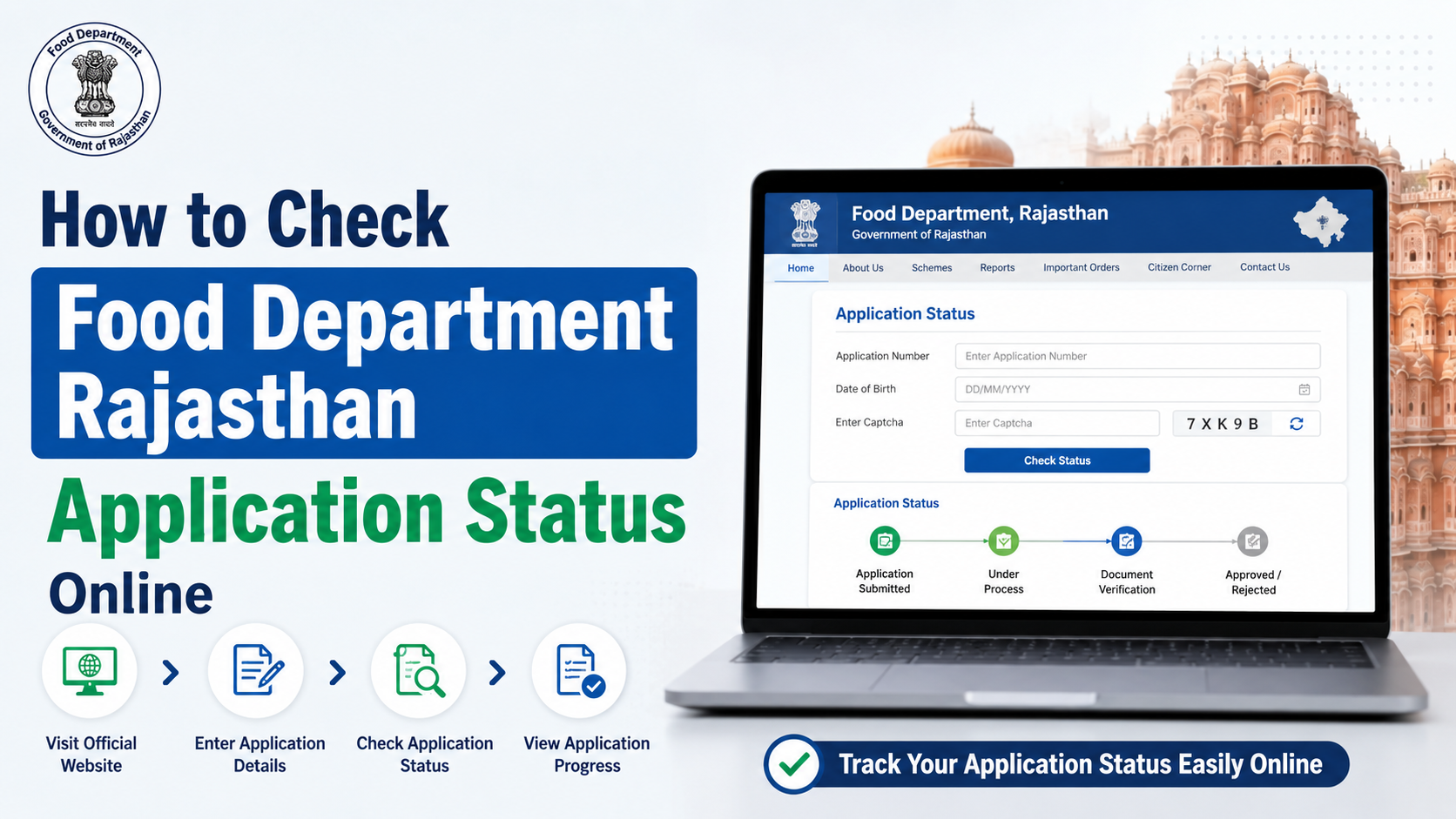
Downloading an existing record is different from printing a newly approved application. The Rajasthan Food and Civil Supplies Department’s citizen workflow states that when the application status becomes “Ready for Printing,” the applicant can use the “Print Ration Card” menu to take a printout. See the department’s official citizen workflow PDF.
If your application is still pending, under verification or returned for correction, the print option may not be available. Check the application status through the department’s online service or the National Government Services Portal listing for Rajasthan ration-card status.
Do not submit a second application merely because printing is temporarily unavailable. First identify whether the original application needs a correction, document upload or departmental approval.
Use Jan Soochna to Check Ration-Card Information
The Jan Soochna Portal lists several ration-related services, including:
- Public Distribution System ration information
- Fair Price Shop details
- NFSA beneficiary information
- Aadhaar-seeded and non-seeded lists
- Ration-card details
- Aadhaar, e-KYC, LPG and Jan Aadhaar mapping details
Jan Soochna is particularly useful when you want to confirm household information, beneficiary status or local distribution details before attempting a download. The portal also publishes a public helpline number, 18001806127, on its website.
Information shown online is generated from departmental records. If a name, address, category or family-member entry is incorrect, use the appropriate correction channel rather than editing the PDF yourself.
Common Problems and Solutions
“Record not found”
Check that:
- You selected the correct district.
- Every digit of the ration-card number is correct.
- You did not confuse a ration-card number with an application number.
- The record has not been cancelled, surrendered or migrated.
- The portal has finished loading its district list.
If the problem continues, contact your local Food and Civil Supplies office or visit an authorised e-Mitra centre.
The page does not load
Try a current browser, clear the page cache, disable automatic translation for the session and retry at a different time. Government portals may experience maintenance or heavy traffic.
Use only links from official domains. The Food Department’s published contact details include 0141-2227352 during working hours and the email addresses listed on its official website.
The PDF is blank or incomplete
Wait until the document fully loads before printing. If the print preview is blank, refresh the page, open it in another browser or download the file again. Check the file size and reopen it before sending it to a print shop.
Details are outdated
A downloaded copy reflects the record available in the department’s system at that time. If your address, family composition, Aadhaar seeding or category has changed, request an official update first. Do not alter names or numbers manually in a PDF.
You do not have a printer
Save the PDF to a password-protected phone, computer or cloud account. You can print it later at an e-Mitra centre or another trusted print facility. Rajasthan’s e-Mitra rate page lists government service and printing charges; confirm the displayed rate before paying at a kiosk. See e-Mitra service charges.
Security and Privacy Precautions
A ration card contains personal information about a household. Follow these precautions:
- Download only from Rajasthan government portals.
- Do not upload the PDF to public groups or social-media sites.
- Mask unnecessary details when sharing a copy for a non-government purpose.
- Delete files from shared computers after printing.
- Do not allow an agent to retain your OTP or portal login.
- Check the recipient’s email or WhatsApp number before sending the file.
- Keep one secure backup and a second copy only where necessary.
A printout can be used for reference, but the receiving authority decides whether it accepts a digital copy, photocopy or another supporting document.
Frequently Asked Questions
Is the Rajasthan ration card PDF download free?
The government download page does not state a separate online download fee. You may incur a printing or assisted-service charge if you use an e-Mitra centre. Ask for the official receipt and displayed rate before payment.
Can I download a ration card without its number?
The dedicated download page requires a ration-card number and district. If you have lost the number, use official ration-card details or Jan Soochna services to locate your record, or contact the Food and Civil Supplies office.
Is the downloaded PDF a replacement for the original card?
It is an official electronic or printable record when generated from the government portal. Whether it can replace an original card depends on the office, bank, school or scheme requesting proof. Carry additional identification if the receiving authority asks for it.
Why can I view details but not print a new card?
Viewing an existing record and printing a newly approved card are separate processes. A new application may need to reach “Ready for Printing” status before the Print Ration Card option becomes available.
What should I do if household details are wrong?
Do not edit the PDF. Submit a correction or update request through the authorised Rajasthan process, e-Mitra or the relevant Food and Civil Supplies office, and retain acknowledgement details.
Conclusion
For a Rajasthan ration card PDF download, use the official Ration Card / Surrender Certificate portal, select the correct district, enter the complete ration-card number and save the generated document through the download or print function. Verify the PDF before printing, protect household data and use Jan Soochna or the Food Department for record checks and corrections. If your application is new, wait until its status is “Ready for Printing” before expecting a printable card.