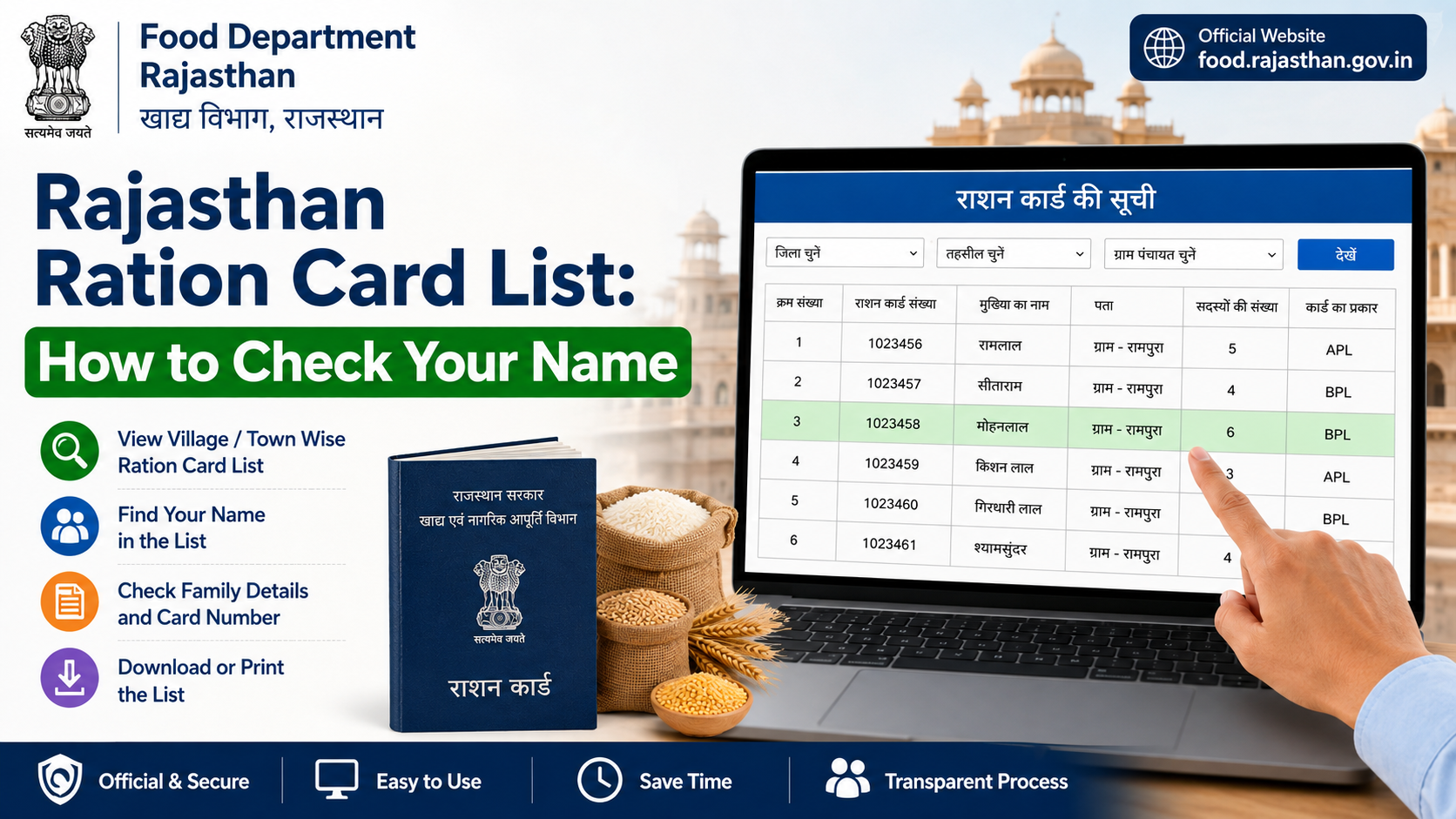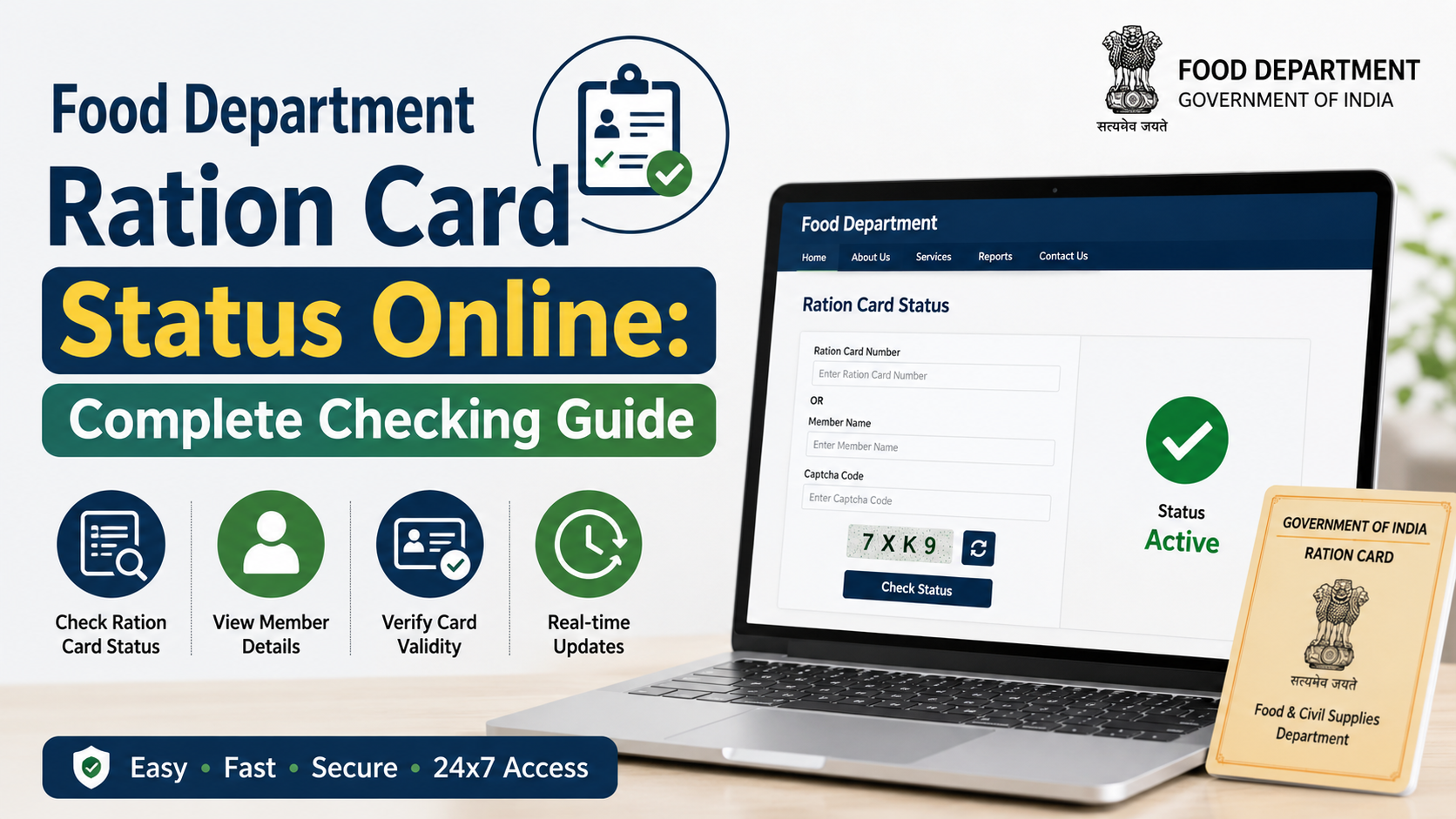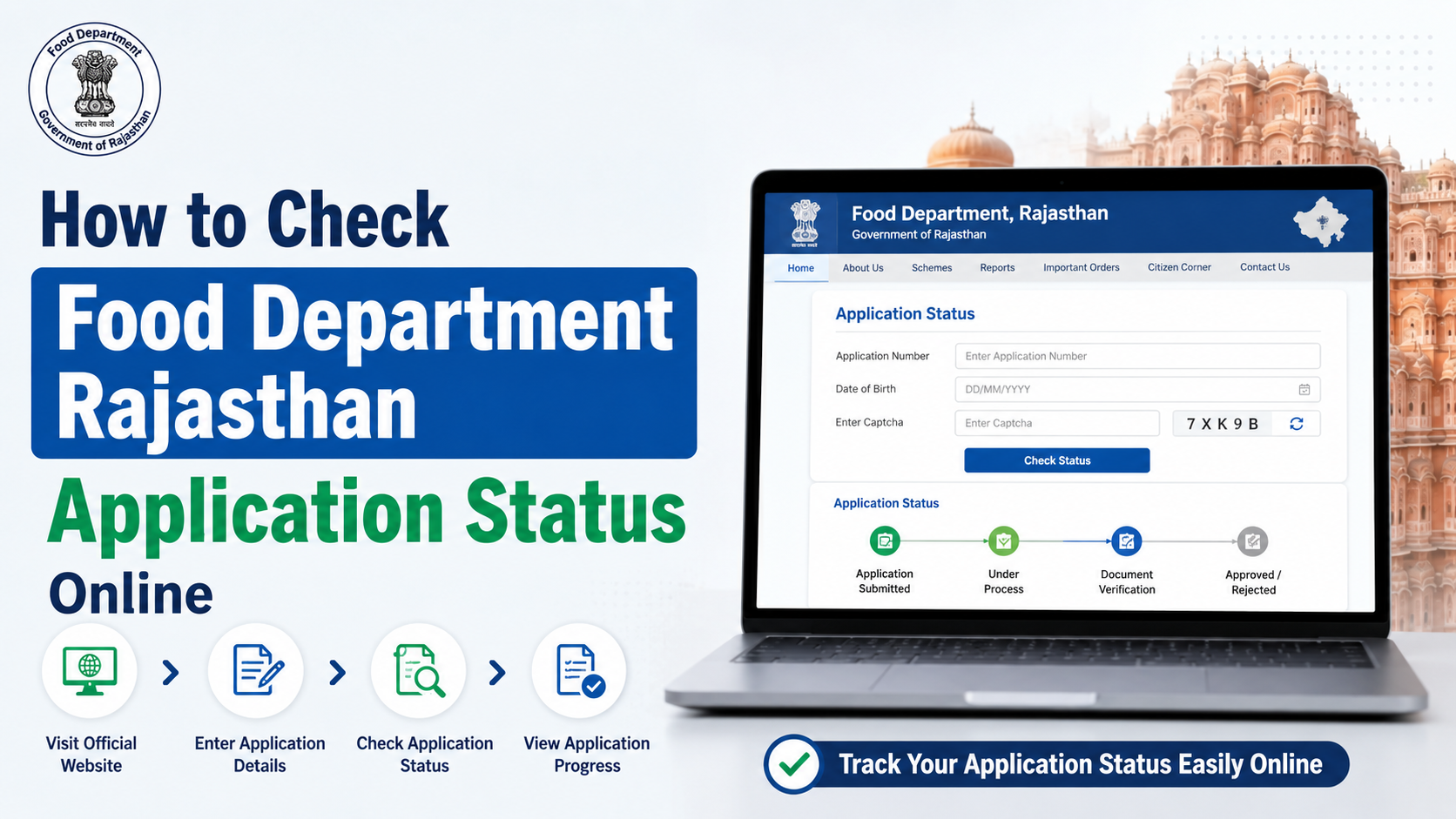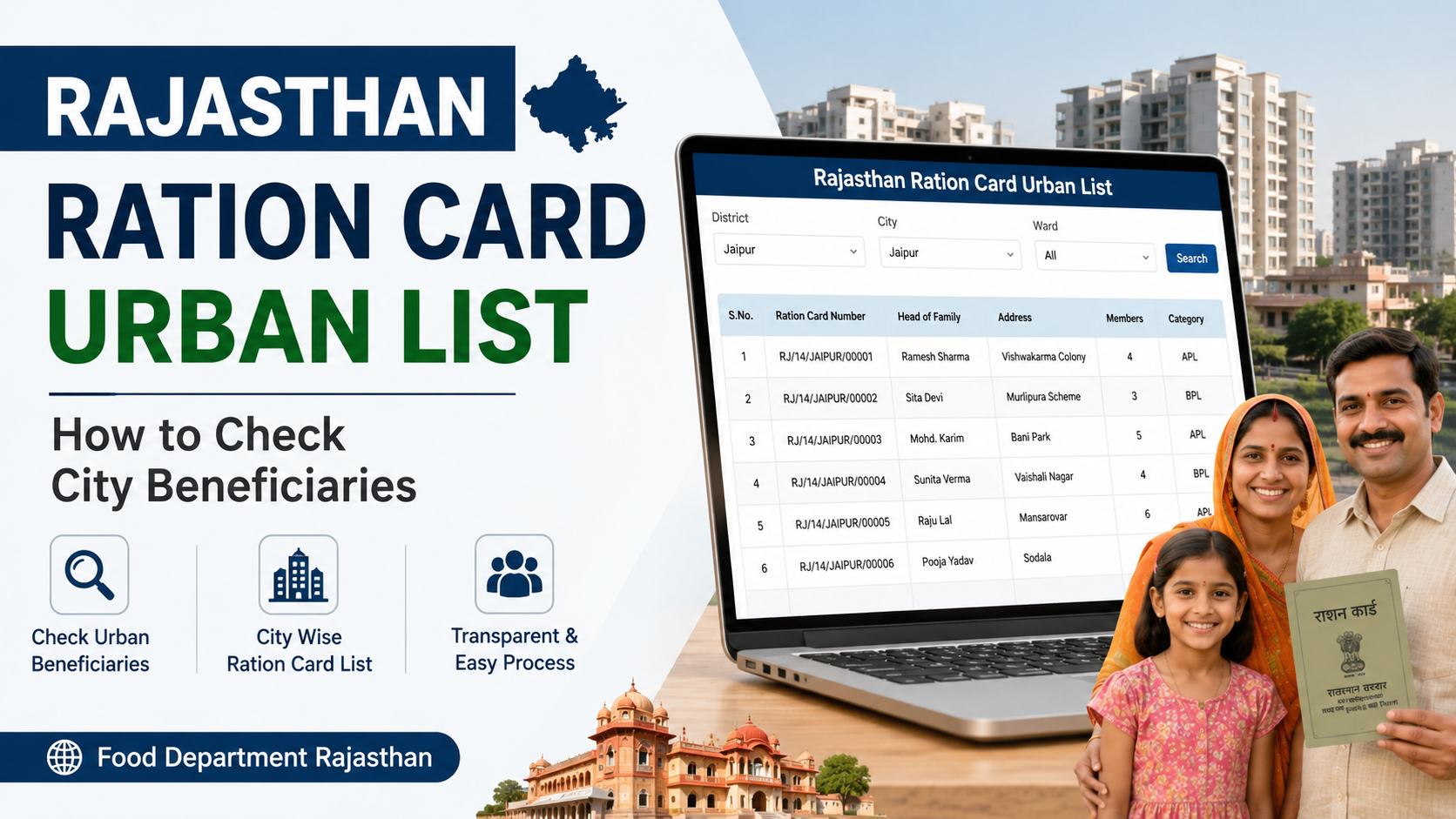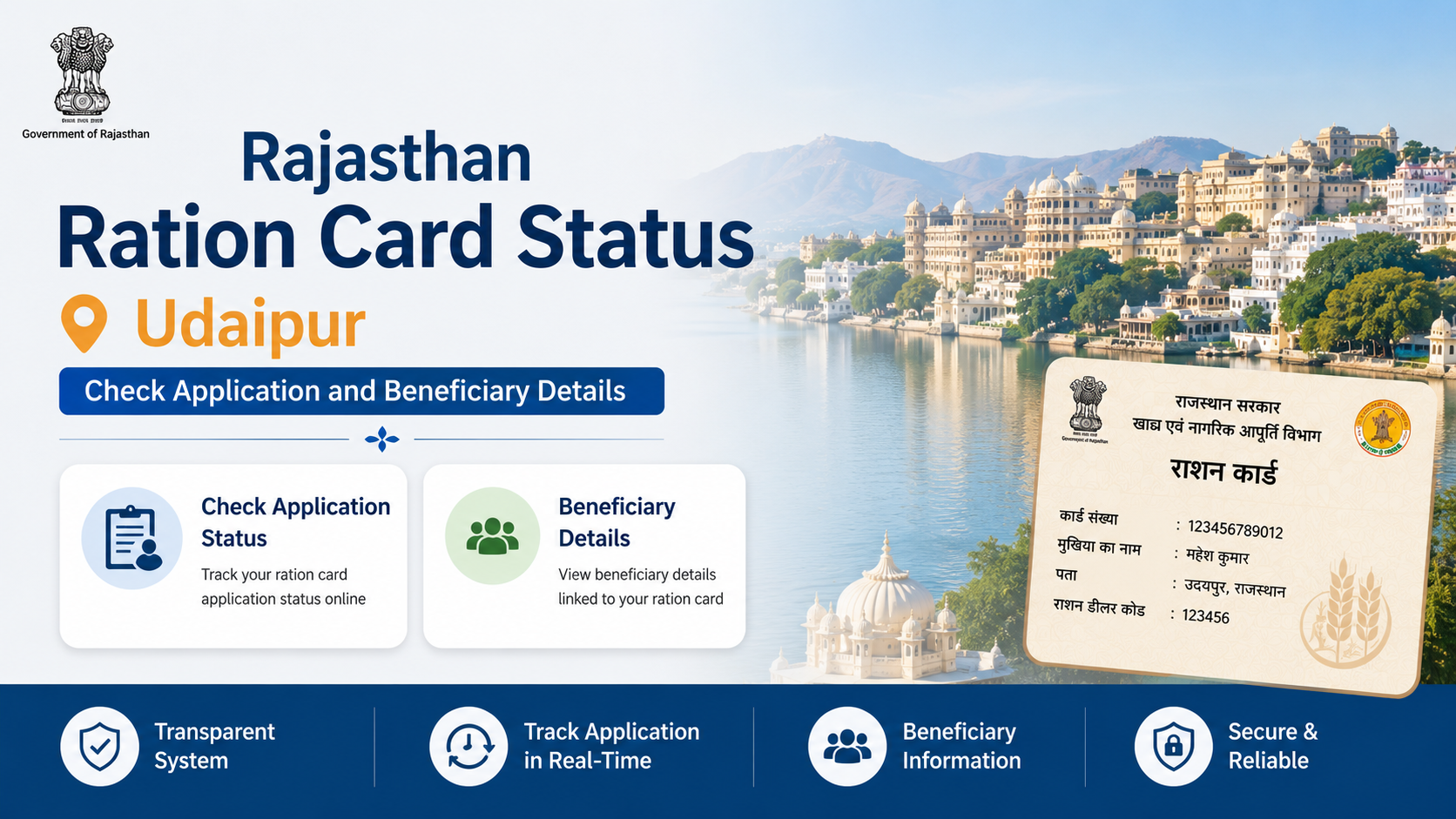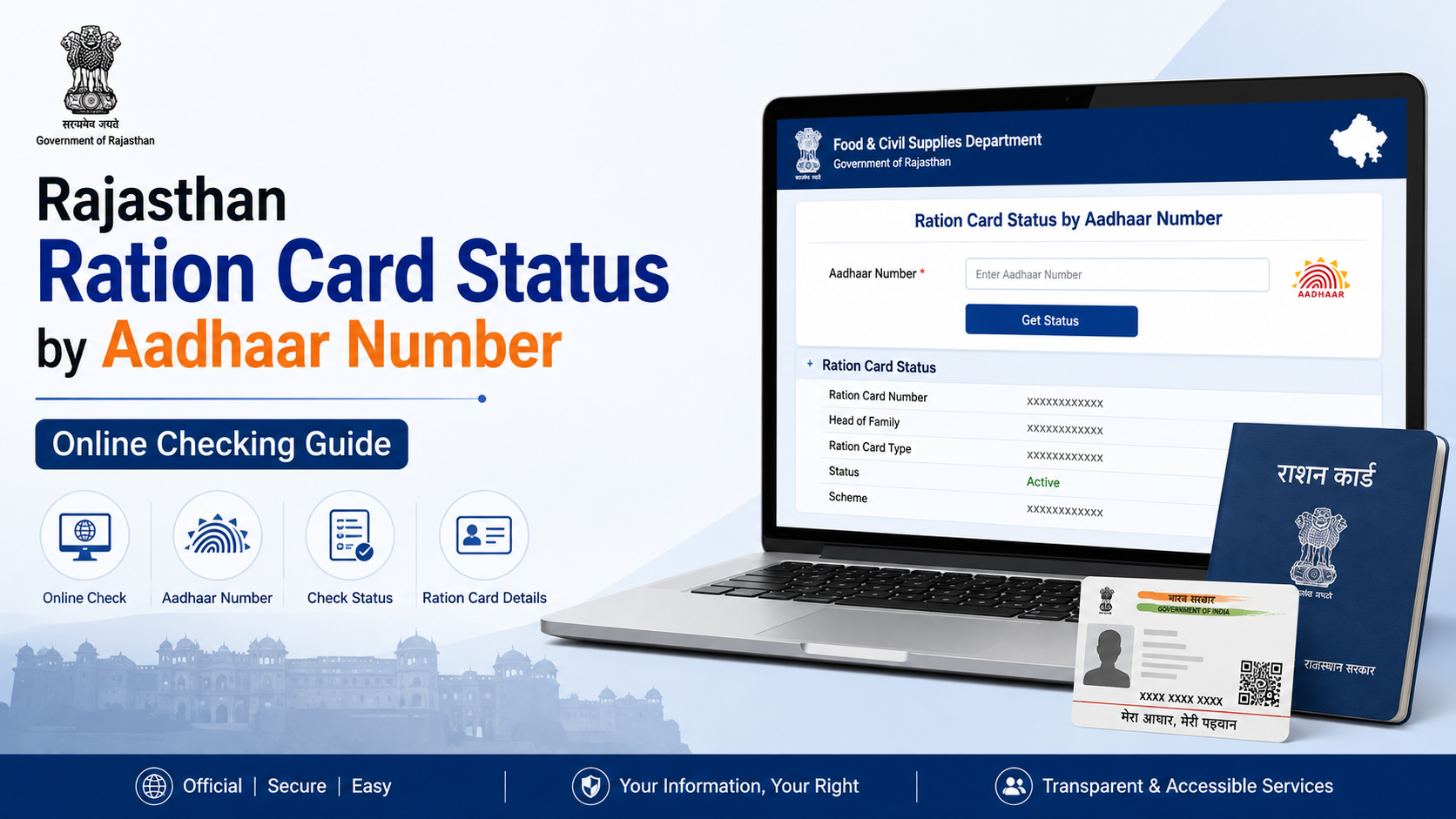
If you want to check ration card status by Aadhaar number in Rajasthan, the official online process is handled through the Rajasthan Food and Civil Supplies Department and the Jan Soochna Portal. However, the portal does not always provide a single form where you simply enter an Aadhaar number and receive the complete ration-card record.
Depending on your purpose, you may need to use one of these services:
- Ration card details
- Aadhaar-seeding or non-seeding status
- Ration card and Jan Aadhaar mapping status
- Approved, pending or rejected NFSA beneficiary information
- Ration-card application status
This guide explains which service to use, how to check the status online, what the results mean and what to do if your Aadhaar or ration-card details are not found.
Key Takeaways
- The official starting points are the Rajasthan Food Department and Jan Soochna Portal.
- Jan Soochna lists separate services for ration-card details, Aadhaar seeding and ration mapping.
- A Jan Aadhaar number or ration-card number may be required instead of an Aadhaar number for some searches.
- Aadhaar seeding status is different from ration-card application status.
- If information is missing or incorrect, contact the Food and Civil Supplies Department, your fair-price shop or Rajasthan Sampark.
- Do not share your full Aadhaar number publicly or with unofficial websites.
What “Ration Card Status by Aadhaar Number” Means
People generally use this phrase for one of four checks:
| What you want to know | Correct online service |
|---|---|
| Whether your ration card exists in the database | Ration Card Details |
| Whether Aadhaar is linked to family members | Aadhaar Seeded / Aadhaar Not Seeded |
| Whether ration data is linked with Jan Aadhaar | Ration Mapping Status by Jan-Aadhaar Number |
| Whether a new-card or modification application is processed | Ration Card Application Status |
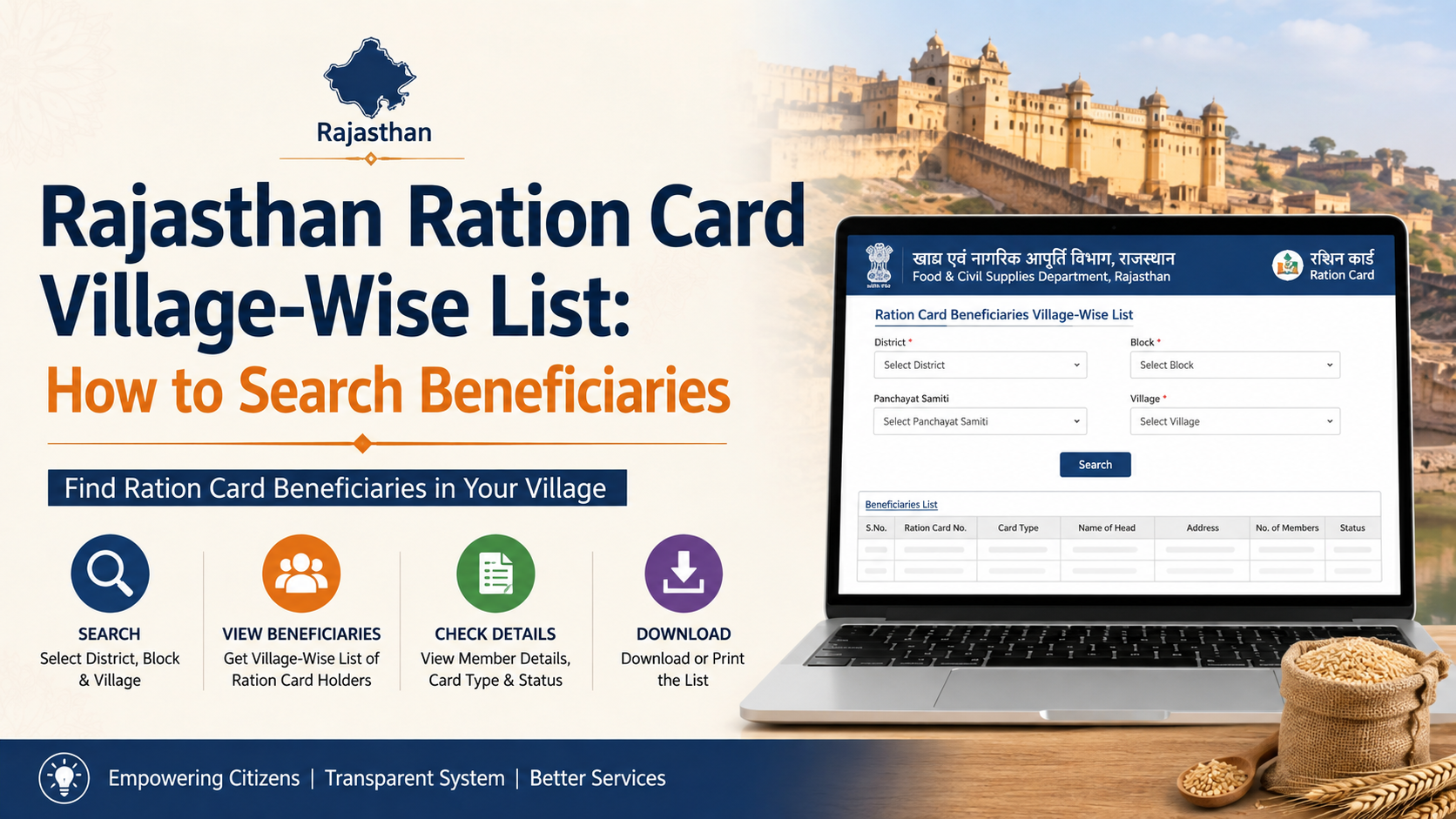
The official Jan Soochna Portal currently lists services including Public Distribution System Ration, Approved NFSA Beneficiaries Information, Aadhaar Seeded / Aadhaar Not Seeded, Ration Card Details, and Ration Aadhaar Seeding, eKYC, LPG & Jan Aadhaar Mapping Details. It also lists mapping-status searches by ration-card number and Jan Aadhaar number. (Jan Soochna services)
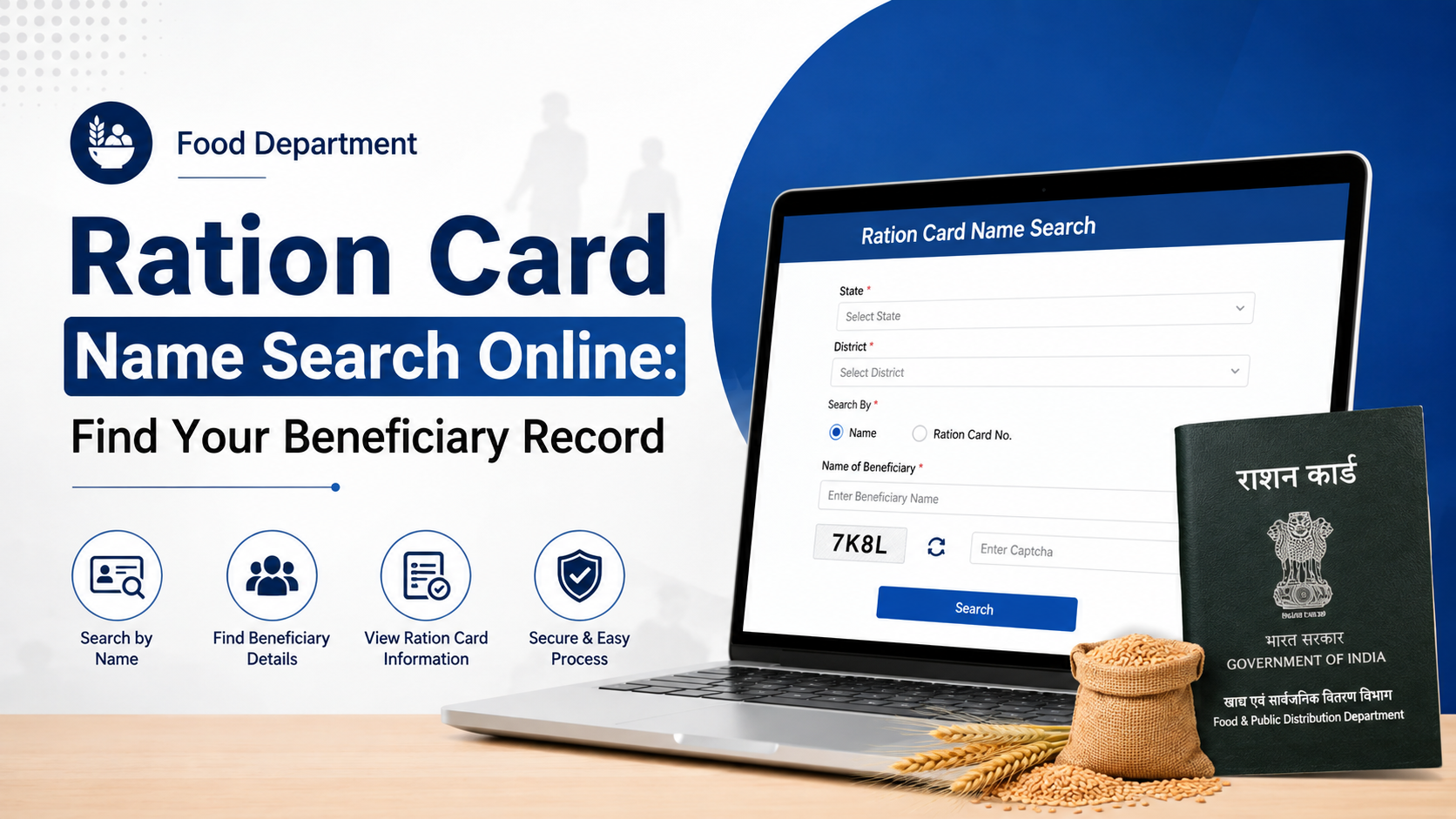
Aadhaar is therefore mainly used for authentication and seeding. The database search itself may use a ration-card number, Jan Aadhaar number, district or other household details.
Official Portals to Use
Jan Soochna Portal
Visit jansoochna.rajasthan.gov.in. Select Schemes or use the search box and look for ration-related services.
Important options include:
- Know About your Ration Card
- Aadhaar Seeded / Aadhaar Not Seeded
- Check your ration card has Aadhaar seeded or not Seeded
- Ration Aadhaar Seeding, eKYC, LPG & Jan Aadhaar Mapping Details
- Know About Ration Mapping Status by Ration Card Number
- Know About Ration Mapping Status by Jan-Aadhaar Number
- Approved NFSA Beneficiaries Information
- Pending/Rejected NFSA Beneficiaries
The exact fields displayed can change as the portal is updated. Follow the labels shown on the live page.
Rajasthan Food Department Website
The Rajasthan Food and Civil Supplies Department website provides links for:
- New ration-card applications
- NFSA applications
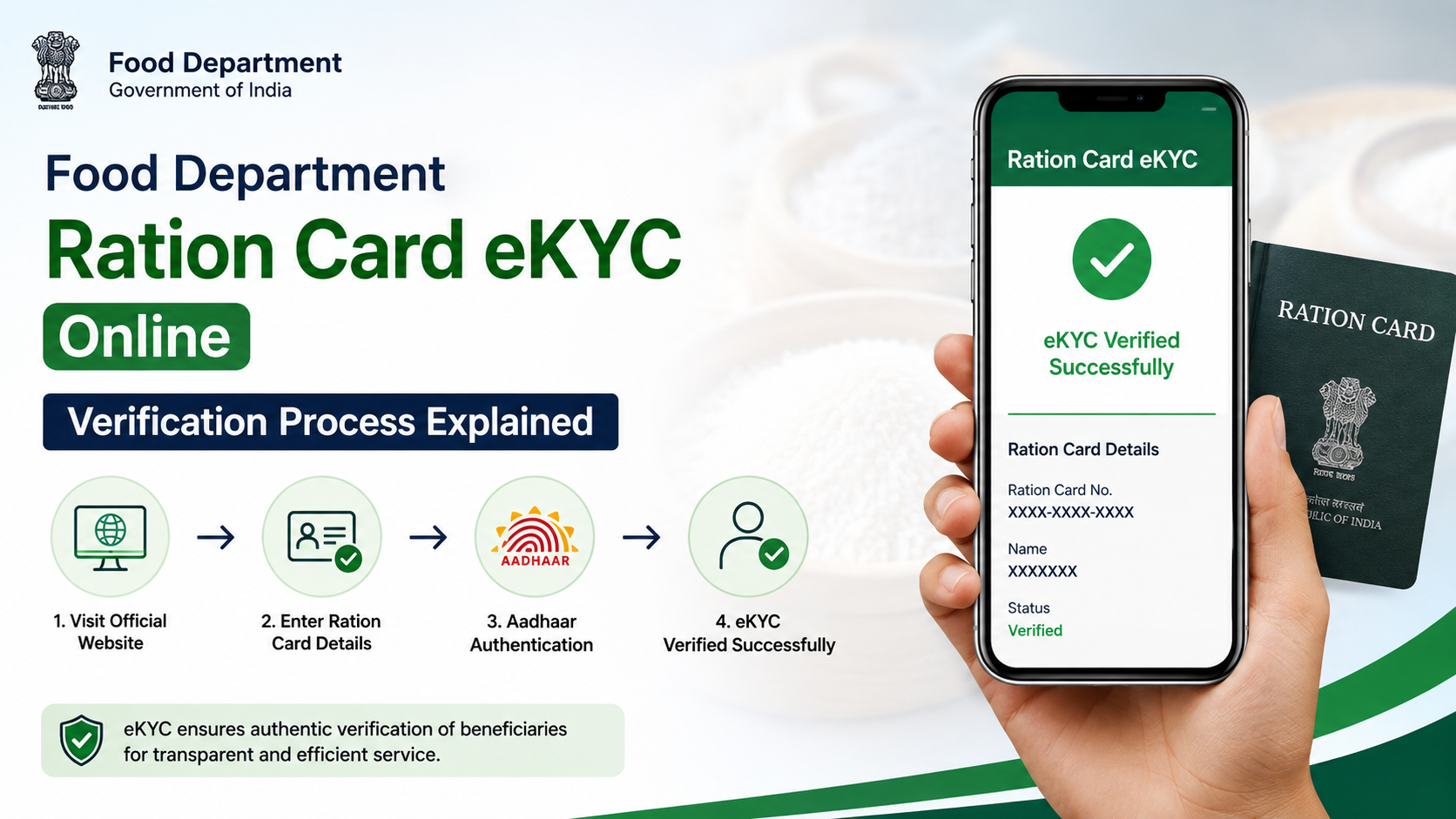
- Aadhaar seeding, e-KYC and LPG-ID mapping status
- Ration-card and ration-distribution details
- District-wise ration-card details
- Ration-card application status
Use this website when you need to track an application rather than only verify Aadhaar linkage.
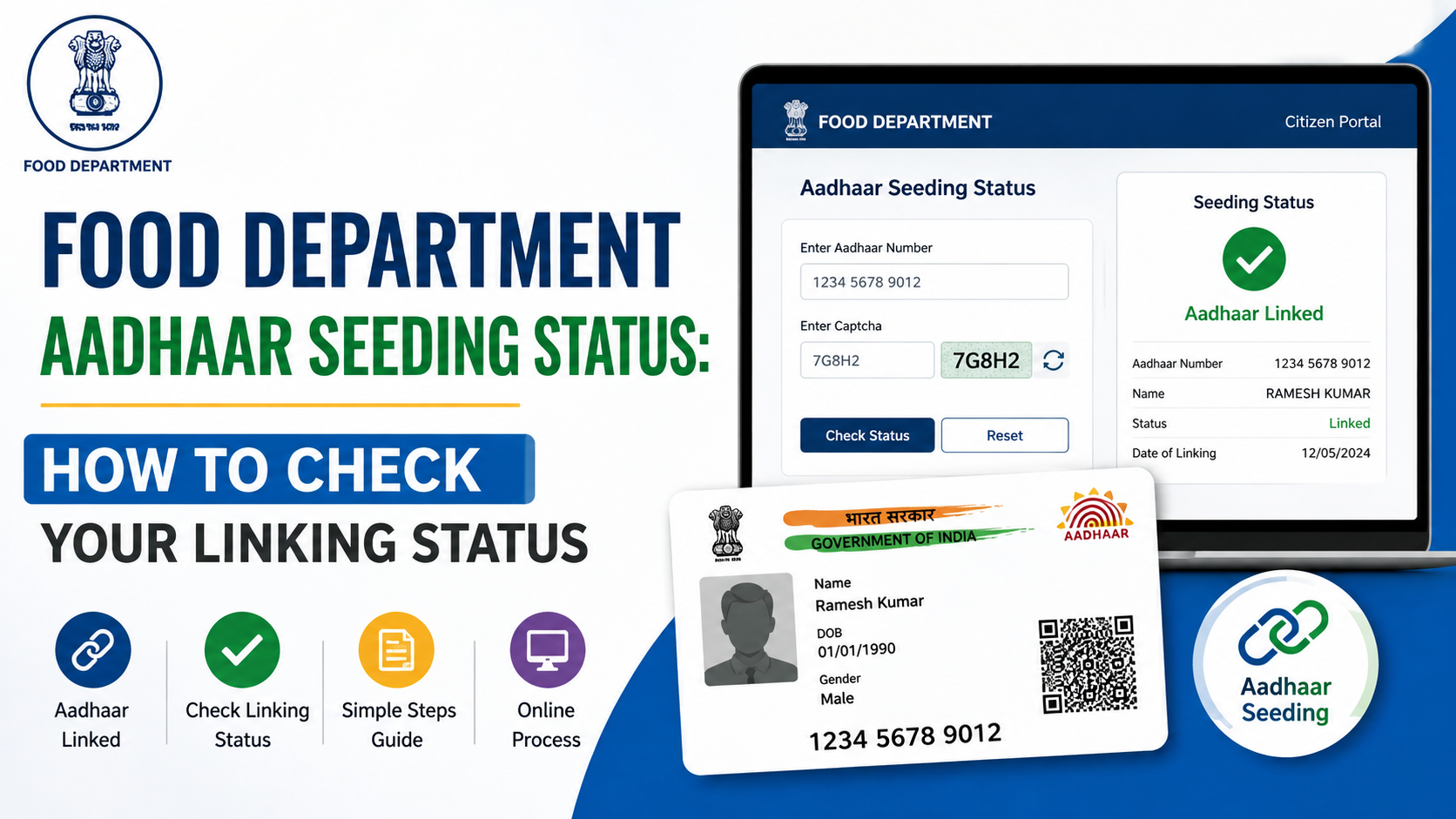
How to Check Aadhaar-Seeding Status
Use this method when you want to know whether Aadhaar is linked with the ration-card record.
Step 1: Open Jan Soochna
Go to Jan Soochna and search for Aadhaar Seeded / Aadhaar Not Seeded.
Step 2: Select the relevant ration service
Choose the option referring to ration-card Aadhaar seeding or checking whether Aadhaar is seeded.
Step 3: Enter the requested details
The form may ask for details such as:
- District
- Block, municipality or other local area
- Ration-card number
- Family or beneficiary details
- Captcha code
Use the exact information printed on your ration documents. If the service offers a Jan Aadhaar search, use the family’s valid Jan Aadhaar number.
Step 4: Submit the captcha
Enter the displayed captcha and submit the form. Avoid repeated submissions if the portal is slow; refresh the page and try again after checking your connection.
Step 5: Read the result
The result may show whether the household or individual is listed as:
- Aadhaar seeded
- Aadhaar not seeded
- Pending or incomplete
- Not found in the selected area
A “not seeded” result does not automatically mean that your ration card is cancelled. It usually indicates that the Aadhaar-linking record is absent, incomplete or not reflected in the selected database.
How to Check Ration Mapping Through Jan Aadhaar
Jan Soochna separately provides Ration Mapping Status by Jan-Aadhaar Number. This is useful when you want to check whether ration information is mapped to your Jan Aadhaar family record.
- Open the Jan Soochna Services page.
- Search for Ration Mapping Status by Jan-Aadhaar Number.
- Enter the Jan Aadhaar number and any additional fields requested.
- Complete the captcha.
- Submit the form and review the linked ration-card information.
The Jan Aadhaar Authority explains that NFSA and ration-card status is obtained from ration services. It also states that NFSA and ration-card numbers cannot be manually updated directly inside Jan Aadhaar; residents should contact the Food and Supply Department if the ration-card number is not linked. (Jan Aadhaar FAQ)
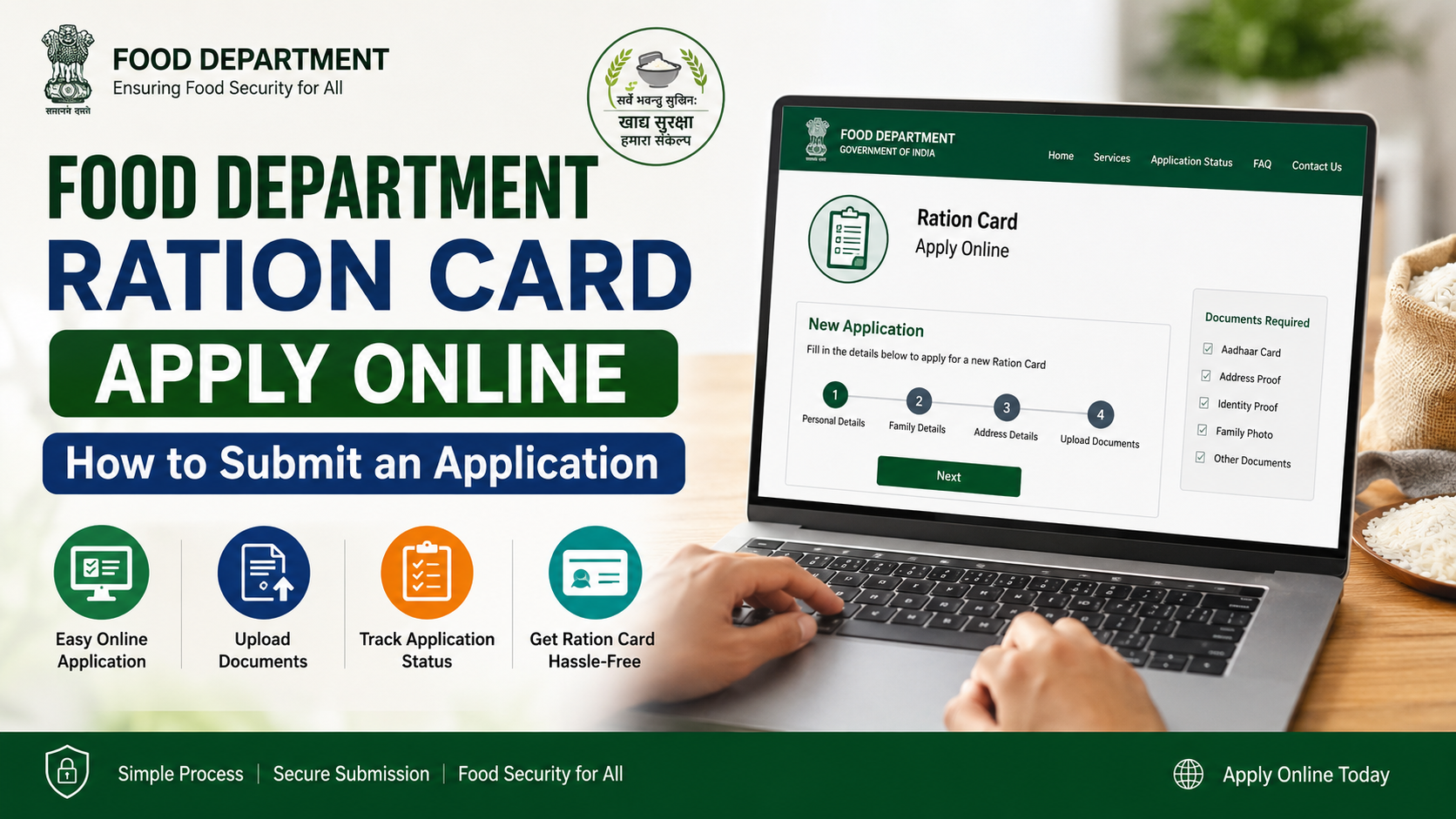
How to Check Ration-Card Application Status
If you recently applied for a new card, added a family member or requested a correction, use the application-status facility rather than the Aadhaar-seeding service.
- Visit food.rajasthan.gov.in.
- Select Ration Card Application Status.
- Enter the application or reference details requested by the page.
- Submit the form and save or print the displayed status.
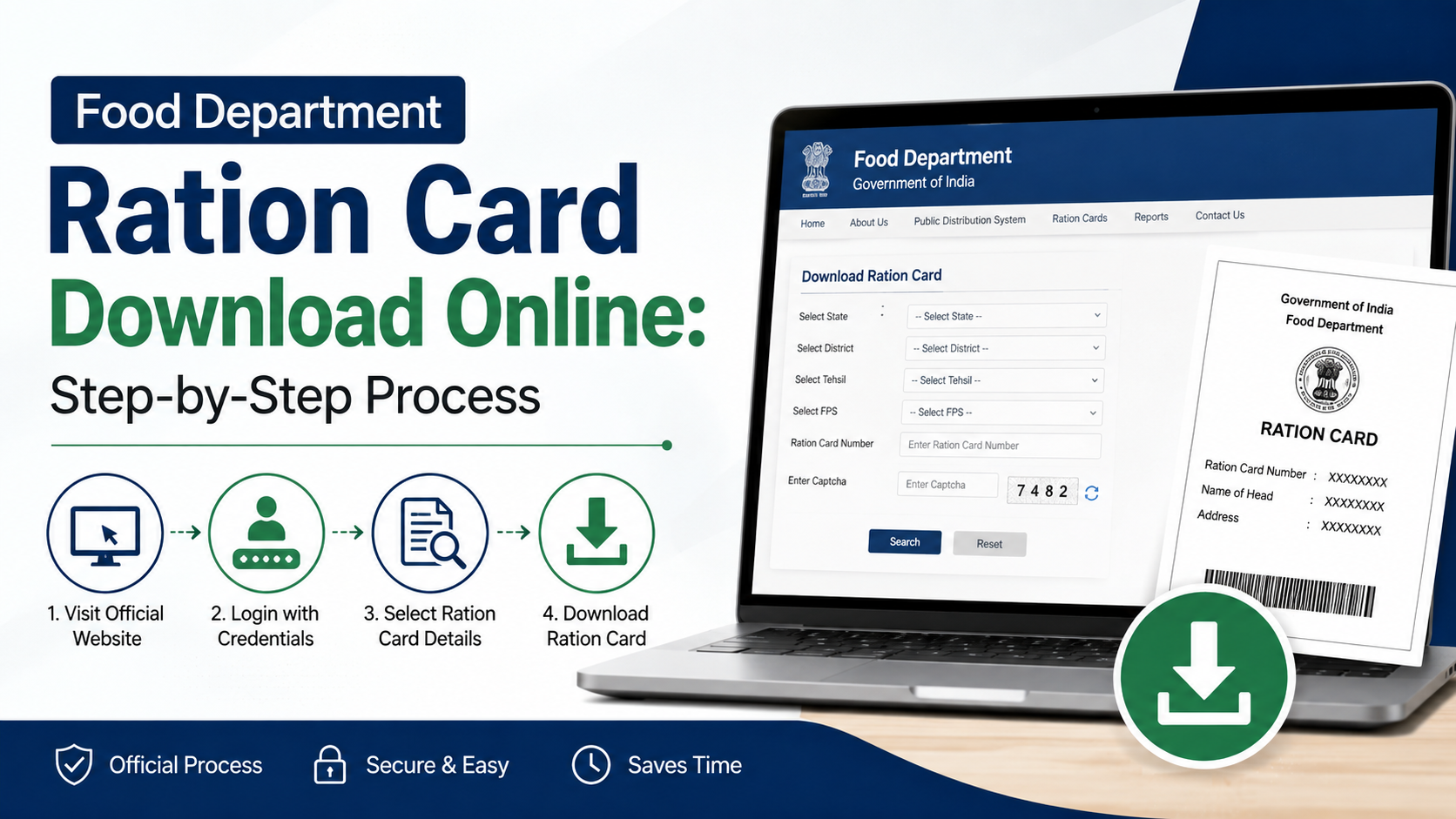
The department’s workflow document describes “Ready for Printing” as a stage at which a citizen can use the Print Ration Card option. (Official workflow PDF)
Possible application stages can include submission, verification, approval, rejection, correction requirement or printing. The exact wording depends on the service and application type.
Documents and Details to Keep Ready
Before checking online, keep these details available:
- Aadhaar number of the relevant family member
- Jan Aadhaar number
- Ration-card number, if available
- Application or acknowledgement number
- Registered mobile phone, if OTP verification is used
- District, block, municipality or gram panchayat details
- A clear copy of the ration card or application receipt
Never enter Aadhaar details on websites that are not Rajasthan government domains. Government staff or an authorised e-Mitra operator may request documents for verification, but you should not post your Aadhaar number in social-media comments or public forums.
What to Do If the Status Is Not Found
A “record not found” message can occur for several reasons:
- The wrong district or local-body option was selected.
- The ration-card or Jan Aadhaar number was entered incorrectly.
- Aadhaar seeding or e-KYC is still pending.
- The application has not yet reached the online database.
- The ration card is linked to a different family record.
- The portal is temporarily unavailable or undergoing maintenance.
Try the search again with carefully checked details. You can also use the alternate service—for example, search by ration-card number if the Jan Aadhaar search fails.
If the problem continues, visit your local fair-price shop or an authorised e-Mitra centre with your original documents. For departmental assistance, the National Food Security Act state directory lists Rajasthan Food and Civil Supplies contacts, including 18001806127, 6127 and 181. (NFSA Rajasthan directory)
Aadhaar Seeding Problems and Corrections
If the portal shows “not seeded” or displays an incorrect member:
- Ask the fair-price shop dealer whether biometric authentication or e-KYC can be initiated.
- Contact the Food and Civil Supplies office for correction of the ration database.
- Carry the ration card, Aadhaar documents and Jan Aadhaar details.
- Request an acknowledgement for any offline correction or seeding request.
- Recheck the online status after the department processes the change.
Do not assume that updating Aadhaar in Jan Aadhaar alone will automatically change the ration-card database. The Jan Aadhaar FAQ specifically directs residents to the Food and Supply Department when the ration-card number is not linked.
Difference Between Aadhaar, Jan Aadhaar and Ration Card
These identifiers serve different purposes:
- Aadhaar: An individual identity number used for authentication and seeding.
- Jan Aadhaar: Rajasthan’s family-based identity and benefit-delivery record.
- Ration card: The household record used for Public Distribution System benefits and NFSA status.
Because the records are connected but not identical, a successful Aadhaar search does not necessarily display every ration-card detail. Use the service that matches your question.
Frequently Asked Questions
Can I check Rajasthan ration-card status using only my Aadhaar number?
Not necessarily. Rajasthan’s official portals provide Aadhaar-seeding services, but some ration searches require a ration-card number, Jan Aadhaar number or location details. If an Aadhaar-only option is not shown, use the relevant Jan Soochna ration service or contact the Food Department.
Is Aadhaar seeding the same as NFSA approval?
No. Aadhaar seeding confirms whether Aadhaar is linked to the ration record. NFSA approval determines whether the household appears as an approved beneficiary under the National Food Security Act. Jan Soochna lists separate services for these checks.
Why does my Jan Aadhaar show no ration-card number?
The Jan Aadhaar Authority states that NFSA and ration-card status is obtained from ration services. If the number is not linked, contact the Food and Supply Department rather than attempting to edit the ration-card number directly in Jan Aadhaar.
Can I check the status from a mobile phone?
Yes. The official Jan Soochna and Food Department websites can generally be opened in a mobile browser. Use a stable connection, enable JavaScript if required and enter the captcha carefully.
What should I do if my application is rejected?
Check the reason shown in the application-status result. Correct the requested information or documents and contact the issuing Food and Civil Supplies office or authorised e-Mitra centre for the applicable resubmission procedure.
Conclusion
To check ration card status by Aadhaar number in Rajasthan, start with the official Jan Soochna Portal for Aadhaar-seeding, ration details and Jan Aadhaar mapping. Use the Rajasthan Food Department website for application tracking and related services. Remember that Aadhaar linkage, Jan Aadhaar mapping and NFSA approval are separate checks. If your record is missing or incorrect, keep your documents ready and contact the Food Department, fair-price shop or Rajasthan Sampark at 181 for assistance.