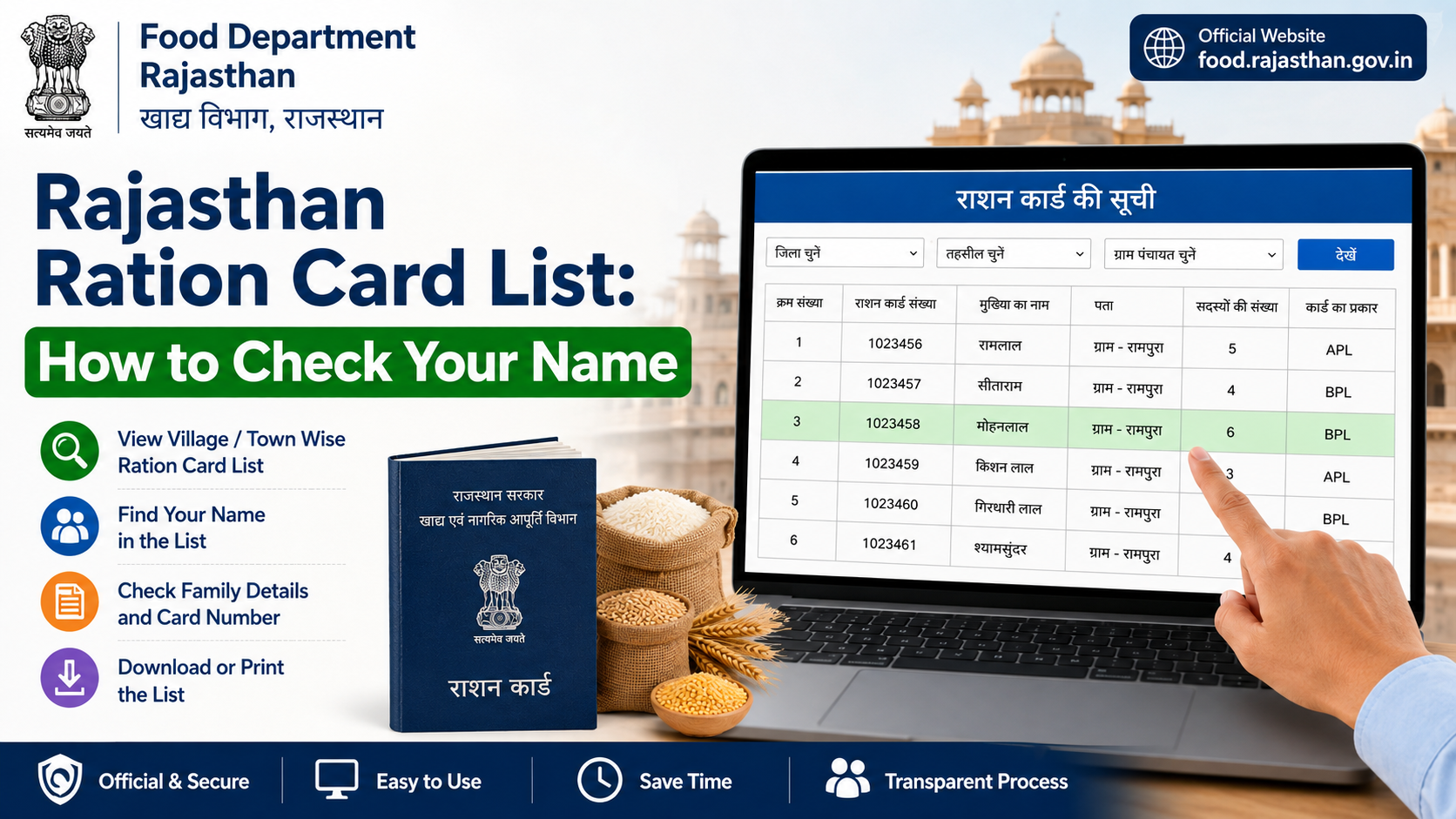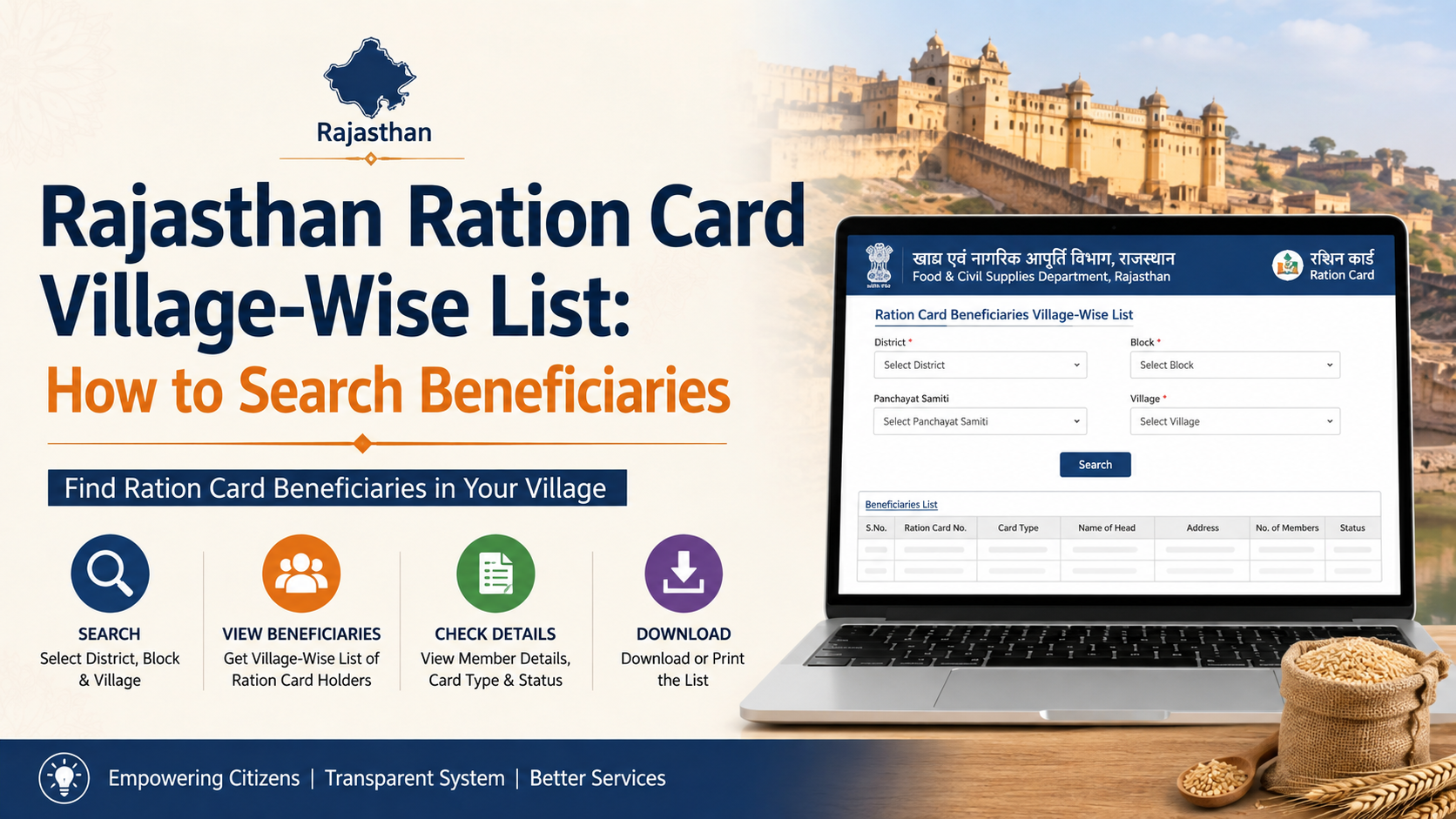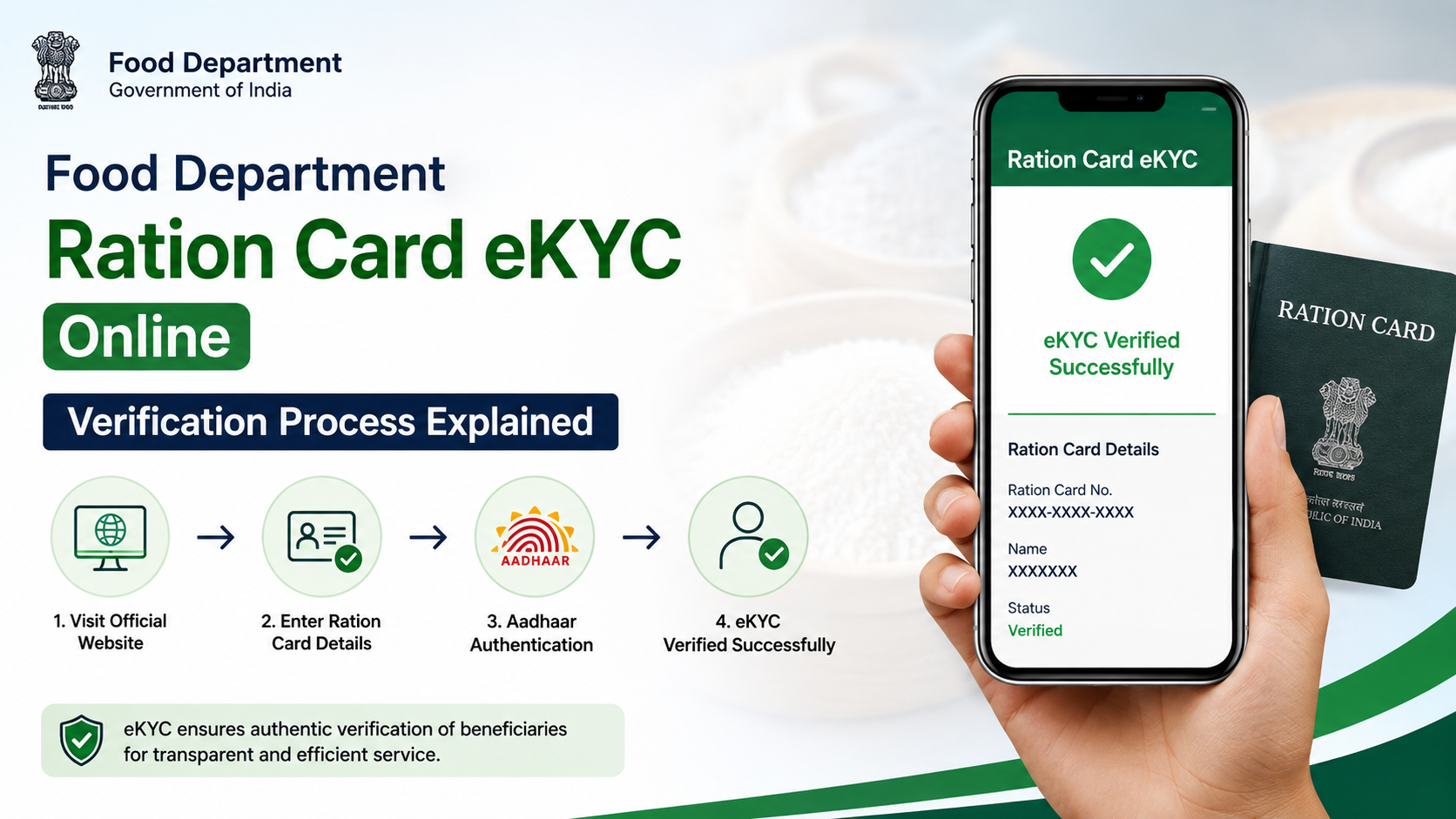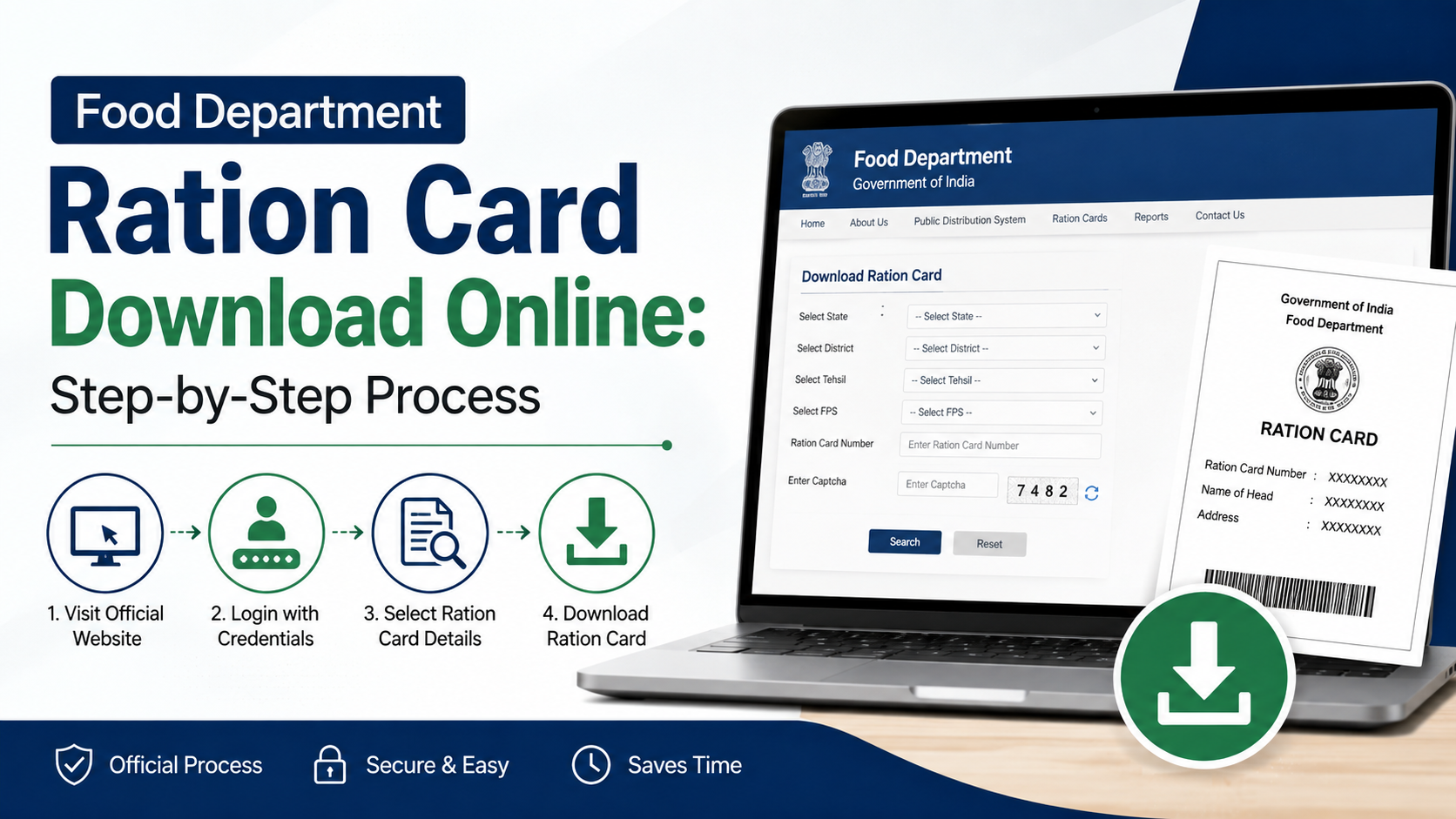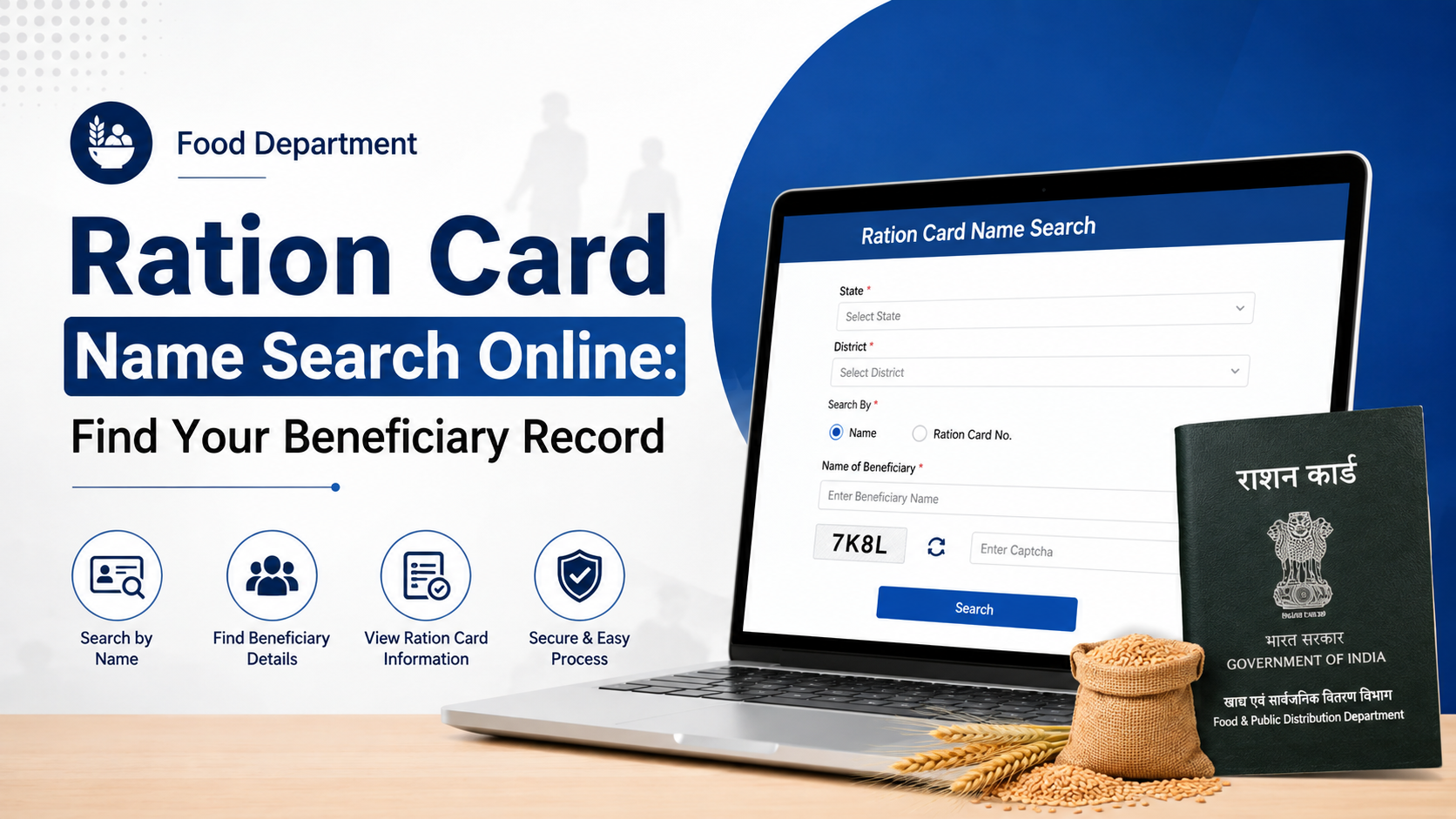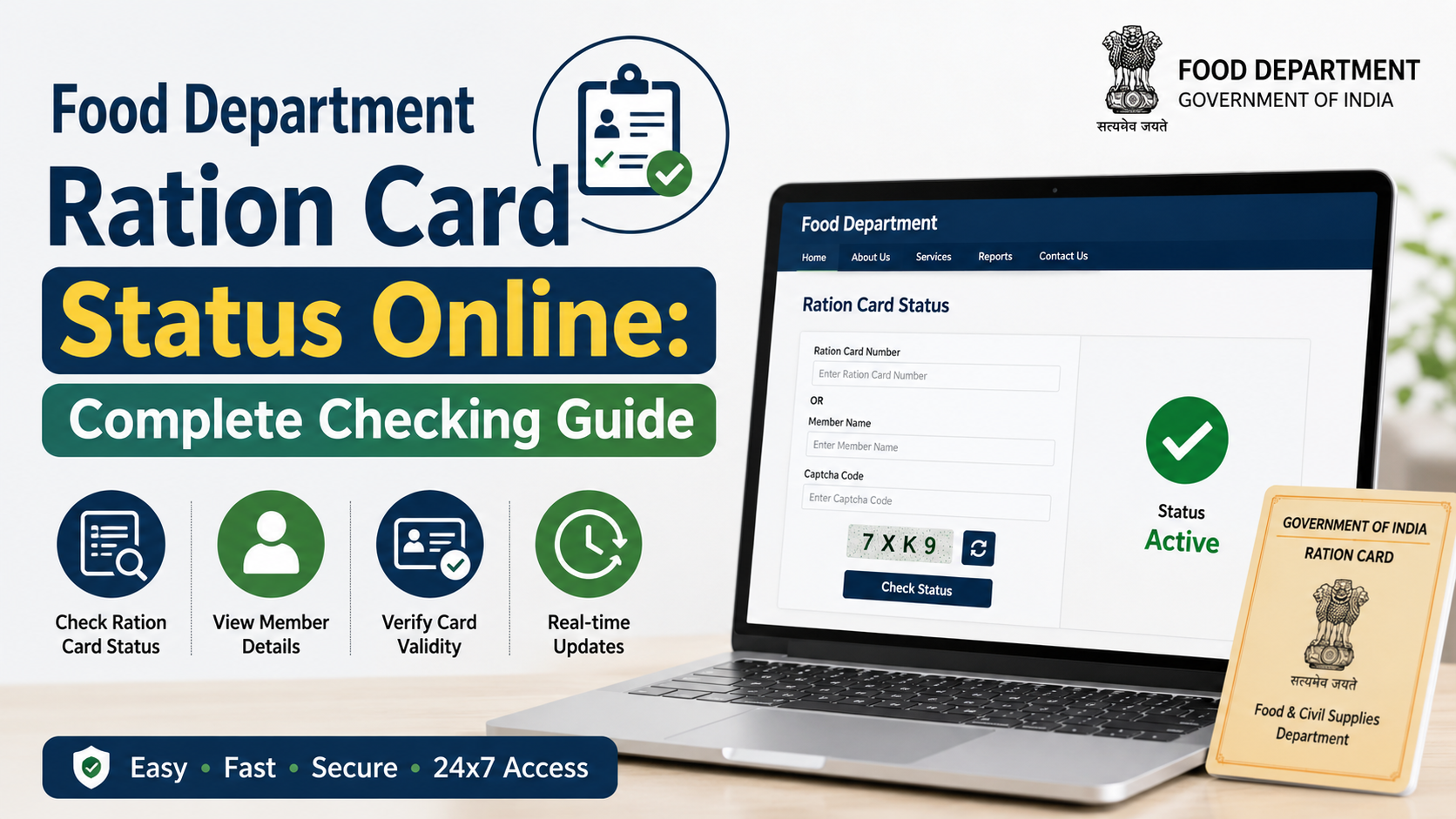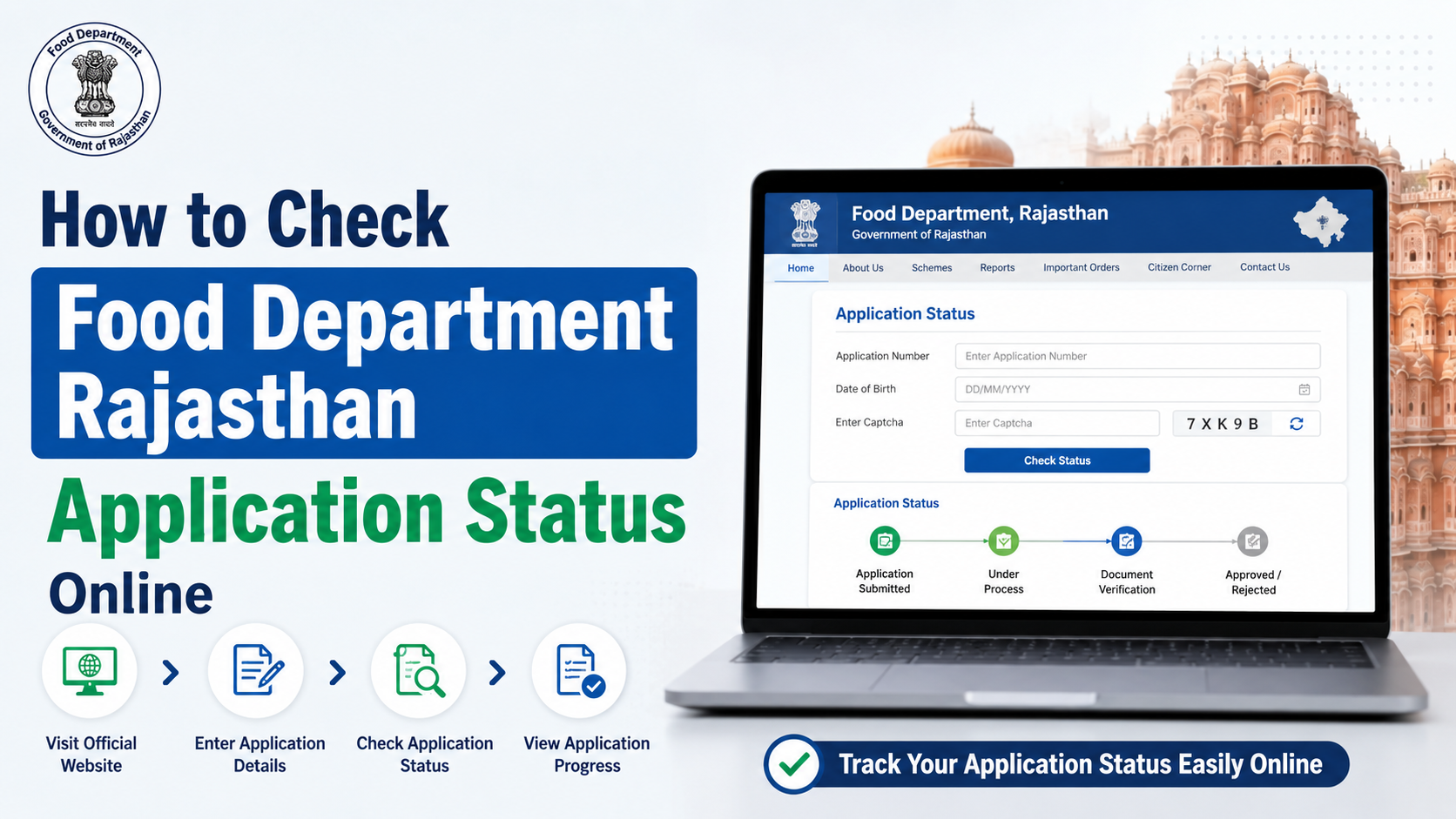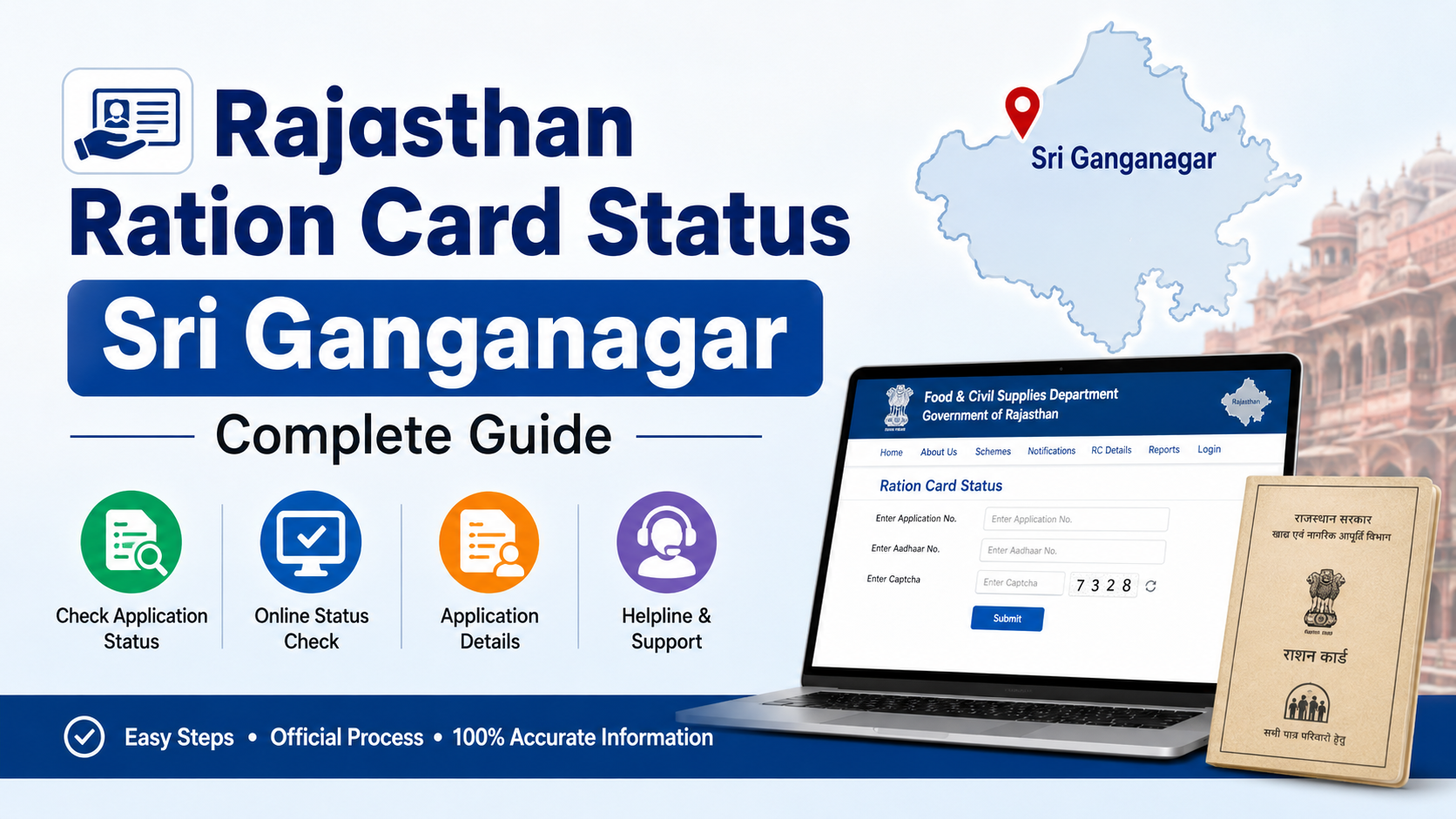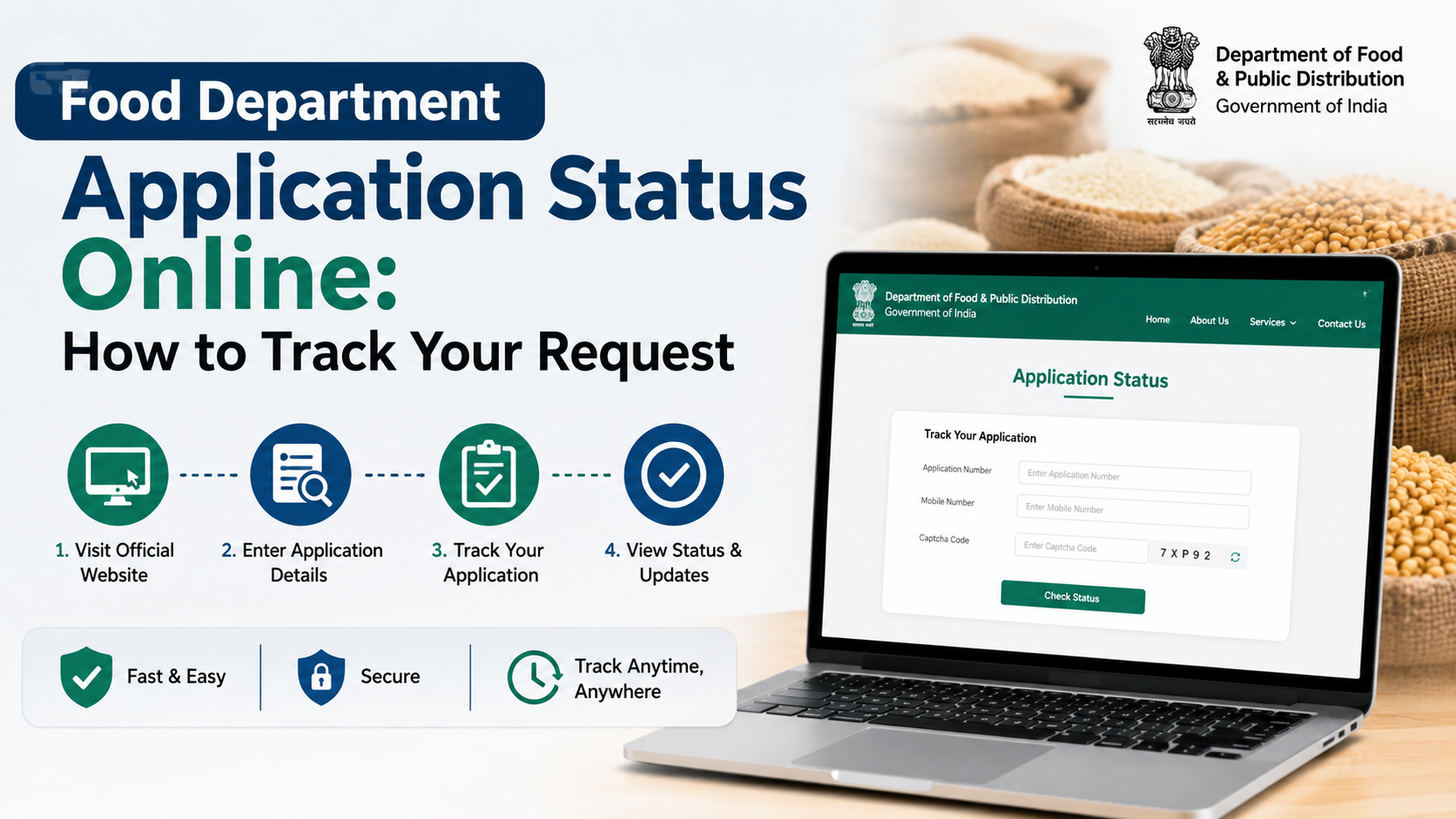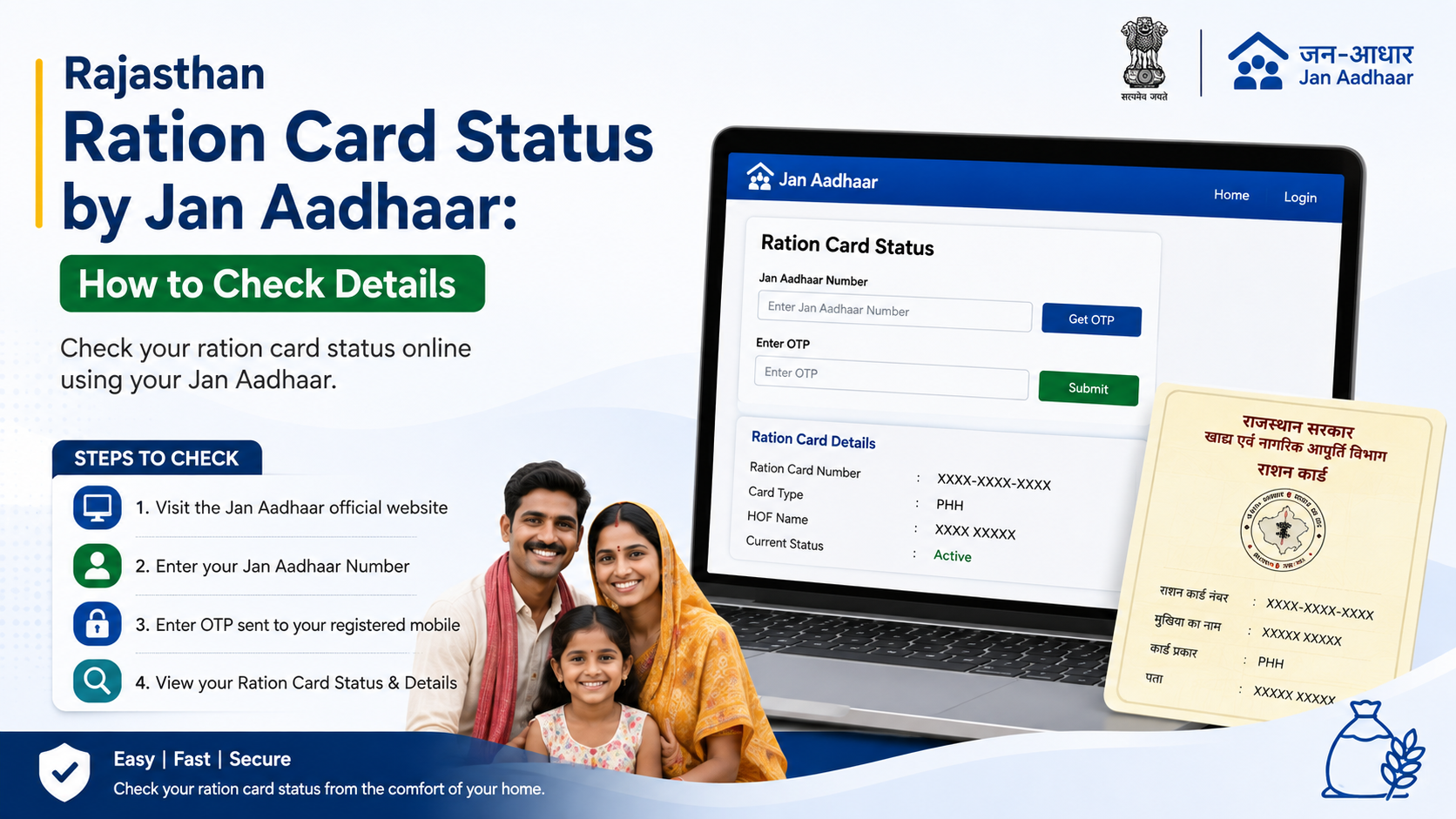
For Rajasthan residents, the search for ration card status Jan Aadhaar Rajasthan is closely linked to the state’s integrated family database. Rajasthan has integrated its ration-card database with Jan Aadhaar, so Jan Aadhaar family information is important when checking food-security records and correcting household details.
However, it is important to use the right official service for the right purpose. Jan Aadhaar services help you view family identity, enrolment and e-KYC information, while Rajasthan’s food-security and Jan Soochna services provide ration-card and NFSA-related information. This guide explains the official routes, the information to keep ready, and what to do if the status is pending, rejected or incorrect.
Key Takeaways
- Rajasthan has integrated the ration-card database with Jan Aadhaar, making accurate family details especially important.
- Use the official Jan Soochna Portal’s “Know About your Ration Card” service to view ration-card information.
- The Rajasthan food-security portal provides a separate NFSA application-status facility that asks for a ration-card number.
- Jan Aadhaar status, Aadhaar e-KYC status and NFSA eligibility are related but are not the same result.
- Keep your Jan Aadhaar family details updated before pursuing a ration-card correction or NFSA issue.
- Never share Aadhaar OTPs, Jan Aadhaar credentials or captcha details with unverified websites or callers.
Understand the Link Between Jan Aadhaar and Rajasthan Ration Cards
Jan Aadhaar is Rajasthan’s family-based identity and service-delivery system. The Rajasthan Jan Aadhaar Authority describes it as a platform built around the idea of “One Number, One Card, One Identity.” It stores demographic and socio-economic information for resident families and supports delivery of government services.
For ration-card users, the key point is that Rajasthan has integrated the ration-card database with the Jan Aadhaar database. The state’s economic review states that Jan Aadhaar is also used as the ration card in Rajasthan. In practical terms, the family composition and other details in your Jan Aadhaar record can affect how your household information appears in connected public-distribution and food-security services.
Do not confuse the following:
| Item | What it relates to |
|---|---|
| Jan Aadhaar number | Your family’s Jan Aadhaar identity record |
| Jan Aadhaar enrolment status | Whether a Jan Aadhaar application is being processed or verified |
| Aadhaar e-KYC in Jan Aadhaar | Digital verification of a family member’s identity details |
| Ration-card details | Household information associated with the ration-card record |
| NFSA application status | Status of an application under the food-security system |
A successful Jan Aadhaar record does not automatically mean that an NFSA application has been approved. Similarly, an NFSA issue may require correction of family data, but it is not identical to Jan Aadhaar enrolment status.
What You Need Before Checking Ration Card Status
Prepare the available details before opening an official portal. This avoids repeated searches and makes it easier to identify whether the problem is with the family record, the ration-card record or an application.
Keep the following ready where applicable:
- Jan Aadhaar number or Jan Aadhaar enrolment ID
- Registered mobile number
- Ration-card number, if already issued
- Aadhaar number only when the official Jan Aadhaar service specifically requests it
- Access to the mobile number needed to receive an OTP
- Basic household details, such as the name of the family head and district
The official Jan Aadhaar website states that residents can obtain their family Jan Aadhaar number through its mobile app, an SSO login or SMS. If you do not know the family number, do not guess or use someone else’s details.
Find Your Jan Aadhaar Number if You Do Not Have It
The official Jan Aadhaar Authority provides these routes:
- Jan Aadhaar mobile app: The authority links to its official Android application from the Jan Aadhaar website.
- SSO login: Sign in through the Rajasthan SSO portal and check the profile section. The authority notes that an existing enrolment ID may need to be updated in the profile if the Jan Aadhaar number is not displayed.
- SMS service: The official instructions list
7065051222for retrieving a Jan Aadhaar number using a registered mobile number, Aadhaar number or Jan Aadhaar enrolment ID in the prescribed format.
Use only a mobile number already registered in the family profile. If it has changed, resolve the profile update through an authorised channel rather than relying on third-party agents.
How to Check Ration Card Details on Jan Soochna Portal
The Jan Soochna Portal is Rajasthan’s official public-information portal. Its Food and Civil Supplies services include “Know About your Ration Card”, “Approved NFSA Beneficiaries Information” and “Pending/Rejected NFSA Beneficiaries.”
To check your ration-card information:
- Open the official Jan Soochna Portal.
- Locate the Food and Civil Supplies section or use the service search.
- Select “Know About your Ration Card.”
- Enter the details requested by the portal.
- Complete the captcha shown on the screen.
- Submit the form and review the displayed household or ration-card information.
The exact fields shown can change as the portal is updated. Follow the labels on the official page rather than relying on screenshots from blogs or videos.
What to Check in the Result
When your record is displayed, compare it carefully with your current household information. Check:
- Name of the family head
- Names of family members
- District, local body or address details
- Ration-card number, where displayed
- Whether the household appears in the relevant NFSA-related information
- Spelling, date-of-birth or relationship errors that could affect future verification
Take a screenshot or note the reference details for your records, but do not publicly share images that reveal Aadhaar numbers, family IDs or personal information.
How to Check NFSA Application Status on the Rajasthan Food Portal
If you have already applied under the food-security system and want the application outcome, use the Rajasthan government’s dedicated NFSA application-status page.
The official page is titled “खाद्य सुरक्षा योजना (NFSA) के लिए आवेदन की स्थिति” and provides a ration-card-number field. This is a different task from looking up general Jan Aadhaar details.
Follow these steps:
- Open the official NFSA application-status page.
- Enter the ration-card number as requested.
- Complete the verification or captcha steps displayed on the page.
- Submit the query.
- Read the result carefully before taking further action.
If you do not yet have a ration-card number, the page may not be the right starting point. First check the relevant Jan Soochna service, visit an authorised e-Mitra kiosk, or seek help from the local Food and Civil Supplies office.
How to Check Jan Aadhaar Status and e-KYC
A household may need to confirm Jan Aadhaar status before it can resolve a connected ration-card issue. The official Jan Aadhaar website provides links for Jan Aadhaar Status and Aadhaar Status in Jan Aadhaar.
To check Jan Aadhaar-related status:
- Visit the official Jan Aadhaar website.
- Select “Jan Aadhaar Status” for family enrolment-related status, or choose “Aadhaar Status in Jan Aadhaar” for Aadhaar linkage information.
- Enter only the information requested by the official page.
- Complete OTP or captcha verification, if shown.
- Record whether the status is complete, pending or requires correction.
The Jan Aadhaar Authority states that Aadhaar e-KYC is mandatory for the family head and members above five years of age. It also states that Jan Aadhaar edits or updates can be made only after Aadhaar e-KYC. e-KYC can be completed through an SSO ID or a nearby e-Mitra centre.
This makes e-KYC particularly important if names, family members or identity details are not appearing as expected in connected services.
What Pending, Rejected or Incorrect Status Can Mean
A status result should be read literally. Do not assume that every delay means rejection or that every displayed record confirms food-security eligibility.
If Jan Aadhaar Enrolment Is Pending
The Jan Aadhaar Authority explains that enrolment has a two-level verification process. In rural areas, the first level is handled by a Village Development Officer and the second level by a Block Statistical Officer. In urban areas, the first level is handled by an Executive Officer and the second level by a Subdivision Officer.
If the official status remains pending:
- Check whether the applicant must complete Aadhaar authentication or e-sign through SSO/e-Mitra.
- Confirm that the registered mobile number is active.
- Review the family record for missing or incorrect details.
- Contact an authorised e-Mitra kiosk or Jan Aadhaar helpdesk for record-specific guidance.
If NFSA Status Is Pending or Rejected
The Jan Soochna Portal includes separate information services for approved beneficiaries and pending/rejected NFSA beneficiaries. Use those services to distinguish between a general ration-card lookup and an NFSA decision.
Do not submit duplicate applications merely because an online result is unclear. First confirm the record at an authorised centre or the local department office. Duplicate or mismatched household information can complicate resolution.
If a Family Member Is Missing or Details Are Wrong
Correct the Jan Aadhaar family record through the official Jan Aadhaar update route, SSO or an e-Mitra centre. The Jan Aadhaar Authority says that update or edit activity requires Aadhaar e-KYC.
For common changes such as a birth, death, address shift or incorrect name, carry the supporting documents requested by the authorised official or e-Mitra operator. Requirements can vary by the type of correction, so rely on the current official workflow displayed during the request.
Official Help and Safe Use Tips
Use government portals ending in rajasthan.gov.in and avoid websites that promise instant approval, request payment for a status check or ask you to share an OTP.
For Jan Aadhaar support, the official website lists:
- Jan Aadhaar helpdesk: 0141-2850287
- Toll-free number: 181
- Email: janaadhaarsupport@rajasthan.gov.in
- Helpdesk hours shown on the site: 9:30 AM to 6:00 PM, Monday to Friday
The e-Mitra portal also provides online verification and transaction-status facilities and lists its own official support contacts.
Important Safety Rules
- Never disclose an Aadhaar OTP to an e-Mitra operator, caller or website that you do not trust.
- Do not pay an unofficial agent to “activate” a Jan Aadhaar or ration-card record.
- Use the printed URL or an official government search result; cloned websites can look convincing.
- Check the spelling of the website domain before entering personal details.
- Keep acknowledgement numbers, receipts and screenshots from official submissions.
Frequently Asked Questions
Can I check ration card status using only my Jan Aadhaar number?
The available official services differ by purpose. Rajasthan’s Jan Soochna Portal offers a “Know About your Ration Card” service, while the dedicated NFSA application-status page asks for a ration-card number. If you have only a Jan Aadhaar number, use official Jan Aadhaar and Jan Soochna services to identify the appropriate record or seek help through e-Mitra.
Is Jan Aadhaar the same as NFSA approval?
No. Jan Aadhaar is a family identity and service-delivery record. NFSA status concerns food-security processing or beneficiary information. A Jan Aadhaar record may be necessary for connected services, but it is not itself an NFSA approval result.
Why is my Jan Aadhaar e-KYC important for ration-card details?
The Jan Aadhaar Authority states that e-KYC is mandatory for the family head and members above five years of age, and that edits or updates require e-KYC. If family information needs correction, completing e-KYC may be necessary before the update can proceed.
Can I use an e-Mitra kiosk to check or correct details?
Yes. The Jan Aadhaar Authority identifies e-Mitra as an official route for services such as enrolment-status assistance and e-KYC. Use an authorised kiosk and retain the receipt for any submitted request.
What should I do if my ration-card details do not match my family record?
First verify the Jan Aadhaar family record and identify the exact mismatch. Then use the official update route through SSO or e-Mitra, with the required supporting documents. For an NFSA application decision, use the official food-security status page or contact the relevant local department office instead of submitting repeated applications.
Conclusion
To check ration card status Jan Aadhaar Rajasthan, begin with Rajasthan’s official Jan Soochna Portal for ration-card information and use the dedicated NFSA application-status page when you have a ration-card number. Use the Jan Aadhaar portal separately to confirm enrolment, Aadhaar linkage and e-KYC status.
Keep Jan Aadhaar family details accurate, use only official Rajasthan government portals, and visit an authorised e-Mitra centre or contact the Jan Aadhaar helpdesk if a result is pending, rejected or incorrect.