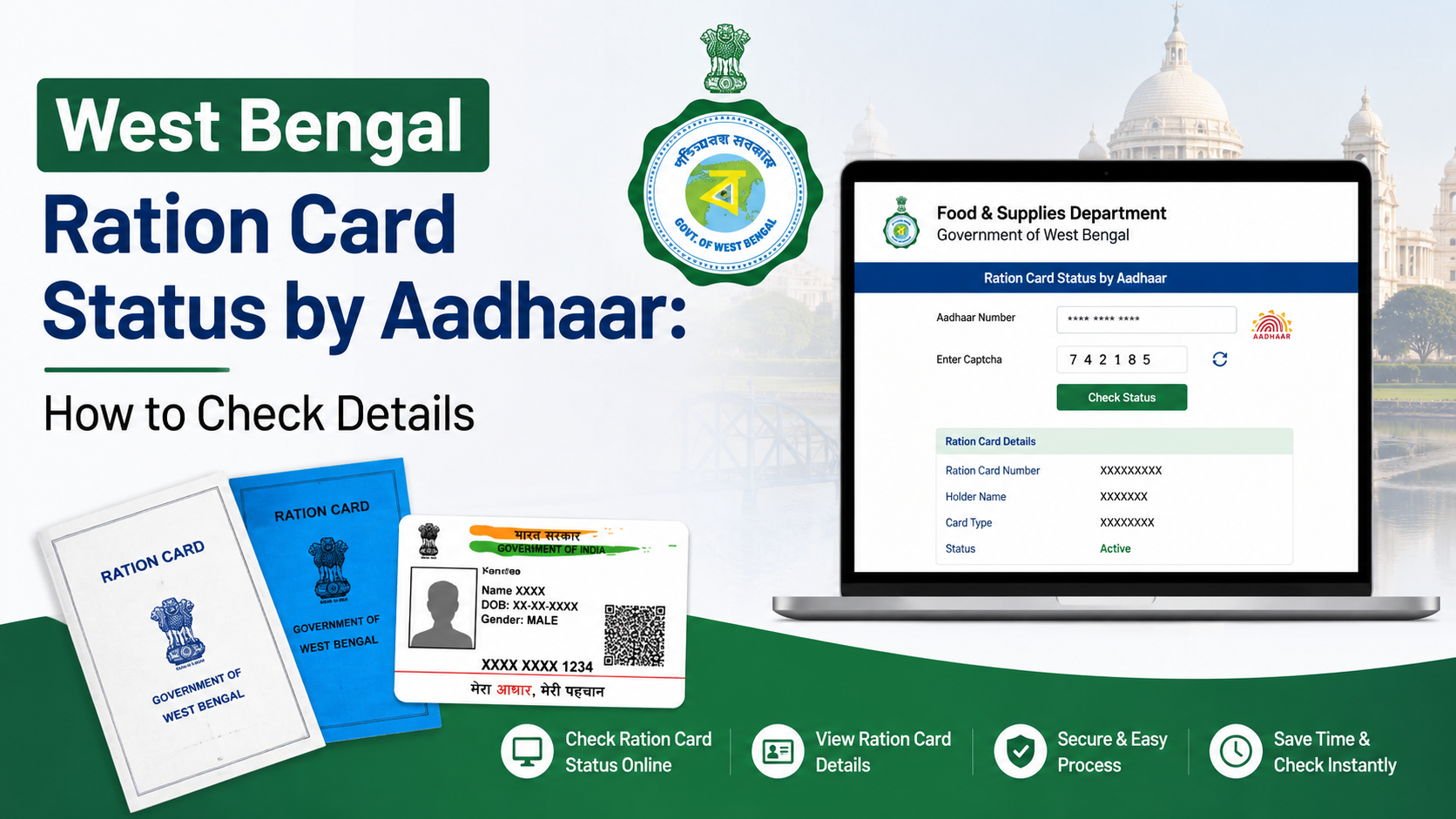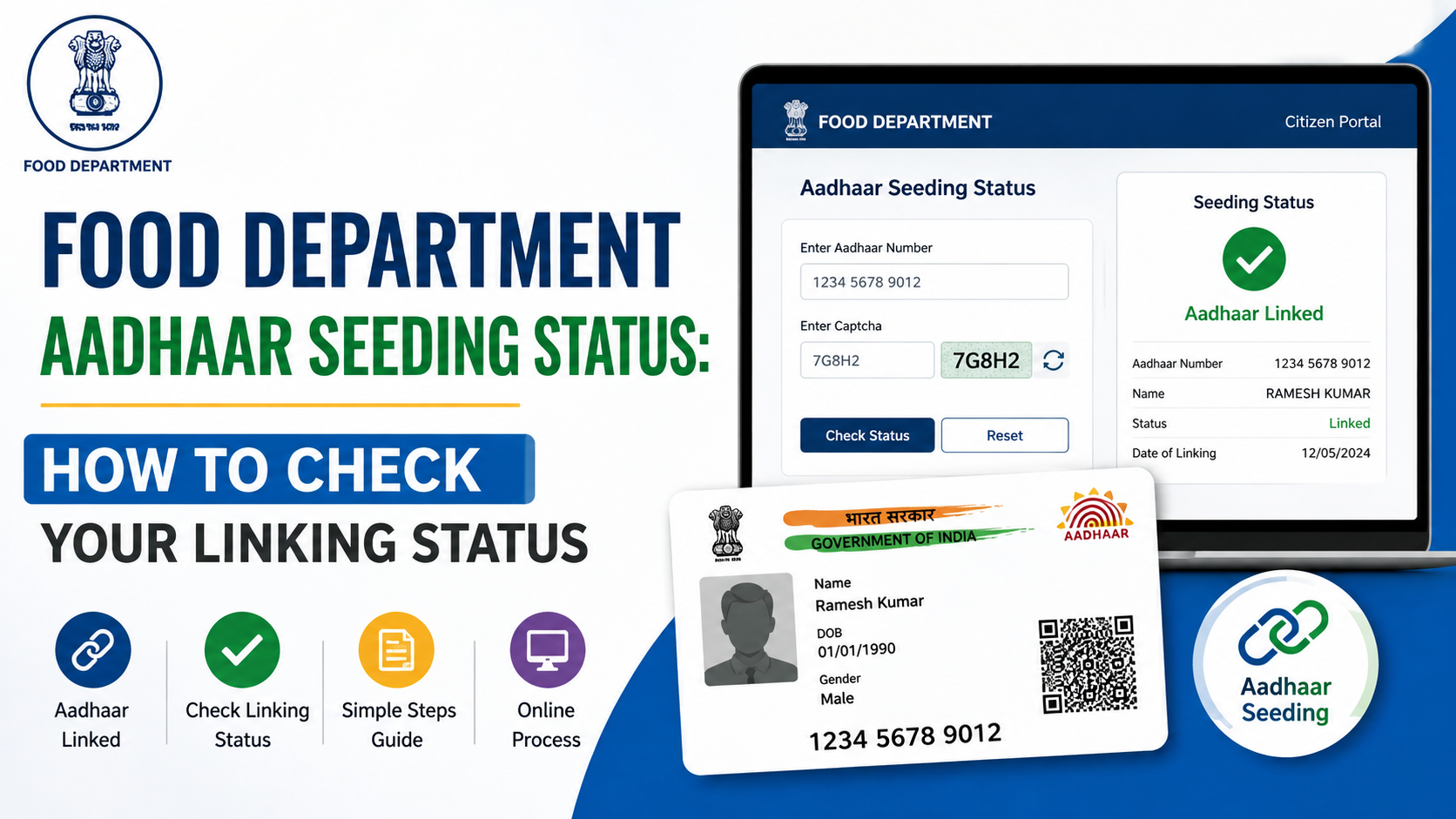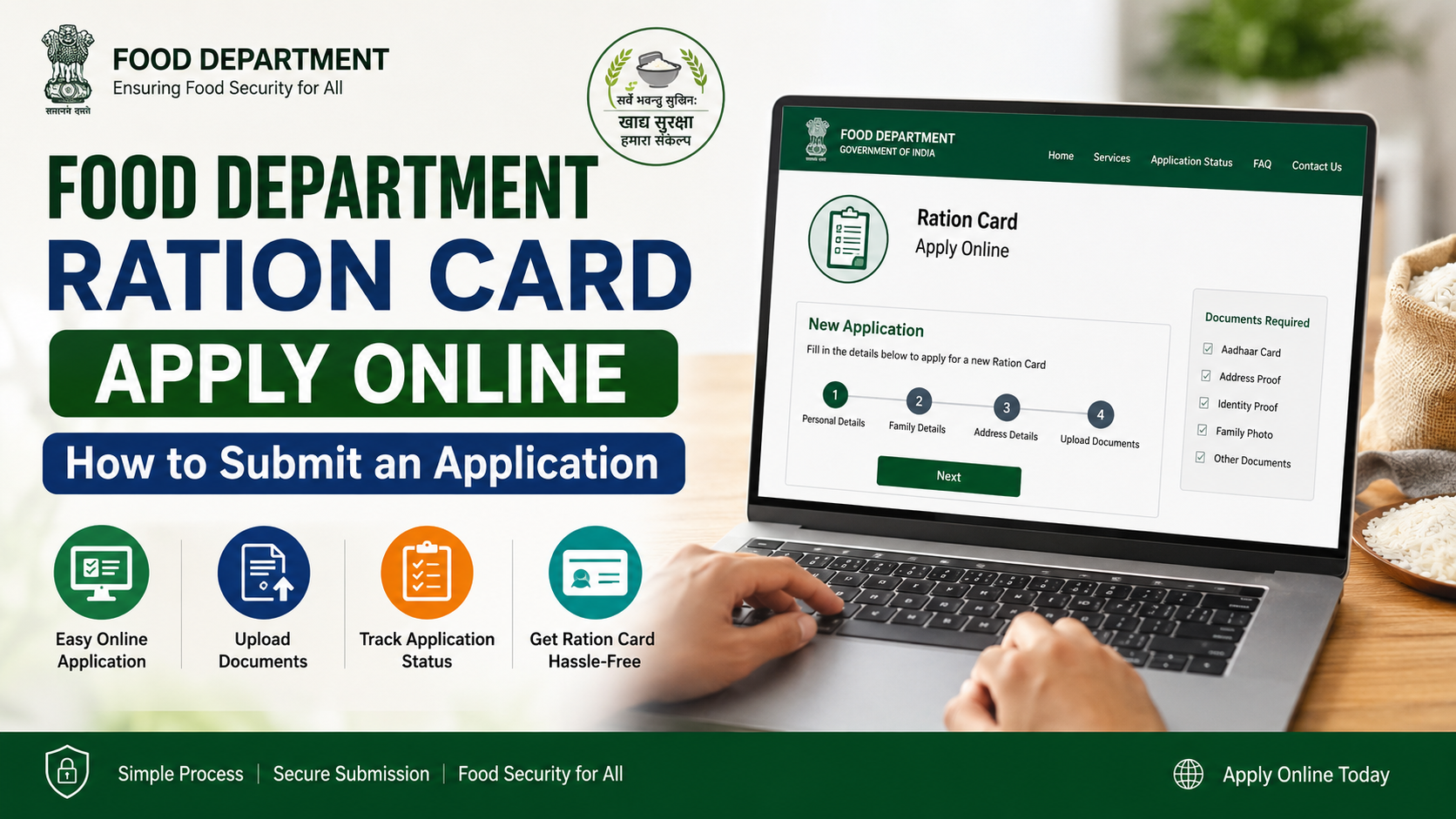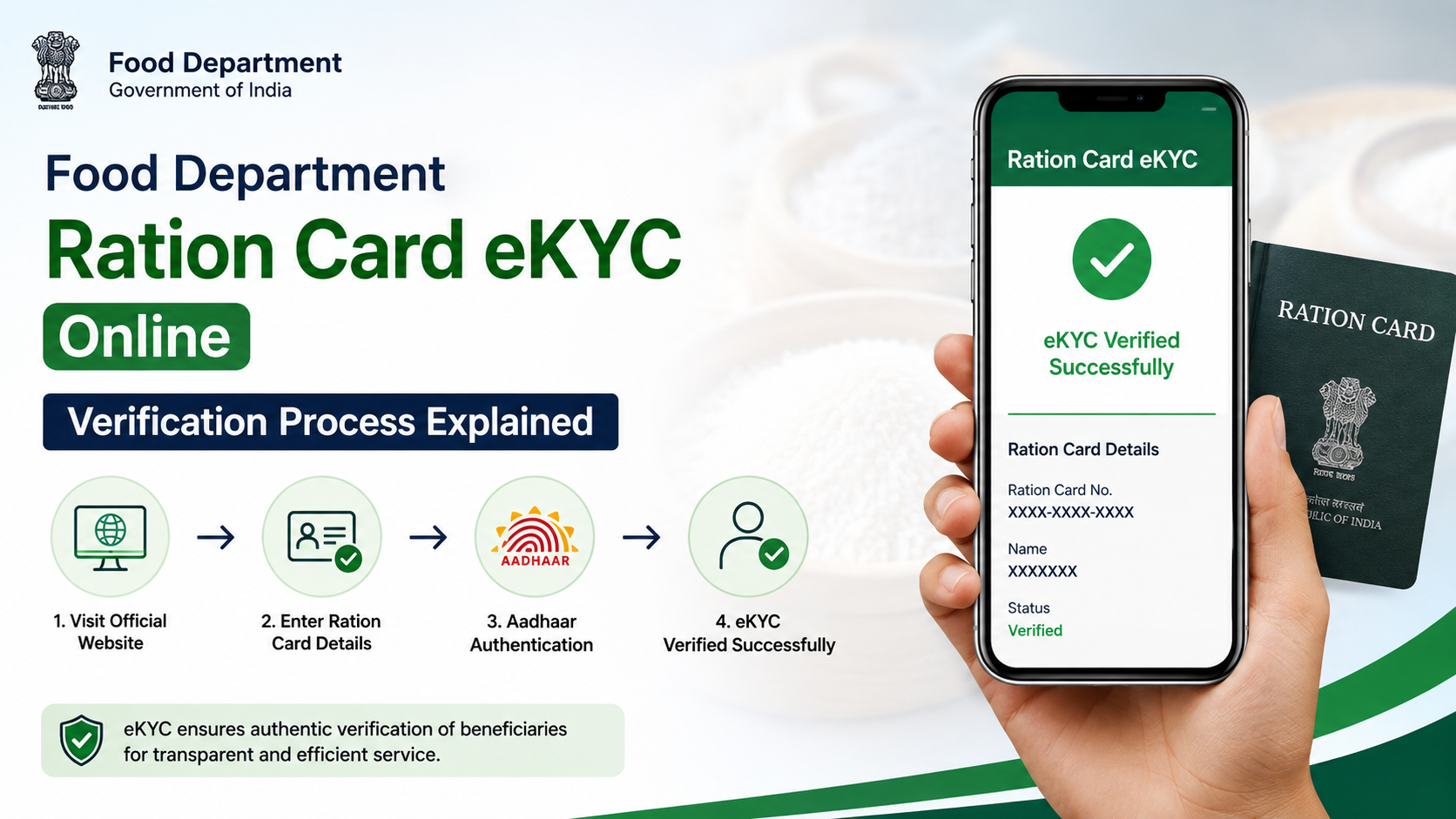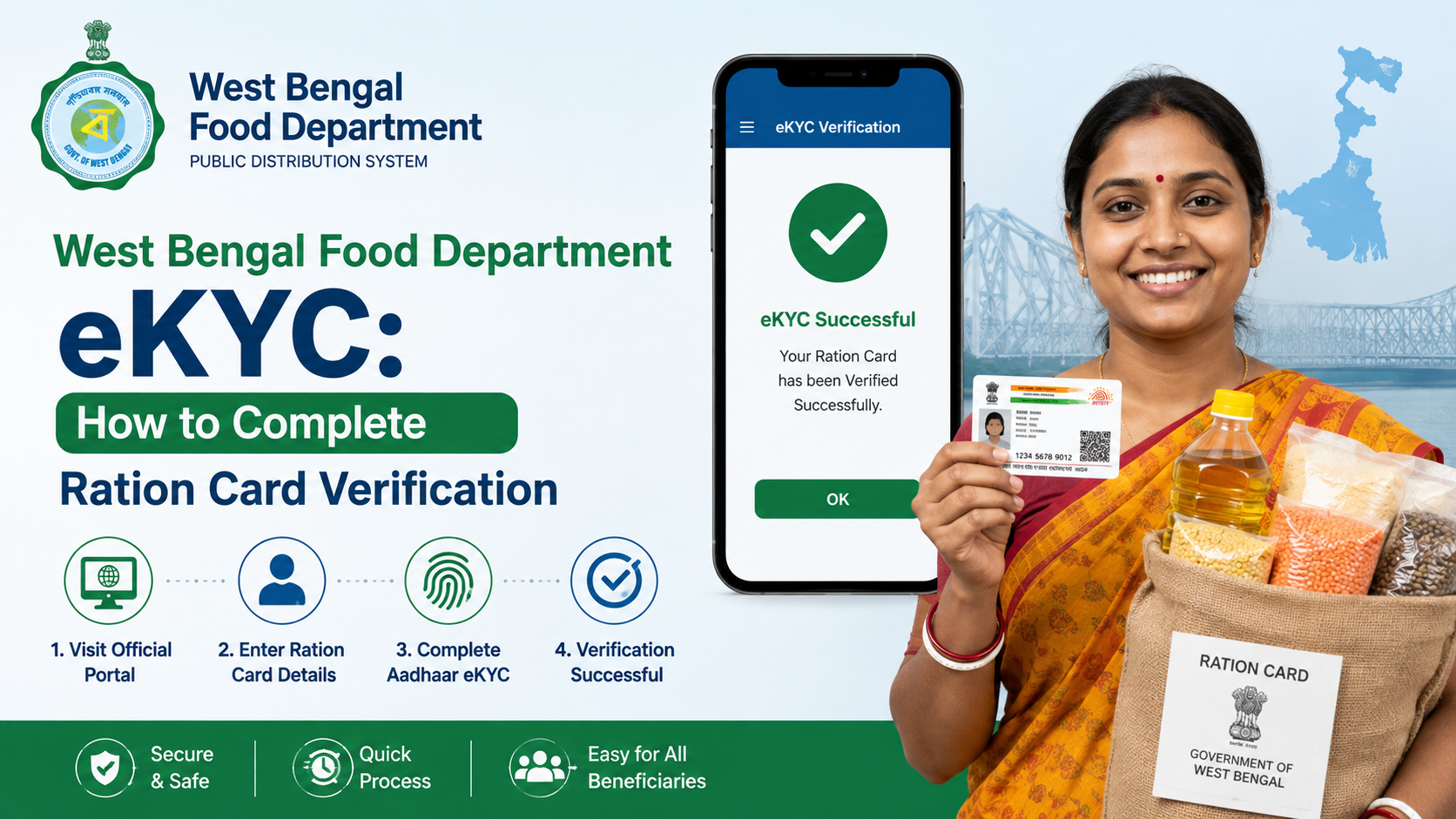
West Bengal Food Department eKYC is the process of linking and verifying a beneficiary’s Aadhaar details with their Digital Ration Card. It helps the Department of Food & Supplies confirm the identity of eligible beneficiaries under Khadya Sathi and related ration-card categories.
If your Aadhaar is not linked, your details are incorrect, or biometric authentication fails, the right method depends on your situation. This guide explains the official online OTP route, in-person biometric options, documents to carry, common errors, and where to seek help.
Key Takeaways
- eKYC links Aadhaar with a West Bengal Digital Ration Card through OTP or biometric authentication.
- The official portal for ration-card services is food.wb.gov.in.
- Online eKYC requires access to the mobile number registered with the beneficiary’s Aadhaar.
- Beneficiaries can also complete eKYC at a Fair Price Shop, Bangla Sahayata Kendra, or an Area Inspector’s office.
- A name mismatch may be sent to the Department’s Central Processing Centre for review rather than being approved immediately.
- If Aadhaar is incorrectly linked to another ration card, visit the Inspector or Rationing Officer; it cannot simply be corrected online.
What Is West Bengal Food Department eKYC?
eKYC means electronic Know Your Customer verification. In this context, it is Aadhaar-based verification for a Digital Ration Card issued by the West Bengal Food & Supplies Department.
The process connects the beneficiary’s Aadhaar number to the ration-card record and verifies identity through one of the approved methods:
| Verification method | Best suited for | What is needed |
|---|---|---|
| Aadhaar OTP | People completing verification from home | Aadhaar number, Digital Ration Card number, and Aadhaar-registered mobile |
| Fingerprint authentication | Beneficiaries visiting an authorised centre or ration shop | Ration card, Aadhaar, and biometric authentication |
| Iris authentication | People whose fingerprints do not authenticate successfully | Ration card, Aadhaar, mobile number, and visit to an authorised office |
| Assisted verification | Exceptional cases where normal methods do not work | Physical verification by the authorised official |
The Department’s official guidelines allow Aadhaar linking through e-PoS devices at Fair Price Shops, the departmental website, Bangla Sahayata Kendras, and offices of Area Inspectors (Food & Supplies).
Who Should Complete Ration Card eKYC?
eKYC is relevant to Digital Ration Card beneficiaries whose Aadhaar details are not yet seeded or require correction. The Department’s system uses different status indicators for ration-card records. A card that is active and Aadhaar-seeded through eKYC is shown differently from one that is active but not Aadhaar-seeded.
You should check or initiate the process if:
- Your Aadhaar is not linked to your ration card.
- You have received an instruction to update or verify beneficiary details.
- The portal shows that Aadhaar linking is pending.
- Your ration-card record has a spelling, age, gender, or other identity-related mismatch.
- Your Aadhaar has mistakenly been linked with someone else’s ration card.
- A biometric attempt has failed and you need an alternative method.
Each eligible family member’s record should be accurate. Do not attempt to link an Aadhaar number that belongs to another person or use the same Aadhaar across multiple unrelated ration cards.
Documents and Details to Keep Ready
Prepare the following before starting West Bengal Food Department eKYC:
- Digital Ration Card number and category
- Aadhaar number of the beneficiary being linked
- Mobile phone carrying the number registered with Aadhaar, if using OTP
- Current mobile number to link with the ration-card record, where prompted
- Physical or digital copy of the ration card and Aadhaar when visiting an assisted centre
For biometric or iris-based verification, take the original documents. The official iris-verification procedure specifically requires the ration card, Aadhaar, and mobile number to be produced before the authorised official begins the process.
Check Details Before Submitting
Compare the information on your Aadhaar and ration card carefully, especially:
- Full name and spelling
- Date of birth or age
- Gender
- Ration-card number and beneficiary category
An exact match can allow the online system to complete Aadhaar seeding immediately. If details do not match, the case may require review by the Central Processing Centre (CPC).
How to Complete West Bengal Food Department eKYC Online
The online route uses an Aadhaar-based one-time password. It works only when the beneficiary can receive an OTP on the mobile number registered with Aadhaar.
Step-by-Step OTP Method
- Open the official West Bengal Food & Supplies Department portal.
- Go to the ration-card services area and select the option labelled “Link Ration Card with Aadhaar Card” or the equivalent Aadhaar-linking service.
- Select the appropriate Digital Ration Card category.
- Enter the Digital Ration Card number. The portal should display card details and the Aadhaar-linking status.
- If Aadhaar is not linked, choose the option to link Aadhaar with the ration card.
- Enter the beneficiary’s Aadhaar number and select Send OTP.
- Enter the OTP received on the mobile number registered with Aadhaar, then submit it.
- Review the Aadhaar information displayed by the portal. If it belongs to the correct beneficiary, select Verify and Submit.
- Where the portal asks to link or update a ration-card mobile number, complete the OTP verification for that number as well.
- Save or note any confirmation message, reference number, or status shown on screen.
Never share an Aadhaar OTP with a dealer, agent, caller, or unofficial website. An OTP is a consent-based authentication credential and should be entered only by the beneficiary on the official service page.
How to Complete eKYC Offline or Through Biometric Authentication
Online OTP is useful, but it is not the only official option. A beneficiary can complete Aadhaar linking through assisted channels anywhere in West Bengal; they do not need to travel to their native place or the ration shop originally mapped to their card.
At a Fair Price Shop
Fair Price Shops use government-provided e-PoS devices for ration transactions and eKYC. Carry your Aadhaar and ration-card details. The operator may authenticate the beneficiary using a fingerprint scanner.
This can be especially convenient when collecting ration. However, ensure that the biometric transaction is being performed for your own record and confirm the displayed beneficiary details before approval.
At a Bangla Sahayata Kendra
Bangla Sahayata Kendras provide an assisted route for citizens who need help with government digital services. Take your Aadhaar, Digital Ration Card details, and mobile number. Ask specifically for Aadhaar linking or eKYC for the ration card.
At an Area Inspector or Rationing Office
Visit the Area Inspector (Food & Supplies) office or Rationing Office if:
- Your Aadhaar is already linked to the wrong ration card.
- Another Aadhaar is shown against your ration-card record.
- OTP authentication is unavailable.
- Fingerprint authentication repeatedly fails.
- You need a correction or an official review of a mismatch.
The authorised official can process cases that require Aadhaar delinking and re-linking after physical verification.
What to Do if Fingerprint Authentication Fails
Fingerprint mismatch is common for some older persons and for people whose fingerprints are faint or worn. It does not mean the beneficiary is ineligible.
The Department has introduced iris-scanner verification at SCFS/Rationing Offices and Inspector (Food & Supplies) offices for Aadhaar linking where fingerprint authentication does not work.
The official process is generally:
- The official enters the ration-card category and Digital Ration Card number.
- The beneficiary’s Aadhaar number is entered.
- A fingerprint attempt is made first.
- If the fingerprint does not authenticate, the official may use an iris scanner.
- The beneficiary’s Aadhaar details are displayed after successful authentication.
- The official verifies that the Aadhaar holder and ration-card beneficiary are the same person before saving the record.
Do not submit a fresh or duplicate application simply because a fingerprint attempt failed. Ask the authorised office about iris authentication or the appropriate assisted alternative.
Understanding Name Mismatch and Pending Approval
A mismatch between Aadhaar and ration-card details is one of the most common reasons for a pending eKYC result.
When the Online System Can Approve Immediately
If the name in the ration-card record and the Aadhaar record match exactly, the system can approve Aadhaar seeding immediately after successful OTP verification.
When the Case Goes to CPC
If the names do not match, the Department’s Central Processing Centre reviews the case. The CPC can compare details such as name, gender, date of birth, and age.
A pending status is not the same as rejection. Wait for the status to be processed and keep your mobile number accessible for any communication from the Department.
When You May Need a Correction
If the records clearly refer to different people, or if there is a material error in the ration-card record, use the appropriate ration-card correction service instead of repeatedly retrying eKYC.
The Department’s common application form includes a service for rectifying spelling errors in name, age, and address within the same block or municipality. Use only official forms and channels for any correction request.
How to Check Your Aadhaar Linking or Ration Card Status
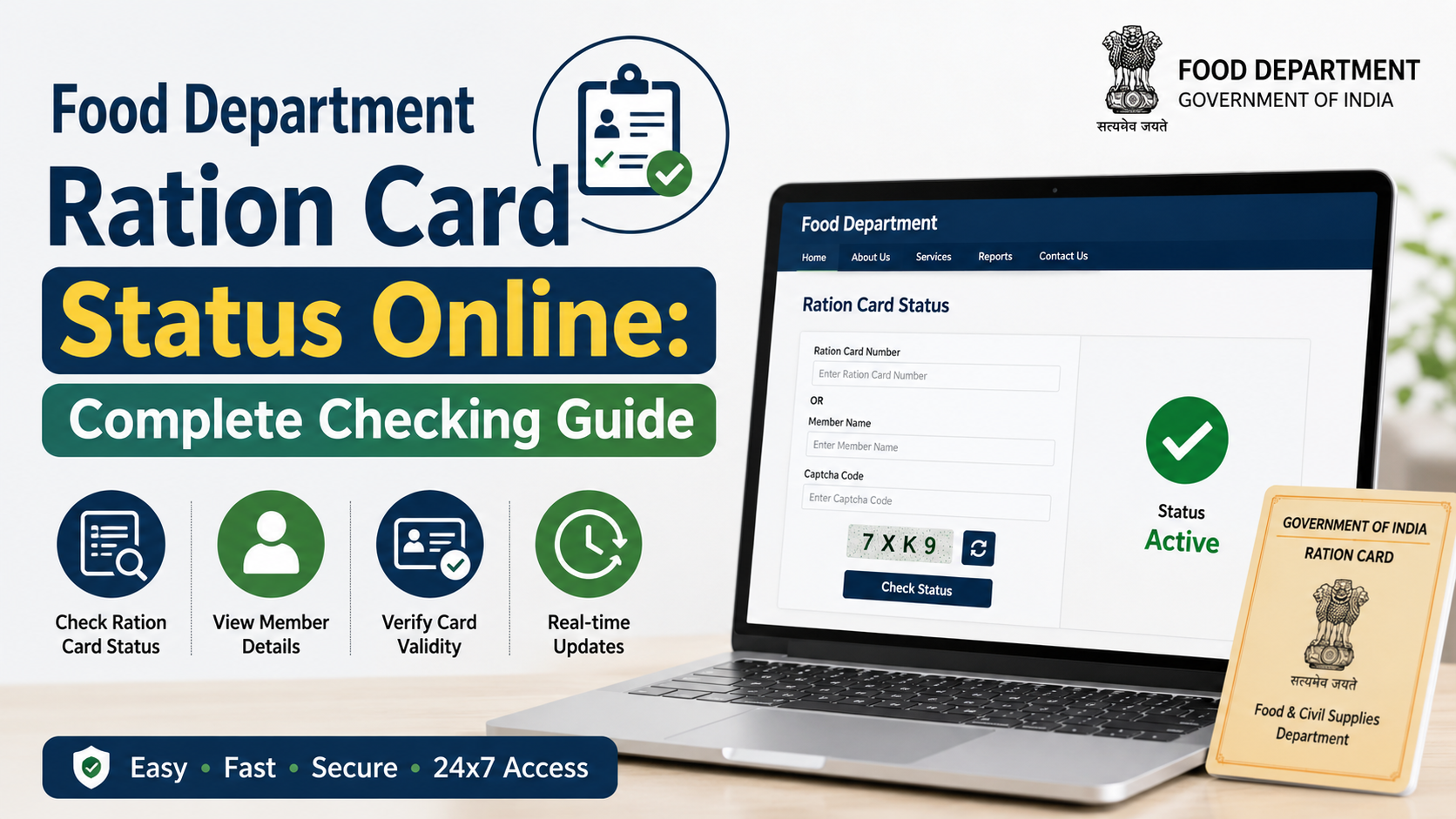
Use the official Food & Supplies Department website to access ration-card services and view the linking status associated with your Digital Ration Card number.
When checking, look for:
- Whether Aadhaar is linked or pending
- Whether the beneficiary details shown are correct
- Any message about a mismatch or pending approval
- Whether the mobile number requires updating
You can also verify the authenticity of an e-Ration Card or Digital Ration Card through the Department’s Verify Ration Card service by entering the card number. The official e-Ration Card guidance states that verification can also be performed through the QR code embedded on an e-Ration Card.
Common Problems and the Right Solution
| Problem | Recommended action |
|---|---|
| OTP does not arrive | Check whether the mobile number is registered with Aadhaar; use an offline biometric route if needed. |
| Name differs on Aadhaar and ration card | Submit the online request once and follow the pending status; correct the ration-card record if the discrepancy is material. |
| Aadhaar is linked to another card | Visit an Inspector or Rationing Officer for delinking and verified re-linking. |
| Fingerprint does not match | Ask about iris authentication at an authorised office. |
| Mobile number needs changing | Use the official mobile-update option after Aadhaar OTP verification, where available. |
| Dealer refuses to help | Use another authorised Fair Price Shop, Bangla Sahayata Kendra, or contact the Department. |
For ration-card complaints and assistance, the Department lists the toll-free numbers 1800 345 5505 and 1967. Its grievance portal is helpdesk.wbfood.in.
Frequently Asked Questions
Can I complete West Bengal Food Department eKYC from home?
Yes, the Department provides an Aadhaar OTP-based linking option on its official portal. You need the Digital Ration Card number, Aadhaar number, and access to the mobile number registered with Aadhaar.
Can I do eKYC at any ration shop in West Bengal?
The Department’s guidelines state that a beneficiary can use any ration shop in West Bengal for Aadhaar linking; they do not have to visit their native-area shop. Carry Aadhaar and ration-card details.
What happens if the Aadhaar name and ration-card name do not match?
The linking may be sent to the Central Processing Centre for verification. If the difference reflects an actual mistake in the ration-card record, apply for correction through the proper official service rather than entering incorrect details.
What if my Aadhaar is linked to the wrong ration card?
Visit the office of the Inspector (Food & Supplies) or Rationing Officer. The official process requires the incorrect Aadhaar linkage to be delinked through the authorised system before it can be linked to the correct ration card.
Is iris authentication available if fingerprints fail?
Yes. The Department has provided iris-scanner-based eKYC at designated SCFS/Rationing Offices and Inspector (Food & Supplies) offices for beneficiaries whose fingerprints do not authenticate successfully.
Conclusion
West Bengal Food Department eKYC is an Aadhaar-verification process for Digital Ration Card beneficiaries. Start with the official portal if you can receive an Aadhaar OTP; otherwise, visit a Fair Price Shop, Bangla Sahayata Kendra, or authorised Food & Supplies office with your Aadhaar and ration-card details.
Check every displayed detail before submitting. For wrong Aadhaar linkage, significant data mismatches, or failed biometrics, use the authorised in-person route and avoid unofficial agents or websites.