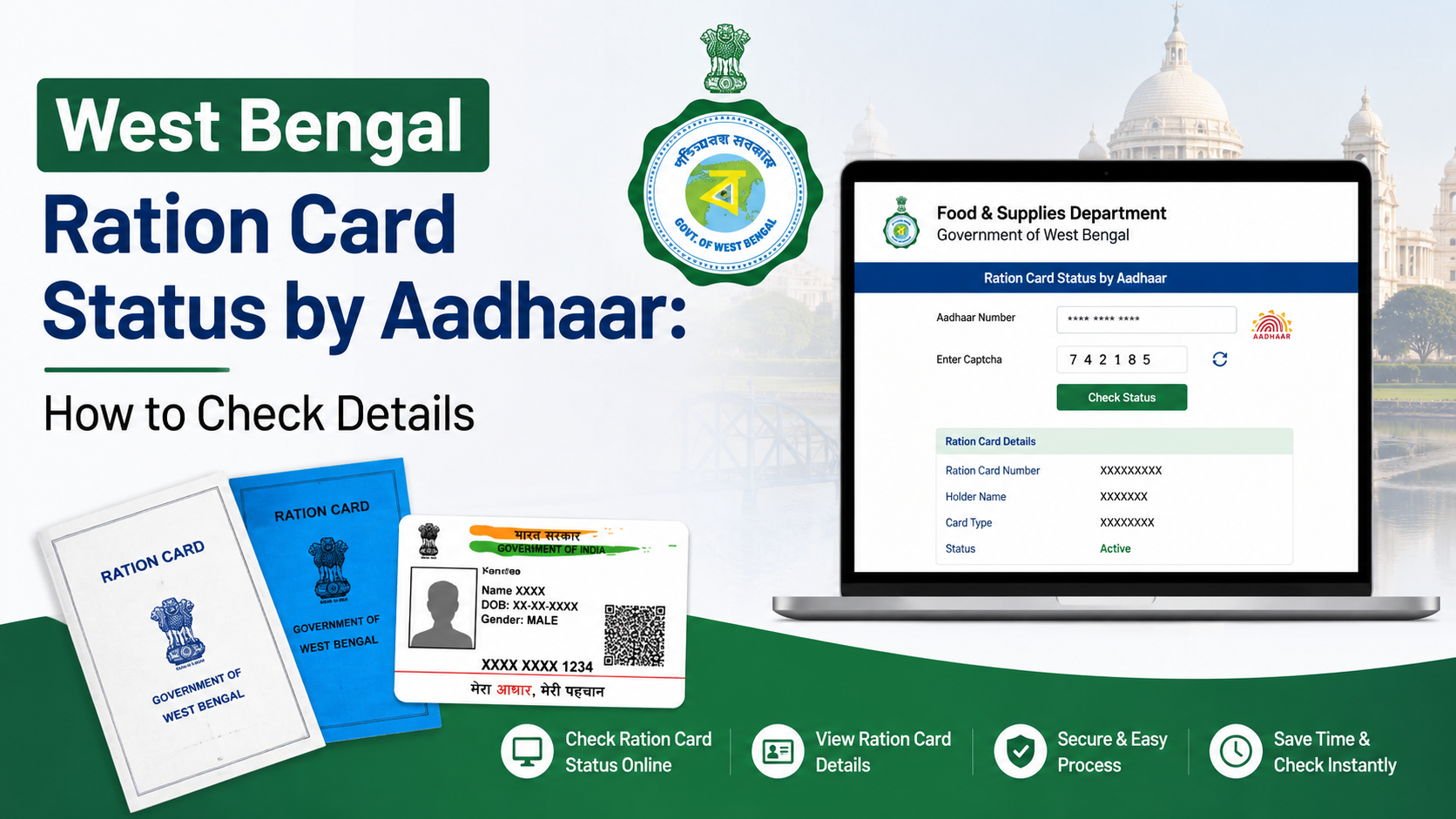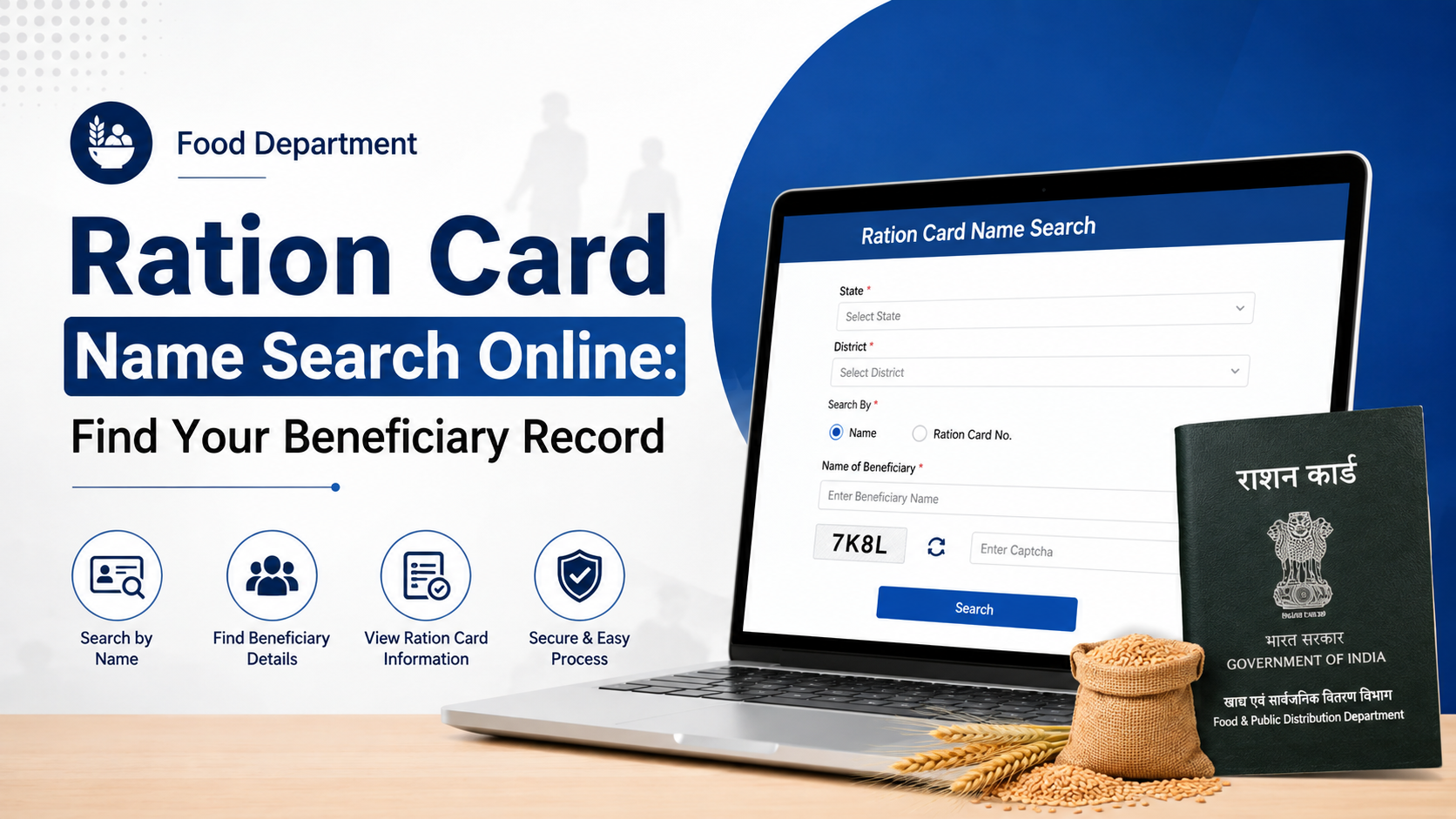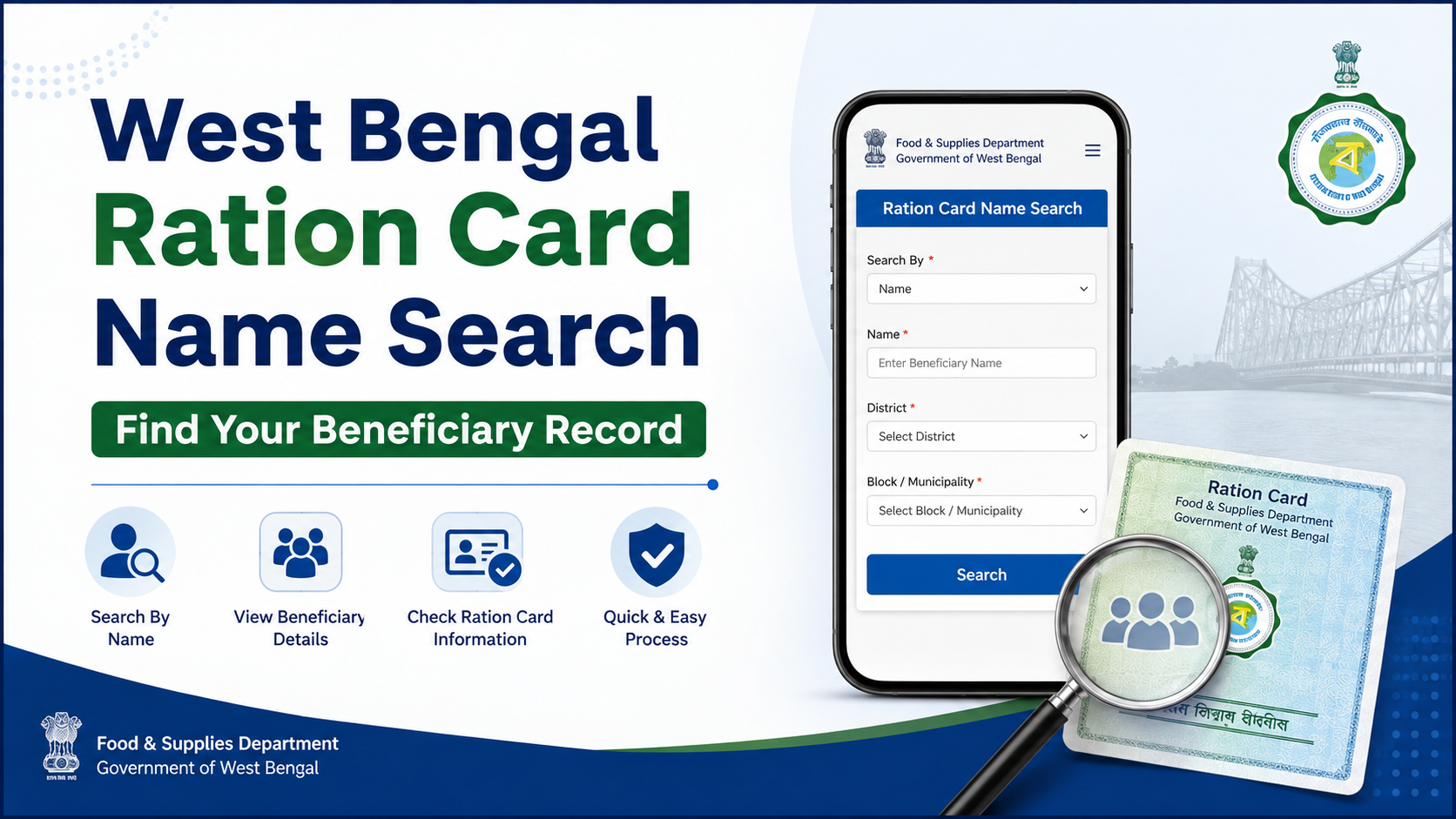
A west bengal ration card name search is useful when you need to confirm whether your name appears in the Public Distribution System (PDS) beneficiary records, identify the fair price shop (FPS) linked to your household, or check details before raising a correction request.
West Bengal’s Food & Supplies Department provides a public FPS Wise List of Beneficiaries through its official portal. This is the most appropriate route for locating a beneficiary entry by area and ration shop. If you already have a Digital Ration Card (DRC) or e-Ration Card number, the Department also provides a separate card-verification service.
Key Takeaways
- Use only the official Food & Supplies Department and WBPDS portals for beneficiary searches.
- The beneficiary list is organised by location and fair price shop, not as an unrestricted statewide public name-search box.
- Once the relevant FPS list opens, use your browser’s Find function to locate a name quickly.
- A ration card number can be checked through the official “Verify Ration Card” service.
- A missing name may indicate an incorrect FPS selection, a spelling mismatch, a pending update, or an inactive/verification-related issue.
- For unresolved cases, use the official grievance portal or Food & Supplies helplines.
What “West Bengal Ration Card Name Search” Actually Means
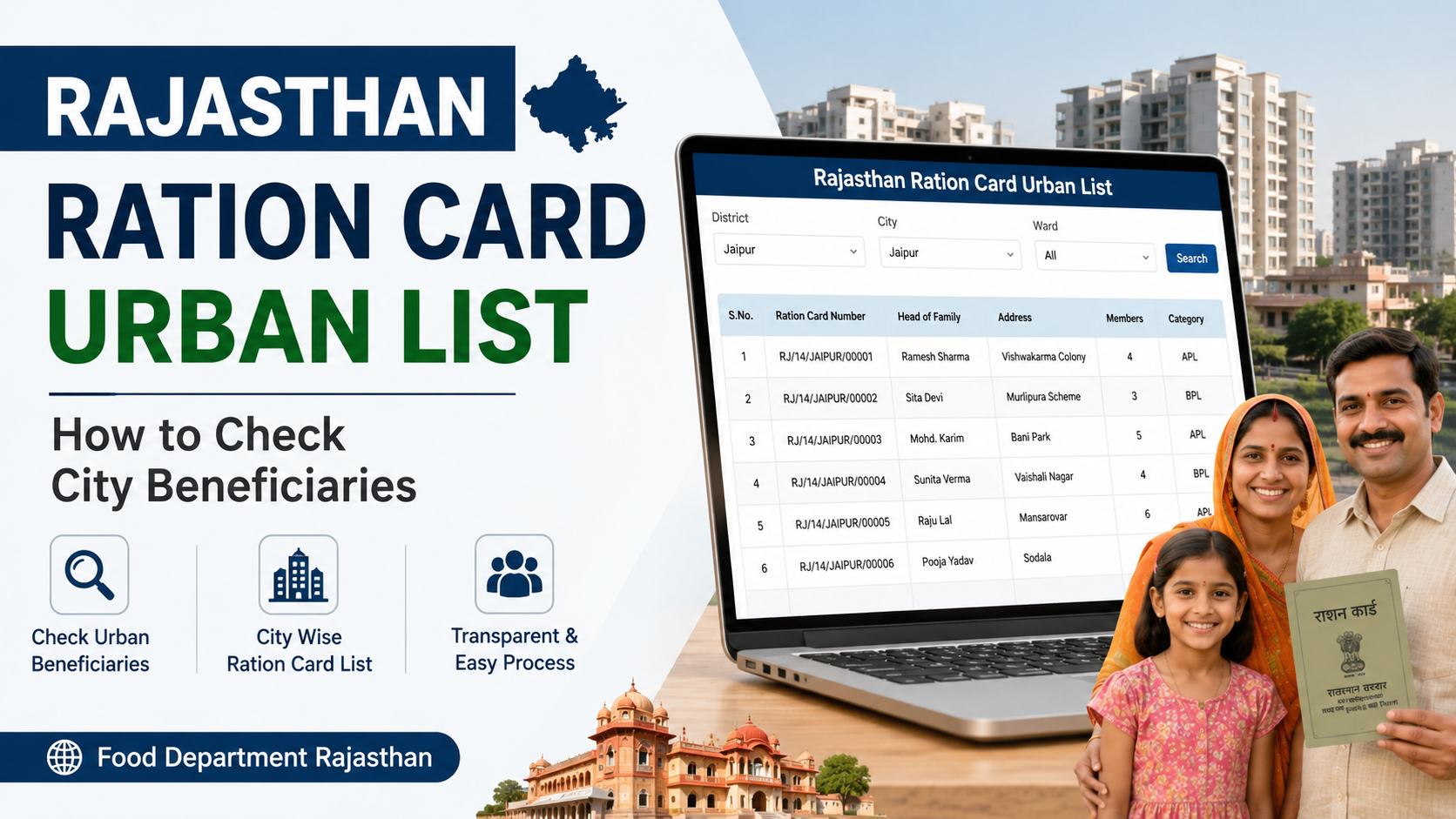
People often search online for a direct name-based ration-card lookup. In practice, West Bengal’s official public tool works through the FPS Wise List of Beneficiaries. You select the relevant administrative area and fair price shop, then view the beneficiary list associated with that shop.
The official list can display details such as:
| Detail commonly shown | Why it helps |
|---|---|
| Ration card number | Confirms the household’s beneficiary record |
| Beneficiary name | Helps identify the individual in the list |
| Category | Shows the listed scheme/category, such as AAY or PHH |
| Age and gender | Helps distinguish people with similar names |
| Father’s/husband’s name | Useful for matching family records |
| Head of family name | Helps confirm the correct household |
| Partially masked mobile number | Provides a limited identity cross-check |
The information shown can vary by record and portal display. Do not share screenshots containing family details, ration-card numbers, or mobile information publicly.
Official Portals to Use
Begin with the West Bengal Food & Supplies Department homepage. The Department’s dashboard links to the official FPS Wise List of Beneficiaries service, which is hosted on the West Bengal Public Distribution System (WBPDS) platform.
Use the appropriate service for your purpose:
| Your purpose | Official route |
|---|---|
| Find a beneficiary record by area/FPS | FPS Wise List of Beneficiaries |
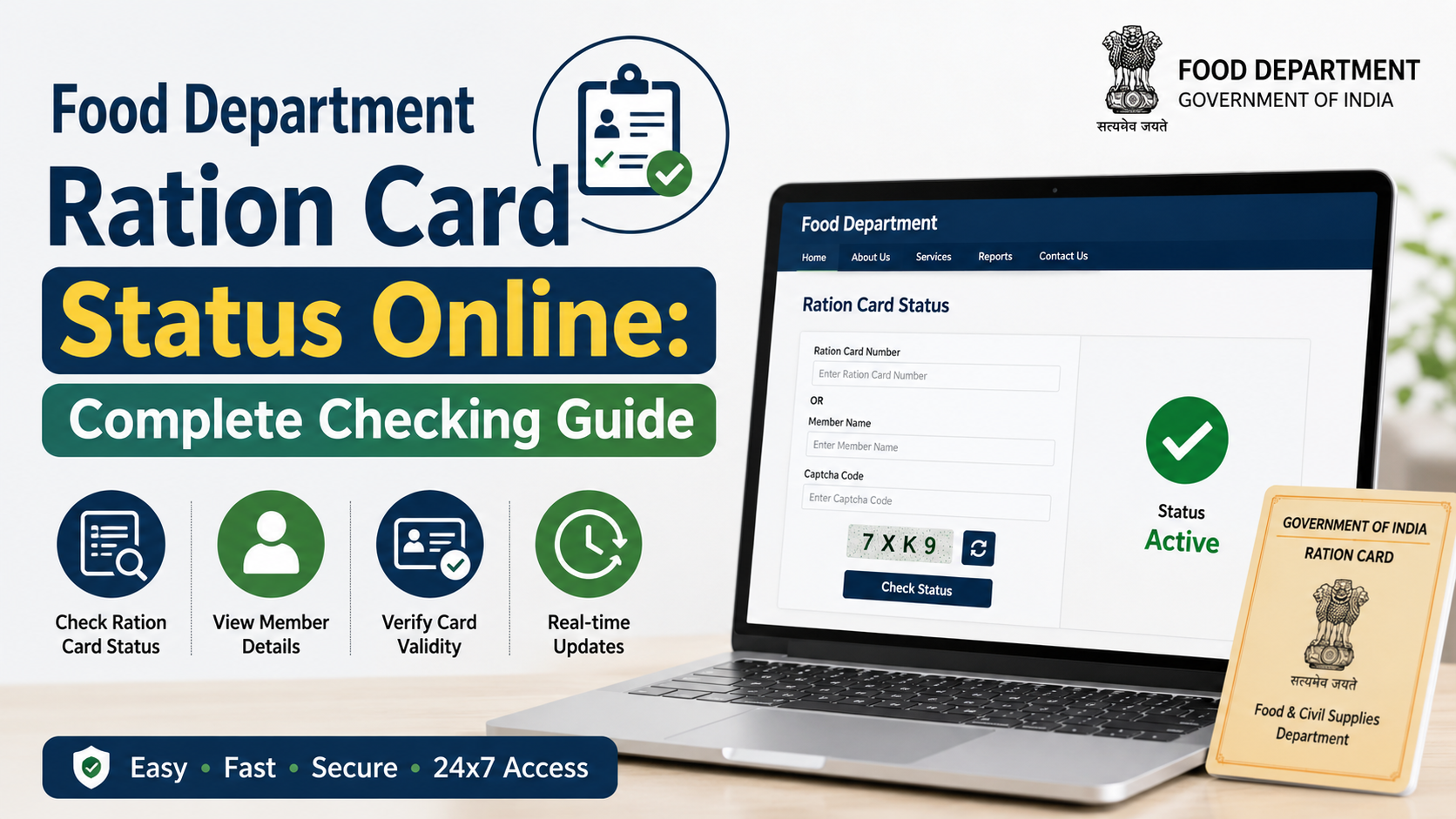
| Verify an existing e-Ration Card or Digital Ration Card | Food & Supplies Department portal → Services → Ration Card → Verify Ration Card |
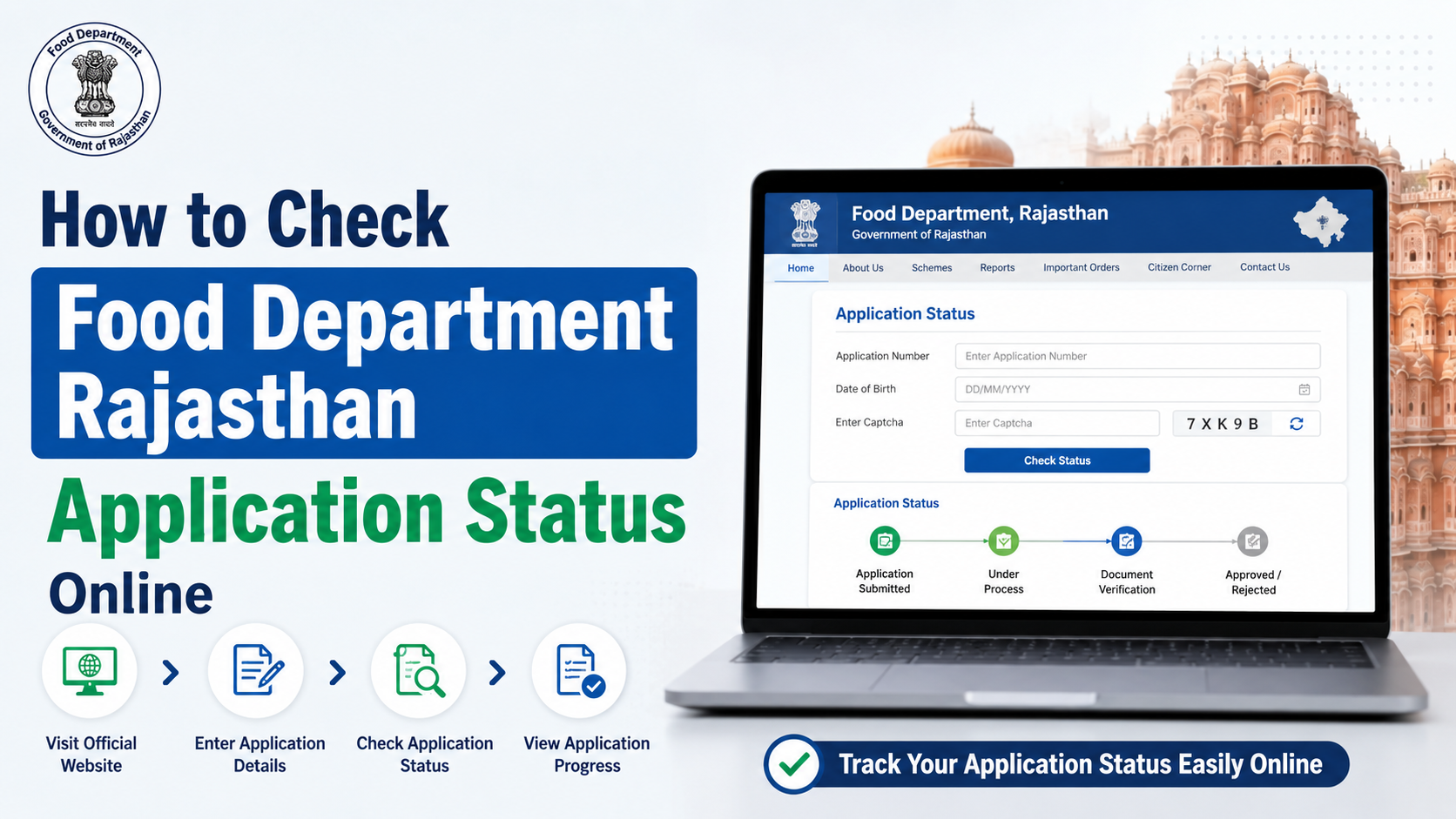
| Check an application you submitted | Check Ration Card Application Status |
| Find official reports and beneficiary-count reporting | Food & Supplies MIS & Reports |
| Raise a service complaint | Food & Supplies Helpdesk |
The Department identifies the FPS-wise list as a special service, while its MIS page describes the RC_04 report as a beneficiary list for NFSA and State Scheme beneficiaries.
How to Search Your Name in the FPS Beneficiary List
Before starting, keep basic household information ready: district, block or municipality, locality, the fair price shop you usually use, and the spelling of the beneficiary’s name as it appears on the ration card.
Step 1: Open the official FPS-wise beneficiary service
Open the FPS Wise List of Beneficiaries. If a session message, maintenance message, or temporary loading issue appears, return to the Food & Supplies homepage and use its “Special Services” link.
Step 2: Select the correct district
Choose the district in which the ration card is registered. This is important: a present residential address and the address recorded in the ration-card system may not be identical if the household has moved but has not updated its record.
Step 3: Drill down through the local area
Proceed through the available location fields. Depending on the portal’s structure, these may include:
- Block or municipality
- Rationing area or office
- Fair price shop
- FPS code
Choose the details carefully. A nearby shop is not necessarily the shop mapped to your ration card.
Step 4: Open the relevant FPS beneficiary list
When the FPS-level report opens, look for the beneficiary table. It may list multiple households and family members associated with that shop.
Step 5: Find the name in the table
On a computer, press:
Ctrl + Fon WindowsCommand + Fon Mac
On a mobile browser, use the browser menu and select Find in page.
Enter the name exactly as it may appear on the record. Try a surname, first name, or an alternative spelling if no match appears. For example, a record entered as “Md Rahim” may not appear when you search for “Mohammad Rahim.”
Step 6: Match more than one detail
Do not treat a name match alone as final confirmation. Compare the visible details with your household record, especially:
- Ration card number
- Father’s, husband’s, or head-of-family name
- Age
- Gender
- Scheme/category
- FPS location
This matters when many people in the same area share similar names.
How to Verify a Ration Card When You Know the Number
If you have the e-Ration Card or Digital Ration Card number, use the official verification service rather than relying only on the FPS list.
From the Food & Supplies Department portal, go to the ration-card services and choose Verify Ration Card (e-RC/DRC). Enter the card number in the search box.
The Department’s e-Ration Card guidance states that an e-Ration Card can be verified through its embedded QR code and through the official website using the e-Ration Card number. It also states that an approved e-Ration Card has the same rights and privileges as a Digital Ration Card.
This verification route is particularly helpful when:
- You need to validate a card shared by a family member.
- You want to confirm that the visible record corresponds to your card number.
- You suspect a printed or downloaded card may be outdated, deleted, or incorrect.
- You need a reliable check before visiting the FPS.
If Your Name Does Not Appear in the List
A missing result does not automatically mean that you are ineligible or that the ration card has been cancelled. First, rule out a search or mapping error.
Check these points first
- Wrong FPS selected: Your household may be mapped to a different ration shop.
- Different spelling: Search using part of the name and compare family details.
- Record listed under another family member: Check the head-of-family name and household members.
- Address or shop change not reflected: A requested change may still be under processing.
- Card-status issue: The record may require Aadhaar linking, e-KYC, or other departmental verification.
- Recently submitted application: Use the application-status service with the application reference number instead of the beneficiary list.
The Department’s official annual administrative report describes status indicators used in the portal: green for active and Aadhaar-seeded cards, yellow for active cards not seeded with Aadhaar, red for inactive cards needing Aadhaar linkage for activation, and blue for active Aadhaar-seeded cards requiring e-KYC. Because portal displays and procedures can change, rely on the live status shown for your own card.
Correcting a Name or Address Error
A name that does not match Aadhaar or contains a spelling error can complicate verification and e-KYC. West Bengal’s official application information identifies Form 5 for rectification of name and address in an NFSA/RKSY card.
You can review the official application information on the ration-card application page. It lists online and offline service routes and states that offline forms may be submitted at the nearest Food Inspector Office and/or Rationing Office.
Use Form 5 when the issue is a correction to the recorded name or address. Do not file a correction application merely because the FPS list did not show your name until you have checked the correct shop and card details.
For other needs, the Department’s application page lists separate forms, including:
| Need | Form identified by the Department |
|---|---|
| Inclusion of a family under NFSA/RKSY | Form 3 |
| Inclusion of left-out family members | Form 4 |
| Rectification of name or address | Form 5 |
| Change of fair price shop | Form 6 |
| Surrender of ration card | Form 7 |
| Duplicate card for a lost, damaged, or defaced card | Form 9 |
| Updating mobile number and Aadhaar for an existing card | Form 11 |
Use the form that matches the actual issue. A correct form and complete supporting details reduce avoidable delays.
Important Safety and Privacy Precautions
Ration-card records contain personal and household data. Follow these safeguards during a west bengal ration card name search:
- Use websites ending in
food.wb.gov.inorwbpds.wb.gov.in. - Do not pay an unofficial website or agent merely to “search” your record.
- Never disclose Aadhaar OTPs, bank credentials, or full card details to unknown callers.
- Avoid posting beneficiary-list screenshots on social media.
- Check the browser address bar before entering a card or application number.
- Use official grievance channels if someone demands money or misrepresents a government service.
The public FPS list can help you locate a record, but it is not a substitute for keeping your personal documents secure.
Help Available When the Portal Does Not Solve the Issue
If the record cannot be found, the details are incorrect, or the portal is unavailable, use the Department’s formal support channels.
The Food & Supplies Department lists the following channels:
- Online grievance portal: helpdesk.wbfood.in
- Toll-free helpline: 1967
- Toll-free helpline: 1800 345 5505
- ONORC helpline listed in Department guidance: 14445
- WhatsApp chatbot number listed in a Department notice: 9903055505
When contacting support, keep the ration card number or application reference number ready. Describe the problem clearly—for example, “name missing from FPS list,” “wrong father’s name,” “card not active,” or “application status not updated.” Avoid sharing Aadhaar OTPs with anyone.
Frequently Asked Questions
Can I search a West Bengal ration card by name only?
The official public route is the FPS-wise beneficiary list. It requires you to narrow the search by district and fair price shop, then use the page’s beneficiary table to find the name. The portal is not presented as an unrestricted statewide name-only lookup.
What should I do if there are several people with the same name?
Compare the ration-card number, head-of-family name, father’s/husband’s name, age, gender, category, and FPS. A name alone is not enough to confirm a beneficiary record.
Can I verify a ration card without visiting the ration shop?
Yes, if you have the e-Ration Card or Digital Ration Card number, use the official “Verify Ration Card” option on the Food & Supplies Department portal. The Department also states that e-Ration Cards can be verified through their embedded QR code.
Why is my name missing even though I have a ration card?
First check whether you selected the exact FPS mapped to your card and whether the name has a different spelling. If the issue remains, check card status and Aadhaar/e-KYC requirements, then use the official helpdesk or visit the appropriate Food & Supplies office for record-specific assistance.
Which form is used to correct the name on a ration card?
The Department identifies Form 5 for rectification of name and address in NFSA/RKSY cards. Use the official application page to access the current online or offline route.
Conclusion
The safest way to complete a west bengal ration card name search is to use the official FPS Wise List of Beneficiaries, select the correct district and fair price shop, and confirm the result with household details—not just the name. If you have a card number, use the official verification service for a more direct check.
If the record is missing or incorrect, check the mapped FPS and card status first, then use the appropriate correction form or lodge a grievance through the Food & Supplies Department’s official channels.