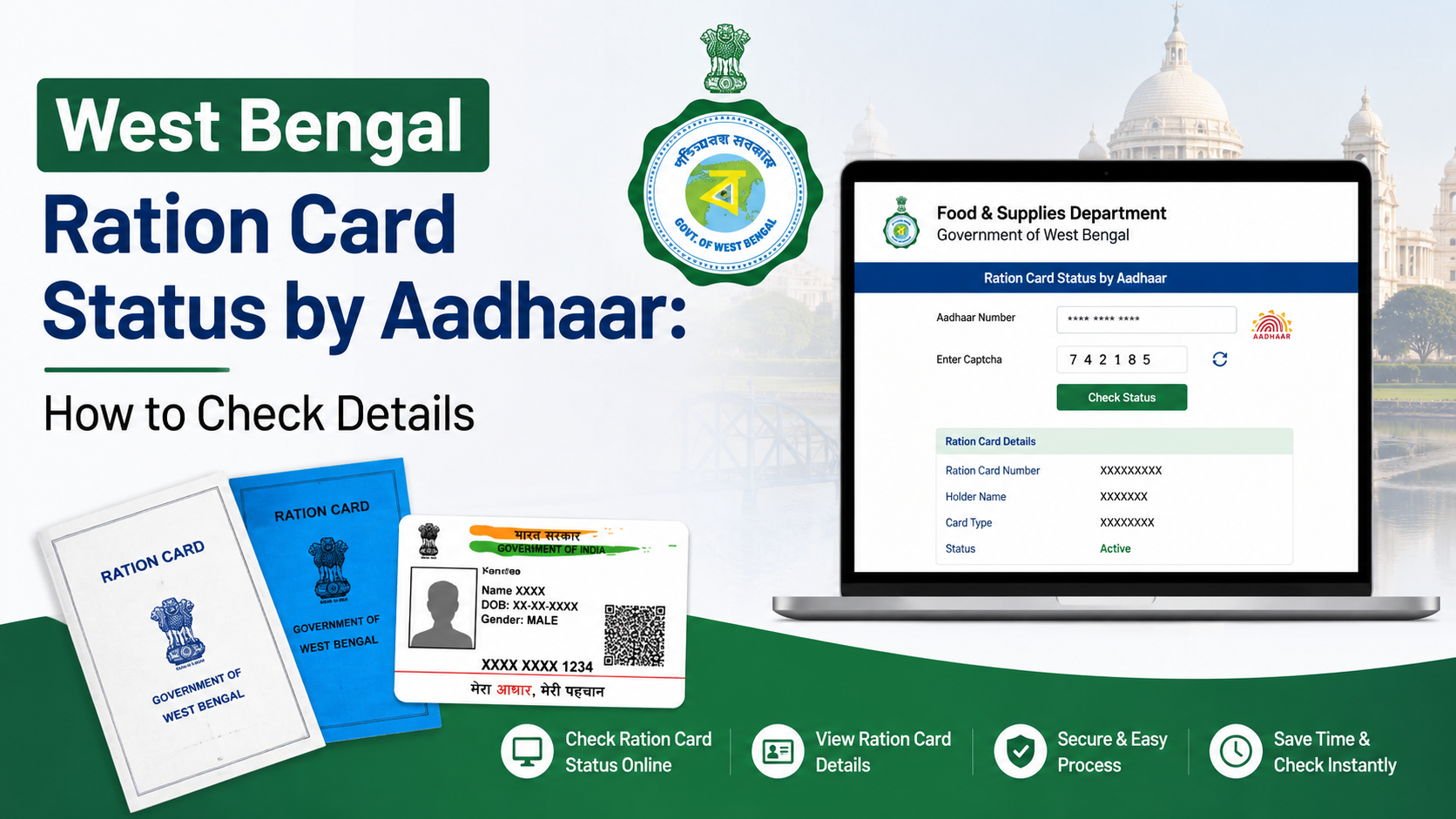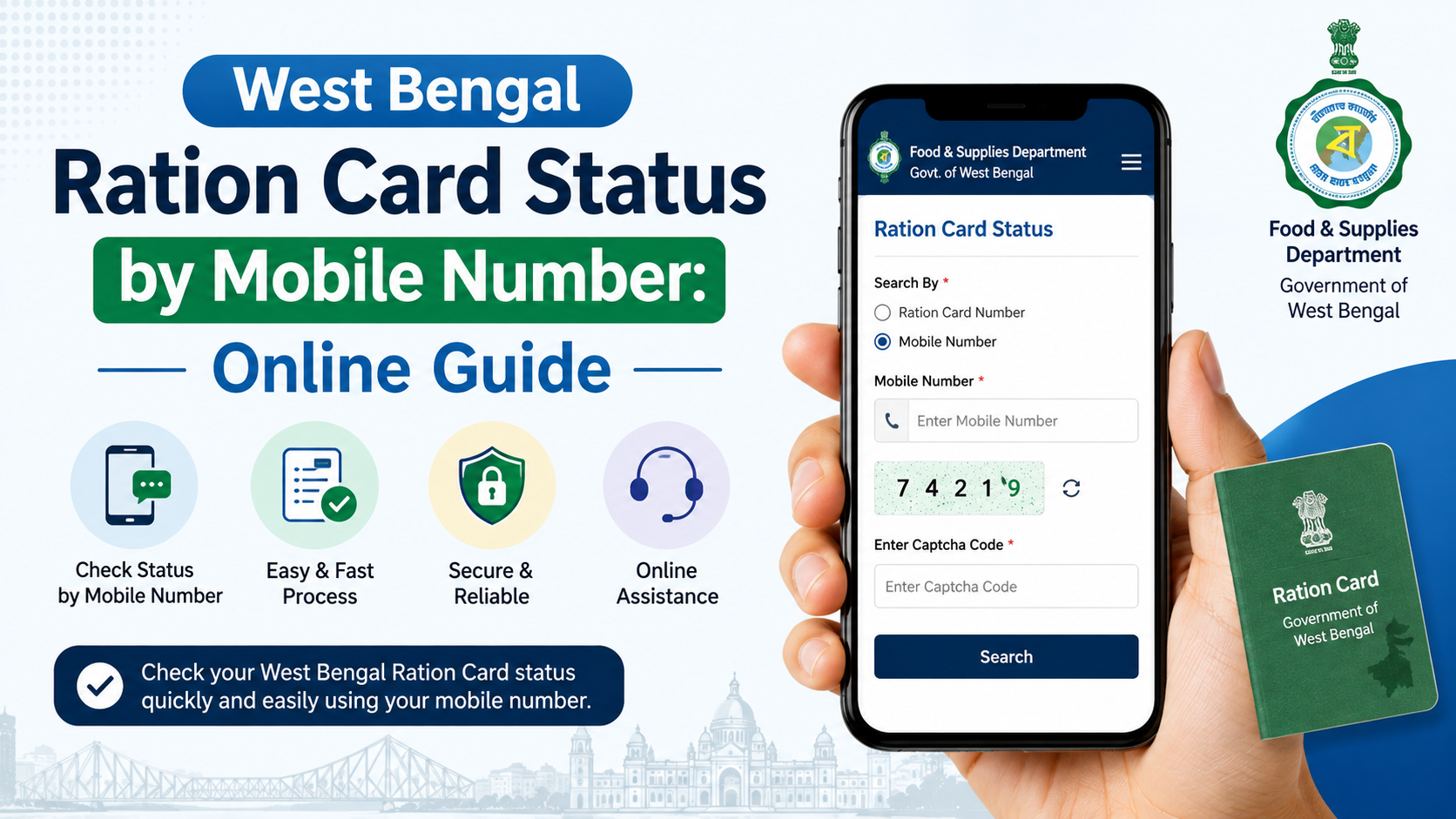
If you are searching for west bengal ration card status mobile number, it is important to use the correct official process. A mobile number is used for OTP verification and communication, but the official West Bengal Food & Supplies application-status page requires an application number to retrieve an application record. You may also need Aadhaar authentication through a mobile number linked to Aadhaar.
This guide explains how to track a ration-card application online, what your mobile number can and cannot do, how to check Aadhaar-linking status, and where to seek help if the portal does not return your record.
Key Takeaways
- The official application-status facility asks for an application number; it does not present a mobile-number-only lookup.
- An OTP is sent to the mobile number linked with Aadhaar during the official online authentication process.
- Keep the application number, Aadhaar details of a family member, and access to the Aadhaar-linked phone ready.
- The official portal can show application details, history, family list, address, FPS and beneficiary information after a successful search.
- Aadhaar and mobile linking can be handled through self-service options or with help from an FPS, Food & Supplies office or Bangla Sahayata Kendra.
- Use only official West Bengal government portals and never share an OTP with an unknown caller or website.
What “West Bengal Ration Card Status by Mobile Number” Actually Means
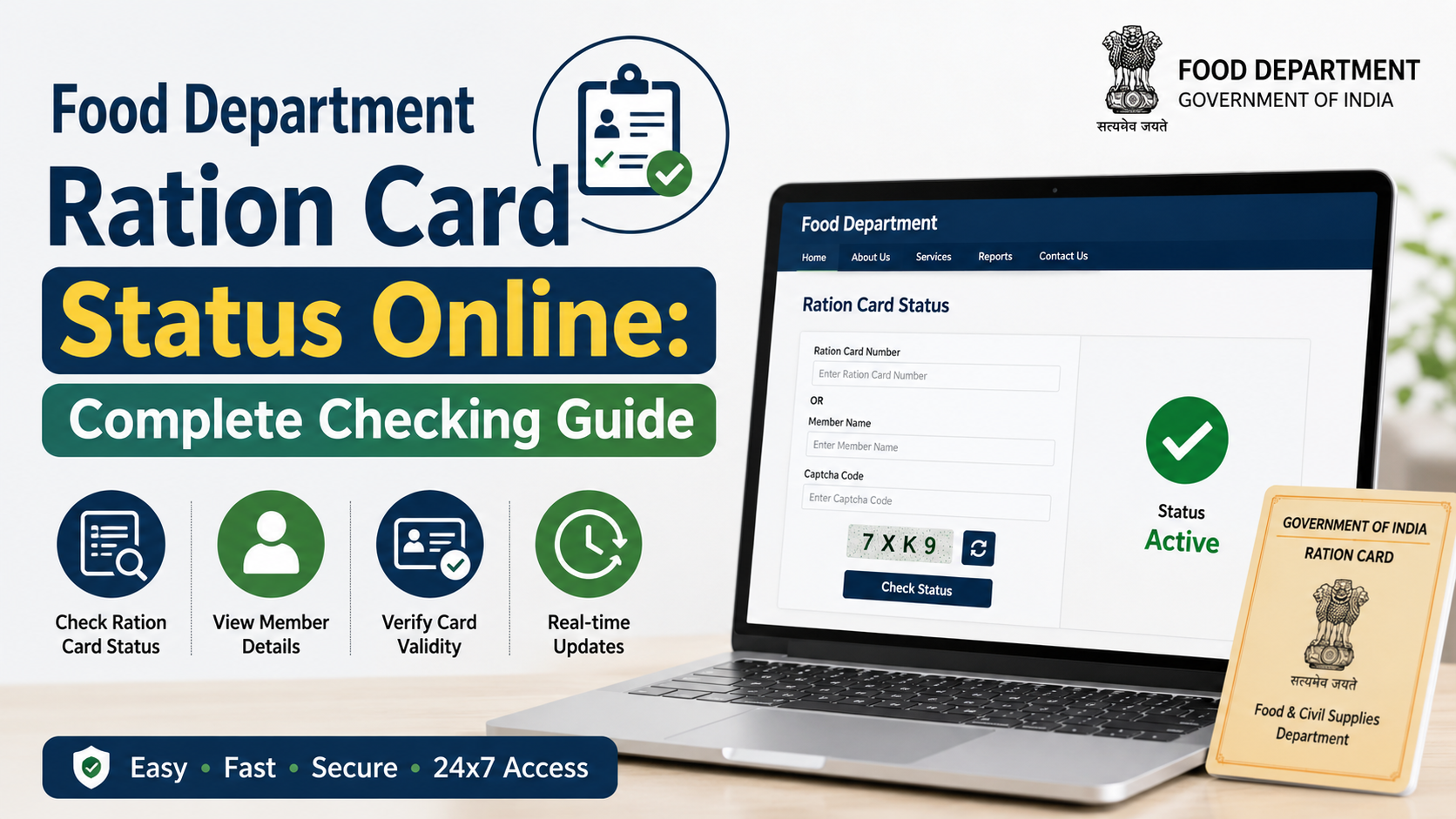
Many applicants expect to enter a phone number and instantly view their ration-card status. The current official Check Application Status page of the West Bengal Food & Supplies Department instead displays fields for:
- Form type
- Search type
- Application number
The page also states that OTP authentication is sent to the mobile number linked with Aadhaar. In other words, your phone number supports secure identity verification, but it is not shown as a stand-alone search field for finding an application.
Use the official West Bengal ration card application-status page rather than third-party websites that claim to locate ration-card records solely from a mobile number. Such sites can be inaccurate or unsafe.
Information to Keep Ready Before Checking Status
A smooth online search depends on having the correct records at hand. Before opening the portal, keep the following ready.
| Item | Why it is needed |
|---|---|
| Application number | The official status page asks for it to locate the submitted application. |
| Form type | Select the same type of service or form used for the application. |
| Aadhaar number of a family member | The portal says the Aadhaar entered must belong to one of the family members. |
| Aadhaar-linked mobile phone | Needed to receive the OTP for Aadhaar-based login or verification. |
| Digital Ration Card number, if available | Useful for related services such as verification and Aadhaar-linking checks. |
Do not assume that the mobile number registered with the ration card and the phone number linked to Aadhaar are always the same. The status page specifically refers to OTP delivery to the mobile number linked with Aadhaar. If you no longer have access to that number, online authentication may not be possible until the Aadhaar-linked mobile number is updated through the appropriate Aadhaar process.
How to Check West Bengal Ration Card Application Status Online
Follow these steps to check an application through the official portal.
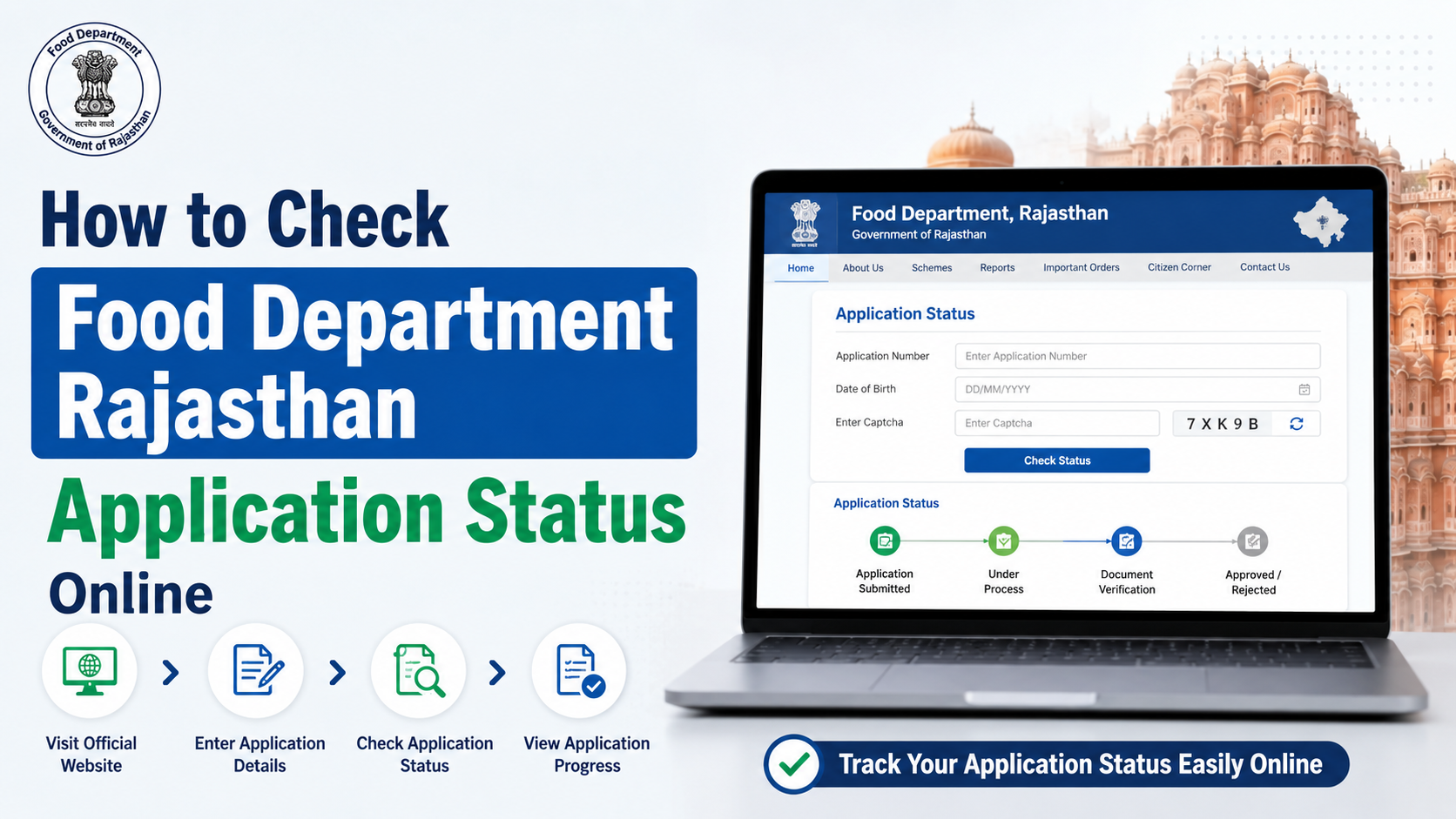
1. Open the official status page
Visit the West Bengal Food & Supplies Department’s Check Application Status page.
Check that the address uses the official wbpds.wb.gov.in domain before entering personal information.
2. Select the relevant form type
Choose the form type that matches the ration-card service for which you applied. This matters because applications can relate to different services, such as a new card, correction, addition or deletion of a family member, or another update.
If you are unsure which form was submitted, check the acknowledgement slip, saved PDF, SMS confirmation or any receipt issued during the application.
3. Choose the available search type and enter the application number
Select the relevant search option shown by the portal and enter the application number exactly as recorded. Avoid adding spaces or altering digits.
The application number is the key reference for tracking. If you only have a mobile number, look through your acknowledgement, email, saved application copy or official SMS messages for the application reference.
4. Complete Aadhaar-based verification when prompted
The official page notes three important conditions:
- An OTP is sent to the mobile number linked with Aadhaar.
- The Aadhaar entered must belong to a member of the applicant’s family.
- Aadhaar biometrics should not be locked.
Provide consent only on the official page, enter the OTP received on the Aadhaar-linked phone, and submit the search. Never forward that OTP to another person.
5. Review the application record
Once the search succeeds, the page can display sections such as:
- Application details
- History
- Family list
- General information
- Address
- Fair Price Shop (FPS)
- Beneficiary details
Read the history carefully. It is the most useful section for understanding whether the application is still under processing, needs attention, has been approved, or has been rejected.
How to Understand the Status Shown on the Portal
The exact wording can vary by application and service, so rely on the status and history displayed for your own record rather than on screenshots shared online.
| Portal outcome | What to do |
|---|---|
| Application details appear | Check the history and verify that family, address and FPS details are correct. |
| Application is pending or under process | Keep the application number and check the official portal again later. Do not submit a duplicate request without understanding the existing application. |
| Application is approved | Review the available ration-card details and follow the official portal’s next steps, if any. |
| Application is rejected | Read the reason shown in the history or contact the Department for clarification before submitting a fresh application. |
| No record is found | Recheck the form type, search type and application number. The portal also provides a link to check old application status. |
An approved application and an e-Ration Card download are related but not identical steps. The Department describes an e-Ration Card as a PDF document with the same rights and privileges as a Digital Ration Card. Eligible beneficiaries who have linked Aadhaar and mobile details with their ration card can use the e-Ration Card service.
Check Related Ration Card Details Instead of Relying on a Mobile Search
The West Bengal Food & Supplies Department provides separate online enquiry services. Use the service that matches your requirement.
Verify a Digital Ration Card or e-Ration Card
If you already have a ration-card number, use the Department’s official Verify Ration Card option. The Department states that an e-Ration Card or Digital Ration Card can be verified online using the card number, and the e-Ration Card’s QR code can also be used for verification.
Check Aadhaar-linking status
Aadhaar linking is important for several ration-card services. The official Food & Supplies site lists a dedicated Check Aadhaar Linking Status enquiry option. Use this when your concern is whether Aadhaar has been linked—not when you need to track an application.
Know entitlement against a ration card
The Department also lists a Know Entitlement Against a Ration Card service. This is useful when you want to understand the applicable entitlement linked to an existing card, rather than the processing status of a new or modified application.
The official Food & Supplies Department website provides links to these citizen services.
How to Link or Update a Mobile Number With a West Bengal Ration Card
A linked mobile number can help with OTP-based services and communication. The Department’s public guidance says beneficiaries can use self-service facilities to link or delink Aadhaar and mobile numbers without visiting an office and without requiring approval.
For online mobile-number updates, the process may require OTP verification on the mobile number linked with the relevant Aadhaar first, followed by OTP verification of the new number. Therefore, keep both phones available where possible.
If self-service is not practical, the Department says beneficiaries may seek assistance at:
- Any Fair Price Shop (FPS)
- An office of the Food & Supplies Department or Inspector
- A Bangla Sahayata Kendra (BSK)
Carry your Aadhaar card, ration card and mobile phone. The Department’s guidance indicates that an Aadhaar-linked mobile phone is preferable for this purpose.
Common Problems and Safe Solutions
The OTP does not arrive
Confirm that the phone is the one linked to Aadhaar, has network coverage and can receive SMS messages. Do not repeatedly share or request OTPs through unofficial channels. If the issue persists, use an authorised in-person support point.
Aadhaar biometric authentication is blocked
The official status page warns that Aadhaar biometrics should not be locked. Check your Aadhaar biometric-lock status through authorised Aadhaar channels before retrying the ration-card service.
The application number is missing
Search your application acknowledgement, saved document and official messages. If you still cannot locate it, contact the Department rather than relying on an unverified mobile-number lookup service.
Details are incorrect after status retrieval
Do not ignore mismatched names, address details or family-member information. Use the Department’s relevant ration-card update service or obtain assistance from an FPS, Food & Supplies office or BSK.
Official Help and Grievance Options
For a ration-card issue that cannot be resolved online, the Department’s published support options include:
- Toll-free numbers: 1967 and 1800 345 5505
- Grievance portal: helpdesk.wbfood.in
- WhatsApp chatbot: 9903055505
When reporting an issue, keep your application number, ration-card number if available, registered mobile number and a brief description of the problem ready. Avoid posting Aadhaar numbers, OTPs or full ration-card details publicly on social media.
Frequently Asked Questions
Can I check West Bengal ration card status using only my mobile number?
The official application-status page asks for an application number, along with form and search selections. A mobile number is used for Aadhaar-linked OTP authentication, not presented as a stand-alone status-search method.
Which mobile number receives the OTP for application-status verification?
The official page states that the OTP is sent to the mobile number linked with Aadhaar. The Aadhaar used must belong to one of the family members in the application.
What if I do not have the application number?
Check your acknowledgement slip, application PDF, email and official SMS messages. If it cannot be recovered, contact the Food & Supplies Department through its official helplines or grievance portal for guidance.
Can I update the mobile number linked to my ration card online?
The Department provides self-service facilities for linking or delinking Aadhaar and mobile numbers. Its published process may require OTP verification of the Aadhaar-linked number and then verification of the new mobile number.
Where can I get offline help with Aadhaar or mobile linking?
You can seek assistance at an FPS, a Food & Supplies Department office or a Bangla Sahayata Kendra. Carry your Aadhaar card, ration card and mobile phone.
Conclusion
For west bengal ration card status mobile number searches, use the official West Bengal Food & Supplies application-status portal with your application number and Aadhaar-linked OTP. A phone number alone is not the official method for retrieving application status. Keep your acknowledgement details safe, use official citizen services for card verification and Aadhaar-linking checks, and contact the Department’s helplines or grievance portal if your record cannot be accessed online.